
Modern smartwatches have evolved from simple timepieces into powerful performance tools. For athletes and fitness enthusiasts, these devices offer real-time data on heart rate, movement patterns, recovery metrics, and more. But simply wearing a smartwatch isn’t enough—understanding how to interpret and act on the data is what truly drives improvement. This guide breaks down how to leverage your smartwatch effectively to enhance training quality, prevent injury, and reach peak performance.
Understand Your Device’s Core Metrics
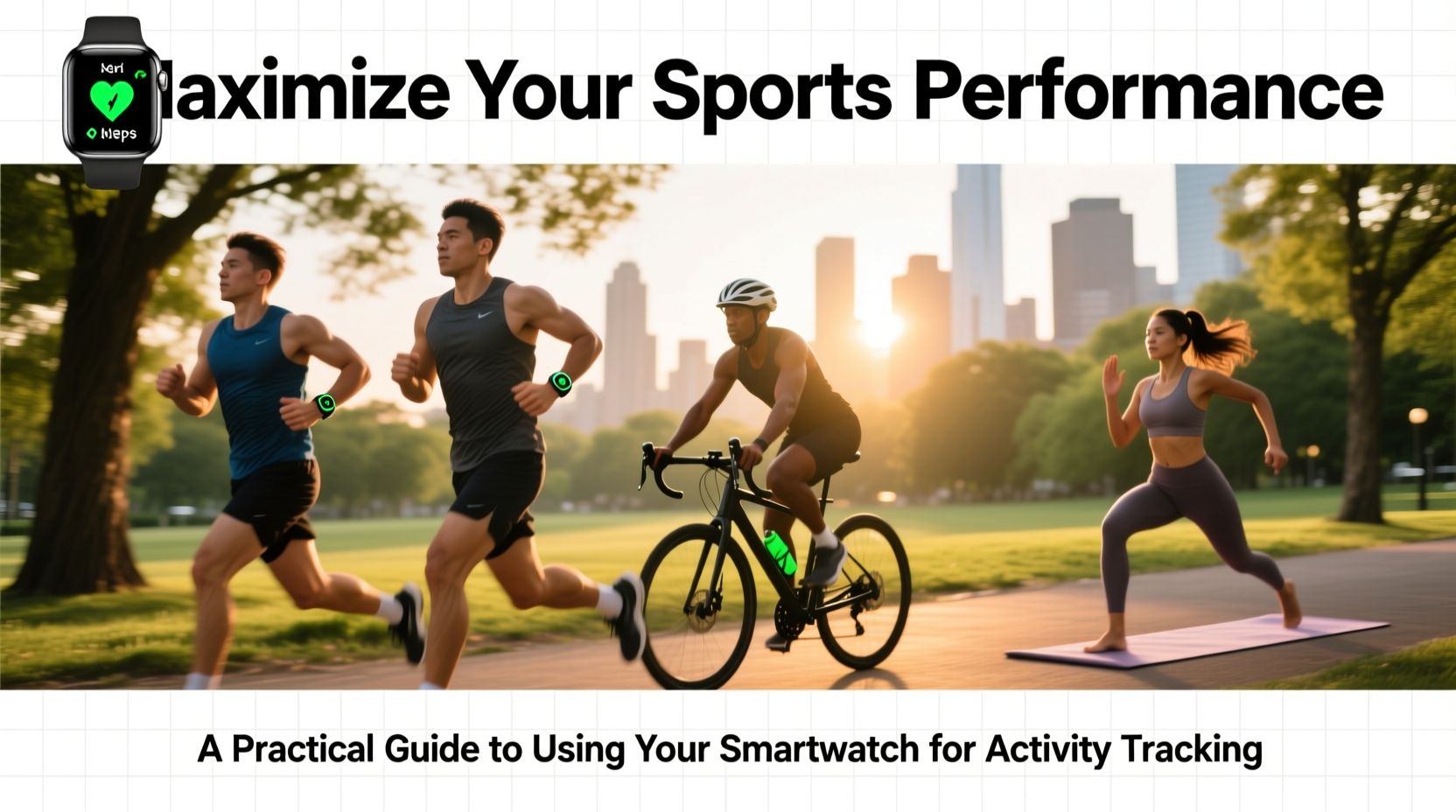
Before you can use your smartwatch to its full potential, you need to know what it measures—and what each metric means for your training. Most high-end models track:
- Heart Rate (HR): Monitors cardiovascular intensity in real time.
- VO₂ Max Estimate: A prediction of aerobic capacity based on running dynamics and heart rate response.
- GPS Tracking: Records pace, distance, elevation, and route accuracy.
- Sleep Quality: Tracks duration, restlessness, and sleep stages to assess recovery.
- Activity Rings/Goals: Visual motivators that encourage daily movement.
- Stress & HRV (Heart Rate Variability): Indicators of nervous system load and readiness to train.
These metrics become meaningful only when interpreted correctly. For example, a rising resting heart rate over several days may signal overtraining or poor recovery—even if you feel fine. Similarly, declining HRV suggests accumulated stress, which could impair performance if ignored.
Set Up Training Zones Based on Data
One of the most effective ways to boost performance is training within specific heart rate or power zones. Smartwatches allow you to set personalized zones based on your maximum heart rate or lactate threshold. Without this customization, generic defaults may misrepresent your effort levels.
To establish accurate zones:
- Complete a field test—such as a 5-minute all-out run followed by a 10-minute time trial—to estimate your lactate threshold heart rate.
- In your watch settings, input this value so your device can calculate correct zones (e.g., Zone 2 = 80–85% of threshold).
- Use these zones to structure endurance sessions (Zone 2), tempo runs (Zone 3), and interval work (Zones 4–5).
Training at the right intensity ensures optimal adaptation. Too often, athletes spend excessive time in Zone 3—hard enough to be taxing, but not intense enough to trigger significant gains. A smartwatch helps enforce discipline by alerting you when you drift outside your target range.
Track Recovery as Rigorously as Training
Performance isn’t built during workouts—it’s built during recovery. Yet many athletes obsess over miles logged while ignoring signs their body isn’t adapting. Modern smartwatches now provide actionable recovery insights through HRV, sleep tracking, and readiness scores.
Leading sports scientists emphasize the importance of monitoring autonomic function. As Dr. Andrew Flatt, researcher in athlete monitoring, explains:
“Daily HRV trends are one of the most sensitive indicators of fatigue accumulation. When used consistently, they help guide whether an athlete should push or pull back.” — Dr. Andrew Flatt, Autonomic Function Researcher
To integrate recovery tracking:
- Take a 2–3 minute morning HRV reading before getting out of bed.
- Review your watch’s “readiness” or “recovery” score before deciding workout intensity.
- Adjust plans proactively: opt for light cross-training or mobility work if recovery is low.
This proactive approach reduces injury risk and prevents burnout, especially during heavy training blocks.
Optimize Workouts with Real-Time Feedback
The true edge of a smartwatch lies in live guidance. Whether you’re pacing a marathon or cycling uphill, real-time alerts keep you aligned with goals.
| Metric | Use Case | Actionable Insight |
|---|---|---|
| Pace (via GPS) | Running races or intervals | Alerts prevent early burnout by keeping pace steady |
| Heart Rate Zones | Endurance training | Vibration alerts notify when drifting out of target zone |
| Stride Length/Cadence | Running form optimization | Low cadence? Shorten steps to reduce joint impact |
| Elevation Gain | Hiking or trail running | Monitor ascent rates to manage energy output |
For instance, a runner preparing for a half-marathon can program their watch to vibrate if pace drops below 8:00/mile or exceeds 7:30/mile. This immediate feedback loop trains pacing discipline far more effectively than post-run analysis alone.
Mini Case Study: Marathon Training Adjustment
Mark, a recreational runner training for his first marathon, consistently hit weekly mileage targets but felt increasingly fatigued. His smartwatch revealed a downward trend in HRV and elevated resting heart rate over five consecutive days. Despite feeling \"okay,\" the data suggested non-functional overreaching.
He adjusted by reducing volume by 30% for a week and prioritizing sleep. Within seven days, HRV rebounded and resting heart rate normalized. On race day, Mark finished strong with a negative split—something he hadn’t achieved in training. The insight from his watch prevented a potential DNF due to overtraining.
Create a Performance Feedback Loop
Data is only valuable if it leads to action. Establish a weekly review process to close the loop between collection and application.
A structured feedback routine includes:
- Export weekly data from your companion app (e.g., Garmin Connect, Apple Health, Strava).
- Compare training load vs. recovery markers. Are you progressing sustainably?
- Note subjective feelings: Add journal entries like “felt sluggish Tuesday” or “great interval session Thursday.”
- Adjust next week’s plan accordingly. Increase intensity only if recovery metrics support it.
This creates a personalized, adaptive training system—one that evolves with your body’s response rather than rigidly following a pre-set schedule.
Frequently Asked Questions
How accurate are smartwatch heart rate monitors?
Optical sensors are generally accurate during steady-state cardio (±5 bpm). However, they can lag during rapid changes (like sprints) and may struggle with very dark or hairy skin. Chest straps remain the gold standard for precision, but wrist-based HR is sufficient for most training applications.
Can I rely on my watch’s calorie burn estimates?
Calorie calculations are estimates based on population averages and tend to overestimate by 15–30%. Use them for relative comparisons (e.g., “Workout A burned more than Workout B”) rather than absolute values. Personalized inputs—weight, VO₂ max, age—improve accuracy.
Should I wear my smartwatch all day for best results?
Yes. Continuous wear enables accurate baselines for resting heart rate, HRV, and activity patterns. Removing it frequently disrupts trend analysis and reduces the reliability of recovery scores.
Checklist: Maximizing Smartwatch Utility
- ✅ Calibrate GPS before outdoor runs
- ✅ Set up personalized heart rate zones
- ✅ Enable morning HRV/readiness measurement
- ✅ Sync with a fitness platform (Strava, TrainingPeaks, etc.)
- ✅ Review weekly data trends every 7 days
- ✅ Use vibration alerts for pace or zone adherence
- ✅ Charge nightly to ensure full-day coverage
Conclusion: Turn Data Into Gains
Your smartwatch is more than a tracker—it’s a coach on your wrist. When used intentionally, it transforms abstract effort into measurable progress. By understanding key metrics, respecting recovery signals, and acting on real-time feedback, you create a training environment rooted in awareness and precision.
The most advanced device won’t improve performance on its own. But paired with discipline and reflection, it becomes a catalyst for breakthroughs. Start today: check your last three days of HRV, evaluate yesterday’s workout intensity, and ask whether your training aligns with your body’s readiness. Small adjustments, guided by data, lead to lasting results.




 浙公网安备
33010002000092号
浙公网安备
33010002000092号 浙B2-20120091-4
Comments
No comments yet. Why don't you start the discussion?