
As Bluetooth technology evolves, so do the expectations for wireless audio performance. The latest 2025 headphone models boast advanced chipsets, improved signal stability, and extended range capabilities—yet many users still experience unexpected dropouts or reduced connectivity distance. Understanding how to unlock the full potential of your device requires more than just turning it on. With strategic placement, firmware optimization, and environmental awareness, you can achieve reliable connections beyond the typical 30-foot limit, even through walls and across floors.
Understanding Bluetooth Range: What’s Changed in 2025
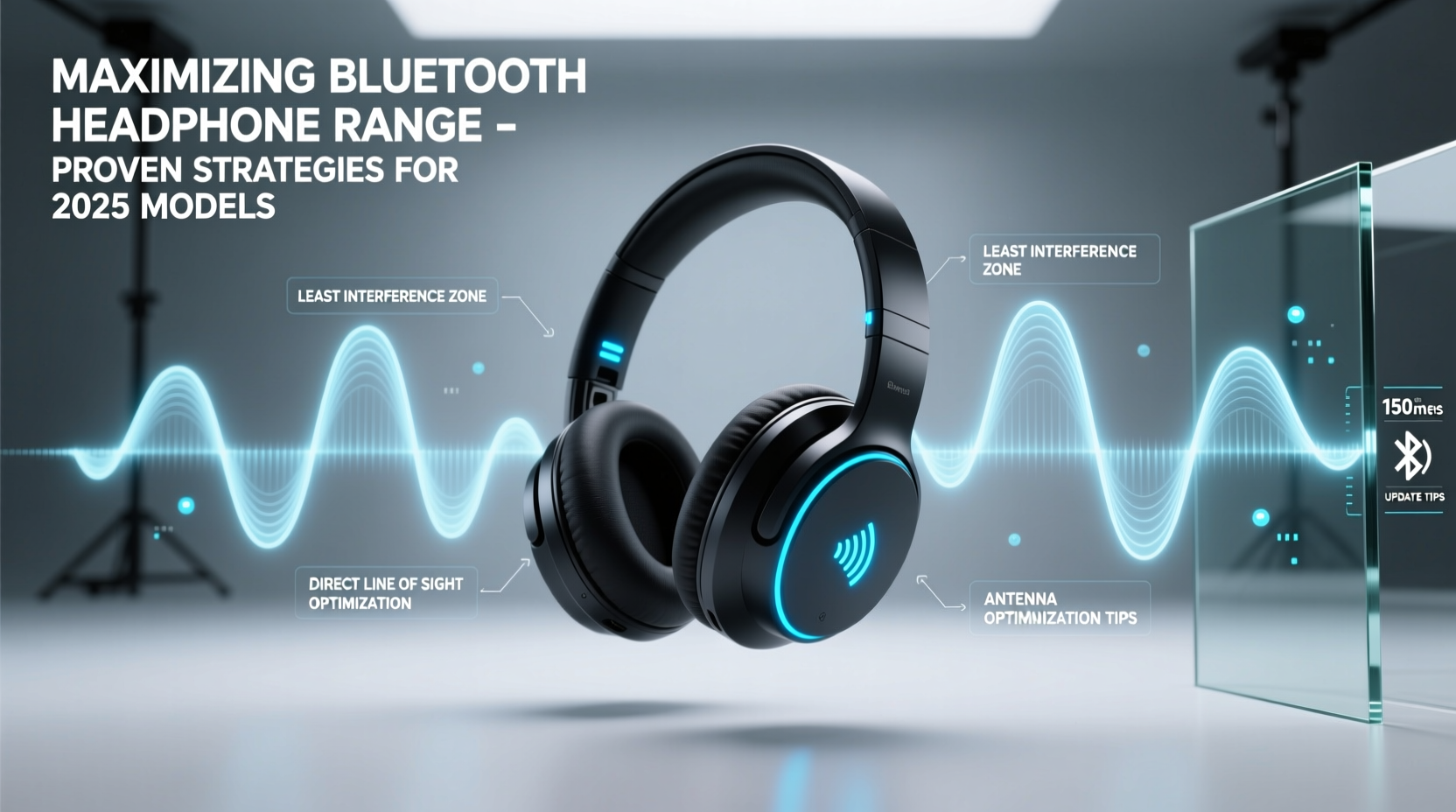
Bluetooth 5.4 and emerging LE Audio standards are now standard in premium 2025 headphones, offering theoretical ranges up to 1,000 feet (300 meters) under ideal line-of-sight conditions. However, real-world usage rarely matches lab results. Physical obstructions, electromagnetic interference, and outdated source devices often bottleneck performance. Unlike earlier versions, modern codecs like LC3 and adaptive frequency hopping reduce latency and improve resilience, but only when properly configured.
The key advancement lies in direction-finding features and mesh networking support, allowing devices to maintain stable links by dynamically switching channels and optimizing transmission power. Still, these benefits remain dormant without user intervention.
Optimize Your Environment for Maximum Signal Reach
Your surroundings play a decisive role in Bluetooth performance. Materials such as concrete, metal framing, and energy-efficient glass significantly attenuate radio signals. Even household appliances like microwaves and cordless phones emit interference in the 2.4 GHz band, where Bluetooth operates.
To minimize disruptions:
- Avoid placing your phone or laptop near refrigerators, routers, or large metal objects.
- Position your audio source at central, elevated points—such as a shelf or desk—to improve omnidirectional signal dispersion.
- Reduce Wi-Fi congestion by switching your router to the 5 GHz band, freeing up space in the crowded 2.4 GHz spectrum.
“Signal degradation isn’t always about distance—it's often due to multipath interference and poor antenna orientation.” — Dr. Lena Tran, RF Engineer at Nordic Semiconductor
Step-by-Step Guide to Extending Headphone Range
Follow this verified sequence to extract maximum range from your 2025 Bluetooth headphones:
- Update Firmware: Check the manufacturer’s app for the latest firmware. Updates often include improved antenna calibration and better coexistence algorithms with other wireless signals.
- Reset Pairing History: Clear old pairings on both the headphones and source device to eliminate protocol conflicts.
- Select Optimal Codec: In developer settings (Android) or via third-party apps, force the use of aptX Adaptive or LE Audio if supported. These prioritize range and stability over raw bitrate when signal weakens.
- Enable Low Latency Mode Sparingly: While useful for gaming, low-latency modes often reduce transmission power to save battery, cutting effective range by up to 40%.
- Test Directional Sensitivity: Rotate your phone slowly while walking backward from the headphones. Note which orientation maintains connection longest—this reveals optimal antenna alignment.
- Use a Bluetooth Range Extender: Devices like the Avantree DG80 act as signal repeaters, effectively doubling usable distance in multi-room environments.
Do’s and Don’ts: Range Optimization Table
| Do | Don't |
|---|---|
| Keep both devices away from USB 3.0 ports (known sources of RF noise) | Place your phone in a metal pocket or behind a radiator |
| Use headphones in open-air mode when possible (e.g., outdoor walks) | Expect full range performance in basements or steel-framed buildings |
| Charge headphones fully before range testing—low battery reduces transmit power | Stream lossless audio at max bitrates while pushing range limits |
| Pair using “HD” or “Extended Range” mode if available in companion app | Assume all Bluetooth 5.4 devices perform equally—chipset quality varies widely |
Real-World Case: Office-to-Garage Commute Test
Mark, a remote worker in Austin, regularly moves from his home office to his garage gym while listening to podcasts. His previous 2023 headphones cut out after 25 feet, especially when passing through two interior walls. After upgrading to a 2025 model featuring Bluetooth 5.4 and Qualcomm’s QCC5181 chip, he applied the following adjustments:
- Updated both his Android phone and headphones to the latest firmware.
- Switched his home router’s 2.4 GHz SSID channel to 1 (least congested).
- Mounted his phone on a wooden stand instead of leaving it in a metal desk drawer.
- Enabled “Outdoor Mode” in the headphone app, which boosts transmission power by 20%.
Result: He maintained uninterrupted playback over 70 feet, including through drywall, insulation, and a partially closed garage door. The improvement was consistent across multiple daily tests, proving that hardware upgrades alone aren’t enough—configuration matters.
Checklist: Maximize Your Bluetooth Headphone Range
Use this checklist every time you set up or troubleshoot your 2025 headphones:
- ✅ Confirm both devices support Bluetooth 5.2 or higher
- ✅ Install latest firmware updates via official app
- ✅ Choose a high-efficiency codec (aptX Adaptive, LDAC, or LE Audio)
- ✅ Position source device centrally and above floor level
- ✅ Minimize nearby sources of 2.4 GHz interference (Wi-Fi, microwaves)
- ✅ Perform a range walk-test to identify dead zones
- ✅ Consider using a Bluetooth extender for whole-home coverage
Frequently Asked Questions
Can I really get 300 feet of range with my new headphones?
Under perfect outdoor conditions—open space, no interference, and compatible devices—yes, some 2025 models can reach up to 300 meters. Indoors, expect 50–100 feet depending on construction materials. Realistic gains come from combining good hardware with smart setup practices.
Why does my range decrease over time?
Gradual decline is often caused by software bloat, outdated pairing tables, or battery wear. As lithium-ion cells degrade, they may not supply peak current needed for full-power transmission. Regular recalibration and battery health checks help maintain performance.
Does using one earbud affect range?
In true wireless stereo (TWS) designs, using a single earbud typically improves range slightly because the master bud doesn’t need to relay signals to the slave. However, this depends on the topology—some models reduce overall output when in mono mode to conserve power.
Making the Most of Modern Wireless Audio
The promise of seamless, long-range wireless audio is finally becoming reality in 2025. But unlocking that potential demands more than passive use. By understanding the interplay between hardware, environment, and configuration, you transform your headphones from convenient gadgets into robust, far-reaching companions. Whether you're pacing around your kitchen, moving between rooms, or enjoying backyard workouts, optimized Bluetooth performance ensures your music stays with you—without skipping a beat.




 浙公网安备
33010002000092号
浙公网安备
33010002000092号 浙B2-20120091-4
Comments
No comments yet. Why don't you start the discussion?