
A cluttered desk doesn’t just look unprofessional—it hampers focus, slows down workflow, and increases mental fatigue. In both home offices and corporate environments, every square inch of desk space counts. The solution? Strategic use of storage boxes. When chosen and arranged thoughtfully, storage boxes can transform an overcrowded surface into a streamlined, efficient workspace. This guide explores how to make the most of your desk area using compact, functional storage solutions without sacrificing accessibility or aesthetics.
Why Desk Clutter Matters More Than You Think
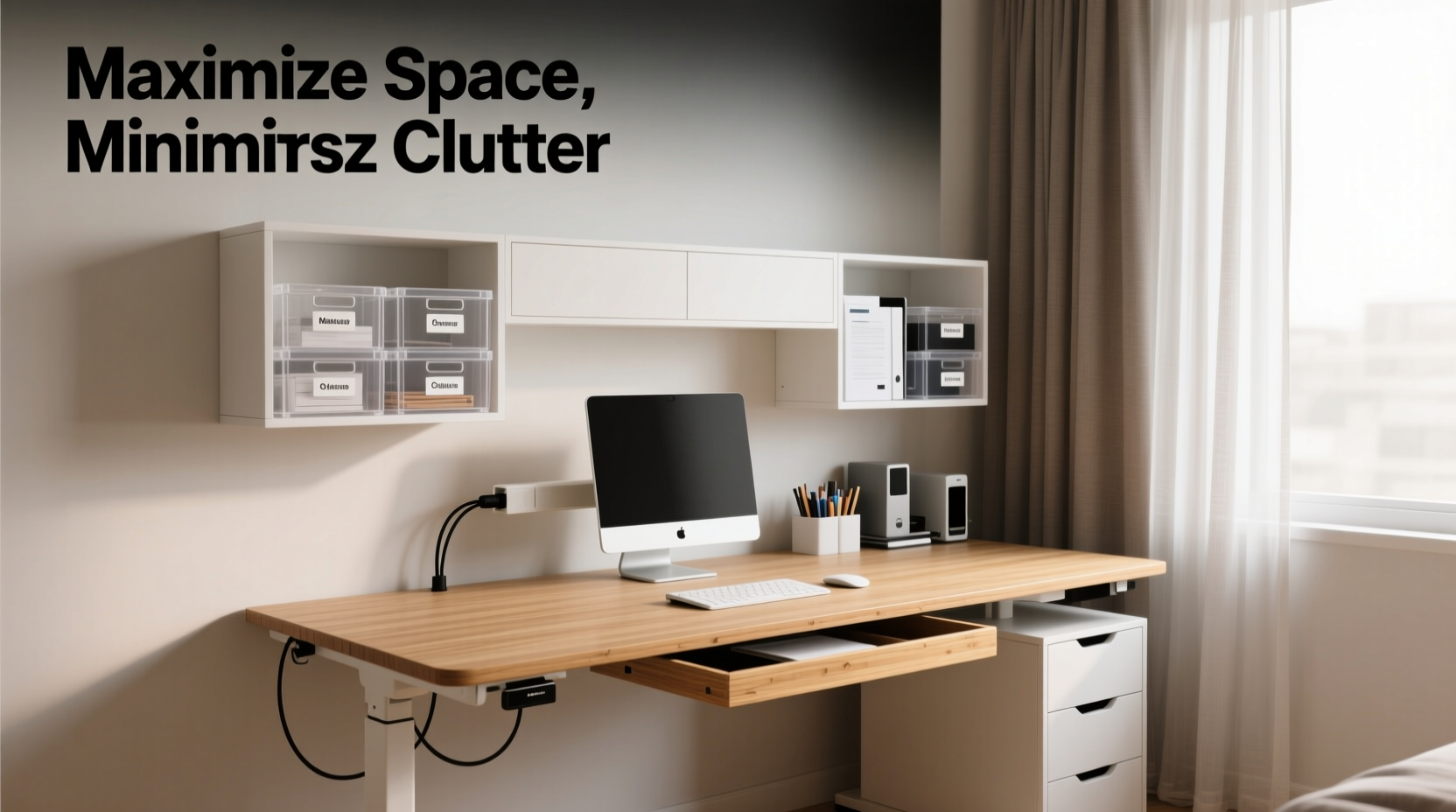
Clutter isn’t merely visual noise. Research from Princeton University Neuroscience Institute shows that multiple stimuli in your environment compete for attention, reducing cognitive performance. A disorganized desk floods your brain with distractions, making it harder to concentrate and complete tasks efficiently.
Every pen, paperclip, or loose cable left out adds to cognitive load. Storage boxes help by containing these items in designated zones, reducing visual chaos while keeping essentials within reach. The key is not eliminating everything from sight—but organizing it so that only what you need is immediately visible.
“An organized workspace supports mental clarity. When tools are stored logically, decision-making becomes faster and less stressful.” — Dr. Laura Bennett, Environmental Psychologist
Selecting the Right Storage Boxes for Your Desk
Not all storage boxes are created equal. Choosing the right type depends on your desk size, work style, and the kinds of materials you use daily. Consider these factors when selecting containers:
- Material: Plastic, fabric, wood, or metal—each has pros and cons. Clear plastic allows visibility; wood offers elegance; fabric bins reduce noise and blend into décor.
- Size: Measure your available space before buying. Small desktop organizers (4–6 inches wide) fit neatly beside monitors or keyboards.
- Modularity: Stackable or interlocking boxes maximize vertical space and allow customization as needs change.
- Lid Type: Lidded boxes protect sensitive items like USB drives or confidential notes, while open-top trays offer quick access to frequently used supplies.
Comparison Table: Desk Storage Box Types
| Type | Best For | Pros | Cons |
|---|---|---|---|
| Stackable Acrylic Trays | Pens, sticky notes, small tools | Durable, clear, modern look | Limited capacity per unit |
| Fabric Drawer Units | Home offices, soft aesthetics | Lightweight, quiet, foldable | Less durable over time |
| Magnetic Metal Tins | Under-desk mounting, screws/paperclips | Saves surface space, innovative | Requires magnetic surface |
| Wooden Desktop Organizers | Executives, minimalist setups | Elegant, long-lasting | Heavier, higher cost |
| Modular Cube Systems | Customizable storage | Expandable, flexible layout | Takes up more footprint |
Step-by-Step Guide to Reorganizing Your Desk Using Storage Boxes
Follow this five-step process to reclaim your desk and build a system that lasts:
- Clear Everything Off: Remove all items from your desk surface. Wipe it clean. This reset gives you a blank canvas.
- Categorize Items: Group objects into categories: writing tools, tech accessories, documents, personal items, etc.
- Declutter Ruthlessly: Discard broken pens, outdated cables, duplicate adapters, and old sticky notes. Recycle where possible.
- Assign Boxes to Categories: Choose one box per category. For example, a narrow acrylic tray for pens, a lidded container for charging cables, and a document wallet for notepads.
- Arrange Strategically: Place high-use items within arm’s reach. Less frequent tools can go in lower or rear sections. Use under-desk rails or back-of-desk risers for additional hidden storage.
Real Example: Transforming a Home Office Desk
Jamie, a freelance graphic designer, struggled with a constantly messy workstation. Her desk was buried under sketchbooks, styluses, chargers, and client invoices. After spending two hours reorganizing using modular storage boxes, she implemented a new system:
- A three-tier acrylic organizer holds her drawing pencils, erasers, and markers.
- A felt-lined wooden box stores her tablet stylus and SD cards.
- Two stackable fabric drawers slide under the desk, holding printed proofs and backup drives.
- A wall-mounted pegboard behind the monitor holds frequently used headphones and microphones.
The result? She regained nearly 60% of usable desk space. More importantly, her morning setup time dropped from 15 minutes to under 3, and she reported feeling “more in control” during client calls.
Smart Placement Strategies to Maximize Space
It’s not just about having storage—it’s about placing it wisely. Here are advanced techniques to optimize spatial efficiency:
- Use Vertical Space: Tall, narrow towers or stacked boxes draw the eye upward, freeing up valuable horizontal real estate.
- Exploit Under-Desk Zones: Mount baskets or slide-out trays underneath for items like notebooks or spare mouse pads.
- Create Zones: Define areas: “Writing Zone,” “Tech Hub,” “Incoming Documents.” Assign one box per zone.
- Label Everything: Whether with stick-on labels or chalkboard tags, labeling ensures consistency—even when others use the desk.
“Organization isn’t about perfection—it’s about creating systems that make your daily actions easier.” — Marie Kondo, Organizing Consultant
Checklist: Building Your Clutter-Free Desk
- ☐ Measure your desk dimensions and identify dead zones
- ☐ Sort all current items into categories
- ☐ Discard or donate anything unused in the past 90 days
- ☐ Purchase 3–5 appropriate storage boxes based on need
- ☐ Label each container clearly
- ☐ Arrange boxes to support natural workflow (left/right handedness, monitor position)
- ☐ Test the setup for one week and adjust as needed
Frequently Asked Questions
How many storage boxes do I really need?
Most desks function well with 3 to 5 dedicated containers. Start minimal—a pen holder, a tech bin, and a document tray—and expand only if necessary. Over-organizing can be as counterproductive as clutter.
Can I use household items instead of buying storage boxes?
Absolutely. Repurpose small jars for pens, use shoeboxes lined with wrapping paper for files, or stack books to create risers. The goal is containment, not brand-new purchases.
What if my desk is very small?
Focus on vertical and under-desk storage. Wall shelves, hanging pockets, or magnetic tool strips keep essentials accessible without occupying surface area. Prioritize only the top 3–5 tools you use daily.
Final Thoughts: Design a Workspace That Works for You
Maximizing desk space isn’t about squeezing in more stuff—it’s about designing a functional environment where everything has a purpose and a place. Storage boxes are more than containers; they’re tools for intentionality. By choosing the right types, arranging them strategically, and maintaining order through simple habits, you create a workspace that supports focus, creativity, and productivity.
The difference between a chaotic desk and a calm one often comes down to one decision: to organize deliberately. Start today with a single box. Build from there. Your future self will thank you every time you sit down to work.




 浙公网安备
33010002000092号
浙公网安备
33010002000092号 浙B2-20120091-4
Comments
No comments yet. Why don't you start the discussion?