
Outdoor athletes today have access to tools that were once the stuff of science fiction. Among them, smart glasses stand out as one of the most transformative innovations—offering real-time data, navigation, safety alerts, and environmental awareness without requiring you to glance at a wristwatch or handlebar-mounted device. Whether you're a trail runner, mountain biker, skier, or hiker, integrating smart glasses into your routine can elevate your performance, enhance situational awareness, and keep you safer in unpredictable conditions.
The key lies not just in owning the technology, but in using it effectively. Many users underutilize their smart glasses due to poor setup, misaligned expectations, or lack of integration with training goals. This guide breaks down how to get the most from your smart glasses across different outdoor disciplines, offering actionable strategies, real-world insights, and expert-backed recommendations.
Choosing the Right Smart Glasses for Your Sport
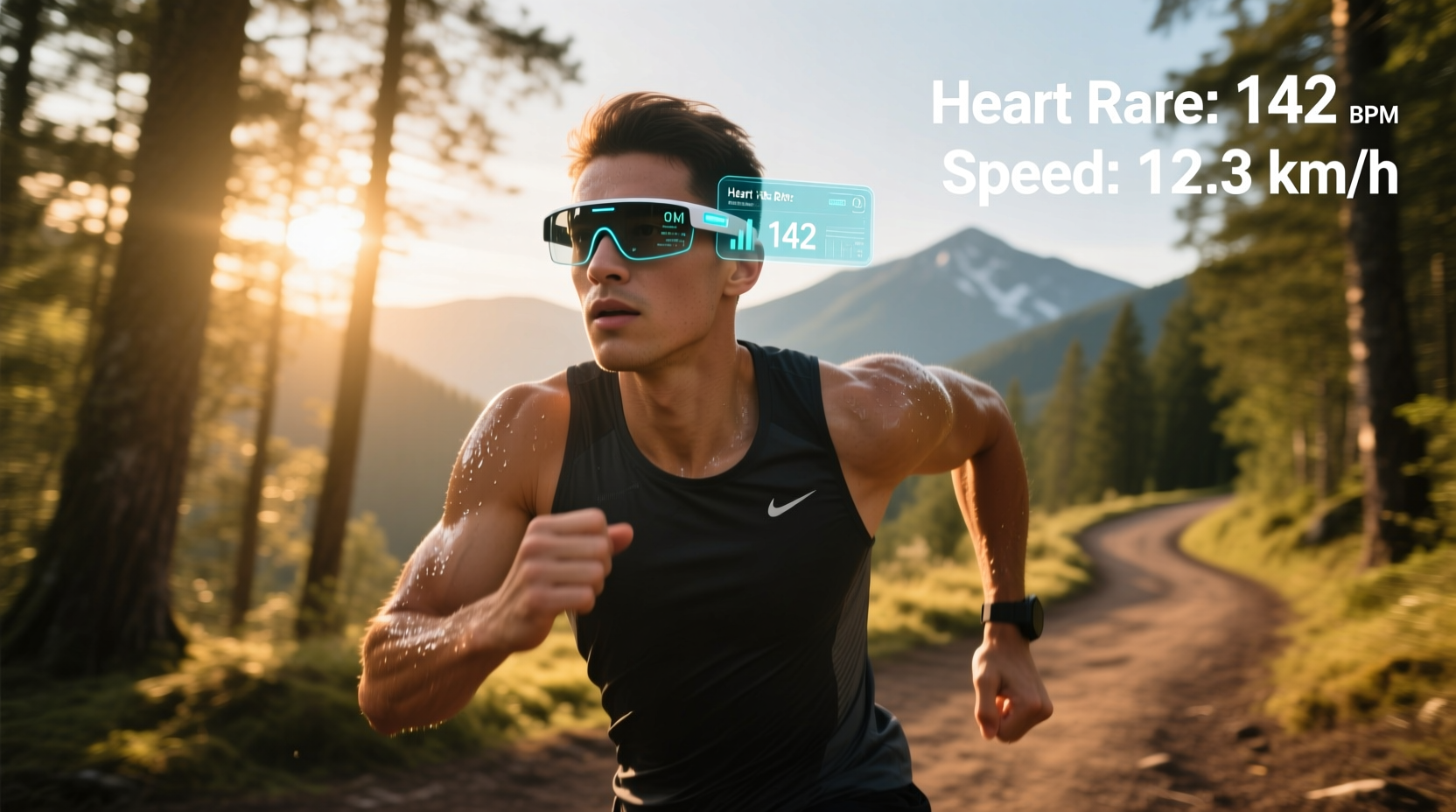
Not all smart glasses are built equally. Some prioritize audio cues and voice commands; others focus on heads-up displays (HUDs) for speed, elevation, or route guidance. Selecting the right pair depends on your primary activity, environmental demands, and data needs.
For example, cyclists benefit from real-time cadence, power output, and GPS turn-by-turn directions projected into the peripheral vision. Runners may prefer lightweight models with heart rate monitoring and pace feedback. Skiers and snowboarders often need high-contrast displays that remain readable in low-light or blizzard conditions.
| Sport | Recommended Features | Top Models |
|---|---|---|
| Cycling | HUD speed/cadence, GPS navigation, wind resistance rating | Roundhill S3, Oakley Radar Pace (Gen 2) |
| Trail Running | Lightweight build, step count, VO2 max estimates | Ray-Ban Meta, Everysight Raptor |
| Skiing/Snowboarding | UV protection, temperature display, avalanche zone alerts | Bolon B21+, Recon Snow2 |
| Hiking | Compass overlay, altitude tracking, offline maps | Everysight Raptor, Vuzix Shield |
Optimizing Display Settings for Performance Gains
The true value of smart glasses emerges when information is presented clearly and contextually. A cluttered display can be distracting—or worse, dangerous—on technical terrain. Customizing what appears, when it appears, and how it's displayed is critical.
Start by identifying your top three metrics per activity. For a long-distance cyclist, this might be speed, distance remaining, and heart rate zone. For a backcountry skier, it could be slope angle, current temperature, and proximity to avalanche-prone zones. Configure your HUD to show only these elements during active sessions.
“Overloading the visual field defeats the purpose of augmented reality eyewear. Less is more when cognitive load is already high.” — Dr. Lena Torres, Human Factors Engineer at MIT Wearable Lab
Use geofencing to trigger specific data points. For instance, program your glasses to activate compass mode only when entering off-trail zones. Or set elevation alerts to begin displaying above 8,000 feet if you’re prone to altitude sickness. These contextual triggers reduce mental fatigue and keep you focused on movement, not menus.
Step-by-Step Guide to Integrating Smart Glasses Into Training
Adopting new technology smoothly requires a structured approach. Follow this five-step process to integrate smart glasses into your outdoor regimen without disrupting performance.
- Test in Controlled Environments: Begin with short, familiar routes where distractions won’t compromise safety. Use this phase to adjust fit, test voice commands, and verify sensor accuracy.
- Sync with Existing Devices: Pair your glasses with a fitness tracker, bike computer, or smartphone app. Ensure biometric data (like HR or GPS) syncs seamlessly across platforms.
- Customize Data Layers: Access your device’s companion app and disable non-essential notifications. Choose which metrics appear in your line of sight and at what intervals.
- Practice Voice Navigation: Train yourself to issue concise verbal commands such as “Start workout,” “Show map,” or “Pause timer” so you don’t need to touch the frame mid-effort.
- Evaluate Post-Activity: Review logged data after each session. Compare perceived exertion with displayed metrics to calibrate future expectations.
Real-World Application: A Trail Runner’s Experience
Marissa Chen, an ultramarathoner based in Colorado, began using Everysight Raptor smart glasses during her 50K training cycles. Initially skeptical about distraction, she found the HUD invaluable during night runs and high-altitude sections where disorientation was common.
During a recent race in the San Juans, her glasses automatically flagged a deviation from the marked trail using GPS overlay. The system vibrated gently and highlighted the correct path in red—preventing a potentially dangerous detour into unstable terrain. “It wasn’t flashy,” she said, “but that quiet alert kept me safe. Now I trust my glasses like I trust my hydration pack.”
She also uses the post-run analytics to assess pacing strategy, comparing split times against elevation profiles generated from the glasses’ onboard sensors. Over six months, her average downhill efficiency improved by 14%, which she attributes to data-driven form adjustments learned through repeated HUD feedback.
Common Pitfalls and How to Avoid Them
Even experienced athletes make mistakes when adopting smart glasses. Awareness of these issues helps prevent frustration and ensures consistent utility.
- Overreliance on Technology: Smart glasses should assist, not replace, fundamental skills like map reading or body awareness.
- Poor Fit Leading to Fogging: Ill-fitting frames disrupt airflow, causing lenses to fog. Use anti-fog coatings and ensure adequate ventilation.
- Distracted Attention: Animated alerts or frequent pop-ups can pull focus from the trail. Disable unnecessary animations in settings.
- Ignoring Battery Management: Cold weather reduces battery efficiency. Carry a portable charger compatible with your model if exceeding two hours.
Frequently Asked Questions
Can smart glasses withstand extreme weather?
Most high-end models are rated IPX4 or higher, meaning they resist splashing water and light rain. However, prolonged exposure to snow, dust, or sub-zero temperatures may affect touchscreen responsiveness and battery life. Always check manufacturer specifications before winter use.
Do smart glasses interfere with prescription lenses?
Many brands offer prescription inserts or magnetic clip-ons. Companies like Zeiss and AdaptEyes provide custom-fit solutions compatible with major smart glass frames. Consult your optician before purchasing.
Are there privacy concerns when recording outdoors?
Yes. Continuous audio/video recording in public spaces may violate local laws. Disable recording functions unless necessary, and inform others if capturing shared environments. Most devices include clear LED indicators when recording is active.
Final Checklist Before Your Next Adventure
- ✅ Charge fully and confirm firmware is up to date
- Prevents crashes and ensures latest features are available
- ✅ Calibrate GPS and sensors
- Improves location accuracy and biometric reliability
- ✅ Set emergency contacts and SOS function
- Some models support automatic fall detection and distress signals
- ✅ Adjust display brightness and position
- Minimizes eye strain and maximizes readability in sunlight
- ✅ Confirm offline maps are downloaded
- Essential for remote areas with no cellular signal
Conclusion: See More, Go Further
Smart glasses are more than a novelty—they’re a performance multiplier for outdoor athletes who know how to harness their capabilities. From precise navigation to real-time physiological feedback, these devices bridge the gap between instinct and insight. When configured thoughtfully and used intentionally, they become silent coaches, vigilant co-pilots, and trusted companions on every journey beyond the pavement.




 浙公网安备
33010002000092号
浙公网安备
33010002000092号 浙B2-20120091-4
Comments
No comments yet. Why don't you start the discussion?