
In an era where home entertainment is more important than ever, high-end audio systems often come with equally high price tags. But what if you could achieve immersive sound without investing in complex multi-speaker setups? A quality Bluetooth speaker—already in many homes—can serve as the foundation of a surprisingly effective home theater system. With smart configuration and realistic expectations, you can transform your living room into a cinematic space using just one or two portable speakers.
The key lies not in raw equipment power, but in strategic setup, audio optimization, and understanding the limitations and strengths of wireless audio technology. This guide walks through how to get the most from your Bluetooth speaker as a central part of your home theater experience.
Understanding the Potential of Bluetooth Speakers
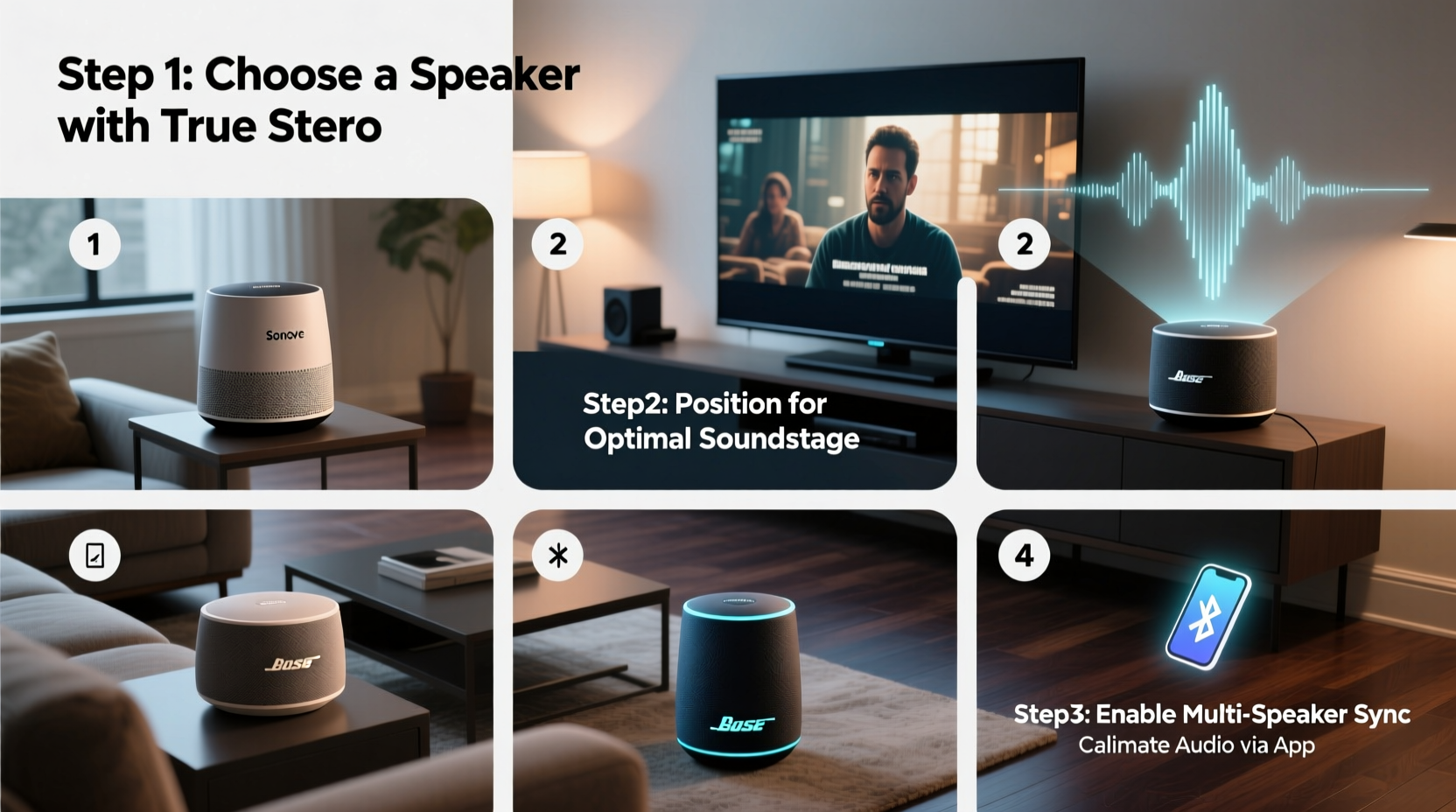
Modern Bluetooth speakers have evolved dramatically. Many now support advanced codecs like aptX HD, LDAC, or AAC, which deliver higher-quality audio streams over wireless connections. High-output models offer deep bass, wide frequency response, and even stereo separation when paired in tandem. Brands like JBL, Sony, Bose, and Ultimate Ears produce portable units capable of filling medium to large rooms with rich, dynamic sound.
While they won’t replicate the directional precision of a 5.1 surround system, Bluetooth speakers can still provide a compelling front-channel audio solution—especially for movies, music, and streaming shows. When optimized correctly, they enhance dialogue clarity, amplify ambient effects, and deliver emotional impact during key scenes.
“Bluetooth doesn’t mean low fidelity anymore. With the right pairing and environment, a single speaker can become the heart of a minimalist yet powerful home theater.” — Daniel Ruiz, Audio Engineer at SoundSpace Labs
Step-by-Step Guide to Setting Up Your Bluetooth Speaker as a Home Theater System
Follow this practical sequence to integrate your Bluetooth speaker seamlessly into your viewing experience.
- Choose the Right Speaker: Opt for a model with strong midrange clarity, decent bass response, and at least 20W output. Look for features like passive radiators, IPX7 waterproofing (for durability), and multipoint connectivity.
- Position Strategically: Place the speaker at ear level when seated, centered in front of your seating area. Avoid corners (which exaggerate bass) and enclosed shelves (which muffle sound).
- Pair with Your Source Device: Enable Bluetooth on your TV, streaming stick, or laptop. Navigate to Bluetooth settings and select your speaker. If your TV lacks Bluetooth, use a low-latency transmitter plugged into the audio-out port.
- Test Audio Latency: Play a video with clear dialogue and watch for lip-sync issues. If audio lags behind video, enable “Low Latency Mode” if available, or use a Bluetooth 5.0+ transmitter supporting aptX LL.
- Adjust EQ Settings: Use your device’s audio settings or a third-party app to boost vocals slightly (+2dB around 1–3kHz) and reduce boomy bass if needed.
- Optimize Room Acoustics: Add soft furnishings like rugs, curtains, or couches to absorb reflections. Even bookshelves can help diffuse sound and create a fuller auditory field.
- Use Dual Speakers for Stereo Effect (Optional): If your speaker supports party mode or stereo pairing, connect two identical units—one left, one right—for a wider soundstage.
Do’s and Don’ts: Bluetooth Home Theater Best Practices
| Do’s | Don’ts |
|---|---|
| Use a Bluetooth 5.0 or later transmitter for stable connection | Don’t place the speaker behind furniture or obstacles |
| Enable AAC or aptX if both devices support it | Don’t rely on built-in TV speakers while using Bluetooth |
| Keep the source device within 10 feet, line-of-sight preferred | Don’t ignore firmware updates for your speaker |
| Pair during off-peak wireless hours to avoid interference | Don’t expect true surround sound from a single unit |
Real-World Example: Transforming a Small Apartment Living Room
Mark, a freelance designer in Chicago, wanted better sound for movie nights but didn’t want to clutter his studio apartment with wires and bulky equipment. He owned a JBL Charge 5 and a Roku Streaming Stick+. His TV had no Bluetooth, so he purchased a $15 Bluetooth transmitter that plugs into the Roku’s USB power and headphone jack.
After pairing the JBL, he noticed slight audio delay. He downloaded the Roku mobile app and adjusted the audio delay slider until lips synced perfectly. He placed the speaker on a shelf centered below the TV, angled slightly upward. For larger films, he activated JBL’s PartyBoost to link a second Charge 5 in the corner for ambient effect.
The result? A clean, cable-free setup delivering crisp dialogue and punchy action sequences. “It’s not Dolby Atmos,” he said, “but for $20 and 15 minutes of setup, I upgraded my entire viewing experience.”
Enhancing Performance: Advanced Tips and Workarounds
To push your Bluetooth speaker beyond basic functionality, consider these enhancements:
- Use a Dedicated Transmitter: Instead of relying on your TV’s internal hardware, invest in a low-latency Bluetooth transmitter with optical input. These maintain digital signal integrity and reduce sync issues.
- Bridge Gaps with Phone Apps: Apps like “SoundAssistant” (Android) or “Equalizer Fx” allow granular control over tone shaping, helping tailor sound to your speaker’s profile.
- Create Virtual Surround via Delayed Playback: In rare cases, users route audio through multiple devices with manual delays to simulate rear effects—but this is complex and only suitable for tech-savvy individuals.
- Leverage HDMI Audio Extractors: If your TV uses HDMI ARC, extract the audio signal and send it wirelessly via a Bluetooth-enabled extractor box.
Frequently Asked Questions
Can I use any Bluetooth speaker for home theater?
Most can function as audio output, but performance varies. Speakers with balanced frequency response, strong drivers, and support for high-bitrate codecs will perform best. Avoid small, tinny units meant only for voice calls.
Why is the audio out of sync with the video?
This lag, known as latency, occurs because Bluetooth processes audio slower than video renders. Use a low-latency transmitter or adjust audio delay in your streaming device settings to correct it.
Is stereo pairing worth it?
If you own two compatible speakers, stereo pairing creates a much wider, more engaging soundstage. It won’t replace surround sound, but it significantly improves immersion compared to mono output.
Final Checklist Before You Start
- ✅ Confirm your TV or streaming device supports Bluetooth—or purchase a transmitter
- ✅ Test speaker battery life or keep it plugged in during use
- ✅ Position speaker at optimal height and distance from seating
- ✅ Pair and verify connection stability
- ✅ Adjust audio delay if lipsync issues occur
- ✅ Fine-tune EQ for movie-friendly sound (clear dialogue, controlled bass)
- ✅ Consider adding a second speaker for stereo expansion
Conclusion: Elevate Your Viewing Experience Without the Complexity
You don’t need a rack of receivers, five speakers, and tangled cables to enjoy powerful, room-filling audio. By rethinking what’s already in your home—a capable Bluetooth speaker—you can build a streamlined, effective home theater system that delivers real results. The secret isn’t in spending more, but in setting up smarter: optimizing placement, minimizing latency, and tailoring sound to match your space.




 浙公网安备
33010002000092号
浙公网安备
33010002000092号 浙B2-20120091-4
Comments
No comments yet. Why don't you start the discussion?