
In today’s digital-first economy, leveraging the right tools can be the difference between stagnant operations and scalable growth. Google offers a powerful suite of free and low-cost tools that, when used strategically, can streamline operations, enhance customer acquisition, and drive measurable results. From small startups to expanding mid-sized companies, businesses that master Google's ecosystem gain a competitive edge in visibility, efficiency, and data-driven decision-making.
The key isn’t just access to these tools—it’s knowing how to use them together cohesively. This guide walks through a practical, phased approach to integrating Google tools into your growth strategy, ensuring each step builds on the last to create sustainable momentum.
Step 1: Establish Your Digital Foundation with Google Workspace
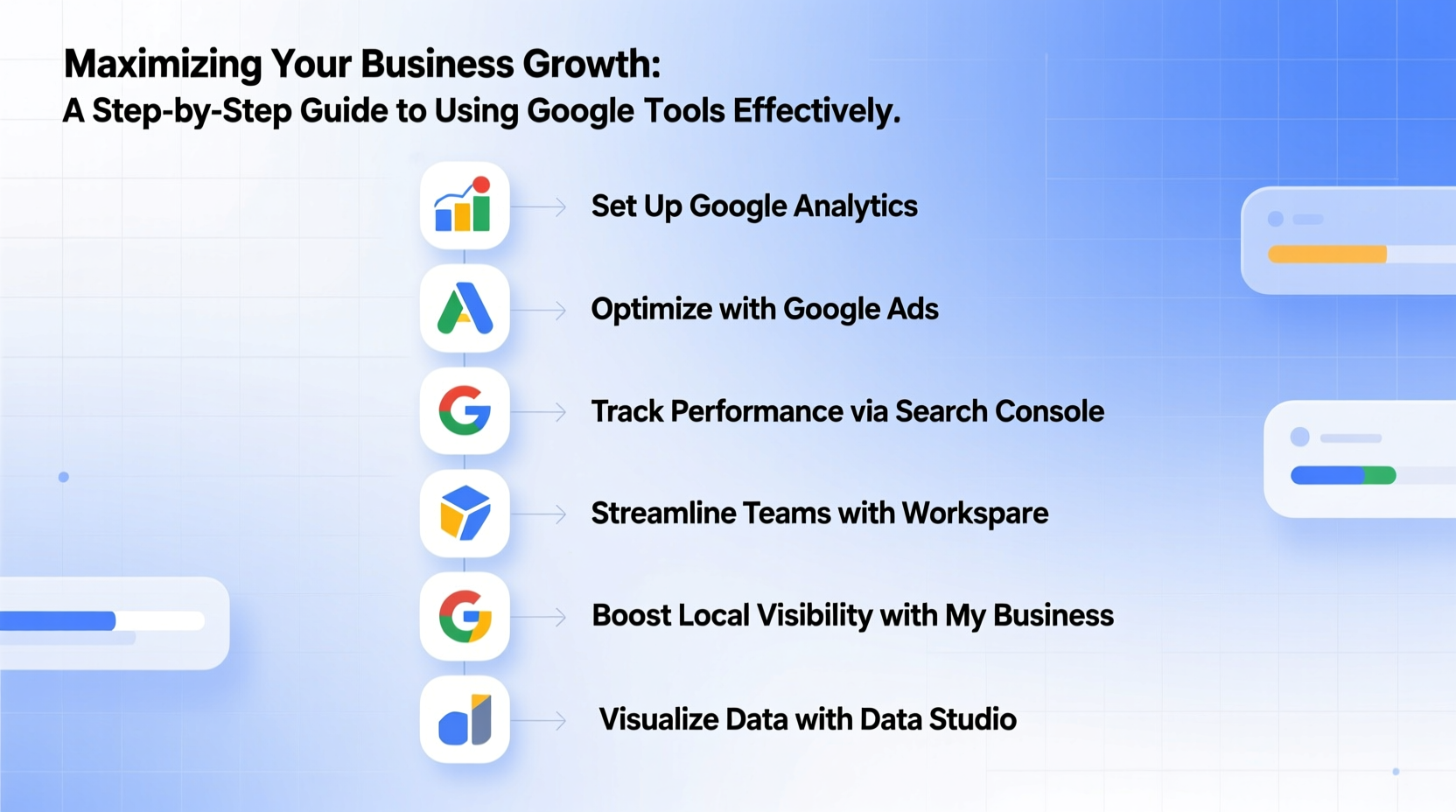
Before diving into marketing or analytics, ensure your internal operations are efficient. Google Workspace (formerly G Suite) provides the backbone for secure, collaborative work. It includes Gmail, Drive, Docs, Sheets, Meet, and Calendar—tools that keep teams aligned, documents accessible, and communication centralized.
Using shared drives and permission-based access ensures sensitive financial or client data remains protected while allowing seamless collaboration. Real-time editing reduces version confusion, and cloud storage eliminates reliance on local servers.
Key Benefits of Google Workspace for Growth
- Centralized document management with full revision history
- Video conferencing via Google Meet with up to 100 participants (free tier)
- Custom business email addresses (e.g., you@yourbusiness.com)
- Integration with third-party apps like Trello, Slack, and HubSpot
Step 2: Build Visibility with Google Business Profile and Search Console
If customers can’t find you online, even the best product won’t scale. Two essential tools—Google Business Profile (GBP) and Google Search Console (GSC)—are foundational for local and organic visibility.
Google Business Profile ensures your business appears in local search results and Google Maps. Accurate hours, photos, service descriptions, and prompt responses to reviews build trust and increase click-through rates.
Meanwhile, Google Search Console helps monitor your website’s health. It reveals indexing issues, identifies top-performing pages, and shows which search queries bring traffic. This insight is critical for refining content strategy.
“Over 80% of consumers use search engines to find local businesses. A complete and verified Google Business Profile can increase conversion rates by up to 50%.” — Sarah Kim, Local SEO Strategist at BrightEdge Marketing
Do’s and Don’ts of Google Business Profile Optimization
| Do’s | Don’ts |
|---|---|
| Use high-quality images of your team, products, and storefront | Don’t use stock photos or blurry images |
| Respond professionally to all customer reviews | Don’t ignore negative feedback |
| Update posts weekly with offers or events | Don’t leave the profile inactive for months |
| Categorize your primary service accurately | Don’t misrepresent services to gain visibility |
Step 3: Drive Traffic with Google Ads and Analytics
Paid advertising through Google Ads allows precise targeting based on keywords, location, device, and even time of day. Whether you're promoting a new product, generating leads, or increasing foot traffic, Google Ads delivers fast results when configured correctly.
Pairing Ads with Google Analytics (GA4) transforms raw clicks into strategic insights. GA4 tracks user behavior across websites and apps, showing where visitors come from, what they do, and where they drop off. This data informs everything from ad spend allocation to website design changes.
Mini Case Study: EcoHome Supplies
EcoHome Supplies, a sustainable home goods startup, struggled to gain traction despite a quality product line. They began by claiming and optimizing their Google Business Profile, adding photos and responding to early reviews. Then, they launched a targeted Google Ads campaign focused on “eco-friendly kitchen products” in metro areas.
By linking Google Ads to GA4, they discovered that mobile users had a 70% higher conversion rate than desktop. They adjusted their bids accordingly and redesigned their mobile checkout flow. Within three months, cost per acquisition dropped by 38%, and revenue increased by 150%.
Step 4: Automate and Scale with Google Sheets + Apps Script
As your business grows, manual processes become bottlenecks. Google Sheets, combined with Google Apps Script, enables lightweight automation without needing advanced coding skills.
For example, you can automate:
- Email follow-ups based on form submissions
- Monthly performance reports pulled from Google Analytics
- Inventory alerts when stock levels fall below a threshold
A simple script can pull daily lead data from Google Forms, format it, and send a summary email to your sales team every morning—saving hours of manual reporting.
Basic Automation Checklist
- Identify repetitive tasks (e.g., data entry, report generation)
- Determine if the data lives in Google Sheets, Forms, or Drive
- Search Google’s Apps Script library for existing templates
- Test scripts in a copy of your data before deploying
- Set triggers (e.g., daily, on form submit) to run scripts automatically
Step 5: Measure, Refine, and Reinvest
Growth isn’t linear—it requires continuous evaluation. Use Google Data Studio (now Looker Studio) to create dashboards that combine data from Google Ads, GA4, Sheets, and even social platforms. Visualizing KPIs like customer acquisition cost, lifetime value, and conversion rates makes trends obvious and decisions faster.
Regularly audit your tool usage. Are you still relying on spreadsheets for something that could be automated? Is your Business Profile updated with seasonal offers? Small optimizations compound over time.
Timeline for First 90 Days of Implementation
| Week | Action |
|---|---|
| 1–2 | Set up Google Workspace, claim Google Business Profile, verify domain in Search Console |
| 3–4 | Install GA4, configure basic events, link to Google Ads (if applicable) |
| 5–6 | Launch first Google Ads campaign; begin collecting customer data via Forms |
| 7–8 | Analyze initial traffic and behavior; optimize landing pages |
| 9–12 | Create a Looker Studio dashboard; automate one recurring task with Apps Script |
Frequently Asked Questions
Are Google’s tools really free for businesses?
Many core tools—including Google Business Profile, Google Analytics, Google Search Console, and basic Google Workspace—are free. Paid tiers (like Google Workspace Starter at $6/user/month) offer enhanced storage, admin controls, and support. Google Ads operates on a pay-per-click model, so costs depend on your budget and competition.
Can I use these tools if I don’t have a website?
You can start with Google Business Profile, which includes a free, simple website builder. However, for full control over branding, SEO, and conversions, owning a custom website is strongly recommended. Tools like GA4 and Search Console require site ownership verification.
How long does it take to see results?
Google Business Profile improvements can boost visibility within days. Google Ads can drive traffic immediately. Organic growth via SEO takes longer—typically 3–6 months. Consistent use of analytics accelerates learning and optimization.
Conclusion: Turn Tools Into Strategy
Google’s tools are not magic buttons for growth—they’re enablers. Their true power emerges when used as part of a coherent strategy: clear goals, consistent execution, and data-backed refinement. The businesses that grow fastest aren’t those with the biggest budgets, but those that leverage free resources most effectively.
Start small. Master one tool at a time. Connect them so insights flow seamlessly from marketing to operations. Over time, this integrated approach becomes a self-reinforcing engine for scalability.




 浙公网安备
33010002000092号
浙公网安备
33010002000092号 浙B2-20120091-4
Comments
No comments yet. Why don't you start the discussion?