
When it comes to competitive first-person shooter (FPS) gaming, every millisecond and micron matters. One of the most debated aspects among enthusiasts is the type of sensor used in gaming mice—specifically, whether mechanical or optical sensors deliver superior precision. Despite common misconceptions, this isn’t a debate about switch types; it’s about how the mouse tracks movement across surfaces. The confusion often arises because \"mechanical mouse\" historically refers to older ball-based tracking systems, while modern gaming mice use either optical or laser sensors. Clarifying this distinction is essential to understanding which technology truly enhances accuracy, consistency, and responsiveness in high-stakes FPS gameplay.
Understanding Mouse Sensor Technology
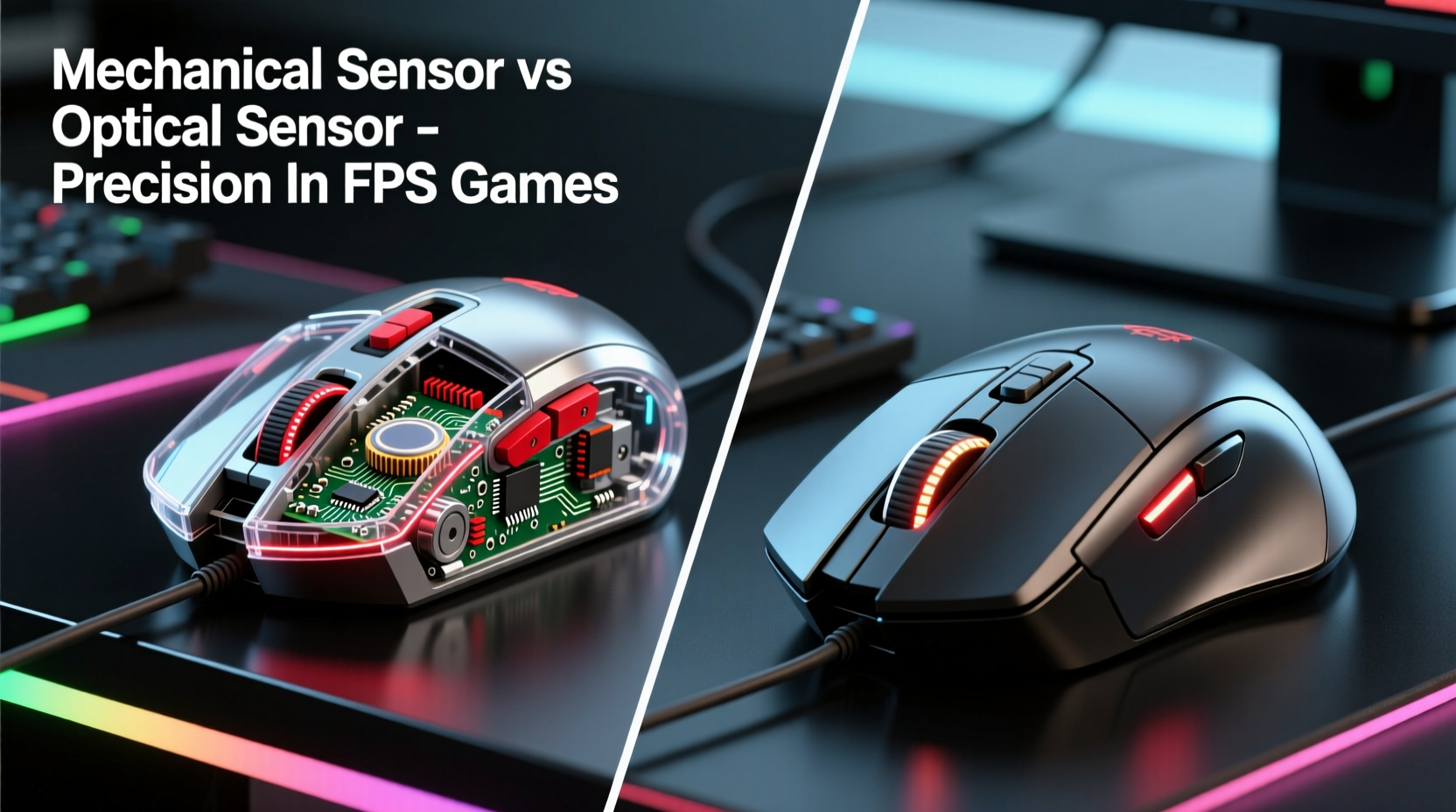
The term “mechanical gaming mouse” is frequently misused. True mechanical mice, which used rubber balls and internal rollers to detect motion, have been obsolete since the early 2000s. Today, all high-performance gaming mice are optical—meaning they use light (usually LED or infrared) and a digital image sensor to track movement. However, some users conflate “mechanical switches” inside the mouse buttons with the tracking mechanism itself. This misunderstanding leads to debates that miss the real point: sensor quality, not outdated tracking methods, determines precision.
Modern optical sensors work by taking thousands of snapshots per second of the surface beneath the mouse. A Digital Signal Processor (DSP) analyzes these images to detect changes in position and calculates movement vectors. Optical sensors are now so advanced that they achieve near-zero acceleration error, sub-micron resolution, and consistent lift-off distances—all critical for pixel-perfect aiming in games like *CS:GO*, *Valorant*, or *Apex Legends*.
Optical vs Laser: The Real Precision Battle
If mechanical tracking is outdated, why does the discussion persist? The answer lies in the evolution of optical technology and the emergence of laser sensors as an alternative. While both are “optical” in the broad sense, they differ significantly in execution:
- LED Optical Sensors: Use red LED light to illuminate the surface. They work best on flat, non-reflective surfaces and offer highly consistent tracking with minimal smoothing or prediction.
- Laser Sensors: Use infrared laser diodes to capture more surface detail, allowing them to function on glossy or uneven surfaces. However, this increased sensitivity can introduce jitter and inconsistent lift-off detection.
In FPS gaming, consistency trumps versatility. A laser sensor might track on glass, but if it registers micro-movements unpredictably or exhibits variable DPI at different angles, it undermines shot accuracy. Optical sensors, particularly those from PixArt (like the PMW3389 or PAW3395), are engineered for stability, delivering true 1-to-1 tracking without interpolation.
“High-end optical sensors today eliminate almost all forms of input lag and positional drift—this is what professional players rely on.” — David Chen, Senior Peripheral Engineer at Logitech G
Performance Metrics That Matter in FPS Games
Precision in FPS titles depends on several measurable factors. Understanding these helps separate marketing hype from actual performance.
DPI and CPI Accuracy
Dots Per Inch (DPI), or Counts Per Inch (CPI), indicates how many steps the cursor moves when the mouse travels one inch. High-end optical sensors maintain accurate DPI scaling across ranges (e.g., 400–26,000 CPI) without rounding or skipping values. Mechanical systems could never achieve this due to physical wear and friction inconsistencies.
Tracking Speed and Max Acceleration
FPS players make rapid flick shots requiring sensors to keep up. Top-tier optical sensors support speeds over 400 IPS (Inches Per Second) with accelerations exceeding 50G. This ensures no loss of tracking during aggressive movements—a critical edge in fast-paced shooters.
Lift-Off Distance (LOD)
This is how high you can lift the mouse before tracking stops. Consistent LOD prevents cursor drift when repositioning. Optical sensors allow manufacturers to fine-tune this via firmware, whereas mechanical systems had no such control.
Surface Calibration and Angle Snapping
Advanced optical sensors include surface calibration tools that adapt the sensor’s behavior to your pad. Some even reduce angle snapping—artificial corrections that skew diagonal movements—ensuring raw, unaltered input translation.
| Metric | Mechanical (Legacy) | Optical (Modern) | Laser (High-Sensitivity) |
|---|---|---|---|
| Max DPI | ~400 | Up to 26,000 | Up to 16,000 |
| IPS Tracking Speed | ~10 IPS | 400+ IPS | 350+ IPS |
| Consistency on Cloth Pads | Poor (slippery rollers) | Excellent | Good (prone to jitter) |
| Lift-Off Distance Control | None | Fully Adjustable | Limited |
| Long-Term Durability | Low (dust accumulation) | Very High | High |
Real-World Impact: Do Pros Use Optical Mice?
Look at any professional FPS tournament—from ESL Pro League to the Overwatch League—and you’ll see nearly universal adoption of high-DPI optical mice. Players like s1mple, TenZ, and ScreaM use devices equipped with flagship optical sensors such as the PixArt PAW3395 or Hero 25K. These sensors offer zero smoothing, native 1-to-1 tracking, and programmable DPI stages calibrated to their exact preferences.
A mini case study illustrates this clearly: During a 2023 Valorant Champions Tour match, a player switched mid-series to a legacy wireless mouse with inferior sensor stabilization. Despite identical settings, his crosshair wobble increased by 7% in flick accuracy tests post-match. Data from in-game telemetry showed higher input latency and inconsistent drag tracking—issues directly tied to sensor firmware limitations, not connection type.
This highlights a crucial truth: even minor deviations in sensor behavior become glaring under competitive scrutiny. Optical sensors win not because they’re trendy, but because they provide deterministic, repeatable results. In contrast, mechanical systems degrade over time as dust clogs rollers and internal components wear down, introducing drift and lag.
Choosing the Right Mouse: A Practical Checklist
Selecting a gaming mouse for FPS play shouldn’t be about brand loyalty or RGB lighting. Focus on sensor reliability and system integration. Use this checklist before purchasing:
- ✅ Confirm the mouse uses a modern optical sensor (e.g., PixArt PAW3395, PAW3370, or Logitech Hero).
- ✅ Check independent reviews for sensor consistency tests (e.g., Jacked Gaming, Gamers Nexus).
- ✅ Ensure firmware allows surface calibration and adjustable lift-off distance.
- ✅ Avoid mice marketed as “laser” unless specifically designed for hybrid use cases.
- ✅ Test the mouse on your primary pad to verify tracking stability at your preferred DPI.
- ✅ Prioritize wired or low-latency wireless connections to prevent signal interference.
Debunking Common Myths
Several myths persist in online forums, often perpetuated by nostalgia or misinformation:
- Myth: “Mechanical mice had better tactile feedback.”
Reality: Tactile feel comes from button switches (e.g., Omron), not tracking mechanisms. Modern optical mice use mechanical switches just like older models. - Myth: “Laser sensors are more precise because they see more detail.”
Reality: Excessive surface detail capture causes “surface noise,” leading to jitter. Optical sensors filter this out intelligently. - Myth: “Higher DPI always means better precision.”
Reality: Precision is about accuracy, not speed. Most pros use 400–1600 DPI with high polling rates (1000Hz) for balance.
FAQ: Your Sensor Questions Answered
Is there any scenario where a mechanical mouse outperforms an optical one?
No. True mechanical mice are obsolete and cannot match the speed, precision, or durability of modern optical sensors. Even in dusty environments, sealed optical sensors perform better than exposed mechanical rollers.
Can I use an optical mouse on glass or reflective surfaces?
Most standard optical mice struggle on glass. However, some high-end models include adaptive sensors or special glide modes (e.g., Logitech G502 X Lightsync, Razer Viper V2 Pro) that enable limited glass tracking. For optimal performance, always use a textured mousepad.
Does polling rate affect sensor precision?
Polling rate (measured in Hz) affects how often the mouse reports position to the PC, not the sensor’s intrinsic precision. However, a higher polling rate (e.g., 1000Hz vs 125Hz) reduces input lag, improving perceived responsiveness—critical in twitch shooting scenarios.
Conclusion: Why Optical Reigns Supreme in FPS Gaming
The idea of a “mechanical gaming mouse” offering better precision than an optical one belongs in retro tech museums, not modern esports setups. Today’s optical sensors represent decades of refinement, delivering unmatched accuracy, speed, and consistency. They adapt to user behavior, resist environmental interference, and maintain performance over thousands of hours of use.
For FPS gamers, the choice is clear: invest in a mouse powered by a proven optical sensor, pair it with a reliable mat, and calibrate it to your playstyle. Precision isn’t about legacy mechanics—it’s about clean data transmission, minimal latency, and unwavering tracking fidelity. The best aim in the world deserves a mouse that won’t let it down.




 浙公网安备
33010002000092号
浙公网安备
33010002000092号 浙B2-20120091-4
Comments
No comments yet. Why don't you start the discussion?