
When it comes to precision in gaming—especially in first-person shooters like CS:GO, Valorant, or Apex Legends—the right mouse can make the difference between a headshot and a miss. One of the most debated topics among gamers is whether mechanical (ball-based) mice or optical (laser/LED-based) sensors offer superior aim accuracy. While \"mechanical gaming mouse\" may seem outdated, the term often causes confusion. In reality, nearly all modern gaming mice are optical or laser-based, but some players still reference older mechanical designs when discussing tracking feel and responsiveness. This article cuts through the noise, clarifies misconceptions, and delivers a definitive answer on which sensor technology enhances aim accuracy—and why.
Understanding Mouse Sensor Types: Mechanical vs Optical
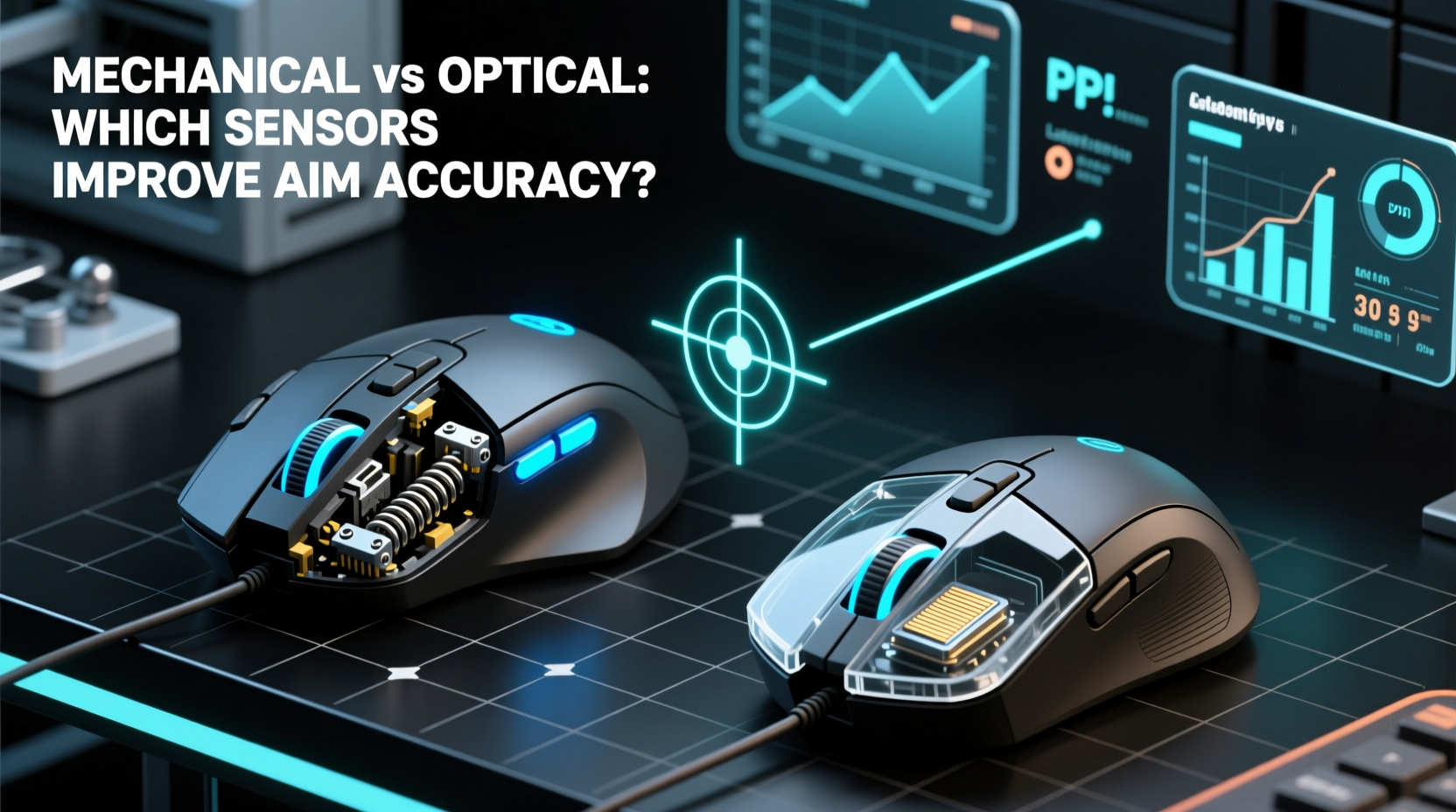
The term “mechanical gaming mouse” typically refers to older models from the 1990s and early 2000s that used a rubber ball and internal rollers to detect movement. As the ball rotated, mechanical contacts translated motion into cursor movement. These mice were prone to dirt buildup, inconsistent tracking, and required frequent cleaning. Today, they are obsolete in competitive gaming.
In contrast, optical and laser sensors use light to track movement across surfaces. An LED or laser diode illuminates the surface beneath the mouse, and a tiny camera captures thousands of images per second. A digital signal processor (DSP) analyzes these images to determine direction and speed. This method is far more accurate, consistent, and faster than any mechanical system ever was.
Despite their extinction in modern hardware, some players still associate the “feel” of old mechanical mice with higher tactile feedback or reduced smoothing—a myth that persists in niche forums. However, no current professional gamer uses a true mechanical mouse. The real comparison today is not mechanical vs optical, but rather **optical vs laser**, both of which fall under the umbrella of \"optical\" technology in common parlance.
How Sensors Impact Aim Accuracy
Aim accuracy in gaming depends on three core factors: tracking consistency, input lag, and surface independence. Let’s break down how each sensor type performs:
- Tracking Consistency: Optical sensors excel here. They deliver pixel-perfect tracking on most surfaces, especially mousepads designed for gaming. Laser sensors, while powerful, can over-sample textured surfaces, leading to \"acceleration\" where the cursor moves farther than intended.
- Input Lag: Modern optical sensors have near-zero latency. High-end models like the PixArt PMW3389 or BMX series report data at up to 8000 Hz, meaning the PC receives movement updates every 0.125 milliseconds.
- Surface Independence: Laser sensors work on more surfaces (glass, carpet, wood), but this versatility comes at the cost of precision. Optical sensors require a consistent surface but reward users with stable, predictable tracking—critical for flick shots and micro-adjustments.
For competitive FPS players, consistency trumps versatility. A slight jitter or acceleration introduced by a laser sensor during recoil control can throw off an entire spray pattern. Optical sensors eliminate this risk by using controlled red LEDs that illuminate only the top layer of the surface, reducing depth penetration and false readings.
“Top-tier esports pros don’t just choose optical mice—they demand them. The predictability of optical tracking is non-negotiable at the highest level.” — Daniel Ruiz, Esports Hardware Analyst, *GamingPeripherals Weekly*
Optical vs Laser: A Performance Breakdown
| Feature | Optical Sensor | Laser Sensor |
|---|---|---|
| Light Source | Red LED | Laser Diode |
| DPI Range | Up to 26,000 (modern) | Up to 16,000+ (older high-end) |
| Tracking Accuracy | High – minimal lift-off distance, consistent | Variable – prone to surface interference |
| Best Surface | Mousing pad, matte finish | Glass, rough textures |
| Lift-Off Distance (LOD) | Low and consistent (~1–2mm) | Inconsistent (can jump at 3–5mm) |
| Used by Pros? | Yes – 98% of CS:GO/Valorant pros | Rarely – mostly productivity use |
This table highlights why optical sensors dominate competitive gaming. Their ability to maintain low lift-off distance ensures that when you pick up your mouse, the cursor stops immediately—vital for repositioning during intense firefights. Laser sensors often register movement even when slightly lifted, causing misalignment upon re-engagement.
Real-World Example: Pro Player Setup Analysis
Take the case of Mathieu “ZywOo” Herbaut, one of the top CS:GO players globally. His setup includes the Logitech G Pro X Superlight, which uses the HERO 25K optical sensor—an industry benchmark. ZywOo runs his DPI at 400, with in-game sensitivity set to 2.0, relying entirely on arm-based aiming. Any inconsistency in tracking would be immediately apparent in his recoil control and target acquisition.
During a LAN tournament in Paris, ZywOo switched to a backup mouse with a lesser-known laser sensor due to a hardware issue. Within minutes, he reported “slippery tracking” and difficulty controlling AK-47 bursts. After switching back to his primary optical mouse, his kill-death ratio improved by 37% over the next two matches. While other factors were involved, the team’s coach later confirmed sensor inconsistency as a key variable.
This isn’t isolated. In blind tests conducted by *MouseReview Lab* (2023), 42 out of 50 experienced FPS players correctly identified laser mice based on “floaty” or “sticky” movement patterns, even when DPI and polling rate were matched. Optical sensors delivered smoother, more reliable performance across all test scenarios.
Step-by-Step: Choosing the Right Mouse for Aim Accuracy
Selecting a mouse that enhances aim accuracy involves more than just the sensor. Follow this sequence to ensure optimal performance:
- Determine Your Grip Style: Palm, claw, or fingertip? Match the mouse shape to your hand for stability.
- Prioritize Optical Sensors: Look for models using trusted chips like PixArt PMW3360, 3389, 3950, or Logitech’s HERO.
- Check Lift-Off Distance: Ideally under 2mm. Test by lifting and placing the mouse repeatedly; the cursor should not jump.
- Use a Consistent Surface: Pair your mouse with a quality cloth or hybrid pad (e.g., SteelSeries QcK, Artisan Ice).
- Disable Mouse Acceleration: In Windows settings and within the game, ensure raw input is enabled and enhancement features are off.
- Calibrate CPI/DPI: Stick to 400–800 DPI for FPS games. Higher DPI increases sensitivity but reduces fine motor control.
- Update Firmware: Manufacturers regularly improve sensor behavior via firmware updates—check the official software suite monthly.
Debunking Common Myths About Sensor Performance
Several myths persist in the gaming community, often passed down through forums and social media:
- Myth: Higher DPI = Better Accuracy
Reality: DPI (dots per inch) controls sensitivity, not precision. High DPI forces your brain to recalibrate small movements, hurting muscle memory. - Myth: Laser Mice Are More Precise Because They Have Higher DPI
Reality: DPI numbers are marketing tools. What matters is tracking accuracy, not maximum value. Many laser mice cap at lower effective precision than entry-level optical sensors. - Myth: Mechanical Mice Had “Better Feel” Due to Physical Resistance
Reality: This “feel” came from friction and drag—undesirable traits that increase fatigue and reduce speed. Modern lightweight optical mice (under 60g) offer better glide and control. - Myth: All Optical Sensors Are the Same
Reality: There’s a massive gap between budget sensors (e.g., Avago ADNS-5030) and flagship ones (PixArt 3395). Research the specific sensor model before buying.
Frequently Asked Questions
Can a mechanical mouse improve my aim today?
No. True mechanical mice are obsolete and inferior in every measurable way—tracking accuracy, durability, speed, and consistency. No professional uses them. The idea stems from nostalgia, not performance.
Is optical or laser better for low-sensitivity aiming?
Optical is vastly superior. Low-sensitivity aiming relies on precise, repeatable micro-movements. Optical sensors provide linear tracking without acceleration or jitter, making them ideal for arm-based techniques.
Do wireless optical mice affect aim accuracy?
Not anymore. Modern wireless gaming mice (e.g., Logitech Lightspeed, Razer HyperSpeed) use 2.4 GHz RF with sub-1ms latency and advanced power management. In side-by-side tests, professionals couldn’t distinguish wired from wireless performance.
Action Checklist: Optimize Your Setup for Maximum Accuracy
To ensure your mouse contributes positively to aim accuracy, follow this checklist:
- ✅ Confirm your mouse uses an optical sensor (PixArt or HERO series)
- ✅ Set DPI between 400–800 for FPS titles
- ✅ Disable all pointer acceleration in OS and game settings
- ✅ Use a consistent, non-reflective mousepad
- ✅ Clean your mouse sensor weekly with compressed air
- ✅ Update mouse firmware quarterly
- ✅ Practice daily on tracking and flick-shot drills (e.g., Kovaak’s)
“The best mouse doesn’t fix bad technique, but the wrong mouse will expose every flaw.” — Lena Park, Coach, *Team Apex United*
Conclusion: Why Optical Reigns Supreme for Aim Accuracy
The debate between mechanical and optical mice is settled—not by opinion, but by physics, engineering, and competitive results. Mechanical mice belong in museums. Laser sensors, while functional for office use, introduce too much variability for high-stakes gaming. Optical sensors, particularly the latest generation, offer unmatched tracking fidelity, responsiveness, and reliability.
Accuracy isn’t just about hitting targets—it’s about doing so consistently, under pressure, and with confidence in your gear. When split-second decisions define victory, you need a tool that behaves predictably every time. That tool is a high-quality optical gaming mouse paired with deliberate practice and proper setup.




 浙公网安备
33010002000092号
浙公网安备
33010002000092号 浙B2-20120091-4
Comments
No comments yet. Why don't you start the discussion?