
The choice between a mechanical and optical gaming mouse often comes down to more than just design or button feel—it's fundamentally about sensor technology and how it translates movement into on-screen action. While both types may look similar at first glance, their internal mechanisms differ significantly, affecting responsiveness, tracking accuracy, and long-term reliability. Understanding these differences is essential for competitive gamers, streamers, and even casual players who demand precision from their gear.
Despite common misconceptions, \"mechanical\" and \"optical\" in this context don’t refer solely to button switches—they describe the entire tracking system of the mouse. A true mechanical mouse uses physical rolling components like a rubber ball and internal rollers to detect motion, while an optical mouse relies on a light-emitting diode (LED) or laser and a digital sensor to capture surface movement. Today’s gaming mice are almost exclusively optical, but knowing why that shift occurred—and whether any advantages remain for mechanical designs—can help you make smarter purchasing decisions.
How Mechanical Mice Work: The Legacy of Physical Tracking
Mechanical mice were standard in computing through the 1990s and early 2000s. These devices used a rubber or steel ball on the underside that rolled as the user moved the mouse. This ball transferred motion to two perpendicular rollers—one for X-axis movement and one for Y-axis. Encoders attached to these rollers converted rotation into electrical signals sent to the computer.
This system was functional but prone to several issues. Dust, hair, and debris would accumulate around the ball and rollers, leading to inconsistent tracking or erratic cursor behavior. Gamers quickly noticed lag, jitter, and missed inputs during fast-paced gameplay. Cleaning required disassembling the mouse regularly—a tedious process that disrupted workflow and risked damaging internal parts.
“Mechanical mice had their place in history, but their reliance on moving parts made them unreliable for high-speed applications.” — Dr. Alan Reeves, Human-Computer Interaction Researcher, MIT Media Lab
Moreover, mechanical sensors couldn't achieve high DPI (dots per inch) sensitivity. Most capped out below 400 DPI, limiting precision for modern displays with higher resolutions. In fast-response games like first-person shooters or MOBAs, where pixel-level control matters, this limitation became a serious disadvantage.
Optical Sensors: The Modern Standard for Precision
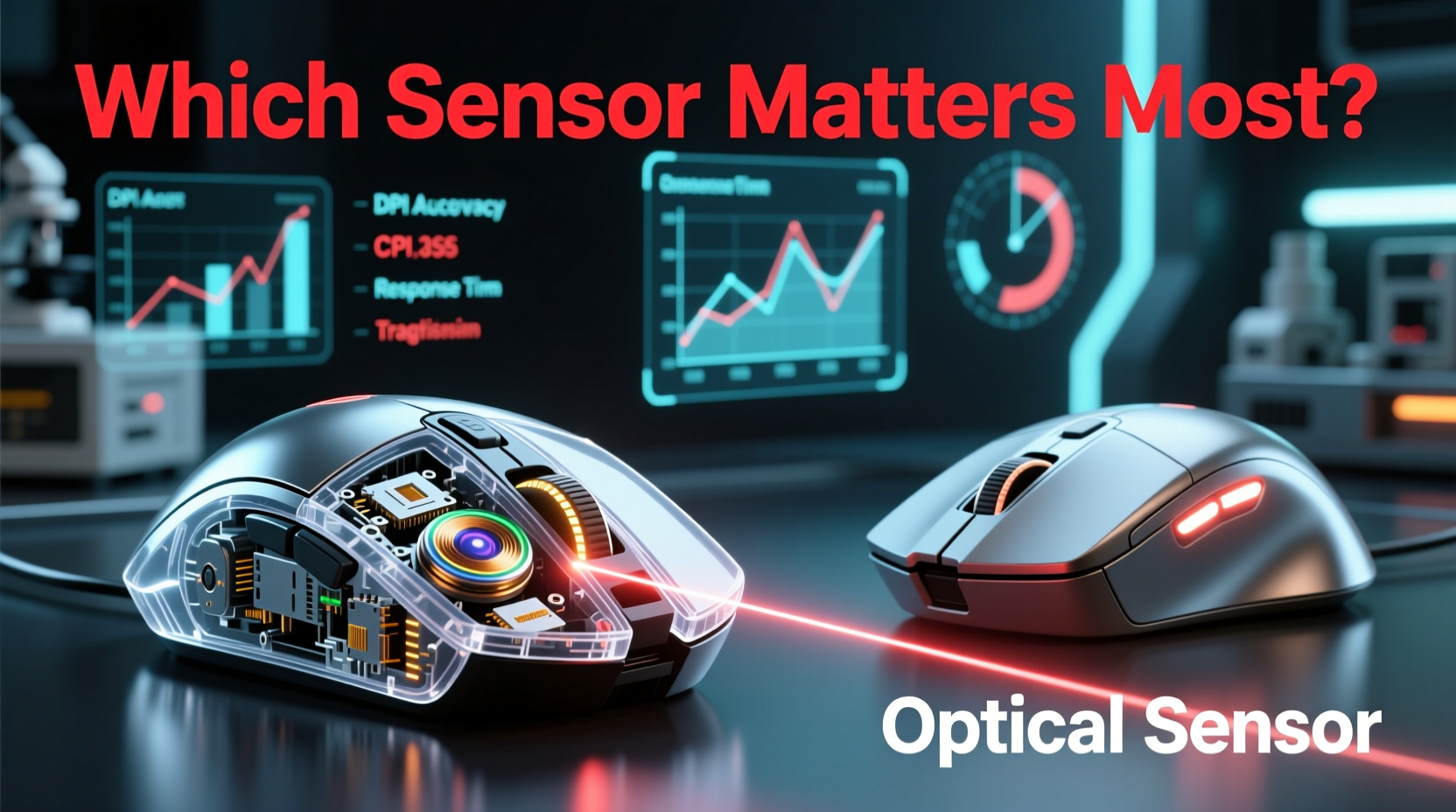
Optical mice replaced mechanical ones largely due to advancements in LED and image processing technology. Instead of relying on physical contact, optical mice use a small camera—typically capturing over 1,000 frames per second—to take rapid snapshots of the surface beneath them. By analyzing changes between successive images, the sensor calculates direction and distance traveled.
This method eliminates nearly all moving parts, drastically reducing wear and maintenance needs. Optical sensors also support much higher DPI settings—modern gaming mice range from 800 to over 26,000 DPI—allowing fine-tuned customization based on sensitivity preferences, monitor size, and game genre.
Two main types of optical sensors exist today:
- LED-based optical sensors: Use red LEDs and work best on non-reflective, textured surfaces. Affordable and reliable for everyday use.
- Laser sensors: Employ infrared lasers for deeper surface penetration, enabling tracking on glass or glossy tables. However, they can suffer from “acceleration artifacts,” where movement isn’t translated linearly.
Top-tier gaming brands like Logitech, Razer, and SteelSeries now use custom optical sensors (e.g., Logitech’s HERO, Razer’s Focus+) designed specifically for low power consumption, zero smoothing, and pixel-perfect accuracy. These represent the current gold standard in competitive gaming hardware.
Performance Comparison: Accuracy, Speed, and Responsiveness
To understand which sensor truly performs better under pressure, let’s compare key metrics relevant to gamers.
| Feature | Mechanical Mouse | Optical Mouse |
|---|---|---|
| Tracking Accuracy | Low – susceptible to slippage and debris interference | High – consistent pixel-level tracking across surfaces |
| Maximum DPI | Up to 400 DPI | 800–26,000+ DPI |
| Polling Rate | Typically 125Hz | Up to 8,000Hz with modern gaming models |
| Maintenance Needs | High – requires frequent cleaning | Low – no internal moving parts to clog |
| Lifespan | 1–2 years with heavy use | 3–7+ years depending on build quality |
| Surface Compatibility | Poor – struggles on smooth or uneven surfaces | Excellent – works on cloth, hard pads, wood; some work on glass |
The data clearly favors optical sensors in every category critical to gaming performance. But beyond specs, real-world usage reveals even starker contrasts.
Mini Case Study: Competitive FPS Player Switches to Optical
Jordan Lee, a semi-professional CS:GO player, competed for two seasons using a refurbished mechanical mouse inherited from his older brother. Despite decent hand-eye coordination, he struggled with spray control and flick shots. After a LAN event where his mouse froze mid-match due to dust buildup, he switched to a mid-range optical gaming mouse with 16,000 DPI and 1,000Hz polling rate.
Within three weeks, his K/D ratio improved by 27%. He attributed the change not just to better hardware, but to increased confidence in input fidelity. “I finally felt like my movements were being registered exactly as I made them,” Jordan said. “No guessing if the crosshair would drift because the ball got sticky.”
This anecdote reflects a broader trend: once gamers experience the responsiveness of optical tracking, few return to mechanical alternatives.
Do Mechanical Components Still Matter? Buttons vs Sensor
A common point of confusion arises when discussing “mechanical” aspects of modern mice. While the tracking mechanism is optical, many gaming mice feature mechanical switches under the buttons—such as Omron or Kailh microswitches—which provide tactile feedback and durability rated for 20–100 million clicks.
This distinction is crucial: a mouse can be optically tracked yet have mechanical buttons. The term “mechanical mouse” should not be conflated with “mouse with mechanical switches.” In fact, most premium gaming mice today combine optical sensors with mechanical button switches for optimal performance and feel.
So while the internal tracking system has evolved beyond physical rollers, mechanical engineering still plays a role in durability and user experience—but only in specific components, not overall motion detection.
Step-by-Step Guide to Choosing the Right Gaming Mouse
Selecting the right mouse isn’t just about sensor type—it’s about matching the device to your play style, grip preference, and technical needs. Follow this sequence to ensure you get the best fit:
- Determine your grip style: Palm, claw, or fingertip? Larger mice suit palm grippers; smaller ones favor fingertip users.
- Check sensor specifications: Look for true optical sensors with adjustable DPI (ideally 800–16,000) and minimal acceleration.
- Evaluate polling rate: Aim for at least 1,000Hz for responsive tracking. Some high-end models offer 4,000Hz or 8,000Hz with compatible ports.
- Test button switch type: Mechanical switches (e.g., Omron) offer crisp actuation. Some prefer optical switches for faster reset times.
- Assess weight and balance: Lightweight mice (under 80g) enhance speed; heavier ones improve stability. Consider modularity for tuning.
- Verify surface compatibility: Ensure the sensor works on your preferred mousepad. Avoid laser sensors if you notice pointer acceleration.
- Read professional reviews: Check trusted sources like TechPowerUp, Linus Tech Tips, or professional esports player endorsements.
This structured approach ensures you’re not swayed by marketing jargon and instead focus on measurable performance factors.
Frequently Asked Questions
Can optical mice work on glass or reflective surfaces?
Standard optical mice struggle on glass due to lack of texture. However, some high-end models with advanced laser or hybrid sensors (like Logitech’s Darkfield technology) can track reliably on glass and other difficult surfaces.
Are mechanical mice completely obsolete?
For mainstream and gaming use, yes. They’ve been superseded by optical solutions in every performance metric. However, some retro-computing enthusiasts or industrial applications may still use them for legacy compatibility.
Is DPI the most important factor in a gaming mouse?
No. While DPI determines sensitivity, more critical factors include sensor consistency, polling rate, latency, and whether the mouse applies acceleration or smoothing. A stable 1,600 DPI mouse often outperforms an unstable 12,000 DPI model.
Final Verdict: Why Optical Sensors Dominate Gaming
The debate between mechanical and optical gaming mice is effectively settled. Optical sensors deliver unmatched accuracy, require minimal maintenance, and support the high-speed demands of modern gaming. Mechanical tracking systems, burdened by moving parts and environmental vulnerabilities, simply cannot compete.
That said, understanding the evolution helps clarify why certain features matter. The shift from mechanical to optical wasn’t arbitrary—it was driven by measurable improvements in responsiveness, longevity, and user experience. Today’s best gaming mice leverage decades of refinement in optical sensing, combining them with ergonomic designs, customizable weights, and software integration for peak performance.
If you’re still relying on an old-school mechanical mouse—or considering one based on nostalgia or cost savings—you’re likely sacrificing precision, speed, and reliability. Even entry-level optical gaming mice outperform vintage mechanical ones in every meaningful way.




 浙公网安备
33010002000092号
浙公网安备
33010002000092号 浙B2-20120091-4
Comments
No comments yet. Why don't you start the discussion?