
For mechanical keyboard enthusiasts, the pursuit of the perfect keystroke is more than a hobby—it’s a craft. Among the most debated practices in this community is switch lubing: applying lubricant to individual switch components to reduce friction, noise, and wear. While some swear by it as essential for peak performance, others question whether disassembling dozens or even hundreds of tiny switches justifies the time, cost, and risk. So, is it truly worth it?
The answer isn’t universal. It depends on your goals, tolerance for detail work, and how much you value tactile refinement over convenience. To help you make an informed decision, we’ll examine the mechanics of switch lubing, walk through the process, analyze real-world outcomes, and present insights from seasoned builders.
Understanding Switch Lubing: What It Is and How It Works
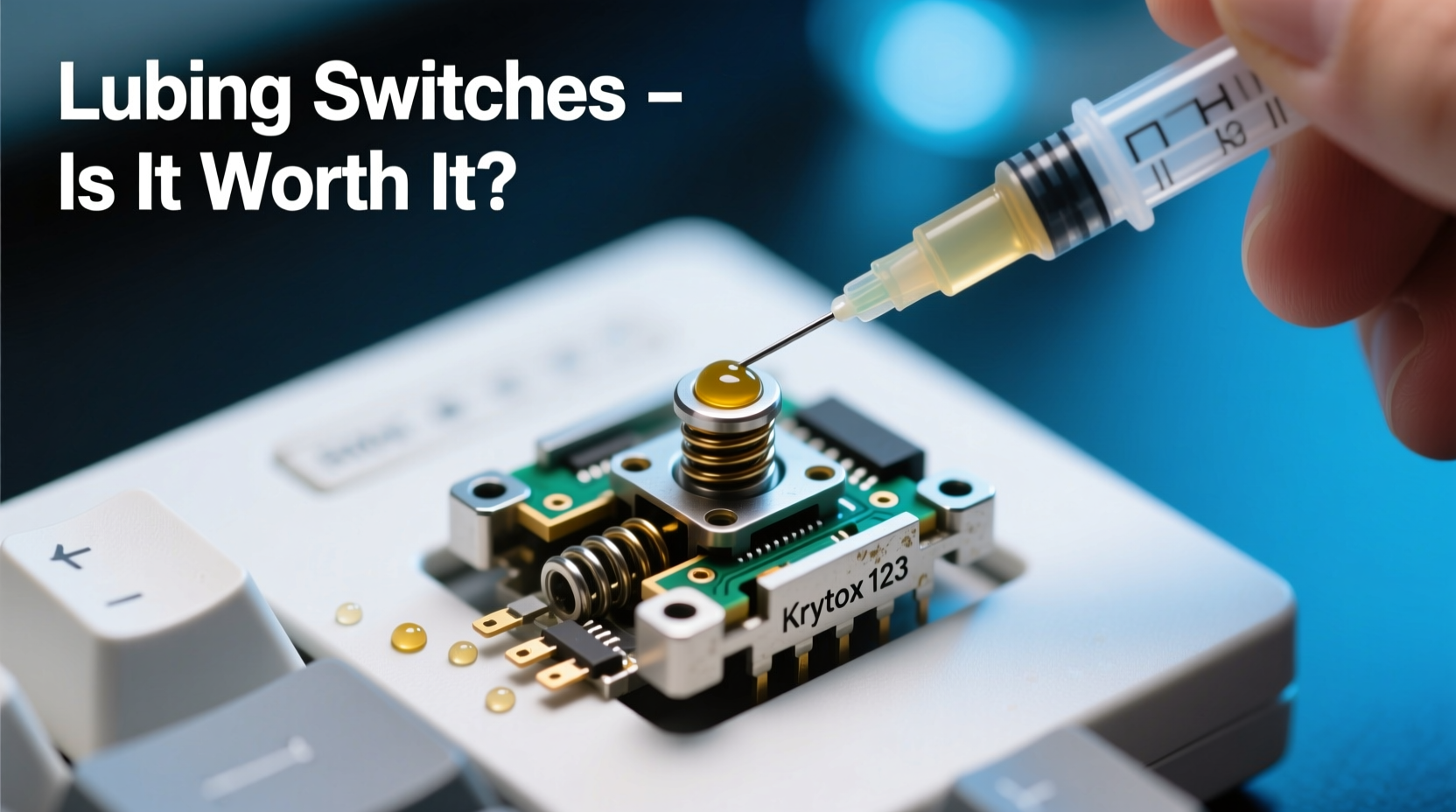
Mechanical keyboard switches are precision mechanisms composed of several small parts: housing, stem, spring, and contacts. Over time, friction between these moving parts can create scratchiness, inconsistent actuation, or unwanted noise. Lubrication aims to smooth out these interactions by reducing metal-on-plastic and plastic-on-plastic contact.
Lubing involves carefully disassembling each switch (or using pre-lubed variants), applying a thin layer of dielectric grease to specific points—typically the stem rails and spring—and then reassembling them. The right lubricant must be non-conductive, stable over time, and compatible with plastics commonly used in switches (like POM and nylon).
The goal isn’t to eliminate all sound or resistance but to refine the feel: eliminating gritty feedback, evening out bottom-out force, and creating a consistent typing experience across all keys.
“Lubing isn’t about making switches silent—it’s about removing inconsistencies. A well-lubed switch should feel like glass on glass.” — Derek Chen, Custom Keyboard Builder & Moderator at /r/MechanicalKeyboards
The Real Benefits: Performance vs. Perceived Gains
While many users report dramatic improvements after lubing, not all benefits are equally measurable. Some are subjective; others have tangible impact.
- Smoother keystrokes: Reduced friction leads to cleaner up-and-down motion, especially noticeable in linear switches.
- Noise reduction: Lubricated stems and dampened springs lower high-pitched ping and clack, particularly in clicky or tactile switches.
- Extended lifespan: By minimizing wear, proper lubing may extend switch longevity, though empirical data is limited.
- Consistency: Factory switches vary slightly due to manufacturing tolerances. Lubing helps normalize behavior across the board.
However, gains depend heavily on execution. Poor technique—such as over-lubing or using incompatible grease—can lead to mushy feel, key wobble, or even electrical issues if conductive residue migrates near contacts.
Step-by-Step: How to Lube Switches Safely and Effectively
If you're considering lubing your own switches, here's a proven workflow that balances thoroughness with efficiency.
- Gather tools: Need tweezers, switch opener, brush, lint-free cloth, syringe or applicator, and appropriate lubricants.
- Remove keycaps and switches: Desolder or hot-swap them depending on your PCB type.
- Disassemble switches: Use a switch opener to separate top and bottom housings without cracking.
- Clean components: Wipe stems and housings with isopropyl alcohol to remove factory residue.
- Apply lube:
- Stem rails: Thin coat of medium-weight lube (e.g., Krytox 205g0).
- Springs: Light wipe with light oil (e.g., Krytox 105) to reduce coil noise.
- Housing contact points: Optional light lubrication where stem touches housing.
- Reassemble: Snap housings back together gently. Test function before installing.
- Install and test: Reinsert switches, remount keycaps, and type for at least 1000 keystrokes to bed in the lube.
This entire process takes approximately 3–5 minutes per switch when done manually. For a full 60% keyboard (61 switches), expect 4–6 hours of focused labor. Batch tools can speed things up, but require practice.
Cost-Benefit Analysis: Time, Tools, and Results
To determine whether switch lubing is worth it, consider both tangible and intangible factors. The following table breaks down key elements:
| Factor | Value (Lubed) | Value (Stock) | Verdict |
|---|---|---|---|
| Typing Smoothness | High – Consistent, fluid motion | Medium – May feel scratchy or uneven | ✅ Significant improvement |
| Noise Level | Reduced ping and spring rattle | Varies by switch; often louder | ✅ Moderate gain |
| Time Investment | 4–8 hours for full build | Negligible | ❌ High barrier |
| Tool Cost | $30–$70 (lubes, openers, brushes) | $0 | ⚠️ One-time but notable |
| Risk of Damage | Medium – Cracked housings, misalignment | None | ⚠️ Requires care |
| Long-Term Maintenance | Lube lasts 1–3 years; reapplication possible | Factory condition degrades naturally | ✅ Slight edge |
The data shows clear performance advantages, but they come at a steep time cost. For casual typists, stock switches may suffice. For enthusiasts chasing premium feel or building custom kits, lubing offers meaningful returns.
Real Example: From Frustration to Satisfaction
Consider Mark, a software developer who purchased a budget mechanical keyboard with Gateron Red switches. Initially satisfied, he noticed increasing inconsistency—some keys felt sticky, others had audible ping. After researching, he decided to re-lube his switches despite having no prior experience.
He spent one weekend disassembling all 87 switches, cleaning stems, and applying a light layer of Krytox 205g0 to the rails and 105 to the springs. The result? His keyboard transformed. Typing became noticeably smoother, spring noise vanished, and he reported less finger fatigue during long coding sessions.
“I was skeptical,” Mark said later in a forum post. “But now I can’t go back. It’s like upgrading from HD to 4K—one doesn’t realize what they were missing until they see it.”
His case illustrates that while the upfront effort is substantial, the payoff in daily usability can justify it—especially for heavy users.
When Lubing Isn't Worth It
Despite its benefits, switch lubing isn’t always the right choice. Here are scenarios where skipping it makes sense:
- You use membrane or low-end mechanical keyboards: These aren’t designed for modding, and results may not justify effort.
- You’re not sensitive to typing feel: If you don’t notice differences in smoothness or sound, lubing adds little value.
- You lack patience or fine motor skills: Rushing increases risk of broken switches or uneven application.
- Your switches are already lubed: Many premium brands (e.g., NovelKeys, Greetech) offer pre-lubed options.
- You plan frequent switch changes: Constant disassembly defeats the purpose of a one-time lube job.
In these cases, investing in higher-quality stock switches or pre-modded boards may deliver better ROI than DIY lubing.
Checklist: Is Switch Lubing Right for You?
Before picking up a switch opener, ask yourself the following:
- Do I spend multiple hours per day typing?
- Am I bothered by scratchy or inconsistent keystrokes?
- Have I built or modified keyboards before?
- Do I have steady hands and attention to detail?
- Am I willing to invest $50+ in tools and lubes?
- Can I dedicate 4+ hours to a single project?
- Am I okay with the risk of damaging some switches?
If you answered “yes” to most of these, lubing could significantly enhance your experience. If not, consider alternatives like buying pre-lubed switches or trying different switch types first.
Frequently Asked Questions
Does lubing void my keyboard warranty?
Yes, in most cases. Opening switches or modifying internal components typically voids manufacturer warranties. Proceed only if you’re comfortable with this risk.
How long does lube last in switches?
High-quality synthetic lubes like Krytox or Tribosys can last 1–3 years under regular use. Environmental factors like heat, dust, and humidity may shorten lifespan. Re-lubing is possible but requires another round of disassembly.
Can I lube switches without taking them apart?
Partial lubing is possible via “top-down” methods—dropping lube into the switch housing—but it’s far less effective. Without access to the stem and spring, coverage is uneven, and excess lube can pool and attract debris. Full disassembly remains the gold standard.
Final Verdict: Effort vs. Experience
Taking apart and lubing mechanical keyboard switches is undeniably labor-intensive. It demands precision, patience, and a willingness to accept failure along the way. Yet for those who value every nuance of their typing experience, the results are transformative.
The difference isn’t always dramatic in specs, but in sensation. A lubed keyboard feels more refined, predictable, and enjoyable—like driving a well-tuned car versus one with worn suspension. For professionals, writers, coders, or anyone whose fingers spend hours on the board, that refinement compounds over time.
Ultimately, switch lubing is worth the effort if you’re passionate about craftsmanship and notice subtle details in tactile feedback. It’s less about necessity and more about elevation—a deliberate step toward personalization and excellence.




 浙公网安备
33010002000092号
浙公网安备
33010002000092号 浙B2-20120091-4
Comments
No comments yet. Why don't you start the discussion?