
If you're typing away in a shared workspace, open office, or even just working from home with family nearby, the sound of your keyboard can become more than just background noise—it can be a source of tension. Mechanical keyboards are beloved for their tactile feedback and durability, but not all switches are created equal when it comes to noise. Among the most popular options are Red and Blue switches. While both offer distinct typing experiences, only one truly earns its place in an environment where peace matters. Understanding the difference between Red and Blue switches—and how they impact those around you—is essential if you want to stay productive without earning side-eye from your coworkers.
The Sound of Productivity: Why Switch Choice Matters
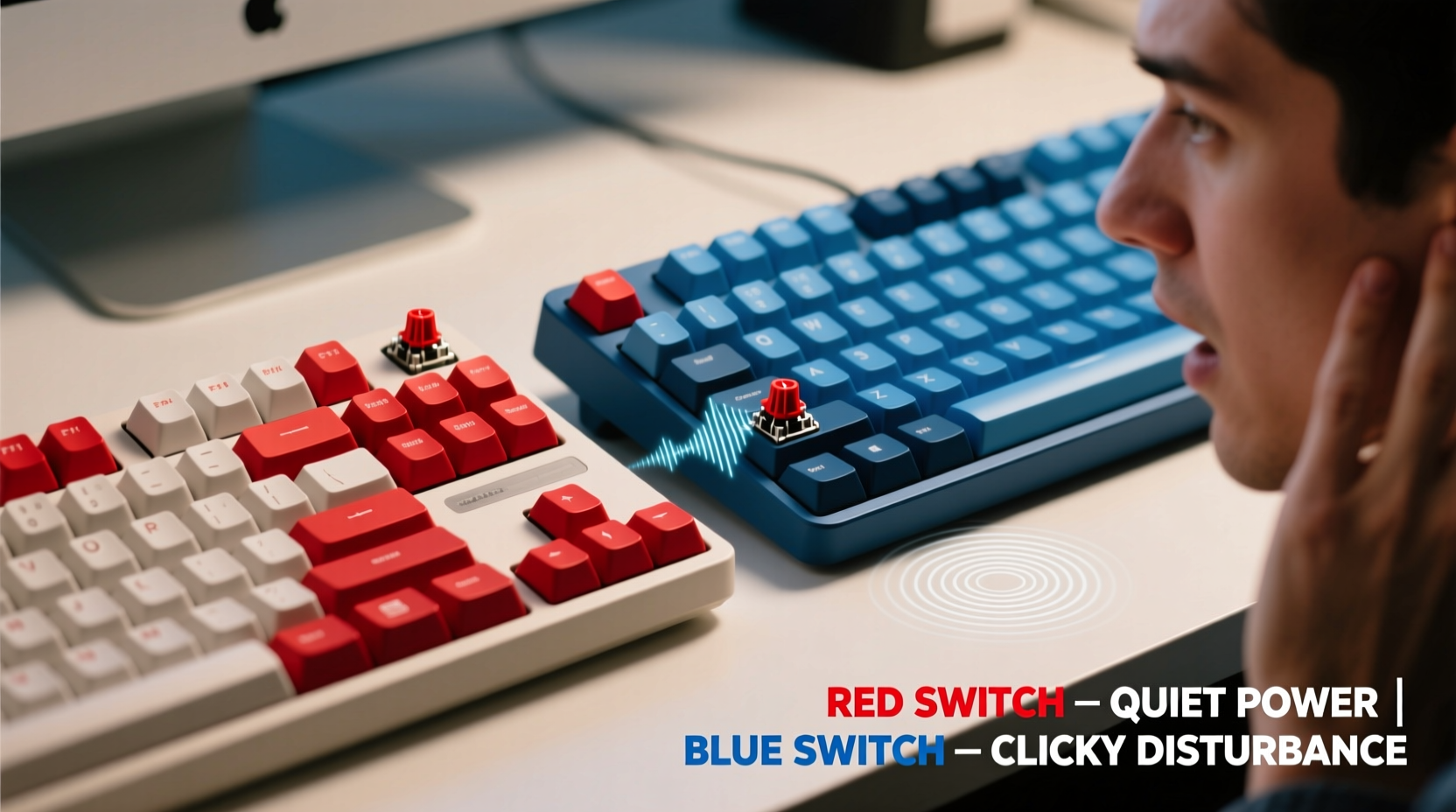
Mechanical keyboards use individual switches under each keycap to register keystrokes. These switches vary in design, actuation force, travel distance, and—critically—sound profile. The two most commonly discussed linear and tactile variants are Cherry MX Red and Cherry MX Blue switches, often used as benchmarks across the industry. While both are widely available and found on everything from budget boards to high-end models, their acoustic behavior couldn't be more different.
In a quiet office, the rhythmic clicking of a mechanical keyboard can quickly go from satisfying to disruptive. A 2021 study published in the Journal of Environmental Psychology found that repetitive auditory stimuli—like keyboard clicks—can impair concentration and increase stress levels in nearby individuals, especially during tasks requiring deep focus. This means that while you might enjoy the crisp feedback of your typing, your neighbor could be mentally counting down until they ask you to \"please stop.\"
“Sound isn’t just about volume—it’s about rhythm and predictability. A constant, sharp click pattern like that of Blue switches creates cognitive friction in shared environments.” — Dr. Lena Torres, Cognitive Ergonomics Researcher at MIT Media Lab
Breaking Down Red vs Blue: Key Differences
To understand which switch is less likely to drive your coworkers up the wall, we need to compare their core characteristics. Below is a detailed breakdown:
| Feature | Cherry MX Red | Cherry MX Blue |
|---|---|---|
| Type | Linear | Tactile + Audible Click |
| Actuation Force | 45cN (grams) | 50cN |
| Total Travel Distance | 4.0 mm | 4.0 mm |
| Pre-Travel (Actuation Point) | 2.0 mm | 2.2 mm |
| Tactile Feedback | None – smooth press | Pronounced bump + audible click |
| Noise Level | Low to moderate (soft thock) | High (sharp, metallic click) |
| Best For | Gaming, fast typing, quiet offices | Typists who love feedback, home use |
The defining distinction lies in tactility and acoustics. Blue switches are designed to provide both a physical bump and a loud, deliberate “click” sound at the point of actuation. This click is produced by a small plastic component inside the switch that snaps into place, creating a sharp auditory cue. Reds, on the other hand, have no such mechanism. They depress smoothly and quietly, making contact with a soft bottom-out sound unless you’re slamming keys.
Real-World Impact: A Day in the Office
Consider this scenario: Alex works in a hybrid role, splitting time between remote days and the office. At home, he types on a custom-built keyboard with Cherry MX Blue switches, enjoying the responsive feel and satisfying sound. When he returns to the office and brings the same board, his productivity soars—but so does ambient noise.
Within two days, colleagues begin wearing headphones more frequently. One team member mentions difficulty concentrating during calls. Another jokingly asks if Alex is “trying to Morse code the server back online.” Management doesn’t issue a formal complaint, but the social discomfort is palpable. After switching to a Red-switch keyboard, the change is immediate. Typing remains efficient, but the office atmosphere relaxes. No one notices the new board—exactly the goal.
This example isn’t rare. In fact, it reflects countless real-world situations where well-intentioned tech choices unintentionally disrupt others. The lesson isn’t that Blue switches are “bad,” but that context determines appropriateness. Just as you wouldn’t blast music through speakers in a library, choosing a quieter switch in shared environments is a matter of professional courtesy.
How Loud Are We Talking?
Decibel measurements help quantify the difference. Using a calibrated sound meter at a distance of 30 cm (typical ear-to-keyboard distance for a seated coworker), average peak noise levels were recorded during normal typing:
- Cherry MX Blue: 55–60 dB (comparable to a normal conversation)
- Cherry MX Red: 45–50 dB (similar to light rainfall or a quiet room)
- Filco Majestouch 2 (Blue): 58 dB
- Ducky One 3 (Red): 47 dB
To put this in perspective, OSHA recommends sustained workplace noise remain below 55 dB to prevent fatigue and distraction. That puts standard Blue switch keyboards right at or above the threshold for long-term comfort. Reds fall safely within acceptable limits. Even minor differences in decibels compound over hours of continuous typing, turning subtle sounds into persistent distractions.
Alternatives and Upgrades for Office-Friendly Typing
If you’re committed to mechanical feel but need discretion, several strategies reduce noise without sacrificing performance.
1. Dampen With O-Rings
Silicone O-rings installed beneath keycaps absorb impact, reducing bottom-out noise. While they don’t eliminate the inherent click of Blue switches, they soften the overall sound. However, they can slightly alter keypress feel and require installation effort.
2. Use Foam-Modded Keyboards
Many modern mechanical keyboards include internal foam padding to dampen resonance and echo. Boards like the Keychron Q1 or Drop ALT come pre-modded or allow easy access for adding DIY foam. This significantly reduces hollow, amplifying sounds common in metal cases.
3. Switch to Linear or Quiet Variants
Instead of standard Reds, consider specialized low-noise switches:
- Cherry MX Red Silent: Same feel as Reds, but 30% quieter due to internal dampening.
- Gateron Yellow: Smooth linear action with minimal noise, often preferred over Reds for typing.
- Zilent switches: Designed specifically for quiet operation with tactile feedback.
4. Opt for Scissor-Switch or Low-Profile Mechanical
For maximum discretion, consider low-profile mechanical switches (e.g., Kailh Low Profile Reds) or even premium scissor-switch keyboards like the Apple Magic Keyboard or Microsoft Surface Keyboard. These combine mechanical reliability with near-membrane noise levels.
Checklist: Choosing a Coworker-Friendly Keyboard
Before buying or bringing a mechanical keyboard to work, run through this checklist:
- ✅ Is the switch type linear (Red, Black) or silent? Avoid clicky (Blue, Green) or loud tactile switches.
- ✅ Does the keyboard have internal foam or sound-dampening features?
- ✅ Are the keycaps made of PBT or thick ABS? Thinner plastics can amplify noise.
- ✅ Can you type without bottoming out hard? Lighter touch = less noise.
- ✅ Have you tested it in a quiet setting with someone nearby?
- ✅ Is there a wireless option to reduce desk vibration transmission?
Meeting at least four of these criteria greatly increases the chances your keyboard will fly under the radar—literally and socially.
Frequently Asked Questions
Can I use Blue switches if I type softly?
Possibly, but unlikely. Even with a light touch, the fundamental design of Blue switches includes a built-in click bar that produces sound regardless of pressure. While gentle typing reduces volume, the sharp tonal quality remains noticeable in quiet rooms.
Are Red switches good for typing all day?
Yes. Many typists prefer Reds for extended writing sessions because the linear action requires less finger resistance and allows faster actuation. Without tactile bumps, typing becomes smoother and more fluid, especially at high speeds. However, some users miss the feedback and may accidentally double-tap keys until they adjust.
Do silent switches last as long as regular ones?
Absolutely. Silent variants like Cherry MX Red Silent are rated for 50 million keystrokes—identical to their standard counterparts. The dampening components are engineered to endure repeated compression without degradation.
Final Verdict: Which Switch Won’t Make Your Coworkers Hate You?
The answer is clear: **Red switches** are the far more office-appropriate choice. Their linear, quiet operation produces minimal disruption, blending into the background of a busy workspace. Blue switches, while excellent for home use or personal enjoyment, generate consistent, high-frequency clicking that accumulates into auditory fatigue for nearby listeners.
Choosing a keyboard isn’t just about personal preference—it’s about awareness of shared space. In collaborative environments, minimizing unnecessary noise is part of professional etiquette. That doesn’t mean giving up mechanical keyboards altogether; it means selecting the right variant for the setting.
If you love the precision and durability of mechanical switches but also value harmony at work, go with Reds—or better yet, silent linear switches. Pair them with a foam-modded case, thick keycaps, and mindful typing habits, and you’ll enjoy the best of both worlds: performance and peace.
“The best keyboard is the one that lets you work efficiently without making others wish you’d leave.” — Mark Renouf, Tech Ergonomics Consultant, Workspace Dynamics Inc.




 浙公网安备
33010002000092号
浙公网安备
33010002000092号 浙B2-20120091-4
Comments
No comments yet. Why don't you start the discussion?