
When building or upgrading a mechanical keyboard, one of the most impactful decisions you’ll make is choosing the right switch. For users who split their time between work and play—typing documents by day, gaming intensely by night—the choice between Red and Brown switches becomes especially critical. Both are popular linear or tactile options from Cherry MX, but they serve different sensory and functional preferences. Understanding their core differences in actuation force, feedback, noise, and durability can help you strike the perfect balance between comfort, speed, and performance.
While Red switches offer a smooth, light keystroke ideal for rapid inputs, Browns provide subtle tactile bumps that can enhance typing accuracy without being too disruptive during fast-paced gaming. This article breaks down every factor that matters when selecting between Reds and Browns for a dual-purpose setup, including real-world usage patterns, ergonomic implications, and long-term satisfaction.
Understanding Mechanical Switch Basics
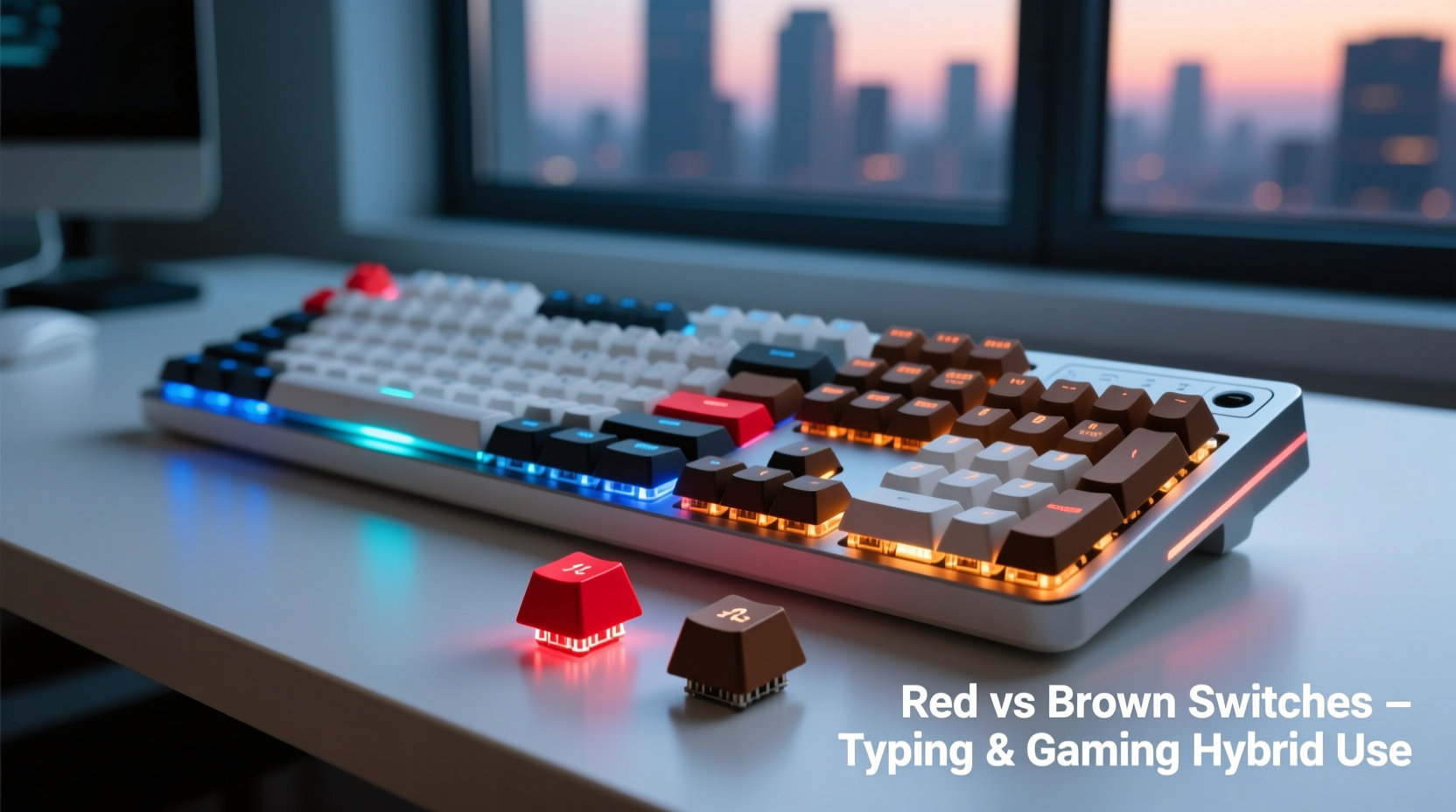
Mechanical keyboards differ from membrane keyboards in that each key has an individual switch mechanism. These switches determine how much force is needed to register a keystroke (actuation force), whether there’s physical or auditory feedback (tactile/audible bump), and how far the key must travel before actuating (actuation point).
Cherry MX Red and Brown switches are among the most widely adopted across both office and gaming environments. They belong to the same family of low-profile, durable mechanisms but diverge significantly in feel and response:
- Red switches are linear—meaning they press down smoothly with no bump or click.
- Brown switches are tactile—they feature a small bump mid-press that signals actuation without an audible snap.
This distinction may seem minor, but over hours of typing or competitive gameplay, it influences fatigue, precision, and overall user experience.
Performance Comparison: Typing Experience
For professionals, students, or writers spending several hours daily at the keyboard, comfort and accuracy are paramount. Let’s examine how Reds and Browns perform in sustained typing sessions.
Red switches require only 45cN of force to actuate and offer consistent resistance throughout the keystroke. Their linearity allows for rapid key rollover and reduced finger strain when typing quickly. However, because there’s no tactile indication of actuation, typists may press keys all the way to the bottom (bottoming out) more often, which over time can lead to hand fatigue.
In contrast, Brown switches have a slightly higher actuation force (around 50cN) and a defined tactile bump at approximately 2mm into the keystroke. This bump acts as a subtle “confirmation” that the keypress has registered, allowing experienced typists to lift their fingers earlier and avoid unnecessary impact. The result is often cleaner, more efficient typing with fewer errors—especially beneficial during long writing stretches.
“Tactile switches like Browns can reduce cognitive load during typing by providing haptic feedback that replaces the need to watch the screen for input confirmation.” — Dr. Alan Reyes, Human-Computer Interaction Researcher
That said, some users find the bump distracting or inconsistent, particularly if they type lightly or use a floating-finger technique. In such cases, the uninterrupted motion of Red switches may actually promote smoother rhythm and flow.
Gaming Performance: Speed, Control, and Responsiveness
In gaming, milliseconds matter. Gamers rely on quick, repeated inputs—such as rapid fire, crouch-spamming, or executing combos—where switch consistency and reset speed are crucial.
Red switches excel here. Because they’re linear and light, they allow for faster double-taps and quicker recovery between presses. Many professional esports players favor Reds precisely for this reason. The lack of resistance variation means muscle memory develops more predictably, and accidental mispresses due to tactile interference are eliminated.
Consider a scenario where a player must rapidly toggle between sprint (holding Shift) and crouching (tapping Ctrl). With Red switches, the transition feels seamless. There's no interruption in motion, and partial presses still register reliably. This makes Reds ideal for fast-paced genres like first-person shooters (FPS), MOBAs, and fighting games.
Browns aren’t far behind, but the tactile bump introduces a slight delay in reset time. While minimal, this micro-interruption can affect high-speed input consistency. Additionally, gamers who \"mash\" keys aggressively might find the bump fatiguing over extended sessions. However, for strategy games, RPGs, or simulation titles where precise command entry matters more than raw speed, the added feedback of Browns can prevent misclicks and improve control.
Mini Case Study: Office Worker Turned Competitive Gamer
Jessica, a software developer by day and ranked Apex Legends player by night, initially chose a Brown-switch keyboard for its reputed typing comfort. She found her coding efficiency improved—fewer typos, better rhythm. But during intense matches, she noticed delays in weapon swaps and movement commands, especially when tapping keys quickly.
After switching to a Red-switch board, her in-game responsiveness increased noticeably. She adapted within two days and now uses Reds exclusively. “I missed the tactile feedback at first,” she admits, “but once I retrained my muscle memory, I realized how much smoother my inputs felt. I’ve kept my typing accuracy high by adjusting my finger pressure.”
Her experience illustrates a common trade-off: while Browns support accurate typing out of the box, Reds offer superior gaming fluidity—with a short adaptation period required for touch typists.
Detailed Feature Comparison
| Feature | Red Switches | Brown Switches |
|---|---|---|
| Type | Linear | Tactile |
| Actuation Force | 45cN | 50cN |
| Actuation Point | 2.0 mm | 2.0 mm |
| Total Travel Distance | 4.0 mm | 4.0 mm |
| Tactile Feedback | None | Present (medium bump) |
| Noise Level | Low (smooth press) | Moderate (slight bump sound) |
| Lifespan | 100 million keystrokes | 100 million keystrokes |
| Best For | Gaming, fast typists, light touch users | Touch typing, hybrid use, accuracy-focused tasks |
Despite nearly identical technical specs, the presence or absence of tactile feedback creates divergent user experiences. Neither switch is objectively better—it depends on your priorities.
Choosing Based on Your Environment and Preferences
Your workspace and personal habits should heavily influence your decision. Consider these factors before making a final choice:
- Noise sensitivity: Are you in a shared office, library, or quiet household? Reds are generally quieter due to their smooth operation, whereas Browns produce a soft bump noise that may be noticeable in silent environments.
- Typing style: Do you type with heavy bottoming-out force or feather-light touches? Light typists benefit more from Browns’ early feedback; heavy typists may prefer the consistency of Reds.
- Gaming intensity: If you play competitively or engage in fast-action games regularly, Reds give a marginal edge in responsiveness.
- Ergonomics: Users prone to wrist strain may appreciate the lower actuation force of Reds, reducing overall muscle effort.
Checklist: How to Decide Between Red and Brown Switches
- Assess your primary use: Is it 70%+ gaming? Lean toward Reds. Mostly typing? Consider Browns.
- Evaluate your current typing accuracy and speed—are you error-prone or efficient?
- Test both switches using a demo unit or friend’s keyboard.
- Consider roommates, coworkers, or family members who might be disturbed by switch noise.
- Think long-term: Will your usage pattern change in six months?
- Factor in keyboard modding potential—lubing Reds enhances smoothness, while film mods can soften Browns.
Frequently Asked Questions
Can I use Red switches for typing comfortably?
Yes, many people type efficiently on Red switches. While they lack tactile feedback, users adapt by relying on timing and muscle memory. Light actuation reduces finger fatigue, making them suitable for prolonged use—especially if you already have strong touch-typing skills.
Are Brown switches too loud for an office setting?
Not typically. Unlike clicky Blue switches, Browns do not produce a sharp snapping sound. The tactile bump generates a mild thock or tap, which is usually unobtrusive in standard office environments. However, if you bottom out forcefully, the keycap-to-case contact may become noticeable.
Do Red switches wear out faster than Brown switches?
No. Both Cherry MX Red and Brown switches are rated for 100 million keystrokes under normal conditions. Wear depends more on usage patterns, cleanliness, and environmental factors than switch type.
Step-by-Step Guide to Making Your Decision
Follow this timeline to confidently choose the right switch for your hybrid needs:
- Week 1: Research and List Priorities
Write down your top three usage scenarios (e.g., coding, FPS gaming, email writing). Rank them by time spent. - Week 2: Hands-On Testing
Borrow keyboards or purchase a switch tester. Type a full page of text and play a familiar game on both switch types. Note differences in comfort and performance. - Week 3: Evaluate Feedback
Ask yourself: Did you miss keystrokes? Did your fingers tire quickly? Was gaming responsiveness satisfying? - Week 4: Make a Choice
Select based on objective experience, not marketing hype. Remember, customization options (keycaps, lubing, stabilizers) can fine-tune your final feel.
This method prevents impulsive purchases and ensures your keyboard supports both productivity and enjoyment over the long haul.
Final Recommendation and Conclusion
For true hybrid users balancing typing and gaming equally, Brown switches offer a safer starting point. Their tactile feedback supports accurate data entry, reduces errors, and provides satisfying confirmation without sacrificing too much speed. They represent a balanced compromise that suits a broad range of users.
However, if gaming performance is even slightly prioritized—or if you naturally type with a light touch—Red switches deliver superior fluidity and responsiveness. Once adapted, many hybrid users report greater comfort and control with Reds, especially when combined with proper ergonomics and keyboard settings like anti-ghosting and N-key rollover.
The good news is that mechanical keyboards today come in hot-swappable variants, allowing you to change switches without soldering. This flexibility means you don’t have to lock yourself into one choice forever. Start with Browns if you value immediate typing comfort, then experiment with Reds later. Or begin with Reds for gaming dominance and add o-rings or dampeners to refine the typing feel.
“The best switch isn’t the one everyone recommends—it’s the one that disappears beneath your fingers, letting you focus on what you’re creating or playing.” — Lin Zhao, Keyboard Design Engineer at InputLabs




 浙公网安备
33010002000092号
浙公网安备
33010002000092号 浙B2-20120091-4
Comments
No comments yet. Why don't you start the discussion?