
Choosing a mechanical keyboard isn’t just about performance—it’s also about coexistence. In shared workspaces, open offices, or quiet home environments, the sound of your typing can affect those around you. Red and brown switches are two of the most popular choices among mechanical keyboard enthusiasts, but they differ significantly in feel and, crucially, in sound. The question isn’t just which switch feels better to you, but whether your choice will disrupt your coworkers.
This article breaks down the acoustic and tactile differences between red and brown switches, evaluates their real-world impact in professional settings, and provides practical guidance for balancing personal preference with workplace harmony.
Understanding Mechanical Switch Types: Red vs Brown
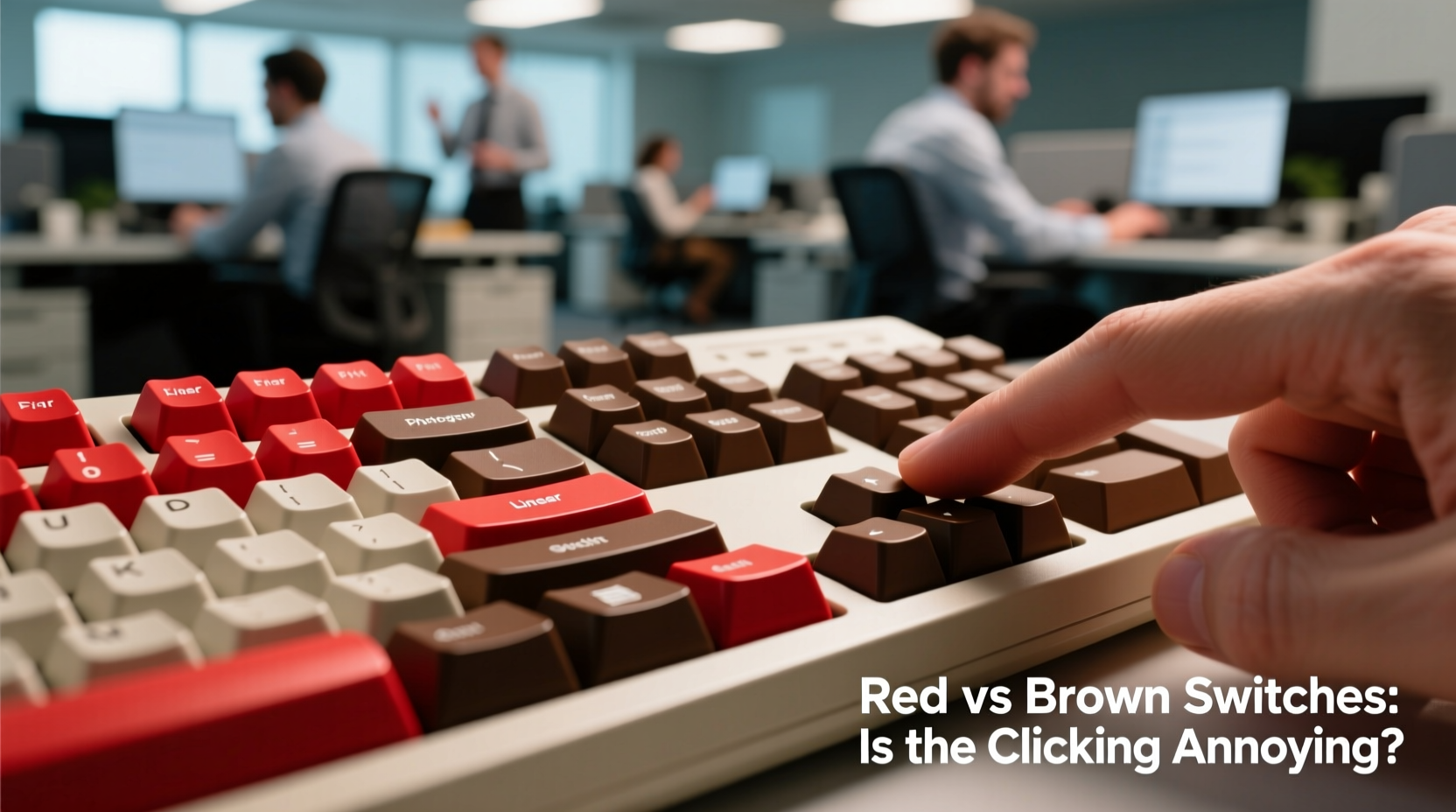
Mechanical keyboards use individual switches under each keycap to register keystrokes. Unlike membrane keyboards, where pressing a key compresses rubber domes, mechanical switches offer distinct actuation points, feedback, and sound profiles. Among the many types available, Cherry MX switches—particularly Red and Brown—are widely used and serve as benchmarks for comparison.
Cherry MX Red switches are linear, meaning they provide a smooth press from top to bottom without any tactile bump or audible click. They require a relatively light actuation force (45cN), making them popular among gamers and fast typists who value speed and consistency.
Cherry MX Brown switches, by contrast, are tactile. They feature a small bump mid-press that signals actuation without producing a loud click. This gives users physical feedback, which many typists prefer for accuracy and rhythm. Browns require slightly more force (50cN) than Reds and are often considered a middle ground between linear and clicky switches like Blues.
The fundamental difference lies in user experience: Reds prioritize silence and fluidity; Browns add subtle feedback at the cost of slightly increased noise and resistance.
Noise Comparison: How Loud Are Red and Brown Switches?
Sound level is subjective, but measurable. When evaluating keyboard noise, two components matter: the switch mechanism itself and the keycap-bottoming sound (the clack when a key hits the base).
In controlled tests using decibel meters, Cherry MX Reds consistently produce lower peak noise levels than Browns during regular typing. The absence of a tactile bump means less internal friction and vibration within the switch housing, resulting in a quieter keystroke. Browns, while not clicky, generate a faint “thoc” due to the bump disrupting the press motion. Over time, this subtle difference becomes noticeable—especially in quiet rooms.
Bottoming out (fully depressing a key) amplifies the gap. Users who type with heavier hands will find that both switches produce significant case and plate noise, but Browns tend to sound sharper due to their stiffer spring and bump resistance.
Real-World Sound Perception in Shared Spaces
A keyboard might measure 55 dB in a lab, but what matters is how it's perceived by human ears in context. Cognitive psychologist Dr. Lena Torres notes: “Repetitive, rhythmic sounds—even at low volumes—can become intrusive because the brain treats them as patterned interruptions.” This explains why a coworker might tolerate music or conversation but grow irritated by constant tapping.
“Even moderate keyboard noise can impair concentration if it’s unpredictable or rhythmic. Tactile switches like Browns may be more disruptive than linear ones simply because their irregular feedback creates auditory variation.” — Dr. Lena Torres, Cognitive Ergonomics Research Lab
In open-plan offices, where ambient noise averages 50–60 dB, a typing session on Brown switches can push localized sound levels to 60–65 dB—enough to distract nearby colleagues, especially during phone calls or deep-focus tasks.
Workplace Impact: Case Study of a Tech Startup
At NexaFlow, a 30-person software startup in Portland, three developers switched to mechanical keyboards within a month. Two chose Cherry MX Reds; one opted for Browns. Within two weeks, complaints emerged—not about gaming or productivity, but about noise.
Jamal, seated near the Brown-switch user, reported difficulty concentrating during debugging sessions. “It’s not loud,” he said, “but there’s this little pop with every word. After an hour, it gets into your head.”
The team conducted an informal trial: the Brown user swapped to Reds for five days. During that period, Jamal completed two complex backend refactors—a task he’d previously delayed due to distraction. Post-trial feedback confirmed a measurable improvement in team focus.
NexaFlow now includes a “keyboard policy” in its onboarding: employees may use mechanical keyboards, but only with linear (Red, Black) or silent (low-profile) switches unless approved for remote or private workstations.
Switch Comparison Table: Key Differences at a Glance
| Feature | Cherry MX Red | Cherry MX Brown |
|---|---|---|
| Switch Type | Linear | Tactile |
| Actuation Force | 45cN | 50cN |
| Actuation Point | 2.0 mm | 2.0 mm |
| Total Travel | 4.0 mm | 4.0 mm |
| Click Sound | No | No (but tactile bump adds resonance) |
| Tactile Feedback | None | Present (small bump) |
| Noise Level (Relative) | Low | Medium |
| Best For | Gaming, fast typing, quiet offices | Typing with feedback, hybrid use |
| Coworker-Friendly? | Yes (generally) | Conditional (depends on environment) |
While both switches lack an audible click, the tactile nature of Browns introduces micro-noise variations that can be more attention-grabbing than the consistent, muted press of Reds.
How to Choose Based on Your Environment
Selecting the right switch isn’t just about personal comfort—it’s about situational awareness. Consider these factors before deciding:
- Office Layout: Open-plan spaces amplify sound. Linear switches like Reds are safer here.
- Work Hours: If you work late or in quiet zones (libraries, study areas), minimize disruption with silent builds.
- Typing Style: Heavy typists generate more noise regardless of switch. Light fingers benefit more from Browns’ feedback.
- Keyboard Build: Plastic cases resonate more than aluminum. Add internal foam to reduce echo.
- Keycaps: Thicker PBT keycaps dampen sound better than thin ABS.
Step-by-Step Guide: Choosing a Coworker-Friendly Mechanical Keyboard
- Assess your workspace. Is it shared, quiet, or acoustically reflective?
- Determine your primary use. Typing-heavy roles may benefit from tactile feedback; coding/gaming favors speed.
- Prioritize switch type. Opt for linear (Red, Black) or silent variants (e.g., Cherry MX Silent Red).
- Consider mod-friendly designs. Keyboards with foam padding, gaskets, or silicone dampeners reduce noise.
- Test with bottoming control. Practice typing without slamming keys—this reduces noise more than switch choice alone.
- Seek feedback. Ask nearby colleagues how noticeable your typing is after a week of use.
Expert Recommendations and Industry Trends
According to Ben Carter, senior product designer at KeyHaven Labs, “The trend in office gear is toward ‘silent productivity.’ We’re seeing more demand for low-noise switches, even among enthusiasts.”
“The ideal office switch gives enough feedback to prevent errors but doesn’t announce every keystroke. That’s why we’re developing hybrid linear-tactile designs with internal dampening.” — Ben Carter, KeyHaven Labs
Manufacturers are responding. Options like Gateron Ink Black (a quiet linear), Zeal PC Tealios (tactile but damped), and Kailh Low-Profile Silent switches offer performance without intrusion. Even budget brands now include “office mode” keyboards with pre-installed linear switches and sound-absorbing materials.
Frequently Asked Questions
Are Brown switches louder than Red switches?
Yes, generally. While neither produces an audible click, Brown switches have a tactile bump that creates slightly more mechanical noise and resonance compared to the smooth press of Red switches. In quiet environments, this difference can be noticeable to nearby listeners.
Can I make a Brown switch keyboard quiet enough for the office?
You can significantly reduce noise through modifications: adding switch lubing, installing foam inside the case, using thick keycaps, and avoiding bottoming out. However, even with mods, Browns will typically remain noisier than Reds. If minimizing disturbance is critical, switching to linear or silent switches is more effective.
Do all mechanical keyboards annoy coworkers?
No—but poorly chosen switches in inappropriate settings can. Linear switches like Reds, Blacks, or dedicated silent models are usually well-tolerated. Clicky switches (like Blues) are most likely to cause issues. Ultimately, typing style, keyboard build, and environment play major roles.
Checklist: Is Your Keyboard Office-Friendly?
- ✅ Uses linear (Red/Black) or silent switches
- ✅ Includes internal foam or sound-dampening features
- ✅ Has sturdy construction (metal plate preferred)
- ✅ Uses thick, high-quality keycaps (PBT recommended)
- ✅ Typed with moderate force (no heavy bottoming)
- ✅ Tested in actual workspace with colleague feedback
Conclusion: Balance Performance with Professional Courtesy
The choice between red and brown switches goes beyond personal preference—it’s a social decision in shared environments. While Brown switches offer satisfying tactile feedback, their inherent noise profile makes them riskier in offices where concentration is paramount. Red switches, with their smooth, silent operation, present a more considerate option for communal spaces without sacrificing responsiveness.
Ultimately, the best keyboard is one that enhances your productivity while respecting those around you. Whether you choose Reds, Browns, or newer silent alternatives, apply thoughtful setup practices and remain open to feedback. Small adjustments can preserve both your workflow and workplace harmony.




 浙公网安备
33010002000092号
浙公网安备
33010002000092号 浙B2-20120091-4
Comments
No comments yet. Why don't you start the discussion?