
Choosing the right mechanical keyboard isn't just about aesthetics or brand names—it comes down to how the keys feel and sound when you press them. At the heart of that experience are the switches, and among the most discussed features are their colors: blue, red, and brown. These aren’t just visual cues; they represent fundamental differences in design, feedback, actuation force, and overall user experience. Whether you're a writer, gamer, programmer, or casual typist, understanding what each color means can dramatically improve your comfort, speed, and satisfaction at the keyboard.
The Basics of Mechanical Keyboard Switches
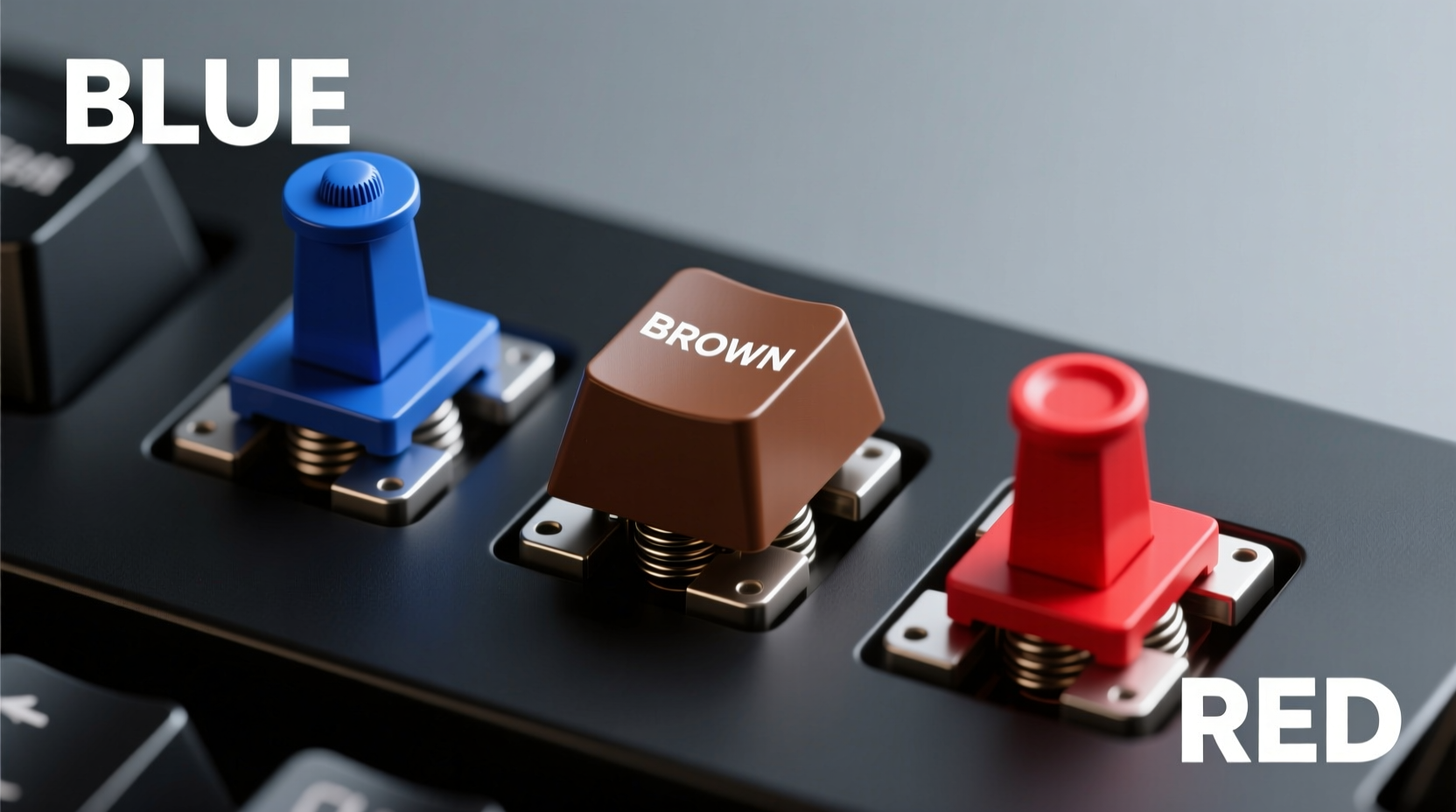
Mechanical switches differ from the rubber-dome membranes found in most budget keyboards by using individual mechanical components under each keycap. This allows for greater durability (often rated for 50–100 million keystrokes), more precise actuation, and customizable tactile experiences. While there are dozens of switch types across brands like Cherry MX, Gateron, Kailh, and others, the naming convention based on color—especially for Cherry MX clones—has become an industry standard shorthand.
Each switch color corresponds to a specific combination of:
- Actuation force: How much pressure is needed to register a keystroke (measured in centinewtons, or cN).
- Tactile feedback: Whether you feel a bump when the key registers.
- Audible feedback: Whether the switch produces a noticeable click sound.
- Actuation point: The distance the key must travel before registering input.
- Reset point: Where the key resets so it can be pressed again—important for rapid inputs like gaming.
These characteristics influence everything from typing fatigue to gaming responsiveness. Let’s break down the three most common switch types: blue, red, and brown.
Cherry MX Blue: The Clicky Typist's Choice
Blue switches are known for their pronounced tactile bump and loud, satisfying click. They require 50cN of actuation force and have an actuation point at 2.2mm with a total travel of 4.0mm. When pressed, the stem inside the switch hits a small spring bar, creating both the physical bump and the distinctive auditory feedback.
This makes Cherry MX Blues a favorite among writers, coders, and anyone who values precision and rhythm in their typing. The click provides confirmation that a keystroke has been registered, reducing reliance on visual feedback or bottoming out (pressing the key all the way down). However, this same feature makes them less suitable for shared environments like offices or libraries.
“MX Blues offer unmatched feedback for touch typists—they’re like having a metronome for your fingers.” — David Lin, Keyboard Enthusiast & Co-host, *The Keycaps Podcast*
Cherry MX Red: The Silent Speedster
In contrast, red switches are linear—meaning they offer no tactile bump and no audible click. With a lighter 45cN actuation force and the same 2.0mm actuation point as browns, reds are smooth from top to bottom. This makes them highly responsive and ideal for fast-paced scenarios where quick, repeated keystrokes are essential.
Gamers often prefer red switches because the lack of resistance allows for rapid actuation during intense gameplay. There's no delay caused by overcoming a tactile bump, and the consistent force profile enables faster finger movements across keys. Additionally, since they’re quieter than blues, reds are better suited for shared spaces—though not silent.
However, the trade-off is reduced typing feedback. Without a bump or click, some users may find themselves bottoming out more frequently, leading to increased finger fatigue over long typing sessions. That said, many modern hybrid boards now combine red-like linearity with slightly higher springs (e.g., 55g) to reduce strain without sacrificing speed.
Cherry MX Brown: The Balanced Middle Ground
Brown switches aim to strike a balance between the extremes of blue and red. Like blues, they are tactile—but unlike them, they are not clicky. With a moderate 45cN actuation force and a subtle bump around the 2.0mm mark, browns provide enough feedback to confirm keystrokes without producing sharp sounds.
This makes them popular among office workers, remote professionals, and hybrid users who game and type throughout the day. They’re quiet enough for meetings or late-night work, yet still give enough sensory input to prevent errors and promote efficient typing rhythm.
Because of their versatility, browns are often considered the “default” mechanical switch for first-time mechanical keyboard buyers. Brands frequently include them in pre-built models as a safe choice that appeals to broad audiences.
Comparative Overview: Blue vs Red vs Brown
| Feature | Blue | Red | Brown |
|---|---|---|---|
| Switch Type | Tactile & Clicky | Linear | Tactile (Non-Clicky) |
| Actuation Force | 50 cN | 45 cN | 45 cN |
| Actuation Point | 2.2 mm | 2.0 mm | 2.0 mm |
| Total Travel | 4.0 mm | 4.0 mm | 4.0 mm |
| Noise Level | High (clicky) | Low-Medium (quiet press) | Medium (soft bump) |
| Best For | Typing, coding, home use | Gaming, fast input tasks | Office work, mixed use |
| Fatigue Risk | Low (with proper technique) | Moderate (bottoming out) | Low-Moderate |
Real-World Example: Choosing the Right Switch for Your Workflow
Consider Sarah, a software developer working remotely from a co-living space. During the day, she writes code for four to six hours straight, then joins virtual team calls in the evening. She initially bought a keyboard with blue switches because she loved the crisp feedback while coding. But her roommates quickly complained about the constant clicking during video meetings.
She switched to a brown-switch model and noticed only a slight adjustment period. While she missed the strong tactile cue of blues, the subtle bump of browns was sufficient to maintain accuracy. More importantly, her typing became significantly quieter, allowing her to work without disturbing others. On weekends, when she plays competitive online games, she appreciated how smoothly the browns allowed rapid key transitions—nearly as fast as reds, though not quite as effortless.
Sarah’s experience illustrates a growing trend: people don’t always need extreme specialization. Often, the best switch is the one that supports multiple use cases without major compromises.
How to Test and Choose the Right Switch
Before investing in a full keyboard, especially custom builds that can cost hundreds of dollars, follow this step-by-step guide to make an informed decision:
- Identify your primary use case: Are you mostly typing, gaming, or doing both?
- Assess your environment: Do you work in a quiet office, shared apartment, or private study?
- Determine your sensitivity to noise: Can you tolerate loud clicks? Will others be bothered?
- Visit a retailer or meetup: Some electronics stores or enthusiast groups offer switch testers.
- Purchase a switch tester board: Small USB devices with multiple switch types let you try each one side-by-side.
- Type real content: Don’t just tap randomly—write a paragraph or simulate gaming combos.
- Evaluate after 10+ minutes: Initial impressions can be misleading; fatigue sets in over time.
- Read user reviews with context: Look for reviewers with similar hand size, typing style, and use cases.
Common Misconceptions About Switch Colors
Despite widespread adoption of color-based naming, several myths persist:
- Myth: All blue switches are identical. In reality, Gateron Blues may feel smoother than Cherry MX Blues, and newer variants like Outemu or TTC offer different spring weights and housing materials.
- Myth: Linear switches are always best for gaming. While reds excel in speed, some FPS players prefer tactile switches for movement keys (WASD) to avoid accidental presses.
- Myth: Heavier switches cause fatigue. Actuation force matters less than typing technique. Many users adapt well to 60g+ switches with proper posture and finger strength.
- Myth: Brown switches are \"mushy.\" This perception stems from early imitations. Modern browns, especially from Gateron or Kailh, offer clean, defined bumps.
FAQ: Frequently Asked Questions
Can I replace switches on any mechanical keyboard?
No—not all keyboards support switch replacement. Only those with hot-swappable PCBs allow you to remove and insert new switches without soldering. Check product specifications before assuming modularity.
Are there alternatives beyond blue, red, and brown?
Yes. Other common options include Black (linear, heavier at 60cN), Clear (tactile, stiffer than browns), and Silent Reds (dampened linear switches). Newer variants like Speed Silver (actuates at 1.2mm) cater specifically to esports.
Do switch lubing or mods affect performance?
Yes. Applying lubricant to switch components can smooth out roughness, reduce noise, and extend lifespan. However, improper lubing can attract dust or alter actuation feel. Mods like spring swapping require technical skill and can void warranties.
Actionable Checklist: Finding Your Ideal Switch
- ☐ Define whether you prioritize typing feedback, gaming speed, or quiet operation.
- ☐ Consider your workspace—will noise disturb others?
- ☐ Try a multi-switch tester before buying a full keyboard.
- ☐ Research build quality—switch color matters less if the keyboard flexes or wobbles.
- ☐ Decide if you want future customization (e.g., hot-swap sockets).
- ☐ Read real-user reviews focused on long-term comfort, not just first impressions.
- ☐ Factor in keycap compatibility—PBT vs ABS, profile (OEM, SA, DSA), and texture.
Conclusion: Match the Switch to Your Lifestyle
The right mechanical switch doesn’t come from trends or marketing hype—it comes from aligning technology with how you actually use your keyboard. Blues deliver unmatched satisfaction for dedicated typists who value feedback and rhythm. Reds empower gamers with seamless, rapid input. Browns bridge the gap, offering a pragmatic solution for dynamic, everyday computing.
Your fingers spend thousands of hours on these keys. Invest the time to understand what each color truly means—not just as a label, but as a promise of feel, function, and daily experience.




 浙公网安备
33010002000092号
浙公网安备
33010002000092号 浙B2-20120091-4
Comments
No comments yet. Why don't you start the discussion?