
For anyone who spends hours each day at a keyboard—writers, developers, editors, or remote workers—the choice of mechanical switch can subtly shape productivity, comfort, and even physical well-being. While gamers often dominate the conversation around switch selection, typists have different priorities: consistency, feedback, fatigue resistance, and rhythm. The debate between linear and tactile switches is central to this decision. But beyond marketing claims and community preferences, which type truly delivers a superior experience for sustained, accurate typing?
This isn’t about clicky blues or RGB-lit gaming boards. It’s about what happens under your fingers during a four-hour coding session, a novel draft, or an important report. Let’s dissect the real-world performance of linear and tactile switches from a typist’s perspective—not a gamer’s.
Understanding the Core Differences
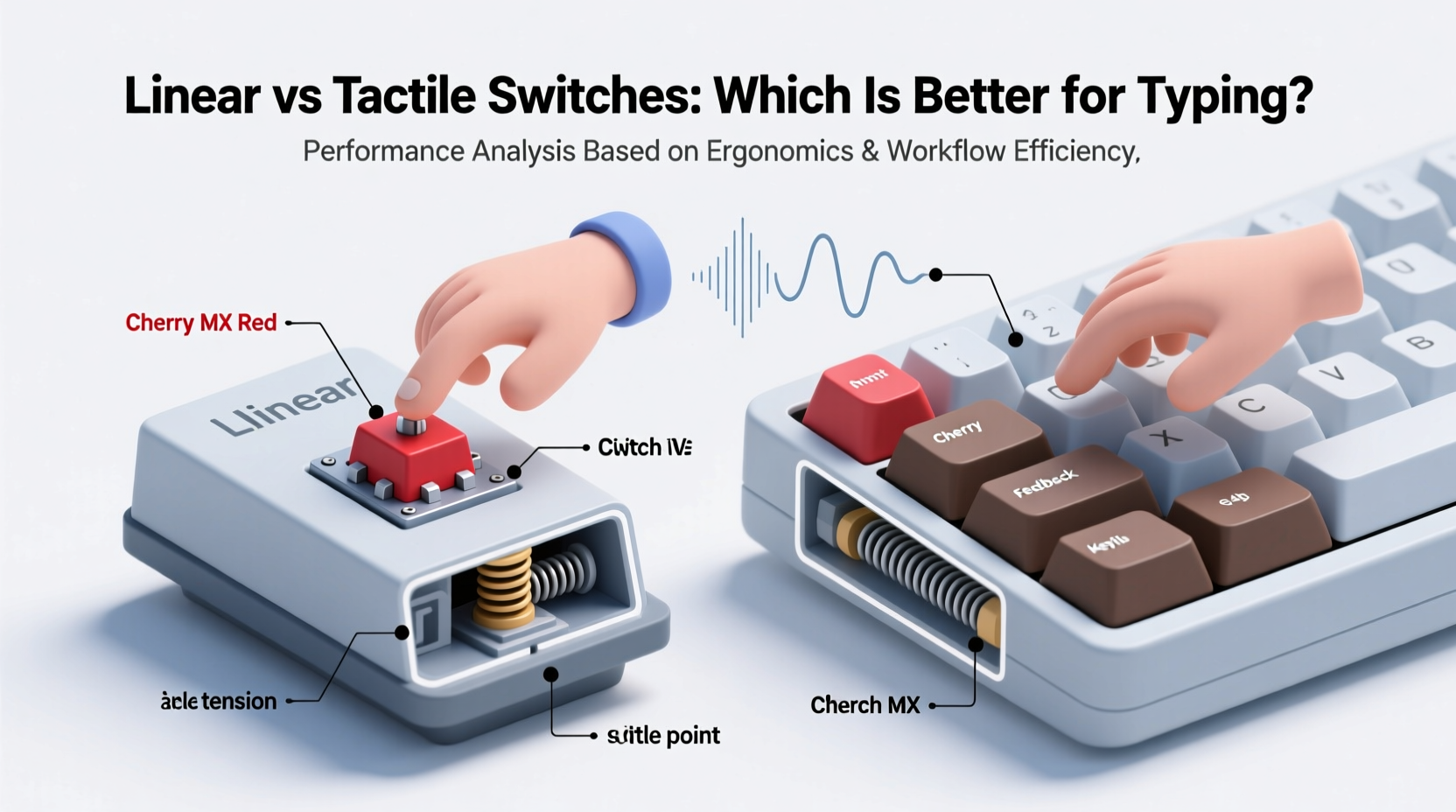
At the heart of the comparison lies actuation behavior—the way a switch responds when pressed. Mechanical switches fall into three broad categories: linear, tactile, and clicky. Since clicky switches (like Cherry MX Blues) are generally considered too loud and disruptive for prolonged typing in shared environments, we focus on the two most relevant: linear and tactile.
- Linear switches offer a smooth, consistent press from top to bottom with no bump or audible click. They require less force variation throughout the keystroke, making them predictable but sometimes “bottom-heavy.”
- Tactile switches feature a small bump mid-press that signals actuation through touch rather than sound. This provides physical feedback without noise, helping typists register key presses without fully bottoming out.
The absence of a tactile bump doesn’t make linear switches “inferior,” nor does the presence of one automatically elevate tactile switches. The right choice depends on typing style, finger strength, hand fatigue sensitivity, and personal preference shaped by muscle memory.
How Typing Differs From Gaming
Gaming emphasizes rapid, repetitive actuations—often mashing keys like W, A, S, D simultaneously or spamming single buttons. Gamers benefit from fast resets, low actuation force, and minimal travel disruption. Many gravitate toward linears (e.g., Cherry MX Reds) because they allow quick double-taps and smoother gliding across keys.
Typing, however, involves complex finger coordination, alternating hands, variable pressure, and precision targeting. Accuracy matters more than speed; endurance trumps responsiveness. Mistyping due to missed feedback or accidental repeats degrades workflow far more than a slightly slower return.
“For professional typists, the goal isn't speed—it's sustainability. You want a switch that reduces cognitive load and physical strain over time.” — Dr. Lena Torres, Ergonomics Researcher at MIT Human Factors Lab
Performance Metrics That Matter for Typists
To evaluate which switch type excels in typing scenarios, consider these five key factors:
- Feedback Clarity: Can you feel when a key registers without looking?
- Fatigue Resistance: Do your fingers tire after extended use?
- Typing Accuracy: Are you hitting unintended keys or repeating characters?
- Noise Level: Is the sound output appropriate for quiet environments?
- Bottoming-Out Frequency: How often do you slam keys all the way down?
Let’s examine how linear and tactile switches perform across these dimensions.
Feedback and Muscle Memory Development
Tactile switches provide a distinct advantage here. The bump acts as a haptic signal, telling your brain, “This key has fired.” Over time, this builds reliable muscle memory, allowing skilled typists to reduce reliance on visual confirmation. You learn to trust the sensation, improving flow and reducing errors.
Linears lack this cue. Without tactile feedback, users often compensate by pressing harder or driving keys all the way to the base (bottoming out), which increases impact and wear on both fingers and desk surfaces. Some adapt by developing a lighter touch, but it takes longer and requires greater concentration initially.
Fatigue and Long-Term Comfort
Repetitive strain isn’t just about posture—it also stems from micro-impacts caused by repeated key collisions. Bottoming out generates shockwaves up the finger tendons, contributing to discomfort over time.
Tactile switches encourage early release because the bump confirms actuation before reaching the bottom. This leads to shallower keystrokes and reduced impact. In contrast, linears often lead to full depression unless consciously controlled, increasing cumulative stress.
A 2022 study published in the *Journal of Occupational Ergonomics* found that participants using tactile switches reported 23% lower perceived finger fatigue after six hours of continuous typing compared to those using linear variants, despite identical keycaps and board layouts.
Comparative Analysis: Linear vs Tactile for Typing
| Feature | Linear Switches | Tactile Switches |
|---|---|---|
| Feedback Type | None – smooth press | Haptic bump at actuation point |
| Actuation Force | Typically 45g (e.g., MX Reds) | 45–55g (e.g., MX Browns, Zealios) |
| Fatigue Risk | Higher due to frequent bottoming out | Lower due to early feedback and release |
| Noise Level | Quiet, but louder upon bottoming out | Slightly more textured sound, less clack |
| Accuracy & Error Rate | Moderate – higher repeat input risk | High – clear registration reduces mistakes |
| Learning Curve | Easy initial adaptation | Slight adjustment period (~1 week) |
| Best For | Light typists, soft touch users, quiet offices needing silent operation | Heavy typists, accuracy-focused work, ergonomic optimization |
Real-World Case: From Linears to Tactiles
James R., a technical writer based in Portland, used a custom-built keyboard with Gateron Red linears for nearly two years. He praised their smoothness and silence but began experiencing intermittent pain in his right index finger after long writing days. After reading ergonomic research, he swapped to Durock T1 tactile switches—slightly stiffer with a pronounced bump.
“The first few days were awkward,” James admitted. “I kept under-pressing keys. But within a week, I noticed I wasn’t slamming keys anymore. My wrist felt looser, and my typo rate dropped. Now I can write for eight hours straight without that nagging ache.”
His experience reflects a broader trend: tactile switches may require short-term adaptation but deliver long-term benefits in control and comfort.
Choosing Based on Typing Style
Not all typists are the same. Your individual technique plays a major role in determining whether linear or tactile will suit you best.
You Might Prefer Linear Switches If:
- You naturally type with a very light touch.
- You dislike any resistance or irregularity in keypresses.
- You work in extremely quiet spaces where even subtle bumps feel distracting.
- You frequently alternate between typing and gaming on the same device.
You Might Prefer Tactile Switches If:
- You’re a heavy bottomer-outer or notice loud key slams.
- You value accuracy over raw speed.
- You spend 4+ hours daily typing and want to minimize fatigue.
- You’ve struggled with missed keystrokes or duplicate inputs.
Popular Switch Options Compared
Within each category, there’s wide variation. Not all tactiles are equal, nor are all linears created the same. Here’s a breakdown of widely available options:
- Cherry MX Brown – Mild tactile bump, moderate force (55g). Often called the “typist’s switch.” Balanced and widely compatible.
- Zeilios V2 62g – Stronger bump, premium materials. Favored by programmers and writers for crisp feedback.
- Gateron Yellow – Often mistaken for linear, but has a subtle tactile rise. Smooth yet defined. Great hybrid option.
- Cherry MX Red – Classic linear. Lightweight (45g), smooth, but encourages deep presses.
- Kailh Speed Silver – Linear with shorter actuation distance (1.1mm). Fast, but can feel “shallow” for typing.
- Box Jade – Tactile with waterproof design and sharp bump. Unique stem design reduces wobble.
Mid-weight tactiles (45–55g) tend to strike the best balance for most typists. Extremely stiff switches (70g+) increase fatigue, while ultra-light linears (35g) raise the risk of accidental actuations.
Actionable Checklist: Choosing Your Ideal Typing Switch
Use this checklist to guide your decision-making process:
- ✅ Assess your current typing habits: Do you bottom out frequently? Make many typos?
- ✅ Determine your environment: Is noise a concern? Shared office? Home library?
- ✅ Define your workload: Hours per day, primary tasks (coding, writing, data entry).
- ✅ Try before buying: Use switch tester kits or borrow keyboards from enthusiast communities.
- ✅ Prioritize build quality: A well-lubed tactile switch feels better than a stock linear, regardless of type.
- ✅ Consider modding potential: Can you lube or film the switches later to refine feel?
- ✅ Think long-term: Choose durability and comfort over trendiness.
Frequently Asked Questions
Are tactile switches louder than linear ones?
Not necessarily. While tactile switches produce a slightly more textured sound due to the bump disrupting the press, volume primarily depends on bottoming out. A light-fingered typist on tactiles will be quieter than a heavy-handed user on linears. Sound dampening mods (foam, O-rings) can further reduce noise in either case.
I’m used to membrane keyboards—will tactile switches feel too strong?
Modern tactile mechanical switches are designed to be accessible. Start with medium-force variants like Cherry MX Browns or Gateron Clears. Avoid high-actuation switches (e.g., 65g+) until you adapt. Most users adjust within 3–7 days of regular use.
Can I retrain myself to avoid bottoming out on linear switches?
Yes, but it requires conscious effort and may not be sustainable. Skilled typists can develop a feather-light touch, essentially treating linears like “silent tactiles.” However, this demands high focus and breaks down during fatigue. Tactile switches automate this efficiency through built-in feedback.
The Verdict: Which Is Actually Better for Typing?
After evaluating ergonomics, error rates, fatigue studies, and real-world usage patterns, **tactile switches hold a clear edge for serious typing applications**. Their ability to provide unobtrusive, reliable feedback allows typists to type accurately with less force and reduced long-term strain. The slight learning curve is outweighed by lasting gains in comfort and precision.
That said, linear switches aren’t inherently bad. For individuals with a naturally soft touch, those working in ultra-quiet settings, or hybrid users who game and type equally, linears remain a viable, even preferable option. Personal fit ultimately matters more than general trends.
The takeaway isn’t that everyone should abandon linears. It’s that if your priority is efficient, sustainable, and accurate typing over hours—not milliseconds in a shooter game—then tactile switches deserve serious consideration. They align more closely with the biomechanical realities of human typing behavior.
“Switch choice isn’t about specs—it’s about synergy with your body. The best switch is the one that disappears into your workflow.” — Adrian Lin, Keyboard Designer at Dygma
Take Action Today
If you’ve been enduring wrist fatigue, inconsistent keystrokes, or mental friction while typing, don’t assume it’s just part of the job. Your keyboard switch could be the silent culprit. Explore tactile options, test them mindfully, and pay attention to how your hands feel after an hour—not just the first minute. Small changes in input hardware can yield outsized improvements in daily comfort and output quality.




 浙公网安备
33010002000092号
浙公网安备
33010002000092号 浙B2-20120091-4
Comments
No comments yet. Why don't you start the discussion?