
For typists, programmers, writers, and gamers alike, the choice between tactile and linear mechanical keyboard switches isn’t just about sound or feel—it can influence perceived speed, accuracy, and long-term comfort. While both switch types are engineered for durability and responsiveness, they deliver fundamentally different feedback during keystrokes. The real question isn’t whether one is objectively faster, but rather: which one makes *you* feel faster?
The answer depends on how your brain interprets physical feedback, how quickly you actuate keys, and what kind of rhythm you build while typing. Let’s break down the mechanics, psychology, and real-world performance behind tactile and linear switches to help you make an informed decision.
Understanding Mechanical Switch Types: Tactile vs Linear
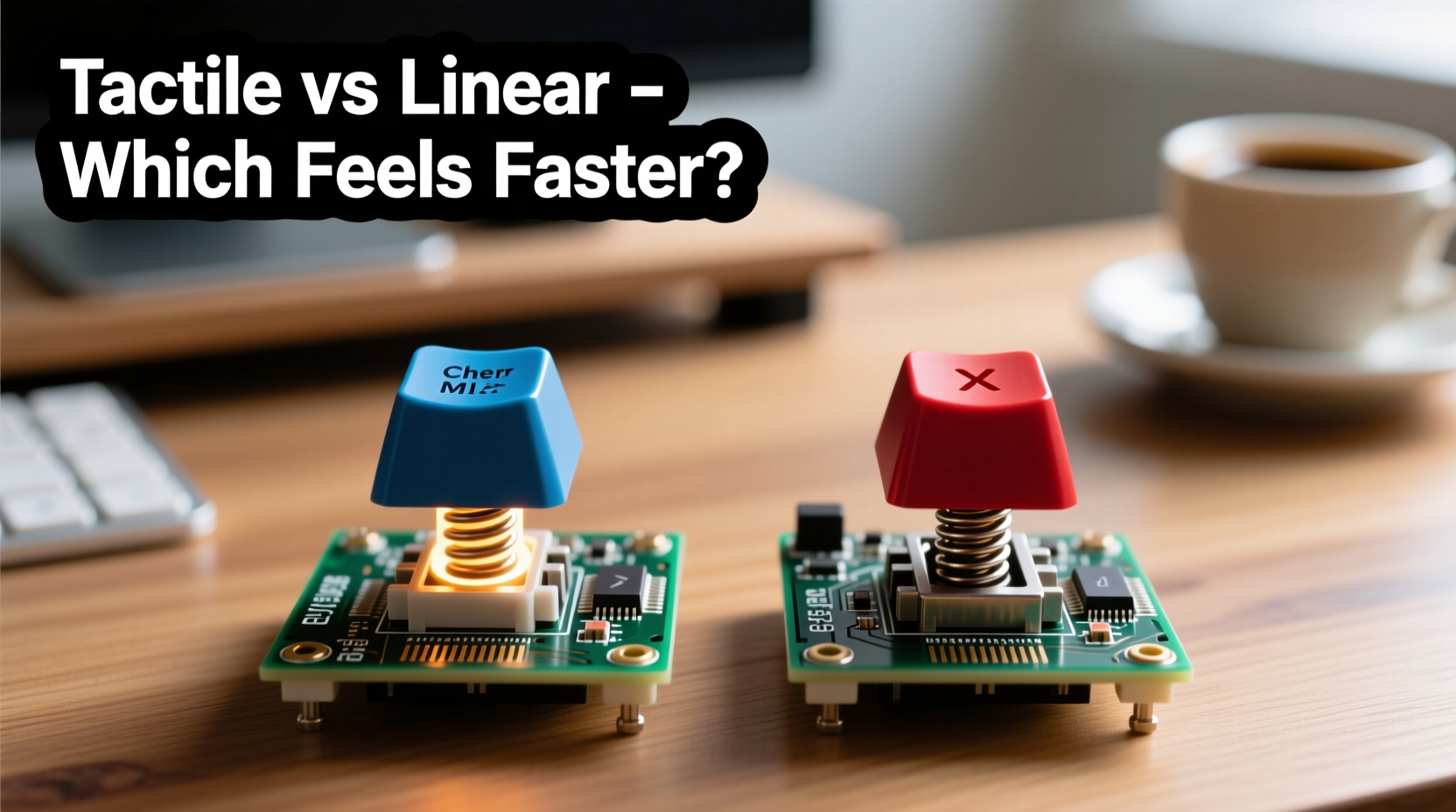
Mechanical keyboards use individual switches under each keycap to register input. Unlike membrane keyboards, these provide distinct actuation points and consistent performance over millions of keystrokes. Among the most popular categories are tactile and linear switches—each designed with a specific user experience in mind.
- Tactile switches feature a noticeable bump mid-press that signals when the key has been registered. This bump provides physical confirmation without requiring bottoming out (pressing all the way down).
- Linear switches offer a smooth, uninterrupted press from top to bottom. There’s no bump—just consistent resistance until the key actuates.
The absence or presence of this bump shapes how users interact with their keyboard. But does either type inherently increase typing speed?
The Science of Keystroke Recognition and Typing Rhythm
Typing speed isn’t solely determined by finger dexterity; it’s also governed by sensory feedback loops. When you press a key, your brain anticipates feedback—auditory, visual, or tactile—to confirm the action was successful. In high-speed typing, minimizing unnecessary motion is critical. That’s where switch characteristics come into play.
Tactile switches provide a haptic cue—the bump—that tells your brain “this key has fired.” This allows many typists to initiate the return stroke before fully depressing the key, reducing travel time per keystroke. In contrast, linear switches rely more heavily on muscle memory or auditory cues (like the sound of bottoming out) to signal actuation.
“Tactile feedback reduces cognitive load by confirming actuation instantly. For touch typists, that split-second certainty can translate into smoother flow.” — Dr. Lena Torres, Human-Computer Interaction Researcher at MIT Media Lab
Do Tactile Switches Make You Type Faster?
In controlled environments, studies show mixed results. However, subjective reports from professional typists and competitive typers consistently highlight advantages with tactile switches—especially those optimized for typing, such as Cherry MX Brown, Zeal PC Tealios, or Gateron Oil-King.
The bump serves as a timing marker. Once experienced users learn to trust it, they don’t need to press all the way down. This “early lift” technique minimizes finger fatigue and increases keystrokes per minute (KPM), particularly during sustained writing sessions.
Why Some Users Still Prefer Linears for Speed
Despite the advantages of tactile feedback, many fast typists swear by linear switches like Cherry MX Reds, Gateron Yellows, or Kailh Speed Silvers. These switches often have lighter spring weights and shorter pre-travel distances, enabling quicker resets.
Gamers frequently favor linears because they allow rapid double-taps and repeated presses without resistance variation. This same trait benefits certain typists who develop a light, shallow typing style. Without a bump, there’s less disruption in motion, potentially allowing for higher cadence—especially if the user bottoms out lightly and rebounds quickly.
However, relying on linears for speed requires precise control. Without clear tactile confirmation, mistypes may go unnoticed until reviewed later. This trade-off between raw speed and error rate is crucial for professionals who value accuracy as much as velocity.
Comparative Performance: Tactile vs Linear in Real Use
| Feature | Tactile Switches | Linear Switches |
|---|---|---|
| Feedback Type | Haptic bump at actuation point | Smooth, consistent pressure |
| Actuation Confirmation | Physical bump felt mid-stroke | Relies on sound or bottoming out |
| Typing Efficiency | High – enables early release | Moderate – requires full press or refined technique |
| Noise Level | Moderate (bump adds slight noise) | Low to moderate (quieter roll-off) |
| Fatigue Resistance | Good – less need to bottom out | Varies – heavier springs increase strain |
| Best For | Writers, coders, editors, office work | Gamers, light typists, minimalist typers |
Real Example: A Writer’s Transition from Linear to Tactile
Sophie Chen, a freelance technical writer based in Vancouver, used a linear-switch keyboard for two years while working remotely. She averaged around 78 words per minute (WPM) with occasional spikes above 90 WPM. After switching to a custom keyboard with Holy Pandas (a premium tactile switch), her average increased to 86 WPM within three weeks.
“I didn’t think I needed feedback,” she said. “But once I could feel the actuation, I stopped slamming keys. My fingers got lighter, faster. I realized I’d been wasting energy pressing too hard.”
Her typing errors decreased by nearly 15%, and she reported significantly less hand fatigue after full-day writing sessions. Her experience illustrates how subtle sensory cues can improve efficiency—not through brute speed, but through smarter movement.
Choosing Based on Typing Style, Not Just Speed
Speed alone shouldn’t dictate your switch choice. Your natural typing style plays a major role in determining which switch will help you perform optimally.
Step-by-Step Guide: How to Match Switch Type to Your Typing Habits
- Assess your current technique: Do you press keys all the way down, or do you float above the base? Record yourself typing for 60 seconds and observe finger depth.
- Test for feedback dependency: Try typing on a quiet surface with headphones playing white noise. If you make more mistakes, you likely depend on auditory cues—which favors tactile switches.
- Evaluate fatigue patterns: After extended typing, do your fingers feel sore? Deep bottoming-out on linears may be the culprit.
- Borrow or sample switches: Purchase a switch tester kit with common variants (e.g., MX Browns, Reds, Blues, Clears). Spend 10–15 minutes typing on each.
- Measure consistency: Use online typing tests (like Monkeytype or Keybr) to compare WPM and accuracy across different switches over multiple days.
- Decide based on sustainability: Choose the switch that supports clean, repeatable performance—not just peak bursts of speed.
Common Misconceptions About Switch Speed
Many assume that \"faster\" switches mean lower actuation force or shorter travel distance. While these factors matter, they don’t tell the whole story.
- Misconception 1: Lower actuation force = faster typing. Reality: Too-light switches may lead to accidental keystrokes, slowing correction time.
- Misconception 2: Shorter travel means higher speed. Reality: Most standard switches have similar total travel (4mm); differences lie in pre-travel and reset behavior.
- Misconception 3: Linears are always smoother. Reality: Poorly manufactured linears can feel gritty; well-tuned tactiles offer buttery consistency.
Ultimately, speed comes from precision, not aggression. A typist who lands keys cleanly and releases early will outperform someone mashing keys—even on a \"faster\"-sounding switch.
Checklist: Choosing the Right Switch for Perceived Speed
- ✅ Determine whether you rely on tactile, auditory, or visual feedback
- ✅ Test both tactile and linear switches in real typing scenarios
- ✅ Prioritize actuation consistency over brand popularity
- ✅ Consider switch weight (45g–60g is ideal for balanced speed and control)
- ✅ Evaluate long-term comfort, not just initial impression
- ✅ Look for switches with crisp actuation and clean reset (avoids double-actuation)
FAQ
Can linear switches be as fast as tactile ones?
Yes, but only if you’ve developed strong muscle memory and a light touch. Linears eliminate the bump, which some find disruptive, but they require more reliance on timing and auditory feedback. With practice, skilled typists can achieve comparable speeds—though error rates may vary.
Are tactile switches louder than linear ones?
Not necessarily. Noise primarily comes from bottoming out and keycap material. However, the bump in tactile switches can create a slightly sharper sound profile compared to the smoother descent of linears. Lubed tactile switches can be quieter than stock linears.
Which switch type is better for gaming and typing combo use?
Tactile switches like Gateron Clear or Kailh Box Jade offer a pronounced bump with moderate force, making them excellent for accurate typing and responsive gaming. Alternatively, light linears (e.g., Gateron Yellow) strike a balance for hybrid use. Ultimately, dual-role users should prioritize switch stability and consistency over extreme specialization.
Final Verdict: What Makes Typing Feel Faster?
\"Feeling faster\" is a psychological and physiological response shaped by predictability, feedback, and fluidity. Tactile switches often win in this domain because they provide immediate, reliable confirmation of input. That confidence lets typists move on to the next key sooner, creating a sensation of momentum.
Linear switches, meanwhile, appeal to those who prefer minimal interference and enjoy a gliding keystroke. They can support high-speed performance, especially in games or rapid-fire inputs, but demand greater precision in everyday typing to avoid fatigue or errors.
There’s no universal winner. However, if your primary goal is efficient, sustainable, and accurate typing—especially over long durations—tactile switches generally offer a more supportive experience. The bump isn’t a delay; it’s a signal. And for many, that signal unlocks a smoother, more confident rhythm.
“The best switch isn’t the fastest on paper—it’s the one that disappears beneath your fingers while still giving you the information you need.” — Mark Liu, Keyboard Designer at Dygma
Take Action: Find Your Ideal Switch
Don’t settle for assumptions or trends. Your hands are unique, and so is your typing rhythm. Invest in a switch tester, explore community feedback, and pay attention to how your body responds over time. Whether you choose tactile or linear, the goal is effortless expression—one keystroke at a time.




 浙公网安备
33010002000092号
浙公网安备
33010002000092号 浙B2-20120091-4
Comments
No comments yet. Why don't you start the discussion?