
Mechanical keyboards are prized for their tactile feedback, durability, and responsiveness. However, their reputation for loud keystrokes can make them a poor fit for shared environments—offices, open-plan workspaces, home offices with roommates, or libraries. The good news is that not all mechanical switches are created equal when it comes to noise. Certain types are engineered specifically to minimize sound while preserving the satisfying typing experience. Understanding which switches fall into this category—and why—is essential for anyone who wants performance without disturbing others.
Understanding Mechanical Switch Noise
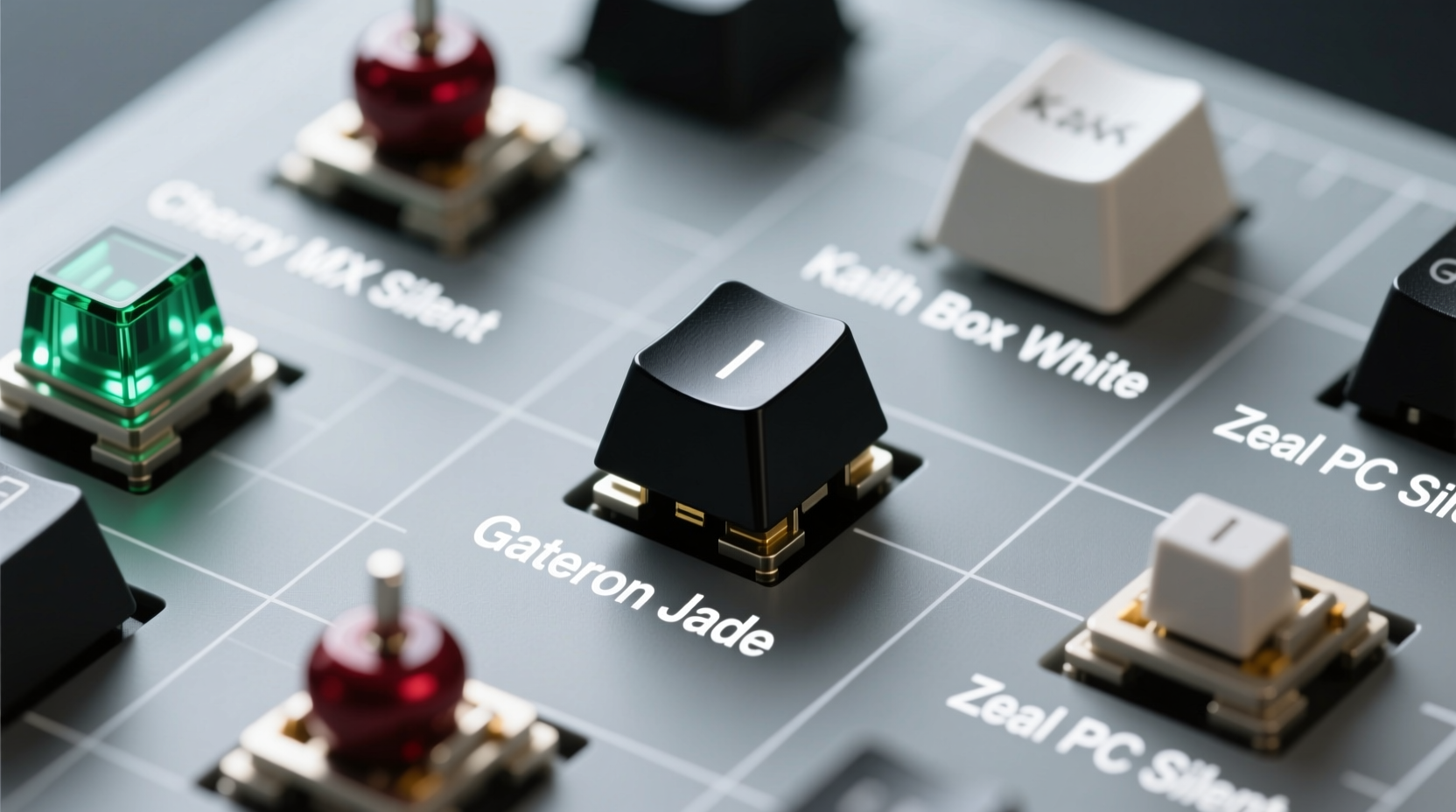
The audible \"click\" or \"clack\" of a mechanical keyboard stems from several sources: the switch mechanism itself, the keycap bottoming out on the plate, and resonance within the case. While membrane keyboards dampen these sounds naturally, mechanical variants amplify them due to their physical actuation design.
Noise levels depend heavily on switch type. Broadly, mechanical switches fall into three categories:
- Clicky – Produce an audible click from internal components (e.g., Cherry MX Blue).
- Tactile – Offer bump feedback without a sharp click (e.g., Cherry MX Brown).
- Linear – Smooth press with no bump or click (e.g., Cherry MX Red).
Generally, linear switches are quieter than tactile ones, and both are significantly quieter than clicky variants. But even within these categories, subtle differences in materials, spring weight, and housing design affect sound output.
“Switch selection isn’t just about feel—it’s about environment. In collaborative or quiet settings, acoustics matter as much as actuation force.” — Jordan Lee, Peripheral Design Engineer at KeyTech Labs
Top Quiet Mechanical Switches for Shared Spaces
Several switches stand out for their low acoustic profile while maintaining high performance. These are commonly used in office-friendly keyboards or models marketed as “silent” or “quiet.” Below is a breakdown of the most effective options.
1. Cherry MX Silent Red
A variant of the popular linear Red switch, the Silent Red includes integrated damping features to reduce both upstroke and downstroke noise. It uses a rubber bumper inside the stem to absorb impact, cutting sound by up to 25% compared to standard Reds. With a 45cN actuation force and smooth travel, it’s ideal for fast typists who want minimal disturbance.
2. Gateron Silent Yellow / Ink Black
Gateron’s Silent line rivals Cherry in performance and affordability. The Silent Yellow (linear) and Ink Black (tactile) use dual silicone dampers—one at the top and one at the base—to suppress noise across the entire keystroke. Users report a noticeably muffled sound, almost akin to typing on a premium laptop keyboard.
3. Zilent V2 (by ZealPC)
These premium switches combine a smooth, tactile bump with exceptional sound dampening. Made with POM stems and custom housing, they’re lubed and tuned out of the box for near-silent operation. Though more expensive, they're favored by enthusiasts who demand both tactility and discretion.
4. Kailh Low-Profile Box Silent
Designed for slim keyboards, these switches integrate a sealed box structure that contains noise. Their cross-shaped slider prevents wobble and reduces rattle, making them excellent for travel or compact setups where space and sound are concerns.
Comparative Overview: Noise Levels and Performance
To help identify the best option based on your needs, here's a comparison of popular quiet switches across key criteria:
| Switch | Type | Actuation Force | Noise Level (Relative) | Best For |
|---|---|---|---|---|
| Cherry MX Silent Red | Linear | 45cN | Low | Fast typists, office use |
| Gateron Silent Yellow | Linear | 50cN | Very Low | Balanced typing/gaming |
| ZeilPC Zilent V2 | Tactile | 62cN | Very Low | Precision typists |
| Kailh Box Silent Pink | Linear | 45cN | Low | Low-profile builds |
| Outemu Silent Red | Linear | 45cN | Medium-Low | Budget-conscious users |
Note: Noise level ratings are relative and based on average user reports and decibel measurements in controlled environments. Real-world results may vary depending on typing style and keyboard construction.
Design and Build Factors That Reduce Keyboard Noise
Switch choice is only part of the equation. A well-dampened keyboard build can dramatically reduce overall sound—even with inherently louder switches. Consider these structural elements when selecting or building a quiet mechanical keyboard:
- O-ring dampeners: Rubber rings installed beneath keycap stems absorb impact noise during bottoming out.
- Case padding: Foam layers inside the case minimize internal echo and vibration.
- PCB mount vs. tray mount: PCB-mounted plates tend to transmit less noise than rigid tray mounts.
- Keycap material: Thicker PBT keycaps often produce a deeper, less sharp sound than thin ABS variants.
- Lubed switches: Factory-lubed or hand-lubed switches glide smoothly and reduce scratchy or metallic noises.
Many pre-built keyboards now come with these features optimized out of the box. Brands like Logitech (with its Whisper series), Keychron (Q series), and Ducky (One 3 SF) offer models specifically designed for silent operation in professional environments.
Mini Case Study: Office Integration Success
A mid-sized tech startup in Vancouver recently transitioned from membrane to mechanical keyboards to improve employee comfort and typing efficiency. Initial feedback was mixed—some team members praised the responsiveness, but others complained about the constant clicking disrupting focus.
The IT manager conducted a trial with three switch types: Cherry MX Browns (tactile), Reds (linear), and Silent Reds. After two weeks, 87% of employees preferred the Silent Reds, citing a noticeable drop in ambient noise while retaining the mechanical feel they enjoyed. Productivity metrics showed a slight increase in typing accuracy, and no complaints were recorded about auditory distraction.
The company rolled out Silent Red-based keyboards company-wide, demonstrating that thoughtful switch selection can balance ergonomics and acoustic harmony in shared workspaces.
Actionable Checklist: Choosing a Quiet Keyboard
Follow this checklist to ensure you select or build a mechanical keyboard suitable for quiet environments:
- ✅ Prioritize linear or silent-tactile switches (e.g., Silent Red, Gateron Silent Yellow).
- ✅ Avoid clicky switches like MX Blues, MX Greens, or Kailh Speed Silvers.
- ✅ Look for keyboards with built-in foam or silicone padding in the case.
- ✅ Choose heavier keycaps (PBT double-shot) to reduce hollow sounds.
- ✅ Test typing sound in person if possible, or check audio reviews online.
- ✅ Consider adding O-rings or silicone dampeners if modding is an option.
- ✅ Opt for pre-lubed switches or budget time for manual lubrication if building custom.
Frequently Asked Questions
Are silent mechanical switches durable?
Yes. Most silent switches, including Cherry MX Silent Red and Gateron Silent variants, are rated for at least 50 million keystrokes—on par with standard mechanical switches. The added dampening components do not compromise longevity under normal use.
Can I make a loud keyboard quieter without replacing switches?
Partially. You can reduce noise by installing foam inside the case, using O-rings, switching to thicker keycaps, or learning to type more lightly. However, these methods won’t eliminate the fundamental click of switches like MX Blues. For truly quiet operation, switching to silent-rated mechanisms is the most effective solution.
Do silent switches feel different to type on?
Slight differences exist. Some users report a “softer” or “muted” feel due to internal dampening. Linear silent switches still provide smooth travel, while silent tactile variants maintain a gentle bump. Most find the change pleasant and less fatiguing over long sessions.
Step-by-Step Guide: Building or Buying a Quiet Mechanical Keyboard
If you're assembling or purchasing a quiet mechanical keyboard for a shared space, follow this step-by-step process:
- Evaluate your environment: Determine how quiet the keyboard must be. Is it for a library, open office, or nighttime use beside a sleeping partner?
- Select switch type: Choose from Cherry MX Silent Red, Gateron Silent Yellow, or Zilent V2 based on availability and preference for linear vs. tactile feedback.
- Choose a pre-built model or plan a custom build: If opting for pre-built, look for models from Keychron (e.g., Q1 Pro), Drop (Alt), or Logitech (G915 TKL). For custom builds, source silent switches and a gasket-mounted case with foam lining.
- Install sound-dampening materials: Add 3–5mm EVA foam or sorbothane pads inside the case and under the PCB to deaden vibrations.
- Use high-quality keycaps: Install thick PBT keycaps with OEM or SA profile for better sound absorption.
- Test and adjust: Type extensively in your target environment. If noise persists, consider adding O-rings or adjusting actuation sensitivity via software (if supported).
This method ensures optimal performance and minimal disruption, blending mechanical precision with acoustic mindfulness.
Conclusion: Balancing Performance and Peace
Choosing the quietest mechanical keyboard switch isn’t about sacrificing quality—it’s about aligning technology with context. In shared spaces, respect for others’ focus and comfort is just as important as personal typing satisfaction. With switches like Cherry MX Silent Red, Gateron Silent Yellow, and ZealPC Zilents, you don’t have to compromise.
Combine the right switch with smart build choices—foam padding, quality keycaps, proper mounting—and you create a keyboard that excels in both performance and discretion. Whether you're working remotely, studying in a dorm, or collaborating in an office, a quiet mechanical setup enhances your experience without imposing on those around you.




 浙公网安备
33010002000092号
浙公网安备
33010002000092号 浙B2-20120091-4
Comments
No comments yet. Why don't you start the discussion?