
For remote workers, the tools used every day shape not only productivity but also long-term comfort and well-being. Among these tools, the keyboard plays a central role—typing thousands of words per week demands more than just functionality. It requires precision, responsiveness, and ergonomic support. Yet many remote professionals still use whatever keyboard came with their laptop or default office setup without considering how much difference a better input device can make.
The debate between mechanical and membrane keyboards isn’t new, but it’s especially relevant in today’s distributed work environment. With home offices ranging from quiet bedrooms to shared living spaces, and with back-to-back video calls and typing sessions, choosing the right keyboard type has real implications on focus, fatigue, and even household harmony. This guide breaks down the core differences, practical trade-offs, and real-world considerations to help remote workers decide which keyboard technology suits their lifestyle and workflow best.
How Mechanical and Membrane Keyboards Work
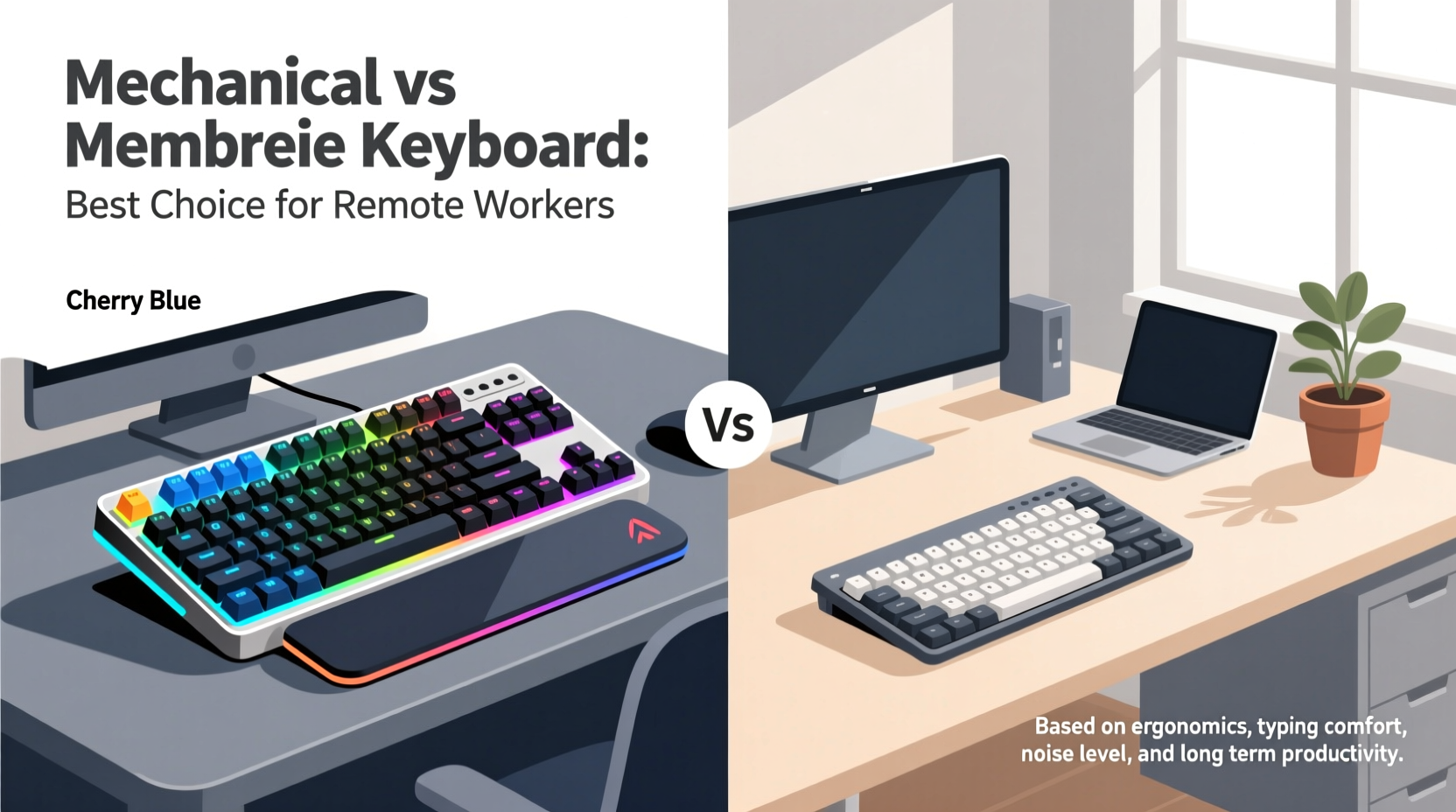
At the heart of the comparison lies fundamental design differences. Understanding how each keyboard functions explains why they feel so distinct under the fingers.
Mechanical keyboards use individual physical switches beneath each keycap. These switches contain metal springs and contact points that register a keystroke when pressed. Each switch provides tactile feedback and an audible click (depending on the model), giving typists precise control over actuation—the point at which the keystroke is registered. Common switch types include Cherry MX Blue (clicky), Brown (tactile), and Red (linear), each catering to different preferences.
Membrane keyboards, by contrast, rely on a layered rubber or silicone sheet with conductive pads underneath a continuous key surface. When a key is pressed, the pad makes contact with a circuit layer, completing the signal. Because there are no individual moving parts per key, the response is softer and less defined. Most budget laptops and office keyboards use this technology due to its low cost and quiet operation.
The engineering behind each type influences typing speed, accuracy, and long-term comfort—factors critical for anyone spending hours writing emails, coding, or managing spreadsheets from home.
Performance Comparison: Typing Experience and Accuracy
Typing is not just about hitting keys—it's about rhythm, flow, and minimizing errors. A keyboard that supports accurate, efficient input reduces cognitive load and physical strain over time.
Remote workers who type extensively—writers, developers, customer support agents, and data entry specialists—often report higher satisfaction with mechanical keyboards. The tactile bump or audible click provides immediate confirmation that a keypress was registered, reducing typos and the need for constant visual verification. This feedback loop enhances muscle memory, allowing faster touch-typing with fewer mistakes.
One study conducted by the University of Washington’s Human-Computer Interaction group found that participants using mechanical keyboards completed text-entry tasks 12% faster on average than those using standard membrane models, with a 15% reduction in error rates. While not definitive for all users, the trend suggests a measurable advantage in performance under sustained use.
However, membrane keyboards have improved significantly. Many modern variants feature scissor-switch mechanisms (common in premium ultrabooks) that offer better key stability and shorter travel distance, narrowing the gap in responsiveness. For lighter typists or those who prefer a quieter, cushioned feel, these hybrid designs may provide sufficient precision without the mechanical “clack.”
Noise Level and Shared Living Spaces
This is often the deciding factor for remote workers sharing homes with partners, children, or roommates. A keyboard that sounds like a typewriter might energize one person and disrupt another.
Mechanical keyboards, particularly those with clicky switches like Blues or Hawks, generate noticeable auditory feedback. In a quiet house during a morning Zoom call or late-night work session, this can be intrusive. Even tactile switches produce more sound than most membrane models. However, linear switches such as Cherry MX Reds or silent variants (e.g., Gateron Silent Reds) are significantly quieter while retaining the mechanical benefits.
Membrane keyboards win hands-down in stealth. Their soft keystrokes blend into background noise, making them ideal for shared environments or households where silence is prioritized. Some remote workers alternate between devices: a mechanical keyboard for deep work in private hours, and a slim membrane model during collaborative meetings or family time.
Consider your daily schedule. If you're working asynchronous hours while others sleep, noise becomes a non-negotiable constraint. But if you have a dedicated office or flexible hours, investing in a mechanical board with dampening features (like O-rings or foam mods) could offer both performance and acceptable sound levels.
“Choosing a keyboard isn’t just about personal preference—it’s about respecting shared acoustic space. Remote work success includes being considerate of others’ peace.” — Dr. Lena Torres, Ergonomics Researcher, MIT Media Lab
Durability and Long-Term Value
Remote work setups are rarely temporary. As professionals invest in monitors, chairs, and headsets, the keyboard should not be an afterthought. Durability directly impacts long-term value.
Mechanical keyboards typically last 50 million keystrokes per switch, compared to 5–10 million for most membrane keyboards. That means a well-built mechanical model can endure five to ten years of heavy use, whereas membrane keyboards may degrade noticeably within two to three years—keys become unresponsive, sticky, or uneven.
Beyond lifespan, mechanical keyboards offer modularity. Individual switches can be replaced, keycaps swapped, and layouts customized. This extendibility allows users to adapt their tool over time rather than replacing it entirely. Brands like Ducky, Keychron, and Drop build boards designed for longevity and user repairability.
In contrast, membrane keyboards are generally disposable. Once the internal layer wears out, the entire unit must be discarded. While cheaper upfront (often $15–$30), frequent replacements add up. Over five years, spending $120 on multiple membrane keyboards may exceed the cost of a single $80–$120 mechanical option that lasts the full term.
| Feature | Mechanical Keyboard | Membrane Keyboard |
|---|---|---|
| Lifespan (keystrokes) | 50 million+ | 5–10 million |
| Repairability | High (switches/keycaps replaceable) | Low (sealed units) |
| Initial Cost | $70–$200 | $15–$50 |
| Noise Output | Moderate to high (depends on switch) | Low |
| Tactile Feedback | Strong and consistent | Soft and variable |
Ergonomics and Physical Comfort
Prolonged typing without proper support leads to discomfort, fatigue, and even repetitive strain injuries. Both keyboard types can be ergonomic—or harmful—depending on design and usage habits.
Mechanical keyboards come in a wider variety of form factors: full-size, tenkeyless (TKL), 60%, split, and ortholinear layouts. This diversity allows users to choose compact, angled, or split designs that promote neutral wrist positioning. Additionally, the consistent actuation force across keys reduces finger strain compared to membrane keyboards, where pressure sensitivity varies and often requires heavier pressing.
That said, not all mechanical keyboards are created equal. Low-profile mechanical switches (such as Kailh Low Profile Browns) now offer a compromise between traditional mechanical feel and slim ergonomics, mimicking the height of laptop keyboards while preserving switch integrity.
Membrane keyboards, especially built-in laptop models, often encourage poor posture due to shallow key travel and lack of feedback. Users tend to “mush” keys, leading to overuse of finger joints. However, external membrane keyboards with wrist rests and negative tilt stands can mitigate some risks.
Regardless of type, pairing any keyboard with proper desk height, monitor alignment, and regular stretch breaks is essential. No keyboard eliminates the need for good ergonomics—but a responsive, well-designed one supports it.
Mini Case Study: Sarah, Freelance Technical Writer
Sarah transitioned to full-time remote work in 2021 and initially used her MacBook’s built-in membrane keyboard. After six months, she began experiencing fingertip soreness and noticed an uptick in typos, especially during long documentation sprints. She experimented with an external membrane keypad but found it mushy and imprecise.
She invested in a Keychron K6 with Gateron Brown switches—a mechanical compact board with Bluetooth connectivity. Within two weeks, her typing accuracy improved, and she reported reduced finger fatigue. The tactile feedback allowed her to type faster without looking at the keys. Importantly, she placed foam padding inside the case and used O-ring dampeners to minimize noise, making it suitable for her apartment environment.
Two years later, the keyboard remains fully functional, with only the spacebar keycap replaced due to wear. Sarah estimates she’s saved time on editing and avoided potential RSI issues—all from upgrading her primary input tool.
Checklist: Choosing the Right Keyboard for Your Remote Setup
- ✅ Assess your daily typing volume – over 2 hours/day favors mechanical
- ✅ Consider your environment – noisy switches may disturb others
- ✅ Test switch types virtually or via sample kits before buying
- ✅ Prioritize ergonomics: look for adjustable feet, negative tilt, or split layout
- ✅ Check compatibility – ensure Bluetooth/USB-C works with your devices
- ✅ Set a budget that accounts for long-term replacement costs
- ✅ Look for customizable backlighting if working in low-light conditions
Frequently Asked Questions
Can I use a mechanical keyboard on a laptop?
Yes. Most mechanical keyboards connect via USB or Bluetooth and work seamlessly with laptops, desktops, and even tablets. Models like the Logitech MX Mechanical or Keychron Q1 offer multi-device pairing, ideal for hybrid workflows.
Are mechanical keyboards bad for your fingers?
No—when properly selected. High-actuation-force switches (like older Alps models) can cause strain, but modern switches range from 45g to 60g of force, which is comfortable for most users. Tactile or linear switches reduce finger fatigue compared to repeatedly bottoming out on stiff membranes.
Do membrane keyboards wear out faster?
Yes. Due to the degradation of the rubber dome layer, membrane keyboards often lose responsiveness after 2–3 years of regular use. Keys may require harder presses or fail to register, limiting their lifespan compared to mechanical alternatives.
Conclusion: Make the Choice That Suits Your Workflow and World
The question isn’t whether mechanical keyboards are objectively better than membrane ones—it’s whether they’re better for you. For remote workers focused on efficiency, accuracy, and long-term investment, mechanical keyboards often deliver superior performance and durability. But for those in tight living spaces, light typists, or budget-conscious users, a quality membrane or scissor-switch keyboard remains a practical, quiet alternative.
The best choice balances technical needs with human context: your body, your environment, and your daily routine. Don’t settle for whatever came free. Try different models, read reviews, and listen to your hands. Small upgrades compound into major gains in comfort and output over time.




 浙公网安备
33010002000092号
浙公网安备
33010002000092号 浙B2-20120091-4
Comments
No comments yet. Why don't you start the discussion?