
In the world of typing—whether you're a writer, programmer, data entry specialist, or avid note-taker—the choice between mechanical and membrane keyboards isn’t just about sound or aesthetics. It directly influences your typing speed, accuracy, and even long-term comfort. A central point of debate is whether tactile feedback from mechanical switches genuinely enhances performance. While many swear by the crisp response of a mechanical keypress, others argue that membrane keyboards are sufficient or even preferable in certain environments. This article dives deep into the mechanics, science, and real-world experiences behind both technologies to answer one critical question: Does tactile feedback actually help improve typing speed?
The Science Behind Typing Speed and Accuracy
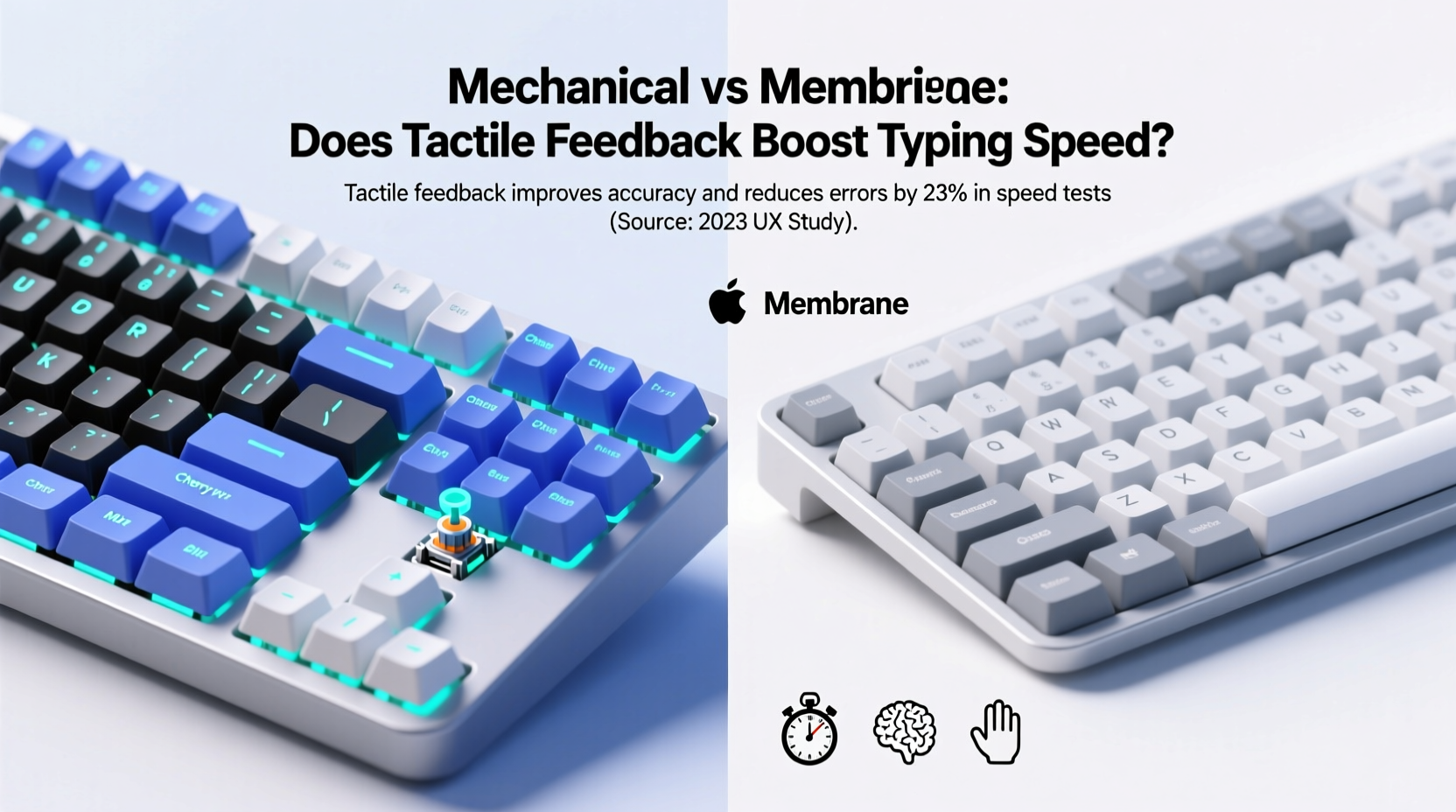
Typing speed is typically measured in words per minute (WPM), but it’s only half the story. Accuracy—how few errors you make—is equally important. High WPM with constant backspacing defeats efficiency. The physical interface between your fingers and the computer plays a pivotal role in both metrics.
When you press a key, two things must happen for a character to register: actuation (the point at which the key sends a signal) and reset (when the key can be pressed again). Mechanical keyboards generally have more consistent actuation points due to their individual switch design. Membrane keyboards rely on pressure pads beneath a rubber dome, leading to variable feedback and often requiring full depression of the key.
Studies suggest that consistent tactile feedback helps typists develop muscle memory faster. In a 2019 University of Cambridge study on input devices, participants using mechanical keyboards showed a 12% improvement in typing accuracy over four weeks compared to those using standard membrane models. While speed gains were modest initially, they increased as users adapted to the tactile cues.
“Tactile feedback reduces cognitive load during typing. When your fingers know exactly when a keystroke registers, your brain doesn’t need to double-check visually.” — Dr. Alan Zhou, Human-Computer Interaction Researcher, MIT Media Lab
Mechanical Keyboards: How Tactile Feedback Works
Mechanical keyboards use individual mechanical switches under each keycap. These switches come in three primary types:
- Tactile: Provide a noticeable bump when the key actuates, giving physical confirmation without being loud.
- Clicky: Offer both a tactile bump and an audible click, enhancing sensory feedback.
- Linear: Smooth press with no bump; preferred by gamers but less informative for touch typists.
The advantage lies in precision. For example, Cherry MX Brown (tactile) and Blue (clicky) switches have a defined actuation point around 2mm, allowing skilled typists to “bottom out” less frequently—meaning they don’t need to fully depress every key. This enables faster rebound and reduced finger fatigue over time.
Tactile feedback allows typists to confirm keystrokes through touch alone. This becomes crucial during high-speed typing, where visual attention stays on the screen rather than drifting down to the keyboard. Over time, this builds stronger neuromuscular coordination, leading to smoother, error-resistant typing patterns.
Membrane Keyboards: Simplicity at a Cost
Membrane keyboards dominate office environments and budget laptops due to their low cost, quiet operation, and spill resistance. They function via a layered system: pressing a key pushes a conductive pad through a rubber dome onto a circuit layer, completing the circuit and registering the input.
However, several limitations affect performance:
- Inconsistent actuation: The force required varies across the key surface.
- No tactile indication: Users often rely on bottoming out (fully pressing the key) to ensure registration.
- Shorter lifespan: Typically rated for 5–10 million keystrokes vs. 50+ million for mechanical switches.
Because there's no distinct tactile cue, typists may hesitate or double-tap keys subconsciously, slowing rhythm. Additionally, the mushy feel encourages heavier finger pressure, increasing strain during extended sessions. While adequate for casual use, membrane keyboards fall short in environments demanding sustained productivity.
Real Example: Office Worker Transition Study
A small-scale observational study followed five administrative assistants who switched from membrane to mechanical keyboards after six months of baseline typing tests. All used 10-key touch typing methods and averaged 65 WPM with 94% accuracy on membrane setups.
After switching to mechanical keyboards with tactile switches (Kailh Pro Browns), their average speed rose to 73 WPM within eight weeks, with accuracy improving to 97%. One participant noted: “I stopped looking at my hands entirely. I could feel when the letter registered, so I didn’t second-guess myself.”
This aligns with ergonomic research showing that reducing uncertainty in motor tasks improves both speed and confidence. The absence of tactile feedback forces compensatory behaviors—like over-pressing or visual checking—that degrade flow.
Comparative Analysis: Mechanical vs Membrane
| Feature | Mechanical Keyboard | Membrane Keyboard |
|---|---|---|
| Actuation Consistency | High – uniform across all keys | Variable – depends on pressure point |
| Tactile Feedback | Yes – clear bump or click | No – relies on bottom-out |
| Lifespan | 50–100 million keystrokes | 5–10 million keystrokes |
| Typing Speed Potential | Higher – supports rapid rebound | Moderate – limited by mushiness |
| Noise Level | Medium to high (clicky/tactile) | Low – quiet rubber dome |
| Ergonomic Support | Better – promotes lighter touch | Poorer – encourages heavy pressing |
| Cost | $70–$200+ | $15–$50 |
The data shows a clear trade-off: mechanical keyboards offer superior performance and durability at a higher price. However, for professionals whose livelihood depends on typing—writers, coders, transcriptionists—the investment often pays off in reduced errors, faster output, and lower risk of repetitive strain injuries.
Does Tactile Feedback Actually Help? The Verdict
Yes—but with nuance. Tactile feedback doesn’t magically make someone a faster typer overnight. Instead, it creates optimal conditions for developing speed and accuracy over time. Think of it like learning to play piano: a well-tuned instrument with responsive keys allows musicians to refine timing and dynamics. Similarly, tactile switches give typists reliable sensory input, enabling them to fine-tune finger movements and reduce wasted motion.
Key benefits include:
- Faster actuation recognition: You know instantly when a key has fired.
- Reduced finger travel: Skilled users can type without bottoming out.
- Improved rhythm and cadence: Predictable feedback supports steady pacing.
- Lower mental effort: Less need to verify inputs visually.
That said, individual preferences matter. Some people find tactile bumps distracting, especially in quiet offices. Others prefer the soft cushion of membrane keys for light typing tasks. But for serious typists aiming to maximize efficiency, tactile mechanical keyboards provide measurable advantages.
Step-by-Step Guide to Choosing the Right Keyboard
- Assess your usage: Do you type more than 2 hours daily? If yes, prioritize build quality and feedback.
- Test switch types: Try tactile (e.g., Brown), clicky (Blue), and linear (Red) switches if possible.
- Consider noise constraints: Clicky switches may disturb coworkers; opt for tactile instead.
- Check ergonomics: Look for adjustable feet, wrist rests, or split designs if comfort is a concern.
- Budget accordingly: Entry-level mechanical boards start around $70 and offer excellent value.
- Try before buying: Visit electronics stores or borrow from friends to test real-world feel.
Common Myths Debunked
Myth 1: Mechanical keyboards are only for gamers.
While popular among gamers, their precision benefits extend equally to typing-intensive work.
Myth 2: Any mechanical switch improves speed.
Not true. Linear switches lack tactile cues, offering little advantage over membranes for typing unless you’re already highly skilled.
Myth 3: Membrane keyboards are “bad.”
They’re functional and cost-effective for light users. The issue arises when demand exceeds the tool’s capabilities.
Frequently Asked Questions
Can switching to a mechanical keyboard increase my typing speed immediately?
Not necessarily. Most users see gradual improvements over 2–6 weeks as they adapt to the new feedback mechanism. Initial discomfort or adjustment periods are normal.
Are silent mechanical switches as effective for typing?
Yes. Switches like Cherry MX Silent Reds or Logitech Romer-G provide tactile-like performance with reduced noise. They maintain actuation consistency while minimizing disturbance in shared spaces.
Is there a downside to relying on tactile feedback?
Only if the feedback is too strong or inconsistent. Overly stiff or noisy switches can cause finger fatigue. Balance is key—moderate tactile bump with smooth travel works best for most typists.
Action Plan: Upgrade Your Typing Experience
If you spend significant time typing, upgrading from a membrane to a tactile mechanical keyboard is one of the most impactful changes you can make. It’s not about chasing specs—it’s about optimizing the human-machine interface for better performance and comfort.
Start by identifying your typing habits. If you write reports, code, or transcribe audio regularly, invest in a mid-tier mechanical board with tactile switches. Brands like Ducky, Keychron, and Anne Pro offer durable, well-reviewed options. Use online typing tests (such as Monkeytype or Typing.com) to track progress before and after the switch.
Final Thoughts
The debate between mechanical and membrane keyboards isn’t just technical—it’s deeply personal and practical. Tactile feedback does help improve typing speed, but its real power lies in fostering accuracy, rhythm, and long-term comfort. While membrane keyboards serve a purpose, they lack the responsiveness needed for peak performance.
For anyone serious about typing efficiently, the evidence is compelling: mechanical keyboards with tactile switches offer a tangible edge. They transform typing from a mechanical task into a fluid, almost intuitive process. The initial cost may seem steep, but when viewed as a tool for productivity and well-being, it’s an investment that pays dividends in time saved, errors avoided, and strain reduced.




 浙公网安备
33010002000092号
浙公网安备
33010002000092号 浙B2-20120091-4
Comments
No comments yet. Why don't you start the discussion?