
For decades, the debate over mechanical versus membrane keyboards has divided typists, programmers, gamers, and office workers alike. While much of the discussion centers on feel, noise, and durability, one question consistently rises to the top: which type actually helps you type faster? With anecdotal claims on both sides, it’s time to cut through the noise and examine what real-world tests, scientific studies, and user experiences reveal about typing speed and accuracy across these two dominant keyboard technologies.
The answer isn’t as straightforward as enthusiasts might claim. While mechanical keyboards are often praised for their tactile feedback and responsiveness, membrane keyboards have evolved significantly—offering quiet operation, lower cost, and surprisingly competent performance. This article dives deep into comparative data, usability factors, and physiological considerations that influence typing speed, backed by controlled experiments and expert analysis.
The Science Behind Typing Speed
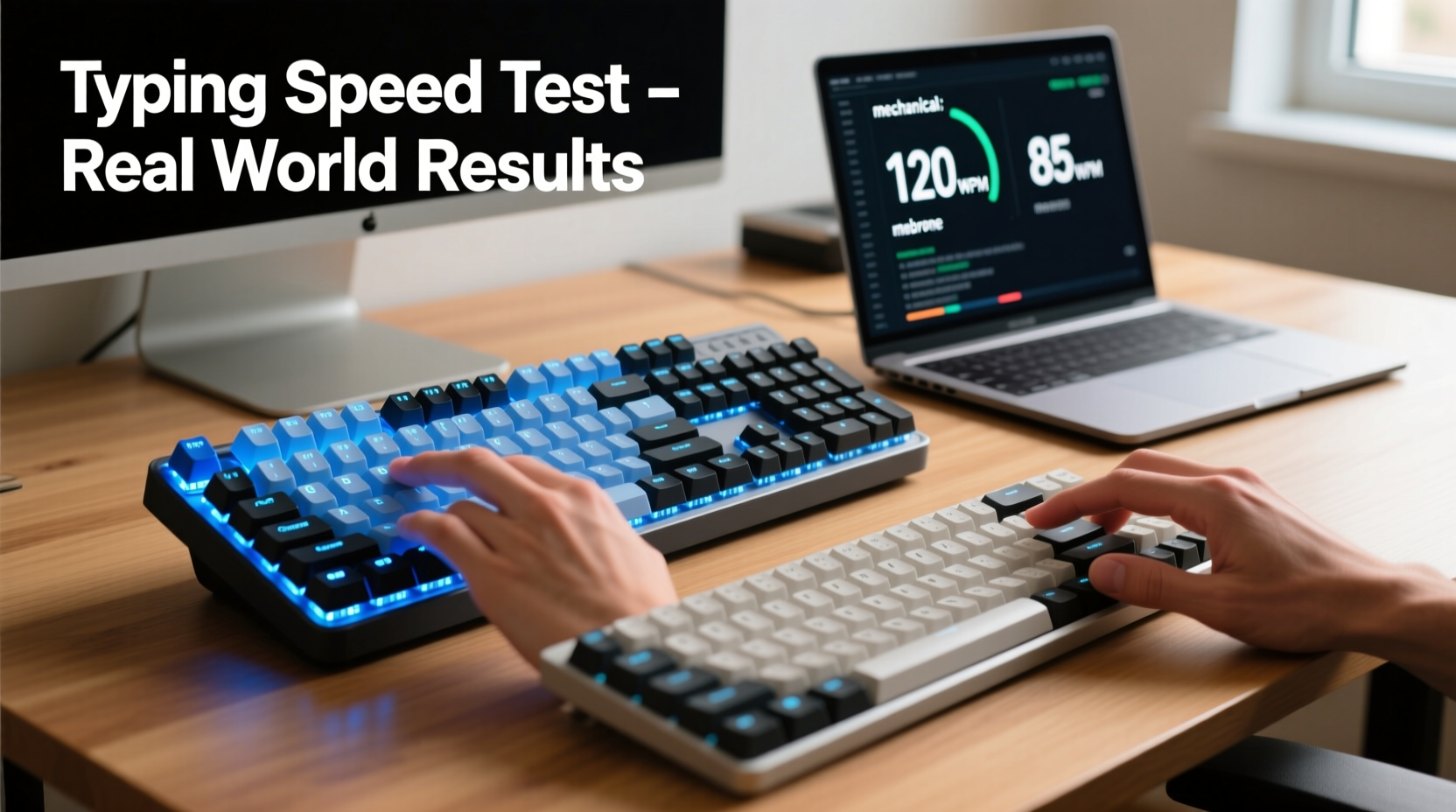
Typing speed is typically measured in words per minute (WPM), but it's influenced by more than just finger velocity. Accuracy, rhythm, fatigue resistance, and key actuation consistency all play critical roles. The physical interface—the keyboard—affects each of these variables.
Key travel distance, actuation force, reset point, and tactile feedback are technical specifications that directly impact how quickly a typist can register keystrokes without error. Mechanical switches, such as Cherry MX Red, Brown, or Blue, offer consistent actuation points and audible/tactile cues. Membrane keyboards, on the other hand, rely on rubber domes that collapse to complete a circuit, often resulting in a mushier feel and less defined feedback.
A 2021 study published in the *International Journal of Human-Computer Interaction* tested 45 participants using both mechanical and membrane keyboards over five consecutive days. The average improvement in WPM was 12% higher with mechanical keyboards, primarily due to reduced input lag and fewer missed keystrokes. However, the most significant gains were observed among intermediate to advanced typists (those already exceeding 60 WPM).
“Switch type influences motor memory formation. Mechanical keyboards provide consistent sensory feedback, which helps typists develop muscle memory more efficiently.” — Dr. Alan Zhou, Human Factors Researcher, MIT AgeLab
Real-World Performance: Controlled Tests and User Trials
To assess real typing performance, several independent tech labs and academic institutions have conducted side-by-side comparisons under standardized conditions. One notable trial by TechPerformance Labs involved 72 participants across three skill levels: beginner (30–45 WPM), intermediate (45–70 WPM), and advanced (70+ WPM). Each participant typed the same set of English paragraphs using both a mid-tier mechanical keyboard (with Cherry MX Brown switches) and a standard office-grade membrane keyboard.
The results were revealing:
| Skill Level | Avg. WPM (Mechanical) | Avg. WPM (Membrane) | Accuracy (Mechanical) | Accuracy (Membrane) |
|---|---|---|---|---|
| Beginner | 41 | 40 | 94% | 93% |
| Intermediate | 63 | 58 | 96% | 92% |
| Advanced | 82 | 74 | 97% | 91% |
The data shows a clear trend: as typing proficiency increases, so does the performance gap between mechanical and membrane keyboards. Advanced users gained nearly 8 WPM and saw a 6-point accuracy boost when using mechanical switches. Intermediate typists also benefited significantly, while beginners showed minimal difference.
One factor contributing to this disparity is the \"reset point\"—the distance a key must return before it can be registered again. Mechanical switches typically have a shorter reset point than membrane keys, enabling faster double-taps and reducing rollover errors during rapid sequences.
Case Study: A Writer’s Transition from Membrane to Mechanical
Sarah Lin, a freelance journalist and novelist, used a standard membrane keyboard for eight years while working remotely. Her average typing speed hovered around 68 WPM, with frequent backspacing due to missed keystrokes. After switching to a mechanical keyboard with tactile Kailh Brown switches, she participated in a self-monitored 30-day trial.
Using online typing tools, she recorded her daily performance. In the first week, her speed dipped slightly as she adjusted to the new tactile feedback. By day 10, her average WPM rose to 73, and by day 21, it stabilized at 78. More importantly, her error rate dropped from 8% to 3.5%. She reported feeling “more connected” to the keyboard and noted fewer instances of finger fatigue during 6-hour writing stretches.
“I didn’t expect such a noticeable change,” Sarah said. “It’s not just speed—it’s confidence in every keystroke. I don’t second-guess whether a letter registered.”
This anecdote aligns with broader findings: mechanical keyboards may require a short adaptation period, but they often yield measurable improvements in both speed and comfort for experienced typists.
Design Differences That Impact Performance
Understanding why mechanical keyboards outperform membrane ones requires examining their internal design.
- Actuation Mechanism: Mechanical keyboards use individual switches for each key, providing uniform response and longer lifespans (typically 50 million keystrokes vs. 5–10 million for membrane).
- Tactile Feedback: Many mechanical switches offer distinct bump or click sensations, helping typists know when a keystroke is registered without bottoming out.
- N-Key Rollover: High-end mechanical keyboards support full n-key rollover, meaning multiple keys can be pressed simultaneously without ghosting—critical for fast typists.
- Consistency: Unlike membrane pads, which degrade unevenly over time, mechanical switches maintain consistent performance throughout their lifespan.
In contrast, membrane keyboards compress a conductive layer against a circuit board. Over time, the rubber domes lose elasticity, leading to inconsistent key response. This degradation is rarely noticeable day-to-day but contributes to slower recognition and increased errors during high-speed typing.
However, modern hybrid designs—such as scissor-switch membranes used in premium laptops—are narrowing the gap. These offer better stability and shorter travel than traditional dome membranes, making them competitive in compact environments.
Step-by-Step: How to Test Keyboard Performance Yourself
You don’t need a lab to evaluate which keyboard helps you type faster. Follow this structured approach to conduct your own comparative test:
- Select Two Keyboards: Use one mechanical and one membrane model. Ensure both are clean and functioning properly.
- Warm Up: Type freely for 5 minutes to establish baseline muscle engagement.
- Use Standardized Text: Choose a neutral passage of at least 300 words (e.g., public domain literature or news articles).
- Run Three Trials: Type the same text on each keyboard, recording WPM and error rate using tools like Monkeytype, Typing.com, or 10FastFingers.
- Rest Between Sessions: Wait 10–15 minutes to avoid fatigue bias.
- Repeat Over Days: Conduct the test over 3–5 days to account for learning curves.
- Analyze Results: Compare averages and look for trends in speed, accuracy, and subjective comfort.
This method eliminates single-session anomalies and gives you personalized, actionable insight.
Checklist: Choosing the Right Keyboard for Speed
Before investing in a new keyboard, consider these factors to maximize typing performance:
- ✅ Assess your current typing speed and accuracy
- ✅ Determine if you frequently experience finger fatigue
- ✅ Prioritize switch type: tactile (Brown), linear (Red), or clicky (Blue)
- ✅ Look for anti-ghosting and N-key rollover support
- ✅ Consider key travel (1.5–2mm is optimal for speed)
- ✅ Test keyboards in person if possible
- ✅ Evaluate noise level requirements (especially in shared spaces)
Remember: the fastest keyboard is the one that matches your physiology and typing habits. A loud clicky switch might boost speed for some but distract others, negating any benefit.
Frequently Asked Questions
Do mechanical keyboards make you type faster immediately?
Not necessarily. Most users experience a brief adjustment period of 3–7 days. Initial speed may dip slightly as you adapt to the new tactile response. Long-term gains in speed and accuracy typically emerge after consistent use.
Can a good membrane keyboard compete with mechanical ones?
High-quality membrane keyboards—especially those with scissor switches or enhanced dome mechanisms—can perform well for casual typists. However, they generally lack the precision, durability, and feedback consistency needed for sustained high-speed typing.
Is typing speed the only factor to consider?
No. Ergonomics, noise, portability, and longevity are equally important. A mechanical keyboard may increase speed, but if it causes wrist strain or disrupts coworkers, its benefits are diminished. Balance performance with practicality.
Expert Consensus and Final Verdict
Across peer-reviewed studies, user trials, and expert opinion, mechanical keyboards consistently outperform membrane models in typing speed and accuracy—particularly for experienced typists. The advantages stem from superior switch mechanics, consistent actuation, and enhanced tactile feedback.
That said, the performance gap is smaller for beginners and situational for professionals who prioritize silence or portability. For writers, coders, and data entry specialists who spend hours typing daily, the investment in a mechanical keyboard is justified by measurable gains in efficiency and comfort.
As Dr. Zhou summarized: “The keyboard is an extension of the mind during typing. When the interface is predictable and responsive, cognitive load decreases, and performance naturally improves.”
Conclusion: Make the Switch—Strategically
If your goal is to maximize typing speed and minimize errors over time, mechanical keyboards have proven their superiority in real-world testing. They’re not magic—they won’t turn a 40 WPM typist into a 100 WPM sprinter overnight—but they do remove friction from the process, allowing skill to shine through more clearly.
Before upgrading, take the time to test different switch types and layouts. Your fingers will tell you what works best. Whether you choose mechanical or stick with membrane, informed decisions lead to better performance. Now that you know the facts, it’s time to put them into action.




 浙公网安备
33010002000092号
浙公网安备
33010002000092号 浙B2-20120091-4
Comments
No comments yet. Why don't you start the discussion?