
For years, the debate between mechanical and membrane keyboards has divided typists, gamers, office workers, and tech enthusiasts. One side champions the tactile feedback and durability of mechanical switches; the other defends the quiet, affordable simplicity of membrane designs. But beyond the hype and personal preference, what actually matters when choosing between them? Is the satisfying click of a mechanical keyboard truly worth the extra cost—and the noise it brings? The answer depends on how you use your keyboard, where you use it, and what you value most in a typing experience.
How Mechanical and Membrane Keyboards Work
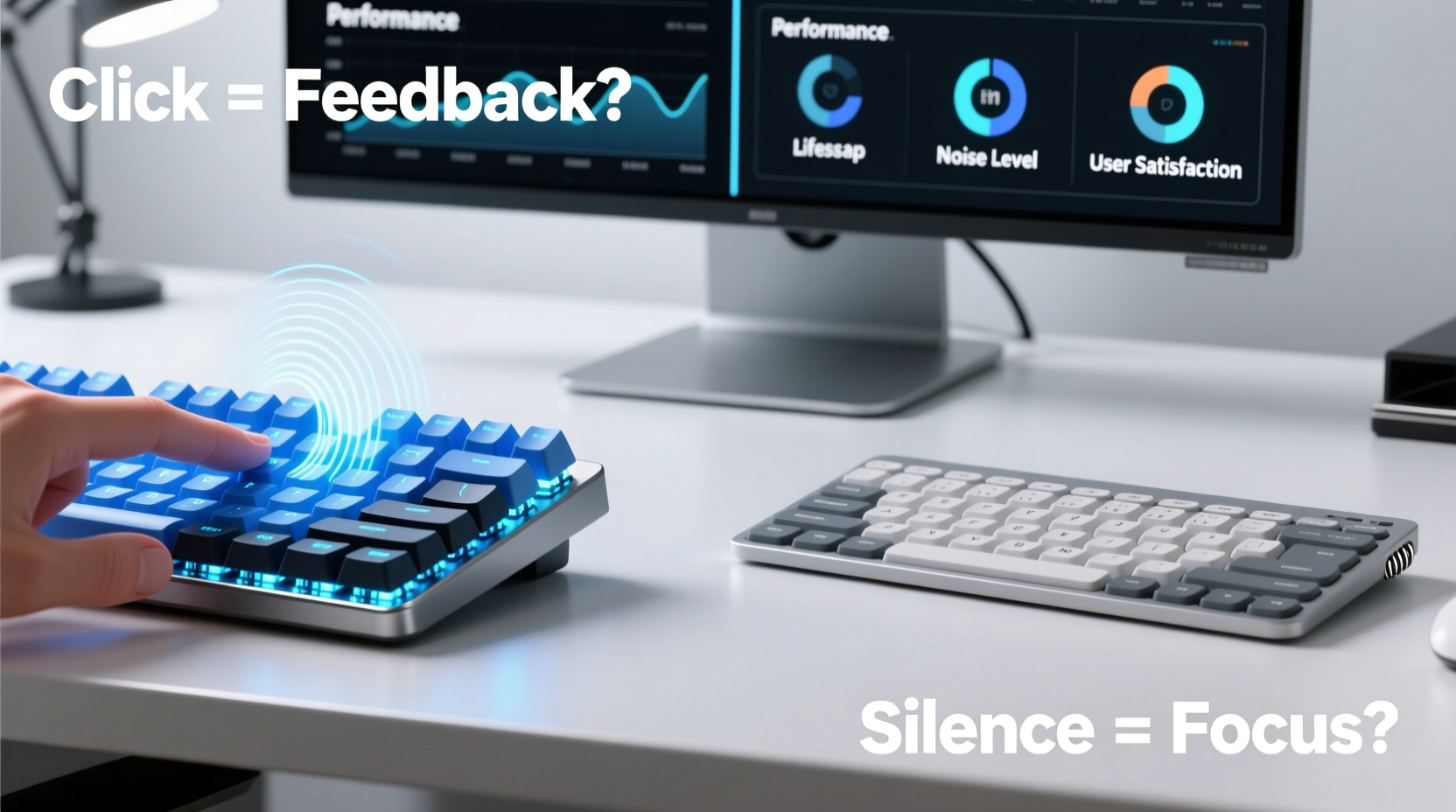
Understanding the core difference starts with how each keyboard registers keystrokes.
Mechanical keyboards use individual physical switches under each keycap. Each switch contains a spring and metal contact that completes a circuit when pressed. This design allows for consistent actuation force, tactile feedback, and audible clicks—especially with certain switch types like Cherry MX Blue. Because each switch is a standalone component, they can be replaced or customized individually.
Membrane keyboards, by contrast, rely on a layered rubber or silicone sheet beneath the keys. When you press a key, it pushes down on this membrane, which makes contact with a printed circuit board to register the input. The feel is softer and less defined, often described as “mushy,” because there’s no distinct mechanical point of actuation.
Performance Comparison: Speed, Accuracy, and Responsiveness
The performance gap between mechanical and membrane keyboards isn’t always obvious to casual users, but it becomes apparent under pressure—whether during fast-paced gaming or marathon typing sessions.
- Actuation Point: Mechanical switches typically have a shorter and more consistent actuation distance (the point at which the keystroke is registered). This means you don’t need to press the key all the way down, allowing for faster typing and reduced finger strain.
- N-Key Rollover: Many mechanical keyboards support full n-key rollover, meaning every keypress is recognized even if multiple keys are pressed simultaneously. This is crucial for gaming and complex keyboard shortcuts. Most membrane keyboards cap out at 6-key rollover or less.
- Consistency: Mechanical switches deliver uniform response across all keys. Membrane keyboards often have inconsistent feel, especially toward the edges.
For competitive gamers or programmers using intricate key combinations, these differences translate into measurable advantages. However, for basic web browsing or email writing, the performance gain may not justify the premium price.
“Switch consistency and precise actuation make mechanical keyboards the default choice for esports professionals.” — David Lin, Peripheral Design Lead at HyperX
Cost vs. Long-Term Value
There’s no denying that mechanical keyboards come with a higher upfront cost. Entry-level models start around $70, while high-end custom builds can exceed $300. Membrane keyboards, on the other hand, range from $15 to $50, making them accessible for budget-conscious buyers.
But cost isn’t just about the sticker price—it’s also about longevity and replacement frequency.
| Factor | Mechanical Keyboard | Membrane Keyboard |
|---|---|---|
| Average Lifespan | 50 million keystrokes per switch | 5–10 million keystrokes |
| Repairability | Individual switches replaceable | Entire unit usually discarded |
| Customization | High (keycaps, switches, firmware) | Very limited |
| Entry Price | $70+ | $15–$50 |
| Noise Level | Medium to high (depends on switch) | Low |
When viewed over a five-year period, a $100 mechanical keyboard used daily may offer better value than replacing three $30 membrane keyboards that degrade in responsiveness. Additionally, mechanical keyboards retain resale value, especially popular models like the Ducky One 2 or Keychron K series.
Noise: The Hidden Trade-Off
The iconic “click” associated with mechanical keyboards is both their greatest appeal and biggest drawback. While many users love the auditory feedback—believing it enhances rhythm and accuracy—others find it disruptive, especially in shared environments.
Noise levels vary significantly depending on switch type:
- Clicky (e.g., Cherry MX Blue, Kailh Box White): Audible snap with each press. Ideal for tactile lovers but potentially distracting in offices or homes.
- Tactile (e.g., Cherry MX Brown, Gateron Clear): Subtle bump without loud click. Balanced option for those who want feedback without noise.
- Linear (e.g., Cherry MX Red, Gateron Yellow): Smooth press with no bump or click. Preferred by gamers and quiet typists.
In open-plan offices or households with light sleepers, even moderately loud mechanical keyboards can cause friction. Some users resort to sound-dampening mods like O-rings or foam inserts inside the case to reduce noise.
Conversely, membrane keyboards are inherently quieter. Their rubber dome design absorbs impact, resulting in a soft thud rather than a sharp click. For librarians, night owls, or remote workers sharing space with others, this silence can be a decisive advantage.
Real-World Example: Office Worker Transition
Sarah, a technical writer at a digital marketing firm, switched from a standard membrane keyboard to a mechanical one with Brown switches after years of wrist discomfort. She noticed immediate improvements in typing speed and accuracy. However, within two days, her desk neighbor asked her to tone it down—the rhythmic tapping was affecting concentration during video calls.
Sarah tried using the keyboard only at home, but missed the ergonomic benefits during work hours. Eventually, she invested in a low-profile mechanical keyboard with silent linear switches and added internal damping foam. The compromise gave her the responsiveness she needed without disturbing coworkers—a solution that required research, patience, and an extra $40 in modifications.
Her experience underscores a key truth: mechanical keyboards aren’t universally better—they’re better for specific needs and environments.
Ergonomics and Comfort Over Time
Typing is a repetitive motion, and poor ergonomics can lead to strain, fatigue, or even long-term conditions like carpal tunnel syndrome. Here, mechanical keyboards often hold an edge—not because of the switch type alone, but due to design flexibility.
Many mechanical keyboards support:
- Adjustable tilt via flip-out feet or magnetic risers
- Split or ergonomic layouts (e.g., Kinesis Advantage, ErgoDox)
- Custom keycap profiles for better finger alignment
- Programmable keys to reduce unnecessary hand movement
While some premium membrane keyboards offer ergonomic shapes (like the Microsoft Sculpt), they rarely match the customization depth of mechanical counterparts. The ability to fine-tune actuation force, key travel, and layout allows mechanical users to tailor their setup precisely to their physiology.
That said, a poorly positioned mechanical keyboard—especially one placed too high or too far forward—can do more harm than good. No amount of switch precision compensates for bad posture.
Step-by-Step: Choosing the Right Keyboard for Your Needs
Instead of defaulting to trends or peer recommendations, follow this decision-making process:
- Assess your primary use: Are you gaming, coding, writing, or doing general office tasks? Gamers and developers benefit most from mechanical precision.
- Evaluate your environment: Do you work in a quiet office, library, or shared apartment? Noise sensitivity may rule out clicky switches.
- Test before buying (if possible): Visit electronics stores or borrow models from friends. Typing feel is highly subjective.
- Set a realistic budget: Consider total cost of ownership, not just initial price. A $90 mechanical keyboard lasting 7 years beats three $30 membrane ones.
- Consider future needs: Will you want programmable keys, backlighting, or wireless connectivity later? Mechanical platforms are more expandable.
- Prioritize comfort: Choose a layout that fits your hand size and typing style. Compact 60% boards save space but lack function rows.
Frequently Asked Questions
Are mechanical keyboards louder than membrane ones?
Generally, yes—especially models with clicky switches like Blue or Green. However, many mechanical keyboards now use quiet linear or tactile switches, or include built-in sound dampening. With the right switch choice, a mechanical keyboard can be nearly as quiet as a membrane model.
Do membrane keyboards wear out faster?
Yes. Rubber domes degrade over time, leading to inconsistent keystrokes or missed inputs. Most membrane keyboards last 2–3 years with heavy use, while mechanical switches are rated for 50 million keystrokes—often translating to a decade or more of reliable service.
Can I fix a mechanical keyboard myself?
Basic maintenance like cleaning or replacing keycaps is simple. More advanced repairs—such as swapping out a faulty switch—are possible with soldering skills or on hot-swap PCBs. Membrane keyboards are rarely repairable; once the internal layer fails, the whole unit is usually replaced.
Final Verdict: Is the Click Worth It?
The allure of the mechanical keyboard click goes beyond function—it’s tied to identity, ritual, and sensory satisfaction. For many, that crisp tactile bump and audible confirmation create a sense of control and engagement missing from flat, silent membranes.
But practicality must temper passion. In shared spaces, budget constraints, or low-intensity usage scenarios, a mechanical keyboard’s advantages may not outweigh its drawbacks. Conversely, if you spend six or more hours a day typing, investing in a well-built mechanical model with a comfortable switch type can improve both efficiency and long-term hand health.
The real question isn’t whether mechanical keyboards are “better” overall—it’s whether they’re better for you. The click isn’t inherently worth the cost and noise. But for the right user, in the right setting, it might be worth every penny and decibel.




 浙公网安备
33010002000092号
浙公网安备
33010002000092号 浙B2-20120091-4
Comments
No comments yet. Why don't you start the discussion?