
For writers, the keyboard is more than a tool—it’s an extension of thought. The rhythm of fingers striking keys shapes the flow of ideas, influences stamina during long sessions, and even affects mental clarity. Yet, many writers still use whatever keyboard came with their laptop or default office setup without considering how the underlying technology impacts their craft. At the heart of this decision lies a fundamental divide: mechanical versus membrane keyboards. And within that debate, one question persists—is tactile feedback really necessary for writers?
The answer isn’t universal. It depends on your typing style, environment, endurance needs, and personal sensitivity to touch and sound. To make an informed choice, it’s essential to understand not just how these keyboards work, but how they interact with the cognitive and physical demands of writing.
How Mechanical and Membrane Keyboards Work
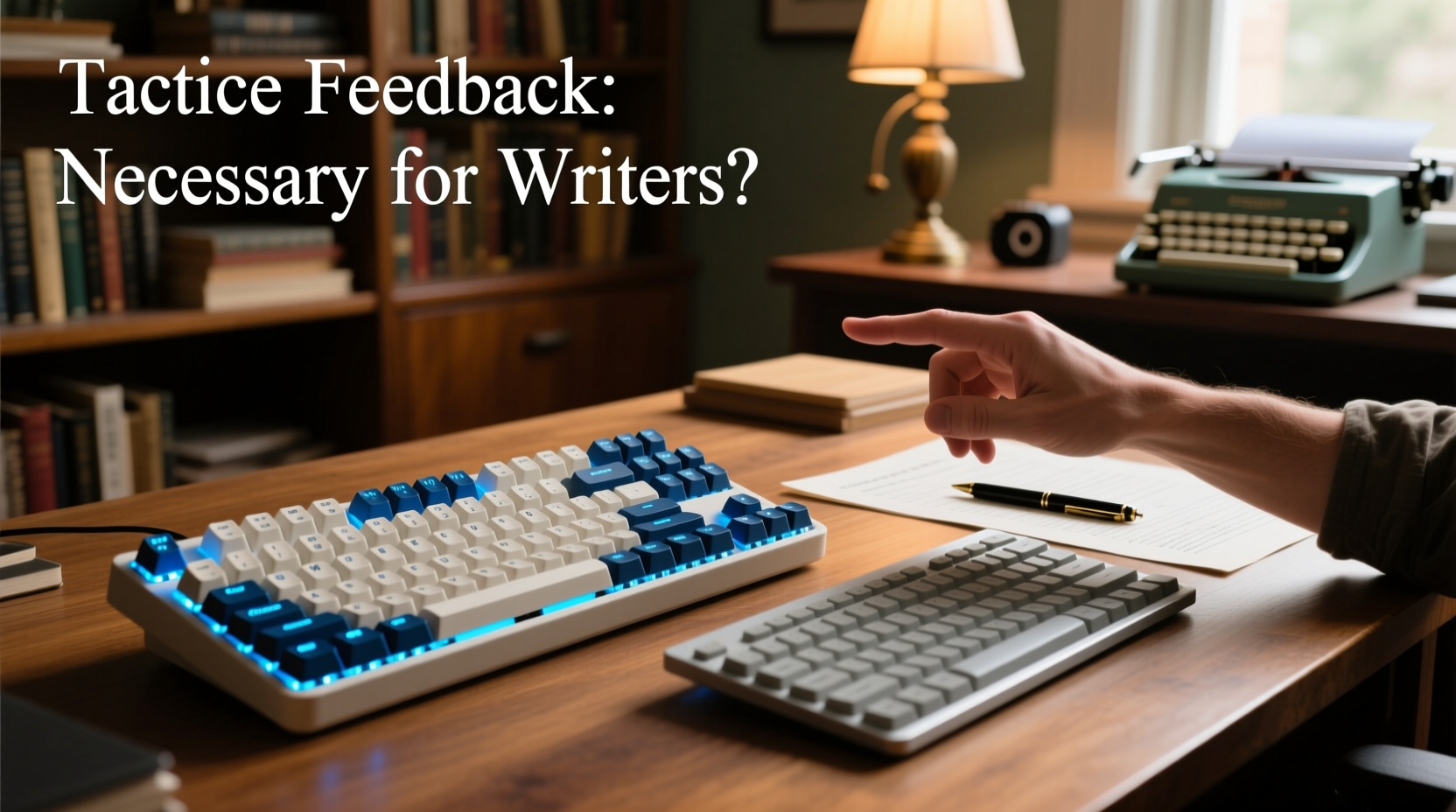
The core difference between mechanical and membrane keyboards lies in their internal switch mechanism—the component responsible for registering keystrokes.
Mechanical keyboards use individual mechanical switches beneath each key. Each switch contains a spring and metal contacts that physically close when pressed, sending a signal to the computer. These switches come in various types—linear, tactile, and clicky—offering different levels of resistance, feedback, and sound.
Membrane keyboards, on the other hand, rely on a single continuous membrane layer with conductive pads underneath a rubber dome system. When you press a key, the dome collapses, pushing the conductive pad against a circuit layer to complete the connection. This design results in a softer, mushier feel with less distinct feedback.
Because of their construction, mechanical keyboards are generally more durable (rated for 50–100 million keystrokes per switch), while membrane keyboards typically last around 5–10 million keystrokes. But longevity isn’t the only factor at play—especially for someone who may spend six or more hours a day typing prose, editing manuscripts, or drafting emails.
Tactile Feedback: What It Means for Writers
Tactile feedback refers to the physical sensation a key provides when actuated—the subtle bump or resistance that tells your finger a keystroke has been registered. For writers, this feedback can serve as a subconscious confirmation, reducing the need to look at the keyboard or second-guess whether a character was input.
Consider this: during a deep writing session, cognitive load is already high. You’re juggling narrative structure, tone, vocabulary, and pacing. If your hands are also working overtime to confirm keystrokes due to poor tactile response, fatigue sets in faster. Over time, this micro-effort accumulates, leading to reduced typing accuracy and increased strain.
Studies in ergonomics suggest that well-defined tactile feedback can improve typing efficiency by up to 15% in prolonged sessions. Dr. Linda Mechenbaum, a human factors researcher at the University of Toronto, explains:
“Tactile cues reduce reliance on visual monitoring. For writers engaged in creative flow, minimizing distractions—even subtle ones like checking if a keypress registered—can preserve mental continuity.” — Dr. Linda Mechenbaum, Human Factors & Ergonomics Researcher
However, tactile feedback isn’t inherently superior. Some writers find the “bump” of tactile switches disruptive to rhythm, especially those who type lightly or prefer a smooth glide. Others working in shared spaces may find the audible click of certain mechanical switches distracting—or worse, annoying to colleagues or family.
Comparing Performance: A Writer’s Perspective
To better understand which keyboard suits different writing scenarios, consider the following comparison across key criteria relevant to writers.
| Feature | Mechanical Keyboard | Membrane Keyboard |
|---|---|---|
| Tactile Feedback | High (varies by switch type) | Low to none |
| Typing Accuracy | Generally higher due to precise actuation | Lower; requires deeper press, more errors over time |
| Noise Level | Moderate to loud (clicky switches); quiet options available | Quiet, muffled sound |
| Fatigue Resistance | Better for long sessions with proper switch choice | Potential for strain due to lack of feedback |
| Portability | Bulkier, heavier | Lightweight, compact |
| Durability | 50M–100M keystrokes per switch | 5M–10M keystrokes |
| Cost | $70–$200+ (premium models) | $15–$50 |
| Customization | High (switches, keycaps, backlighting) | Very limited |
This table illustrates that mechanical keyboards excel in precision, durability, and long-term comfort—but come at a higher cost and noise level. Membrane keyboards win in affordability and discretion, making them suitable for casual or mobile writing.
A Real Writing Scenario: Two Authors, Two Choices
Sarah, a novelist working from a home office, writes 3,000–5,000 words daily. She started on a standard membrane keyboard but began experiencing finger fatigue and frequent backspacing due to missed keystrokes. After switching to a mechanical keyboard with tactile Brown switches, she reported a noticeable improvement in typing rhythm and fewer errors. “It’s like my fingers know exactly when the letter registers,” she said. “I don’t have to press harder, and I can write longer without discomfort.”
In contrast, James, a freelance journalist who often works in coffee shops and co-working spaces, prefers his slim membrane keyboard. He values silence and portability above all. “I don’t want to annoy people around me,” he explained. “And since I’m mostly typing short articles and emails, I don’t need that much feedback. My current setup gets the job done.”
Their experiences highlight a crucial point: there’s no one-size-fits-all solution. The best keyboard depends on your writing context, volume, and environment.
Choosing the Right Switch Type (If Going Mechanical)
Not all mechanical keyboards are created equal. The switch type dramatically alters the typing experience. Here’s a quick guide to help writers select the right one:
- Clicky (e.g., Cherry MX Blue, Kailh Box Jade): Audible click and strong tactile bump. Great for typists who want clear feedback, but potentially disruptive in quiet environments.
- Tactile (e.g., Cherry MX Brown, Gateron Clear): Noticeable bump without the click. Balanced option for writers seeking feedback without excessive noise.
- Linear (e.g., Cherry MX Red, Gateron Yellow): Smooth press with no bump. Ideal for fast typists or those who prefer a light, consistent feel.
For most writers, tactile switches offer the sweet spot—providing enough feedback to maintain accuracy without the auditory distraction of clicky models. However, if you type aggressively or value speed over sensory detail, linear switches may be preferable.
Step-by-Step Guide to Testing Your Fit
Before investing in a new keyboard, follow this practical process to determine what works best for your writing workflow:
- Assess your current pain points: Do you suffer from finger fatigue? Missed keystrokes? Noise complaints?
- Define your writing environment: Are you in a quiet home office, shared space, or mobile setting?
- Determine your daily word count: High-volume writers benefit more from mechanical precision.
- Test different switch types: Visit electronics stores or order sample switch testers online.
- Try before you buy: Use return policies to test keyboards over a full writing session.
- Evaluate after 48 hours: Note changes in comfort, accuracy, and focus.
This methodical approach prevents costly mistakes and ensures your choice aligns with real-world usage—not just marketing claims.
FAQ: Common Questions Writers Ask
Can a membrane keyboard be good enough for professional writing?
Yes, especially for light to moderate writing. If you write under 1,000 words daily and prioritize portability or silence, a quality membrane keyboard is perfectly adequate. However, heavy users will likely appreciate the responsiveness and durability of mechanical alternatives.
Do mechanical keyboards reduce typos?
They can. The precise actuation point and tactile feedback help prevent accidental double-taps or skipped letters. Many writers report fewer corrections needed post-draft when using mechanical boards, particularly with tactile switches.
Are mechanical keyboards bad for wrist health?
Not inherently. In fact, their lower actuation force and better feedback can reduce finger strain. However, ergonomics depend more on hand position, keyboard angle, and desk setup than switch type alone. Consider pairing any keyboard with a wrist rest and proper posture.
Checklist: Choosing Your Ideal Writing Keyboard
- ✅ Define your primary writing environment (home, office, travel)
- ✅ Estimate your average daily word count
- ✅ Decide your noise tolerance (yours and others’)
- ✅ Test tactile vs. linear vs. clicky switch types
- ✅ Prioritize build quality and key stability
- ✅ Check return policy before purchasing
- ✅ Pair with ergonomic accessories (wrist rest, adjustable stand)
Conclusion: Tactile Feedback Isn’t Mandatory—But It Helps
Tactile feedback isn’t strictly necessary for every writer, but it offers tangible benefits for those who write frequently, deeply, or under tight deadlines. It enhances typing accuracy, reduces cognitive load, and supports sustained focus—critical advantages when you’re crafting sentences that demand both precision and emotion.
That said, the best keyboard is the one that feels natural to you. Some writers thrive on the whisper-quiet glide of a membrane model; others find their rhythm only with the crisp bump of a tactile switch. The goal isn’t to conform to a trend, but to optimize your tools for your unique process.




 浙公网安备
33010002000092号
浙公网安备
33010002000092号 浙B2-20120091-4
Comments
No comments yet. Why don't you start the discussion?