
Choosing the right keyboard isn’t just about aesthetics or brand loyalty—it’s about how well it supports your daily workflow. Whether you're a writer, programmer, student, or office professional, two factors often dominate the decision: typing speed and noise output. Mechanical and membrane keyboards represent opposite ends of the spectrum in design and performance. One offers precision and feedback; the other prioritizes silence and simplicity. But which truly wins when it comes to fast, quiet typing?
The answer isn't universal. It depends on your environment, typing style, and sensitivity to sound. This article breaks down the core differences, evaluates both keyboards on speed and quietness, and provides practical guidance to help you make an informed choice.
How Mechanical Keyboards Work
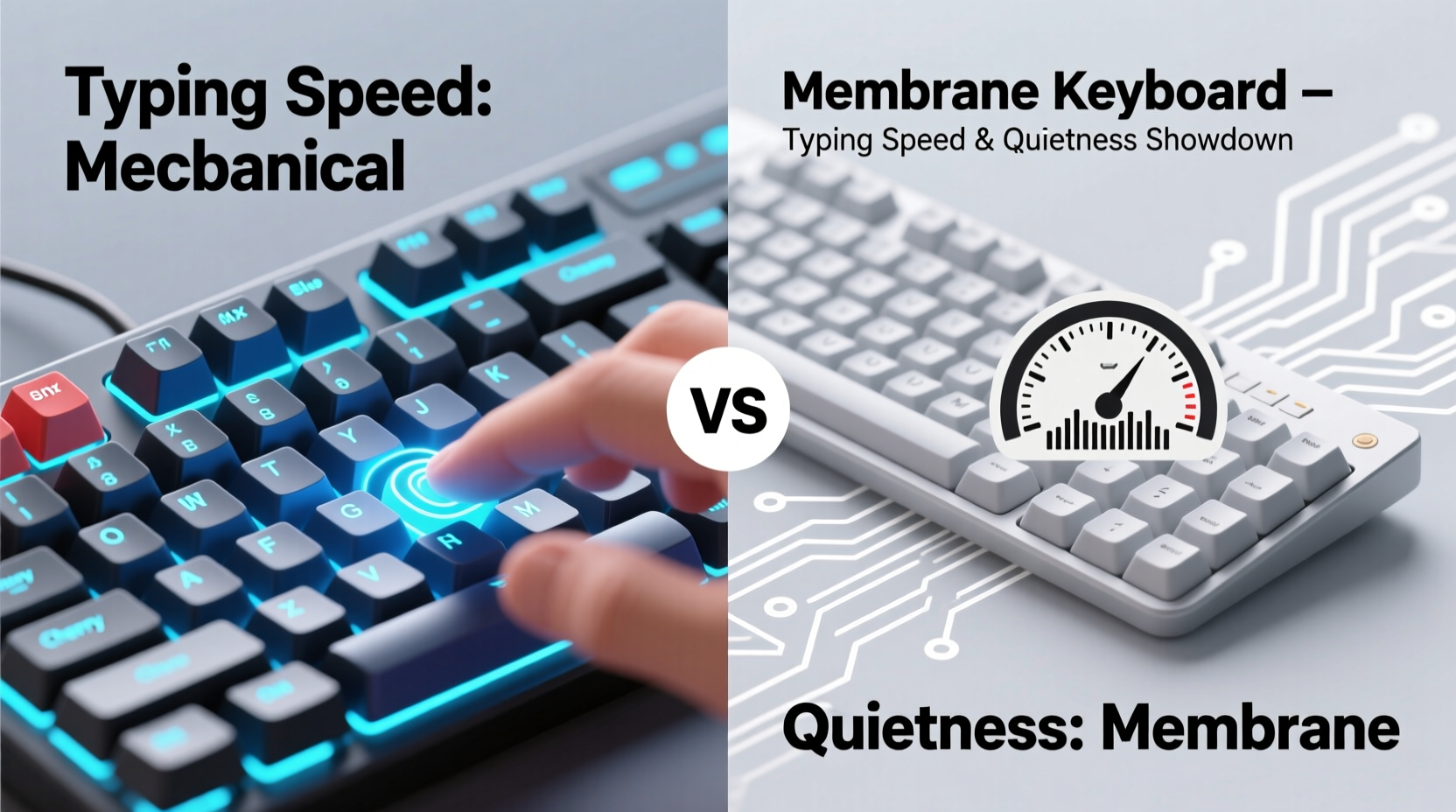
Mechanical keyboards use individual mechanical switches under each keycap. These switches contain physical components—typically a spring and stem—that register keystrokes when pressed. Each switch has a distinct actuation point (the distance at which the keystroke registers), tactile feedback, and audible click depending on the type.
Popular switch types include:
- Linear (e.g., Cherry MX Red): Smooth press with no bump or click—ideal for gaming and fast typists who dislike resistance.
- Tactile (e.g., Cherry MX Brown): A slight bump confirms actuation without an audible click—balanced for typing and quiet environments.
- Clicky (e.g., Cherry MX Blue): Audible click and tactile bump—satisfying feedback but louder, best suited for private offices.
The physical construction allows for faster actuation, typically around 2mm, meaning less travel is needed to register a keypress. This can reduce finger fatigue over long sessions and improve typing rhythm.
How Membrane Keyboards Work
Membrane keyboards rely on a layered rubber or silicone sheet beneath the keys. When a key is pressed, it pushes down on this sheet, making contact with a circuit layer that registers the input. There are no individual mechanical switches—just domes that collapse under pressure.
This design leads to a mushier feel, with a longer travel distance (often 3–4mm) before actuation. The lack of distinct tactile feedback means users may need to bottom out each keypress to ensure registration, slowing down consistent typing speed over time.
However, the soft, cushioned response produces significantly less noise. Most membrane keyboards operate at around 45–50 decibels during normal use—comparable to a quiet conversation. Their flat profile and low-profile keys also make them ideal for shared workspaces, dorm rooms, or late-night typing where noise matters.
“Membrane keyboards are underrated for their acoustic efficiency. In open-plan offices, they reduce auditory fatigue for both the user and those nearby.” — Dr. Lena Torres, Ergonomics Researcher at MIT Media Lab
Typing Speed: Mechanical vs Membrane Compared
Speed in typing is influenced by several factors: actuation force, key travel, feedback accuracy, and finger endurance. Let’s examine how each keyboard performs across these dimensions.
Actuation and Responsiveness
Mechanical keyboards generally activate at lower force thresholds (45–60g) and shorter distances. This allows experienced typists to \"float\" over keys without fully depressing them, reducing movement and increasing words per minute (WPM). Competitive typists using mechanical boards regularly achieve 100+ WPM with high accuracy.
In contrast, membrane keyboards often require full depression to register input reliably. This increases finger strain and slows down typing cadence, especially during extended writing sessions. Users accustomed to mechanical feedback often report feeling “blind” on membrane boards due to inconsistent response.
Finger Fatigue and Endurance
The tactile feedback of mechanical switches helps prevent over-typing—users know exactly when a key has registered. This reduces unnecessary force and improves endurance. Linear switches, while smooth, still offer consistent resistance, allowing for rhythmic typing patterns.
Membrane keys, being softer, encourage heavier pressing habits. Over time, this can lead to wrist strain and slower average speeds as typists compensate for missed keystrokes.
Real-World Typing Test Example
Consider Sarah, a freelance copywriter working from home. She used a standard membrane keyboard for years but struggled with accuracy during fast drafting. After switching to a mechanical board with tactile brown switches, her average typing speed increased from 72 WPM to 89 WPM within three weeks. More importantly, error rates dropped by nearly 30%, thanks to improved key confirmation.
Her experience reflects broader trends: mechanical keyboards support faster, more accurate typing once users adapt to the feedback mechanism.
Noise Levels: Which Keyboard Is Quieter?
If quietness is your top concern, membrane keyboards have a clear advantage. Their rubber-dome design absorbs impact and eliminates clicking mechanisms, producing a muted thud rather than sharp clacks.
But not all mechanical keyboards are equally loud. Noise varies dramatically based on switch type, keycap material, and typing technique:
- Clicky switches (MX Blue, Green): Can reach 60–65 dB—louder than most conversations.
- Tactile switches (MX Brown, Clear): Moderate noise (~50–55 dB), acceptable in semi-private settings.
- Linear switches (MX Red, Black, Silent Red): Among the quietest mechanical options, especially when paired with O-rings or dampeners.
A growing category—silent mechanical keyboards—uses internal padding and specialized switches to minimize sound while retaining mechanical benefits. These models bridge the gap between performance and discretion.
Comparative Overview: Mechanical vs Membrane
| Feature | Mechanical Keyboard | Membrane Keyboard |
|---|---|---|
| Typing Speed Potential | High – precise actuation enables faster input | Moderate – requires full keypress, less responsive |
| Noise Level | Variable – from very loud (clicky) to quiet (silent linear) | Low – consistently soft, ideal for shared spaces |
| Key Feedback | Clear tactile or auditory confirmation | Mushy, inconsistent feedback |
| Lifespan | 50–100 million keystrokes per switch | 5–10 million keystrokes |
| Price Range | $60–$200+ (premium builds higher) | $15–$50 |
| Best For | Fast typists, programmers, gamers, private offices | Shared workspaces, libraries, budget users, quiet environments |
When to Choose Mechanical: A Step-by-Step Guide
If you prioritize typing speed and long-term comfort, follow this decision path:
- Assess your environment: Do you work alone or in a quiet space? If yes, mechanical is viable.
- Determine your typing volume: Are you typing thousands of words daily? High-volume writers benefit from mechanical precision.
- Test switch types: Try tactile or linear switches if noise is a concern. Avoid clicky variants in shared areas.
- Invest in build quality: Look for aluminum frames, PBT keycaps, and N-key rollover for durability and performance.
- Customize for noise: Add O-rings, use desk mats, or choose a case with sound-dampening foam.
By following these steps, you can enjoy mechanical advantages without disturbing others.
When Membrane Makes Sense: Practical Checklist
Despite mechanical dominance in enthusiast circles, membrane keyboards remain relevant. Use this checklist to determine if one suits your needs:
- ✅ You share an office, bedroom, or study area
- ✅ Budget is under $30
- ✅ You type infrequently or prefer lightweight portability
- ✅ Noise sensitivity (yours or others’) is a major concern
- ✅ You value simplicity—no customization or maintenance desired
For casual users, students taking notes in class, or travelers needing a compact option, membrane keyboards deliver adequate performance with minimal disruption.
Hybrid Solutions and Emerging Trends
The line between mechanical and membrane is blurring. New technologies aim to combine the best of both worlds:
- Scissor-switch keyboards: Found in many laptops, these offer shorter travel than membrane but more stability than traditional domes. They’re quieter than mechanical and faster than basic membranes.
- Optical mechanical switches: Use light beams instead of metal contacts, enabling faster actuation and reduced wear. Some models are engineered for low noise.
- Hybrid dome-mechanical designs: Rare but emerging—these integrate small mechanical elements into dome structures to enhance feedback without increasing volume.
These innovations suggest a future where speed and quietness aren’t mutually exclusive.
FAQ
Can I make a mechanical keyboard quiet enough for an office?
Yes. Choose linear switches labeled “silent,” such as Cherry MX Silent Red or Gateron Silent Yellows. Pair them with thick desk mats, O-rings, and sound-absorbing cases. With proper setup, they can be nearly as quiet as membrane boards while maintaining superior speed.
Do mechanical keyboards really improve typing speed?
For most users, yes—but only after an adaptation period. The initial learning curve involves adjusting to tactile feedback and lighter actuation. Once mastered, the reduction in finger travel and increased accuracy leads to measurable gains in speed and endurance.
Are there quiet mechanical switches?
Absolutely. Silent mechanical switches incorporate internal dampeners to suppress the upstroke and downstroke noise. Brands like Logitech, Ducky, and Keychron offer full keyboards built around these switches, designed specifically for office and library use.
Final Recommendation
So, which is better for typing speed and quietness?
If speed is your priority and you control your environment, **a mechanical keyboard with tactile or silent linear switches is the superior choice**. It enhances accuracy, reduces fatigue, and supports long-term productivity.
If quietness is non-negotiable—especially in shared or noise-sensitive spaces—a **high-quality membrane or scissor-switch keyboard remains the safer, more considerate option**. While it won’t match mechanical responsiveness, modern membranes have improved significantly in feel and reliability.
The best decision balances personal needs with environmental constraints. Don’t assume mechanical is always better, nor dismiss it for fear of noise. With smart choices, you can have both speed and silence.




 浙公网安备
33010002000092号
浙公网安备
33010002000092号 浙B2-20120091-4
Comments
No comments yet. Why don't you start the discussion?