
For writers and coders, the keyboard is more than a tool—it's an extension of thought. The rhythm of keystrokes can influence focus, flow, and even fatigue over long sessions. Yet many still type on whatever came with their laptop or default to generic peripherals without considering how deeply the switch mechanism affects productivity and comfort. At the heart of this decision lies a fundamental divide: mechanical versus membrane keyboards. Each offers a distinct tactile language, shaping how words are formed and code is compiled. Understanding their differences isn’t just about preference—it’s about optimizing one of the most repeated physical interactions in digital work.
The Core Difference: How They Work
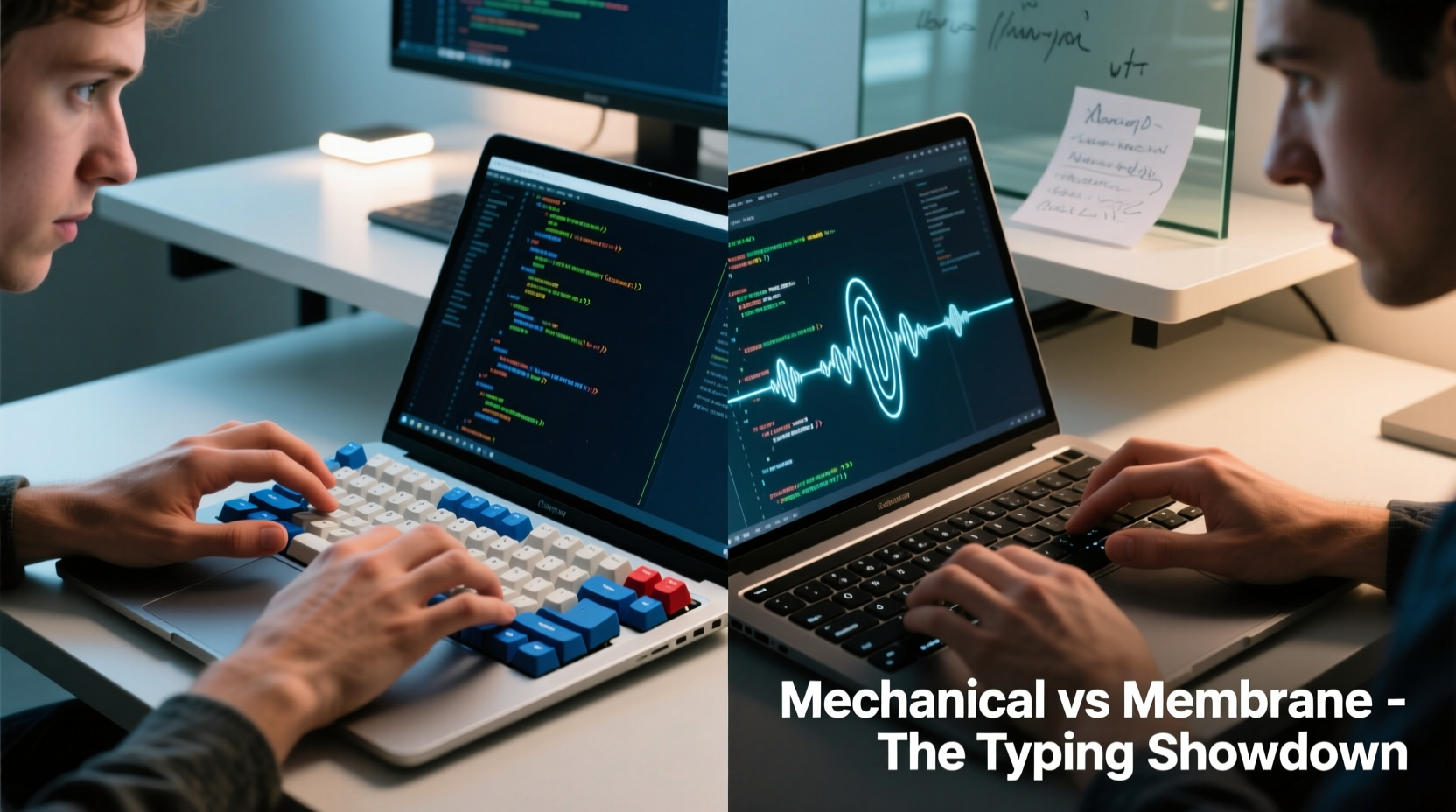
The distinction between mechanical and membrane keyboards begins at the circuit level. Mechanical keyboards use individual mechanical switches beneath each keycap. These switches contain metal springs and contacts that register input when pressed. Membrane keyboards, by contrast, rely on a layered rubber or silicone sheet with conductive pads that complete a circuit when depressed against a PCB (printed circuit board).
This structural difference creates divergent experiences. Mechanical switches offer precise actuation points—typically around 2mm of travel—where the key registers before bottoming out. This allows for faster typing and reduced finger strain, especially during extended use. Membrane keys require full depression to actuate, leading to more forceful and repetitive motion.
Consider a novelist drafting 3,000 words in a single sitting, or a developer debugging nested loops across multiple files. In both cases, thousands of keystrokes accumulate rapidly. The efficiency and feedback of each press become critical variables in endurance and accuracy.
Tactile Feedback and Typing Rhythm
Writers depend on rhythm. A smooth, predictable keystroke helps maintain narrative momentum. Coders need precision—mistyped characters can introduce bugs or break syntax. Tactile feedback plays a central role in both.
Most mechanical switches fall into three categories: linear, tactile, and clicky.
- Linear switches (e.g., Cherry MX Red) offer smooth, consistent resistance from top to bottom. Ideal for fast typists who prefer minimal interruption.
- Tactile switches (e.g., Cherry MX Brown) provide a slight bump mid-press, signaling actuation without an audible click. Great for those who want feedback without noise.
- Clicky switches (e.g., Cherry MX Blue) deliver both tactile bump and sharp auditory feedback. Loved by some typists for their “typewriter” feel, but potentially disruptive in shared spaces.
In contrast, membrane keyboards generally lack meaningful feedback. Their mushy, uniform response makes it difficult to know when a key has registered without looking or hearing it. This uncertainty can slow down touch typists and increase error rates.
“Tactile confirmation reduces cognitive load. When your fingers know a key was pressed, your brain stays focused on content—not correction.” — Dr. Lena Torres, Human-Computer Interaction Researcher, MIT Media Lab
Durability and Long-Term Performance
Typing intensity matters. Writers may average 40–70 words per minute; coders often exceed that in bursts due to symbol-heavy input. Over time, wear becomes inevitable.
Mechanical switches are rated for 50–100 million keystrokes per key. High-quality models from brands like Ducky, Keychron, or Logitech maintain consistency across years of heavy use. Individual switches can even be replaced if needed.
Membrane keyboards, meanwhile, degrade more quickly. The rubber domes flatten over time, leading to inconsistent actuation and \"ghost presses.\" Most last 5–10 million keystrokes total—adequate for casual users, but insufficient for professionals logging hundreds of hours annually.
A freelance technical writer using a budget membrane keyboard reported needing to replace it every 14 months due to unresponsive keys and double-input issues. After switching to a mechanical model with brown switches, she noted not only improved reliability but also fewer typos and less finger fatigue after full-day writing sessions.
Real Example: From Frustration to Flow
Jamal, a backend developer working remotely from Lisbon, spent his first year coding on a thin laptop membrane keyboard. He regularly experienced wrist strain and found himself rechecking lines of code for missed parentheses or semicolons. After investing in a tenkeyless mechanical keyboard with tactile switches, he noticed immediate improvements.
\"I didn’t realize how much I was second-guessing my inputs until they became reliable,\" Jamal said. \"Now I can code blindfolded—almost. My wrists hurt less, and I catch bugs faster because I’m not distracted by mistyping.\"
His transition wasn’t just ergonomic—it was psychological. Confidence in input accuracy freed mental bandwidth for problem-solving rather than proofreading.
Noise Levels and Workspace Compatibility
While mechanical keyboards offer superior feedback, they aren't universally suitable. Clicky switches, in particular, generate significant sound—often exceeding 50 dB, comparable to moderate office conversation. This can disrupt coworkers, roommates, or recording environments.
For shared spaces, quieter alternatives exist:
- Linear switches (silent reds, blacks)
- Low-profile mechanical switches
- Hybrid designs with dampened membranes
- O-ring key dampeners (aftermarket inserts)
Some modern mechanical keyboards feature acoustic engineering—foam padding inside the case, silicone mats under the PCB—to reduce resonance and echo. These modifications make mechanical typing significantly quieter without sacrificing feel.
Conversely, membrane keyboards win on silence. Their soft dome action produces minimal noise, making them ideal for libraries, open offices, or late-night writing.
| Feature | Mechanical Keyboard | Membrane Keyboard |
|---|---|---|
| Actuation Force | 45–60g (adjustable by switch) | 60–80g (fixed, requires full press) |
| Lifespan | 50–100M keystrokes | 5–10M keystrokes |
| Tactile Feedback | High (configurable) | Low to none |
| Noise Level | Medium to high (clicky), low (linear) | Low |
| Customization | High (switches, keycaps, firmware) | Negligible |
| Best For | Writers, coders, power users | Casual typing, quiet environments |
Ergonomics and Physical Comfort
Long-term health should never be secondary. Repetitive strain injuries (RSIs) like carpal tunnel syndrome disproportionately affect knowledge workers. While neither keyboard type eliminates risk entirely, design choices influence posture and muscle engagement.
Mechanical keyboards often allow for better ergonomics through:
- Adjustable key actuation (via software or switch choice)
- Programmable layouts (reducing reach for common commands)
- Split or angled designs (promoting neutral wrist alignment)
- Lower required force per keystroke (reducing finger tension)
Additionally, many mechanical keyboards support custom keycap profiles—such as SA or DSA—that promote natural finger curvature. Higher-profile keys guide fingers intuitively, reducing lateral movement and mispresses.
Membrane keyboards, especially flat scissor-switch variants found in laptops, encourage shallow hand positioning. While compact, they often lead to sustained ulnar deviation (wrist bending) and increased shoulder tension over time.
Step-by-Step: Choosing Your Ideal Keyboard
- Assess your environment: Do you work in silence, shared space, or solitude? Avoid loud clicky switches if noise is a concern.
- Determine your workload: Heavy coders and long-form writers benefit most from durable, responsive switches.
- Test tactile preferences: Try linear for speed, tactile for balance, clicky for feedback (if acceptable).
- Consider layout: Full-size, TKL (tenkeyless), or 60% depending on desk space and function key usage.
- Invest in quality: Prioritize PBT keycaps, aluminum frames, and reputable brands known for longevity.
- Add ergonomic supports: Use an adjustable chair, monitor riser, and external mouse to complete your setup.
FAQ
Can I convert a membrane keyboard to mechanical?
No—not practically. The internal structure is fundamentally different. However, you can replace a membrane keyboard with a mechanical one and repurpose the old device for secondary tasks.
Are mechanical keyboards worth it for programming?
Yes, especially for developers writing complex syntax daily. The precision, durability, and customization reduce errors and improve typing efficiency over time.
Do all mechanical keyboards sound loud?
No. While some switches are noisy, many linear and silent variants operate quietly. Look for terms like “silent red,” “low-profile,” or “dampened” when shopping.
Checklist: Before You Buy
- ✅ Define your primary use: writing, coding, or mixed
- ✅ Identify your workspace noise constraints
- ✅ Choose switch type based on feel and sound
- ✅ Decide on size (full, TKL, compact)
- ✅ Confirm compatibility (macOS, Windows, Linux)
- ✅ Read user reviews focusing on long-term comfort
- ✅ Consider future upgrades (hot-swappable PCBs, RGB lighting)
Conclusion
The question isn’t whether mechanical keyboards are objectively better—they’re not always. But for writers and coders who demand precision, durability, and comfort over marathon sessions, mechanical keyboards consistently deliver a superior typing experience. The investment pays off in fewer errors, reduced fatigue, and greater confidence in every keystroke.
That said, context matters. A quiet library, a minimalist workflow, or tight budget might make a well-designed membrane keyboard the smarter choice. The goal isn’t dogma—it’s alignment with your habits, health, and environment.
Ultimately, your keyboard should disappear into the background of your work—so your ideas don’t. Whether you choose mechanical or membrane, let intentionality guide your pick. Test options if possible, listen to your body, and upgrade when stagnation or discomfort sets in. Your fingers—and your output—will thank you.




 浙公网安备
33010002000092号
浙公网安备
33010002000092号 浙B2-20120091-4
Comments
No comments yet. Why don't you start the discussion?