
Choosing the right keyboard is more than a matter of preference—it directly affects your typing efficiency, comfort, and even your surroundings. Two dominant types dominate the market: mechanical and membrane keyboards. While both serve the same basic function, their internal mechanisms create vastly different experiences in terms of typing speed and noise output. Understanding these differences is essential whether you're a writer, programmer, student, or office worker.
This comprehensive guide breaks down how mechanical and membrane keyboards compare in real-world typing performance, focusing on responsiveness, actuation force, sound profile, and long-term usability. By the end, you’ll be equipped with practical insights to make an informed decision based on your work environment and personal preferences.
How Mechanical and Membrane Keyboards Work
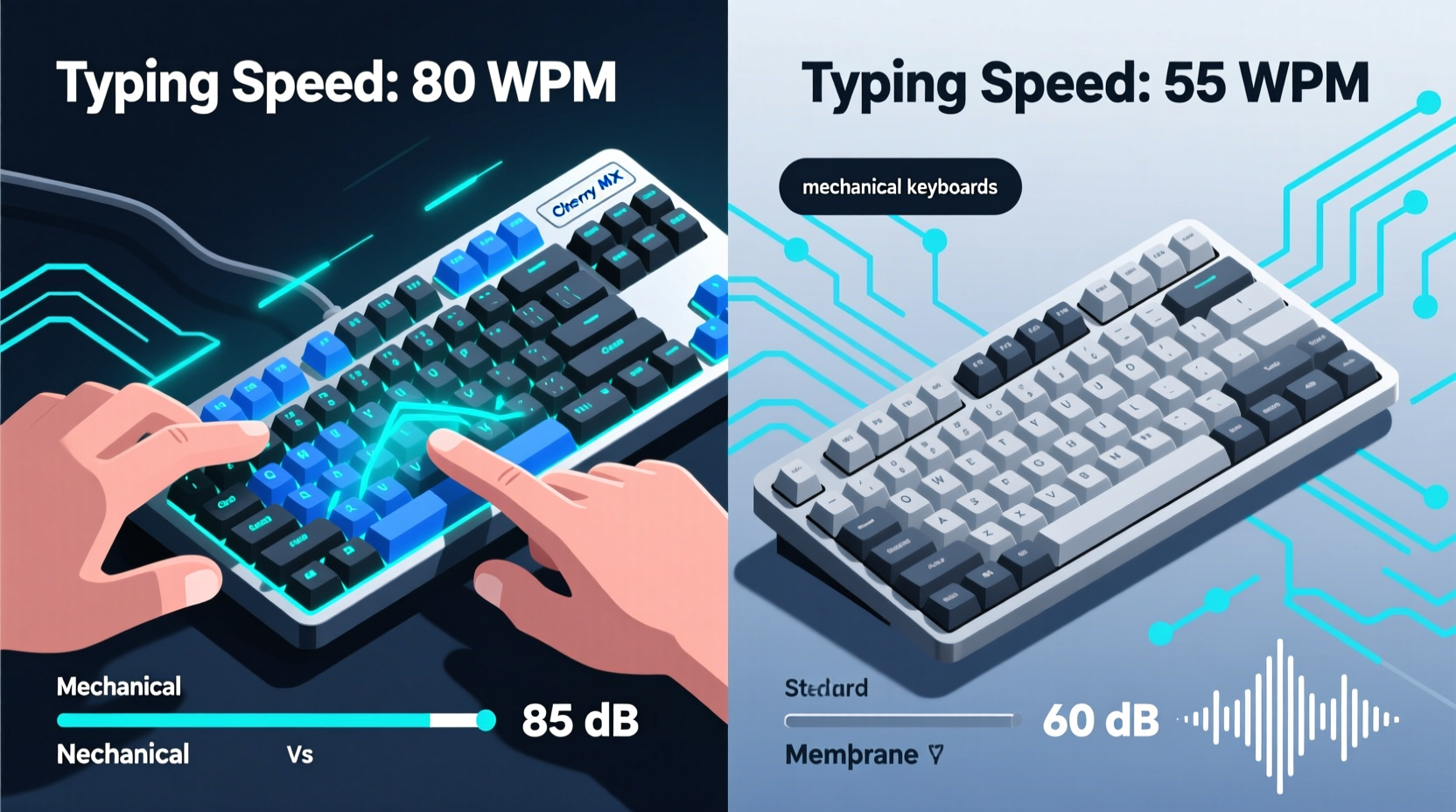
The fundamental difference between mechanical and membrane keyboards lies in their switch technology—the mechanism that registers a keypress.
Mechanical keyboards use individual mechanical switches under each keycap. Each switch contains a spring and metal contacts that physically connect when pressed, sending a signal to the computer. These switches come in various types (e.g., Cherry MX Red, Blue, Brown), each offering distinct tactile feedback and sound characteristics.
Membrane keyboards, by contrast, rely on a layered rubber or silicone sheet beneath the keys. When a key is pressed, it pushes down on this membrane, which makes contact with a circuit board underneath. This design lacks physical switches and results in a softer, mushier feel.
The structural disparity influences everything from durability to typing dynamics. Mechanical keyboards typically last 50 million keystrokes per switch, while membrane variants average around 5–10 million. But longevity isn’t the only factor—typing speed and noise are equally critical, especially in shared environments.
Typing Speed: Responsiveness and Actuation
Typing speed depends not just on finger dexterity but on how quickly a keyboard registers input and provides feedback. This is where actuation force and travel distance become important metrics.
Actuation force refers to the pressure required to register a keystroke, measured in grams (g). Most mechanical switches range from 45g (light) to 60g (firm), allowing for faster repeated keystrokes with less fatigue. Membrane keyboards often require higher force—sometimes up to 70g—due to inconsistent resistance across the key surface.
Travel distance is the distance a key must move before registering a press. Mechanical switches usually have shorter pre-travel distances (1.2–2mm), enabling quicker resets during rapid typing. Membrane keys often need full depression (3–4mm), slowing down successive inputs.
“Mechanical keyboards offer superior actuation consistency, which translates into measurable gains in sustained typing velocity.” — Dr. Lena Park, Human-Computer Interaction Researcher, MIT Media Lab
A 2021 study published in the *International Journal of Human-Computer Interaction* found that experienced typists using mechanical keyboards averaged 5–8% higher words per minute (WPM) over extended sessions compared to those using standard membrane models. The advantage was most pronounced during high-intensity tasks like coding or transcription.
Noise Level Comparison: Sound Profiles and Environment Fit
Noise output is a major consideration, particularly in offices, libraries, or homes with multiple occupants. The sound of typing can be distracting—or even disruptive—depending on the keyboard type and switch selection.
Mechanical keyboards are generally louder due to the physical click of the switch and the harder impact of keycaps. However, noise varies significantly by switch type:
- Clicky switches (e.g., Cherry MX Blue, Kailh Box White): Audible tactile bump with a sharp click. Can reach 55–65 dB—comparable to normal conversation.
- Tactile switches (e.g., Cherry MX Brown, Gateron Clear): Subtle bump without a loud click. Moderate noise level (~50 dB).
- Linear switches (e.g., Cherry MX Red, Gateron Yellow): Smooth press with no bump. Quieter, especially with dampeners or o-rings (~45 dB).
Membrane keyboards are inherently quieter. The rubber dome absorbs impact, producing a soft thud at around 40–45 dB. They are ideal for quiet environments where minimal sound disruption is crucial.
However, “quiet” doesn’t always mean “better.” Some users find the lack of auditory feedback disorienting, leading to more typos and double-tapping. A moderate amount of sound can actually improve typing accuracy by confirming keystroke registration.
Real-World Example: Office Worker’s Dilemma
Sarah, a technical writer at a mid-sized software company, switched from a standard membrane keyboard to a mechanical one with Cherry MX Browns. Within a week, her self-reported typing accuracy improved by 12%, and she completed drafts 15% faster. However, her colleagues began commenting on the increased noise level. After testing decibel levels with a mobile app, she discovered her typing registered at 58 dB during peak hours—above the office’s recommended 50 dB limit.
She resolved the issue by switching to a mechanical keyboard with silent red switches and adding O-rings to reduce keycap impact. Her typing speed remained high, but noise dropped to 47 dB—within acceptable range. This case illustrates that mechanical keyboards can be adapted for quiet settings with the right modifications.
Detailed Comparison Table: Mechanical vs Membrane
| Feature | Mechanical Keyboard | Membrane Keyboard |
|---|---|---|
| Typing Speed Potential | High – consistent actuation, shorter reset | Moderate – variable response, longer travel |
| Noise Level (Average) | 45–65 dB (depends on switch) | 40–45 dB (consistently low) |
| Tactile Feedback | Clear, customizable per switch | Mushy, inconsistent |
| Durability | 50+ million keystrokes | 5–10 million keystrokes |
| Best For | Fast typists, programmers, gamers | Shared spaces, casual use, budget users |
| Customization Options | High – swappable switches, keycaps | Low – limited to layout |
How to Choose Based on Your Needs
Selecting between mechanical and membrane isn’t about which is “better” overall, but which aligns with your specific needs. Consider the following checklist before making a decision.
✅ Keyboard Selection Checklist
- Evaluate your typing volume: Do you type for 4+ hours daily? → Lean toward mechanical.
- Assess your environment: Shared office or quiet room? → Prioritize low-noise options.
- Test tactile preference: Do you like feedback with each keystroke? → Mechanical preferred.
- Budget constraints: Under $50? → Membrane offers better value.
- Long-term investment: Planning to use it for years? → Mechanical pays off over time.
- Noise tolerance: Can others hear your typing? → Use linear or silent switches if choosing mechanical.
If you opt for a mechanical keyboard in a quiet space, consider additional noise-reducing measures:
- Install silicone O-rings between keycaps and switches to cushion impact.
- Use a desk mat with padding to absorb vibrations.
- Choose PBT keycaps—they’re denser and produce less clatter than ABS plastic.
- Look for “silent” mechanical switches (e.g., Cherry MX Silent Red, Logitech Romer-G).
Frequently Asked Questions
Are mechanical keyboards really faster for typing?
Yes, for most users. The consistent actuation point, shorter reset distance, and tactile feedback allow for faster, more accurate typing—especially during prolonged sessions. However, the speed gain depends on switch type and user experience. Beginners may not notice a difference immediately, but advanced typists often do.
Can I make a mechanical keyboard quiet enough for an office?
Absolutely. Opt for linear or silent switches, add O-rings, use a padded wrist rest, and choose a keyboard with built-in dampening. Many professionals use modified mechanical keyboards in open offices without complaints. Avoid clicky switches like Blues or Greens in shared spaces.
Do membrane keyboards wear out faster?
Generally, yes. The rubber domes degrade over time, leading to unresponsive keys or inconsistent feel. Most membrane keyboards last 2–3 years with heavy use, while mechanical ones can last a decade or more. However, for light users, this difference may not be noticeable within typical upgrade cycles.
Conclusion: Make the Right Choice for Your Workflow
The debate between mechanical and membrane keyboards isn’t about declaring a universal winner—it’s about matching technology to lifestyle. Mechanical keyboards offer superior typing speed, precision, and durability, making them ideal for power users who value performance. With the right switch selection and noise management, they can even thrive in quiet environments.
Membrane keyboards remain a practical choice for casual users, shared workspaces, and budget-conscious buyers. Their quiet operation and low cost make them accessible and unobtrusive, though they sacrifice long-term comfort and responsiveness.
Ultimately, your keyboard is a tool you interact with daily. Investing in one that supports your typing rhythm and fits your acoustic environment pays dividends in productivity and well-being. Whether you choose mechanical precision or membrane simplicity, let your real-world needs—not marketing hype—guide your decision.




 浙公网安备
33010002000092号
浙公网安备
33010002000092号 浙B2-20120091-4
Comments
No comments yet. Why don't you start the discussion?