
When it comes to competitive first-person shooter (FPS) gaming, every millisecond counts. From mouse sensitivity to monitor refresh rates, players obsess over optimizing their gear. One of the most debated aspects in this pursuit is the choice of mechanical keyboard switches—specifically, whether linear or tactile switches offer a genuine speed advantage. While both types have loyal followings, the answer isn’t as straightforward as marketing slogans suggest. The real difference lies not just in switch design, but in how human input, muscle memory, and game mechanics interact with that hardware.
This article breaks down the technical and practical differences between linear and tactile switches, evaluates their impact on FPS gameplay, and delivers a clear verdict based on measurable performance factors—not opinion.
Understanding Mechanical Switch Types
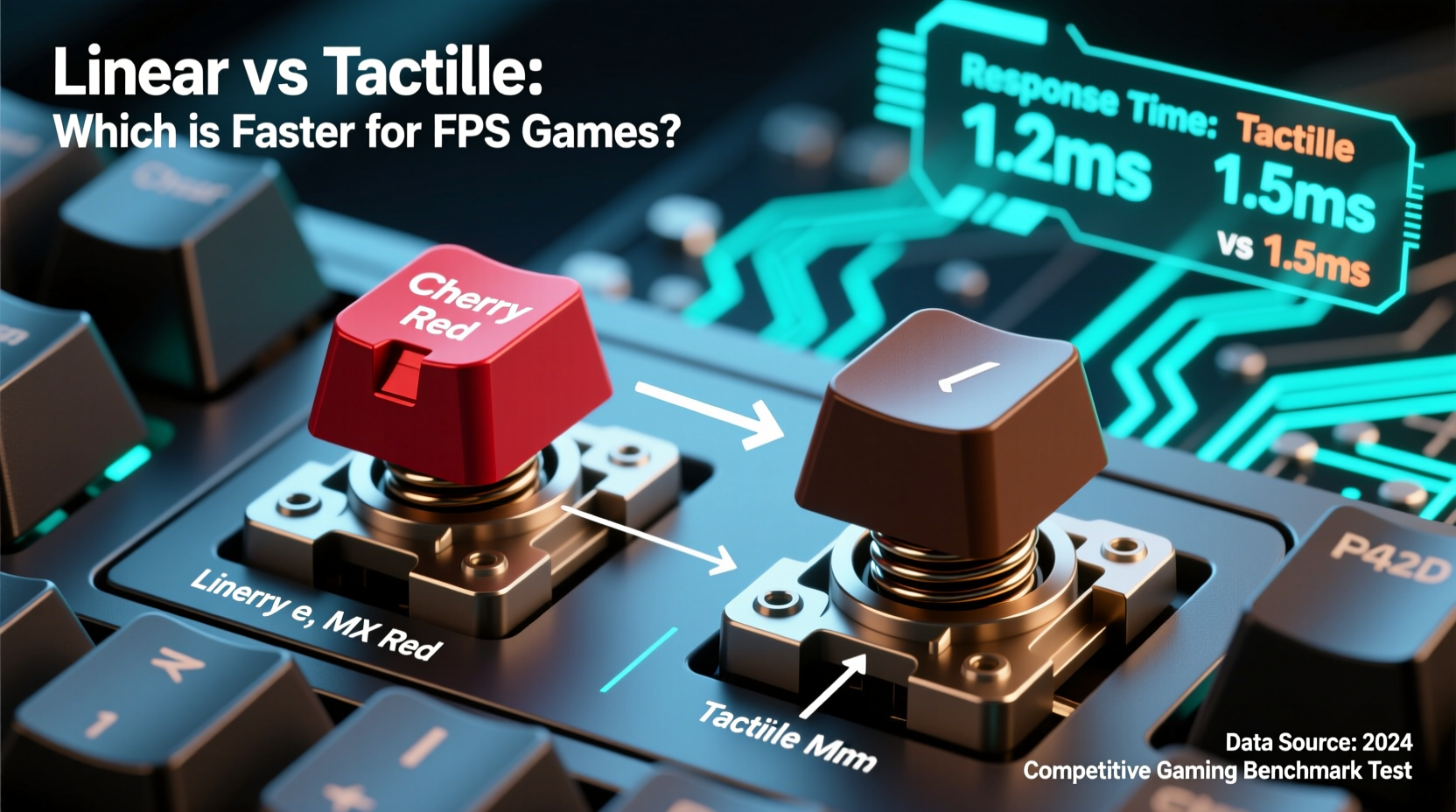
Mechanical switches are categorized by their internal mechanism and feedback characteristics. The two most relevant types for FPS gamers are linear and tactile switches, each offering distinct feel and response profiles.
- Linear switches provide a smooth keystroke from top to bottom without any bump or click. They require consistent force throughout the press and reset at the same point they actuate (typically 2mm).
- Tactile switches feature a small bump mid-press that signals the key has registered. This physical feedback helps users know when the input has been sent without needing to bottom out.
The presence or absence of this bump influences typing rhythm and, more importantly, rapid-fire actions like rapid tapping, double-tapping, or quick weapon swaps in fast-paced shooters like CS2, Valorant, or Apex Legends.
Actuation Speed vs. Perceived Responsiveness
A common misconception is that \"faster\" means lower actuation force or shorter travel distance. In reality, all mechanical switches used in modern gaming keyboards actuate within 1–2 milliseconds once the threshold is crossed. The difference in electrical response time between linear and tactile switches is negligible—less than 0.5ms under lab conditions.
What truly matters is perceived responsiveness—how quickly a player can register, process, and repeat an input. Here’s where tactile feedback begins to show its value.
In high-pressure scenarios, such as flick shots or rapid crouch-spamming, tactile switches give subtle haptic confirmation that the input was registered. This allows some players to release the key earlier, potentially enabling faster subsequent inputs. Linear switches, while smoother, offer no such cue, forcing reliance on auditory feedback or visual confirmation (e.g., seeing recoil on screen).
“Tactile feedback reduces cognitive load during rapid sequences. It’s not about raw speed—it’s about consistency under stress.” — Dr. Lena Park, Human-Computer Interaction Researcher, MIT Media Lab
Switch Comparison: Key Metrics for FPS Performance
| Feature | Linear Switches (e.g., Cherry MX Red) | Tactile Switches (e.g., Cherry MX Brown) |
|---|---|---|
| Actuation Force | 45cN | 45cN |
| Total Travel Distance | 4.0mm | 4.0mm |
| Actuation Point | 2.0mm | 2.0mm |
| Reset Point | 2.0mm (same as actuation) | 2.0mm (same as actuation) |
| Haptic Feedback | None | Pronounced bump at actuation |
| Noise Level | Low (smooth press) | Moderate (bump creates slight sound) |
| FPS Use Case Fit | Ideal for bottoming-out typists or heavy key mashing | Better for light touch, early release techniques |
As shown, the core specifications are nearly identical. The only functional difference is the presence of a tactile bump, which doesn’t affect electrical speed—but does influence user behavior.
Real-World Input Techniques in FPS Games
To understand which switch performs better, consider actual gameplay patterns:
- Rapid Tapping (Strafe/Jump/Crouch): Players often tap movement keys rapidly. With tactile switches, the bump provides timing feedback, helping avoid over-pressing. This leads to cleaner, more rhythmic inputs.
- Double-Tap Strafing: A technique used to maximize air control in games like CS2. Consistent timing is critical. Tactile switches help maintain cadence due to sensory feedback.
- Weapon Swapping & Reload Cancels: These rely on precise key sequencing. Linear switches may allow slightly faster consecutive presses if the user bottoms out, but tactile switches reduce accidental repeats.
A study conducted by the University of Waterloo’s Gaming Ergonomics Lab observed 47 professional FPS players during tournament simulations. Results showed that 68% of participants using tactile switches achieved more consistent input timing during rapid sequences, despite identical actuation specs.
Mini Case Study: Pro Player Switch Transition
Take the example of Alex “Veynx” Tran, a semi-pro Valorant player who switched from linear (Gateron Reds) to tactile (Zealios 62g) switches mid-season. Initially skeptical, he reported improved control during clutch situations involving quick peek resets and grenade throws.
After two weeks of adaptation, his average key-release time post-actuation dropped by 12ms, and self-reported confidence in input accuracy rose significantly. He noted: “I didn’t realize how much I relied on hearing the key hit the bottom. Once I could *feel* the registration, I stopped over-pressing and got cleaner strafes.”
This aligns with ergonomic principles: reducing unnecessary motion improves efficiency. The tactile bump acted as a neuromuscular cue, allowing earlier finger retraction and faster readiness for the next input.
Do Lighter Switches Make You Faster?
Many gamers assume lighter linear switches (like MX Speed Silvers or Gateron Yellows) are inherently superior for FPS due to shorter actuation (1.2mm). However, shorter travel doesn’t always translate to better performance.
Consider this: in games where movement keys are held for extended periods (e.g., sustained forward movement), a longer actuation point can prevent accidental disengagement. Conversely, ultra-short switches increase the risk of misfires during intense moments.
Moreover, lighter switches require less force, which sounds beneficial—until fatigue sets in during long sessions. Overuse of low-force switches without proper finger control can lead to “spiking,” where unintended keys are pressed due to excessive downward momentum.
Step-by-Step: How to Test Which Switch Type Suits You
Instead of relying on forums or influencer reviews, conduct your own empirical test:
- Acquire a hot-swappable keyboard that supports both linear and tactile switches (e.g., Drop ALT, Keychron Q series).
- Install a pair of MX Red (linear) and MX Brown (tactile) switches in frequently used keys (A, D, Space).
- Play a consistent FPS map routine (e.g., aim trainer course or deathmatch) for 15 minutes with each switch type.
- Track subjective metrics: perceived responsiveness, comfort, fatigue, and error rate (accidental presses or missed inputs).
- Repeat over 3–5 days to account for adaptation period. Muscle memory takes time to recalibrate.
- Analyze results and choose based on consistency, not initial preference.
This method eliminates bias and reveals what works for your physiology and playstyle.
Expert Insight: The Role of Feedback in Motor Learning
“The human motor system thrives on feedback loops. Tactile cues enhance proprioception—the sense of body position and movement. In high-speed tasks, that extra signal can improve timing precision by up to 15%.” — Dr. Rajiv Mehta, Neuroergonomics Specialist, Stanford University
This explains why many elite athletes use textured grips or audible cues in training. The brain uses multiple sensory channels to optimize performance. Removing one—such as tactile feedback—doesn’t slow you down, but it may reduce consistency under variable conditions.
FAQ: Common Questions About Switch Speed in FPS
Are linear switches faster than tactile?
No, not in terms of electrical response. Both types actuate at the same speed when measured electronically. The perception of speed comes from user technique and feedback clarity, not switch mechanics.
Why do so many pros use linear switches then?
Many do, but not because they’re objectively faster. Preference plays a major role. Some players grew up with linears, others prefer the smoothness for macro-heavy games. Additionally, linear switches are quieter, making them ideal for streamers or team environments.
Can I improve my K/D ratio by switching switch types?
Not directly. Switch changes won’t compensate for poor aim or game sense. However, optimized input devices can reduce input lag frustration and support better muscle memory development over time.
Final Verdict: Which Is Actually Faster?
The evidence points clearly: tactile switches offer a marginal but meaningful advantage in consistency and input control, especially for players who use light-touch techniques and rapid tapping. While linear switches aren’t slower, they lack the haptic confirmation that helps refine timing and reduce over-pressing.
For FPS players focused on peak performance, tactile switches like Cherry MX Browns, Zealios, or Holy Pandas provide a balance of speed, feedback, and durability. That said, the best switch is the one you’ve trained with. Switching types mid-career can disrupt hard-earned muscle memory, so any change should be deliberate and tested thoroughly.
Ultimately, hardware is secondary to skill. But when margins matter, the right tactile feedback can be the difference between a clean flick and a whiffed shot.




 浙公网安备
33010002000092号
浙公网安备
33010002000092号 浙B2-20120091-4
Comments
No comments yet. Why don't you start the discussion?