
The debate over mechanical keyboard switches—particularly Red vs Blue—isn’t just about preference; it’s often framed as a performance issue. Gamers frequently ask: Do Blue switches really slow you down compared to Reds because of their tactile bump and audible click? Or is that just myth? The answer isn't binary. It involves understanding switch mechanics, human reaction time, muscle memory, and real-world gameplay demands.
While many assume that the \"clickiness\" of Blue switches inherently reduces speed, the truth is more nuanced. In reality, the difference in raw actuation speed between Red and Blue switches is negligible. What changes is how the user interacts with the switch—the feedback loop between finger input, tactile confirmation, and brain response. This article dives deep into the engineering, ergonomics, and psychology behind these two popular switch types to determine whether the so-called “click speed” penalty is real or imagined.
Understanding Mechanical Switch Types: Linear vs Tactile
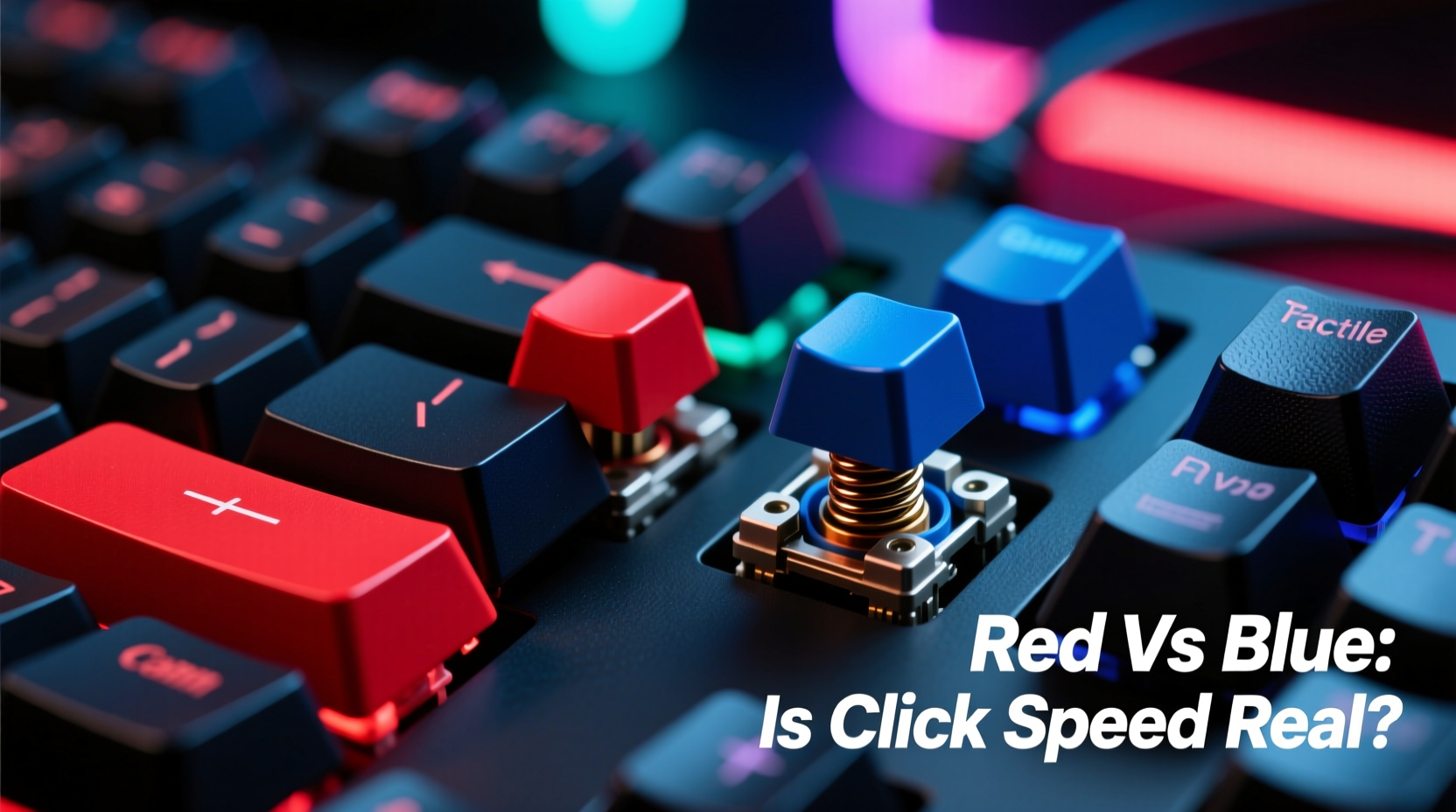
Mechanical keyboards use individual switches under each key, each with distinct internal mechanisms. The most common variants used by gamers are Cherry MX Red (linear) and Cherry MX Blue (tactile and clicky), though clones from Gateron, Kailh, and others behave similarly.
Cherry MX Red switches are linear, meaning they offer consistent resistance from top to bottom without any tactile feedback. They require 45cN of force to actuate and have a total travel distance of 4mm, with actuation occurring at 2mm. This makes them smooth and predictable—ideal for fast repeated keystrokes like rapid-fire shooting or movement in games.
Cherry MX Blue switches, on the other hand, are both tactile and clicky. They feature a noticeable bump during depression and produce an audible \"click\" when actuated. They also require 50cN of force and share the same 4mm travel, but their tactile peak gives users physical confirmation of actuation before the key bottoms out.
| Feature | Cherry MX Red | Cherry MX Blue |
|---|---|---|
| Switch Type | Linear | Tactile & Clicky |
| Actuation Force | 45cN | 50cN |
| Actuation Point | 2.0mm | 2.2mm |
| Total Travel | 4.0mm | 4.0mm |
| Sound Profile | Quiet | Loud, Clicky |
| Best For | Gaming, fast typing | Typing, precision tasks |
The slight differences in actuation point and force might suggest Blues are slower—but only if we ignore how humans actually press keys.
Is There a Real Speed Difference in Gaming?
The idea that Blue switches are “slower” stems from three assumptions:
- Higher actuation force slows finger movement.
- The tactile bump interrupts smooth keystroke repetition.
- The need to overcome the bump delays reset timing.
Let’s examine each scientifically.
First, the 5cN difference in actuation force is minimal—equivalent to the weight of a small paperclip. Most trained typists or gamers apply far more force than necessary regardless of switch type. Muscle memory compensates quickly, especially after a few hours of adaptation.
Second, while the tactile bump does alter the feel, it doesn’t necessarily hinder speed. In fact, some competitive players report that tactile feedback helps prevent accidental double-taps or missed inputs, especially during high-stress moments. The bump acts as a signal: “This key has registered.” That can improve accuracy in complex combos or command inputs.
Third, switch reset—the point at which a key is ready to register again—is where the real difference lies. Linear switches like Reds tend to reset slightly faster because there's no mechanical interference from a bump. However, modern firmware and anti-ghosting circuits minimize this gap significantly. In practical terms, even a 0.5ms difference in reset time is imperceptible to human reaction.
“Most perceived lag between switch types comes from psychological expectation, not hardware limitations. Once adapted, skilled users perform equally across switch types.” — Dr. Lena Park, Human-Computer Interaction Researcher, MIT Media Lab
Real-World Performance: A Mini Case Study
Consider Alex, a mid-tier CS:2 player who switched from a Red-switch keyboard to a Blue-switch model for better typing comfort during voice comms and strategy planning. Initially, he reported feeling “sluggish” during flick shots and weapon swaps. His K/D ratio dipped slightly over two weeks.
Instead of reverting, Alex committed to a structured adaptation phase:
- Limited gameplay to aim training maps for 30 minutes daily.
- Focused on clean keystrokes—releasing keys early instead of bottoming out.
- Used audio feedback intentionally, treating the “click” as a confirmation cue.
After four weeks, his performance returned to baseline—and surprisingly, his grenade throw accuracy improved. Why? The tactile feedback helped him avoid partial inputs when pressing multiple keys in sequence (e.g., jump + throw). He began associating the click with successful execution, reducing input errors.
This case illustrates a broader trend: initial discomfort with Blue switches often fades with deliberate practice. The supposed speed deficit isn’t inherent—it’s transitional.
When Blues Shine (and When They Don’t)
Not all games benefit equally from tactile feedback. The ideal switch depends on genre, playstyle, and environment.
- First-Person Shooters (FPS): Fast directional inputs favor linears. However, tactical shooters with command-heavy controls (e.g., Rainbow Six Siege) may benefit from tactile confirmation.
- MOBAs and MMOs: High reliance on hotkeys and ability combinations makes tactile feedback useful. Mistyping Q instead of E could cost a match—Blues reduce such errors.
- RTS Games: Rapid selection groups and macro commands demand precision. Many RTS pros prefer tactile switches for better rhythm and control.
- Streaming or Shared Spaces: Loud clicks can disrupt co-streamers or household members. Reds win here purely on noise discipline.
Step-by-Step: How to Test Switch Performance Yourself
If you’re undecided, conduct your own controlled test. Don’t rely on forums or anecdotes—gather personal data.
- Acquire both switch types: Borrow or buy two identical keyboards differing only in switch (e.g., drop-in compatible plates).
- Warm up: Spend 15 minutes on each keyboard doing light typing and navigation to acclimate.
- Measure input consistency: Use a tool like Keyboard Tester or MouseTester to record keypress timing and actuation depth.
- Run game-specific drills: In CS:2, do 10 rounds of aim botz. In League, complete 5 jungle clear runs. Note input errors, misclicks, and perceived responsiveness.
- Compare results: Track metrics over 3–5 sessions. Look for patterns—not first impressions.
- Adjust technique: Re-test after learning to use the tactile bump as feedback rather than resistance.
This method removes bias and grounds your decision in measurable experience.
Expert Insight: The Role of Feedback in Motor Learning
Neuroscience supports the value of sensory feedback in skill acquisition. According to motor learning theory, the brain relies on three signals: visual, auditory, and proprioceptive (body position). Tactile switches enhance proprioception by adding a physical cue at actuation.
“The ‘click’ isn’t just noise—it’s data. Auditory and tactile feedback create stronger neural pathways for repetitive actions, leading to faster mastery.” — Dr. Rajiv Mehta, Cognitive Psychologist, Stanford University
In gaming, where split-second decisions matter, that extra layer of feedback can reinforce correct inputs. Over time, players develop a rhythm where the click becomes part of the cognitive loop—like hearing the snap of a basketball through the net.
Checklist: Choosing the Right Switch for Your Needs
Use this checklist to make an informed decision based on your priorities:
- ✅ I prioritize silent operation → Lean toward Reds or Browns.
- ✅ I value typing comfort and accuracy → Consider Blues or tactile switches.
- ✅ I play fast-paced FPS titles competitively → Reds may offer smoother repeatability.
- ✅ I use many keyboard shortcuts or macros → Tactile feedback reduces misinputs.
- ✅ I share my space (office, stream room) → Avoid loud Blues unless muted.
- ✅ I want one keyboard for work and play → Hybrid solutions (e.g., Brown switches) might be ideal.
- ✅ I’m willing to adapt my typing style → You can succeed with either type.
FAQ
Do Blue switches wear out faster than Reds?
No. Both Cherry MX Reds and Blues are rated for 50 million keystrokes. Wear depends more on usage patterns and build quality than switch type. Properly maintained, both last years under heavy use.
Can I mod Blue switches to make them quieter and faster?
Yes. Lubing the switch housing reduces friction and noise. Installing O-rings or using silicone dampeners softens bottom-out impact. Some enthusiasts even file down the tactile bump, though this risks damaging the switch and voids warranties.
Are there hybrid switches that offer speed and feedback?
Yes. Options like Cherry MX Speed Silver (linear, actuates at 1.2mm) offer ultra-fast response with quiet operation. Alternatively, tactile-but-quiet switches like Gateron Brown or Zeal PC Teal provide subtle bumps without loud clicks—ideal for mixed-use environments.
Conclusion: It’s Not About Speed—It’s About Suitability
The belief that Blue switches are “slower” persists because it sounds logical: more resistance, more noise, more delay. But in practice, the difference in actual input speed is marginal—often lost in the variability of human reaction time. What truly matters is suitability. A switch should match your gameplay style, environment, and sensory preferences.
Red switches excel in pure speed scenarios where smooth, uninterrupted presses dominate. Blue switches thrive where precision, rhythm, and feedback enhance performance. The best choice isn’t universal—it’s personal.
Instead of chasing mythical milliseconds, focus on what improves your consistency, comfort, and confidence. Try both. Test rigorously. Adapt deliberately. The fastest switch isn’t the one with the lowest actuation point—it’s the one you master.




 浙公网安备
33010002000092号
浙公网安备
33010002000092号 浙B2-20120091-4
Comments
No comments yet. Why don't you start the discussion?