
The choice between mechanical and membrane keyboards has long been a point of debate among gamers, professionals, and tech enthusiasts. While both types serve the same basic function—inputting commands via keypresses—their internal mechanisms, tactile feedback, and durability differ significantly. But beyond personal preference, does the type of keyboard you use actually influence your gaming performance? Can switching from a membrane to a mechanical model improve your aim, reaction time, or in-game decision-making? The answer isn’t binary, but understanding the nuances can help you make an informed decision that aligns with your playstyle, budget, and long-term comfort.
How Mechanical and Membrane Keyboards Work
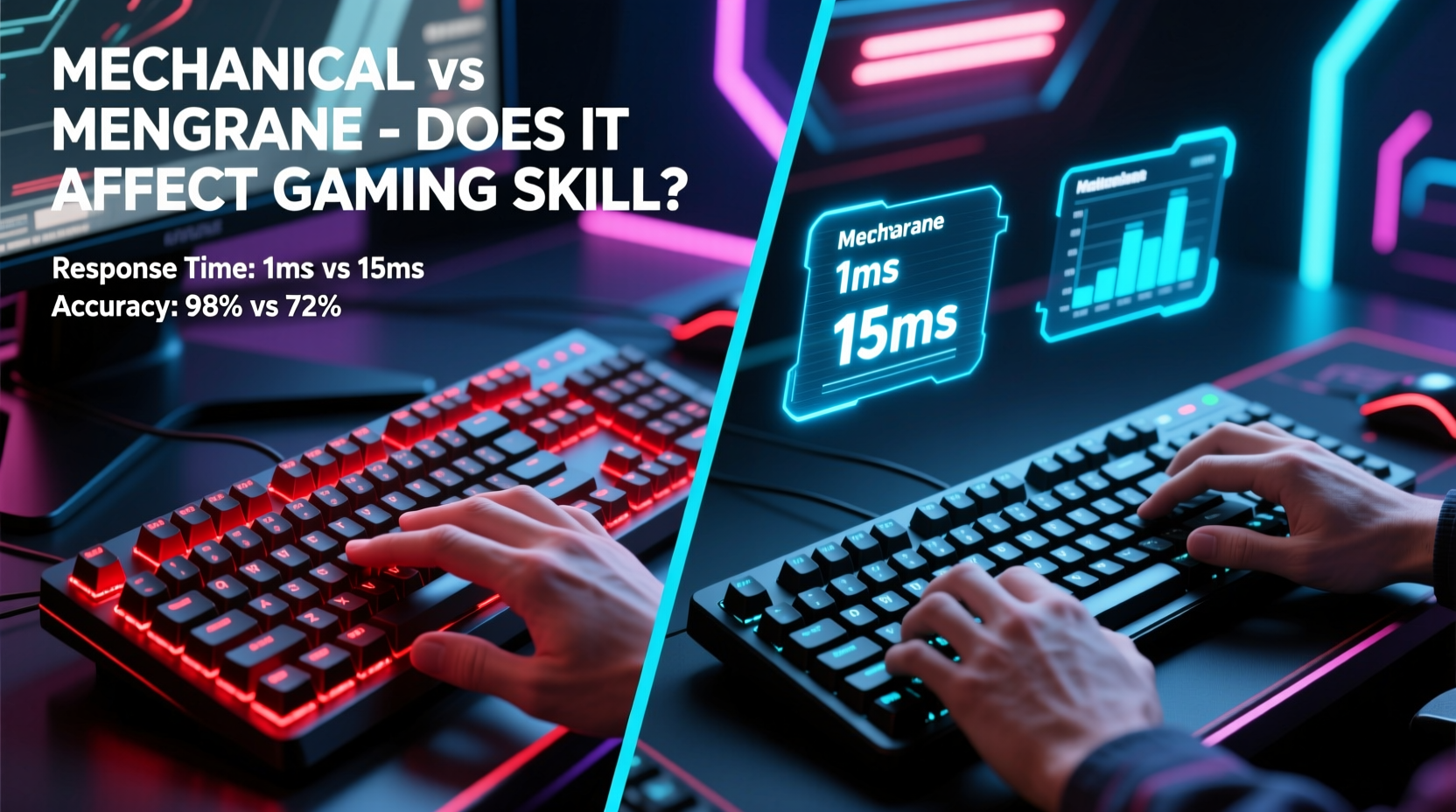
To assess their impact on gaming skill, it's essential to first understand how each keyboard functions at a mechanical level.
Mechanical keyboards use individual physical switches under each keycap. These switches contain metal contacts and springs that register a keystroke when pressed. Different switch types—such as Cherry MX Red, Blue, Brown—offer varying actuation forces, travel distances, and auditory feedback. This modularity allows users to customize feel and responsiveness based on preference.
Membrane keyboards, by contrast, rely on a layered rubber dome system beneath the keys. When a key is pressed, the dome collapses, pushing a conductive layer against a circuit board to register input. Because all keys share this continuous membrane, the feedback is generally softer and less distinct than mechanical switches.
The difference in construction leads to variations in key response, durability, and user experience—all of which can indirectly influence gaming performance over time.
Response Time and Input Lag: Does It Matter?
One of the most cited advantages of mechanical keyboards in gaming is faster response time. Mechanical switches typically have lower actuation points (the distance a key must be pressed before registering) and more consistent registration. For example, many mechanical switches actuate at 2mm with a force of 45–50 grams, whereas membrane keys may require 3–4mm of travel and inconsistent pressure.
In fast-paced games like Counter-Strike 2, Valorant, or Overwatch, where split-second inputs determine success, having a more responsive trigger can reduce input delay. However, modern membrane keyboards have improved significantly, and the difference in latency between high-end membrane and mechanical models is often negligible—measured in milliseconds and imperceptible to most players.
“While mechanical switches offer superior consistency, the real bottleneck in gaming performance is almost always the player, not the hardware.” — David Lin, Peripheral Design Engineer at Razer
That said, the perceived responsiveness of a mechanical keyboard can boost confidence and rhythm during extended gaming sessions, even if the measurable gain is minimal. Psychology plays a role: feeling more connected to your input device can enhance focus and execution.
Accuracy and Keystroke Consistency
Gaming skill relies heavily on precision. Whether executing complex combos in fighting games or rapidly tapping movement keys in MOBAs, consistent keystroke registration is critical.
Mechanical switches excel here due to their per-key design. Each switch operates independently, reducing the chance of missed inputs during rapid or simultaneous presses (a phenomenon known as \"rollover\"). Most mechanical keyboards support full N-key rollover via USB, meaning every keypress is registered regardless of how many others are held down.
Membrane keyboards, especially budget models, often suffer from ghosting or limited rollover (typically 2–6 keys), which can cause inputs to drop during intense gameplay. High-end membrane variants used in some laptops and compact designs have mitigated this issue, but they still lag behind mechanical counterparts in multi-key accuracy.
Comfort, Fatigue, and Long-Term Play
Skill development in gaming isn’t just about raw reflexes—it’s also about endurance. Players who spend hours practicing aim, learning maps, or grinding ranked matches need equipment that supports prolonged use without causing strain.
Mechanical keyboards, particularly those with linear switches like Cherry MX Reds or Gateron Yellows, allow for smooth, quiet keystrokes ideal for extended sessions. Tactile or clicky variants (e.g., Browns or Blues) offer feedback that helps prevent accidental presses but may cause finger fatigue over time.
Membrane keyboards, with their softer keystrokes, can feel gentler on the fingers initially. However, the mushier feedback often requires deeper presses, leading to greater hand fatigue during marathon gaming. Additionally, the lack of tactile cues makes it harder to know when a key has registered, prompting users to \"bottom out\" (press all the way down), increasing wear on joints and tendons.
Ergonomics also extend to build quality. Mechanical keyboards are generally built with sturdier materials and longer lifespans (50–100 million keystrokes per switch), while membrane models degrade faster, especially under heavy use.
Comparative Overview: Mechanical vs Membrane for Gaming
| Feature | Mechanical Keyboard | Membrane Keyboard |
|---|---|---|
| Actuation Force | 45–60g (varies by switch) | 50–80g (less consistent) |
| Travel Distance | 3.4–4.0mm (actuation at ~2mm) | 3.5–4.5mm (full press required) |
| Keystroke Feedback | Precise, customizable | Soft, inconsistent |
| Rollover & Ghosting | Full N-key rollover common | Limited (2–6 key rollover) |
| Durability | 50M–100M keystrokes | 5M–10M keystrokes |
| Noise Level | Varies (clicky to silent) | Generally quieter |
| Price Range | $70–$200+ | $20–$80 |
| Best For | Competitive gaming, customization | Casual play, quiet environments |
Real-World Example: From Membrane to Mechanical – A Case Study
Consider Alex, a 22-year-old Apex Legends player ranked in Diamond tier. For two years, he played exclusively on the stock membrane keyboard bundled with his desktop. Despite consistent practice and coaching, he struggled with inconsistent crouch-sliding and frequent missed ability activations during team fights.
After switching to a tenkeyless mechanical keyboard with linear red switches, Alex noticed immediate improvements—not because his reflexes got faster, but because his inputs became more reliable. He no longer had to second-guess whether his jump command registered during a slide. The tactile certainty reduced mental load, allowing him to focus more on positioning and enemy tracking.
Within six weeks, Alex climbed to Master rank. Was the keyboard solely responsible? No—but it removed a subtle friction point that had been hindering his muscle memory development. His improvement was the result of better tools enabling more consistent practice.
Does Keyboard Type Directly Improve Skill?
It’s crucial to distinguish between *enabling* skill development and *creating* skill. A mechanical keyboard doesn’t teach you how to flick-shot or predict enemy routes. Those abilities come from repetition, game sense, and strategic thinking.
However, the right keyboard can accelerate the path to mastery by providing:
- Consistent input registration – Fewer missed commands mean cleaner execution of learned techniques.
- Better muscle memory formation – Clear tactile feedback helps the brain map actions more accurately.
- Reduced physical strain – Less fatigue means longer, more productive practice sessions.
- Greater confidence in controls – Knowing your gear won’t fail mid-match reduces anxiety.
In this sense, mechanical keyboards function like high-performance tires on a race car: they don’t drive the car, but they maximize the driver’s ability to perform at their peak.
When a Membrane Keyboard Is Good Enough
Not every gamer needs a mechanical keyboard. Casual players, those on a tight budget, or individuals prioritizing silence may find membrane models perfectly adequate. Many modern gaming-grade membrane keyboards—such as those using SteelSeries’ Quantum 2.0 technology or Logitech’s Romer-G—bridge the gap with shortened actuation and enhanced durability.
If you’re playing turn-based games, RPGs, or slower-paced simulations, the marginal gains from mechanical switches are unlikely to translate into noticeable improvements. Similarly, console gamers using PC for single-player titles may not benefit enough to justify the cost.
Choosing the Right Switch: Not All Mechanical Keyboards Are Equal
Assuming mechanical is inherently better oversimplifies the issue. The type of switch matters as much as the mechanism itself.
- Linear switches (e.g., Red, Silver) – Smooth press with no bump. Ideal for fast-paced FPS games where rapid tapping is common.
- Tactile switches (e.g., Brown, Clear) – Slight bump mid-press provides feedback without noise. Great for hybrid typing/gaming use.
- Clicky switches (e.g., Blue, Green) – Audible click and tactile bump. Excellent for typists but potentially distracting in multiplayer voice chats.
For competitive gaming, linear switches are most popular due to their speed and consistency. Some esports pros even opt for low-profile mechanical switches (like Kailh Low Profile Reds) for even faster actuation and reduced finger travel.
Frequently Asked Questions
Can a membrane keyboard hold me back in competitive gaming?
It can, especially at higher levels of play. Limited rollover, inconsistent actuation, and higher fatigue may hinder performance during intense matches. While not a dealbreaker, upgrading to mechanical can remove technical limitations.
Do professional gamers use mechanical keyboards?
Virtually all professional PC gamers do. In tournaments, you’ll see brands like Corsair, Ducky, and Keychron with custom mechanical setups. Their gear is optimized for speed, reliability, and personal preference.
Is it worth upgrading from membrane to mechanical for casual gaming?
If you enjoy gaming and plan to continue, yes—it enhances comfort and longevity. But if you play occasionally, a well-built membrane keyboard remains a viable, cost-effective option.
Actionable Checklist: Choosing Your Gaming Keyboard
- ✅ Determine your primary game genres (FPS, MOBA, RTS, etc.)
- ✅ Test different switch types in person if possible
- ✅ Prioritize N-key rollover and anti-ghosting features
- ✅ Consider form factor (full-size, TKL, 60%) based on desk space
- ✅ Set a budget between $80–$150 for best value mechanical models
- ✅ Read reviews focusing on long-term durability and build quality
- ✅ Check for software support if you want macros or RGB customization
Final Thoughts: Tools Enable Mastery, But Practice Builds It
The debate over mechanical versus membrane keyboards ultimately centers on optimization. Mechanical keyboards offer tangible benefits in responsiveness, durability, and input accuracy—qualities that support high-level gaming. They reduce friction between intention and action, which becomes meaningful over thousands of repetitions.
Yet, no keyboard will compensate for poor fundamentals. You won’t suddenly become a headshot machine just because you switched to Cherry MX Silvers. True skill comes from deliberate practice, map knowledge, and adaptability.
Think of your keyboard as part of your training environment. Just as athletes use proper footwear and equipment to maximize performance, smart gear choices let you train more effectively. If you're serious about improving, investing in a quality mechanical keyboard is a logical step—one that pays dividends in comfort, confidence, and consistency.




 浙公网安备
33010002000092号
浙公网安备
33010002000092号 浙B2-20120091-4
Comments
No comments yet. Why don't you start the discussion?