
For years, the debate between mechanical and membrane keyboards has divided typists, gamers, programmers, and office workers alike. At the heart of this discussion lies a central question: does the tactile feedback and audible click of a mechanical keyboard justify its louder operation and higher price? Or is the quiet, low-profile simplicity of a membrane model still the smarter choice for most users? The answer isn’t universal—it depends on how you use your keyboard, where you use it, and what you value in typing experience.
This article dissects both technologies beyond marketing claims, examining build quality, responsiveness, longevity, ergonomics, and user context. Whether you're shopping for a new setup or simply curious about the differences, understanding these factors will help you decide if the mechanical keyboard’s sensory appeal truly outweighs its drawbacks—or if the humble membrane deserves more credit than it gets.
How Mechanical and Membrane Keyboards Work
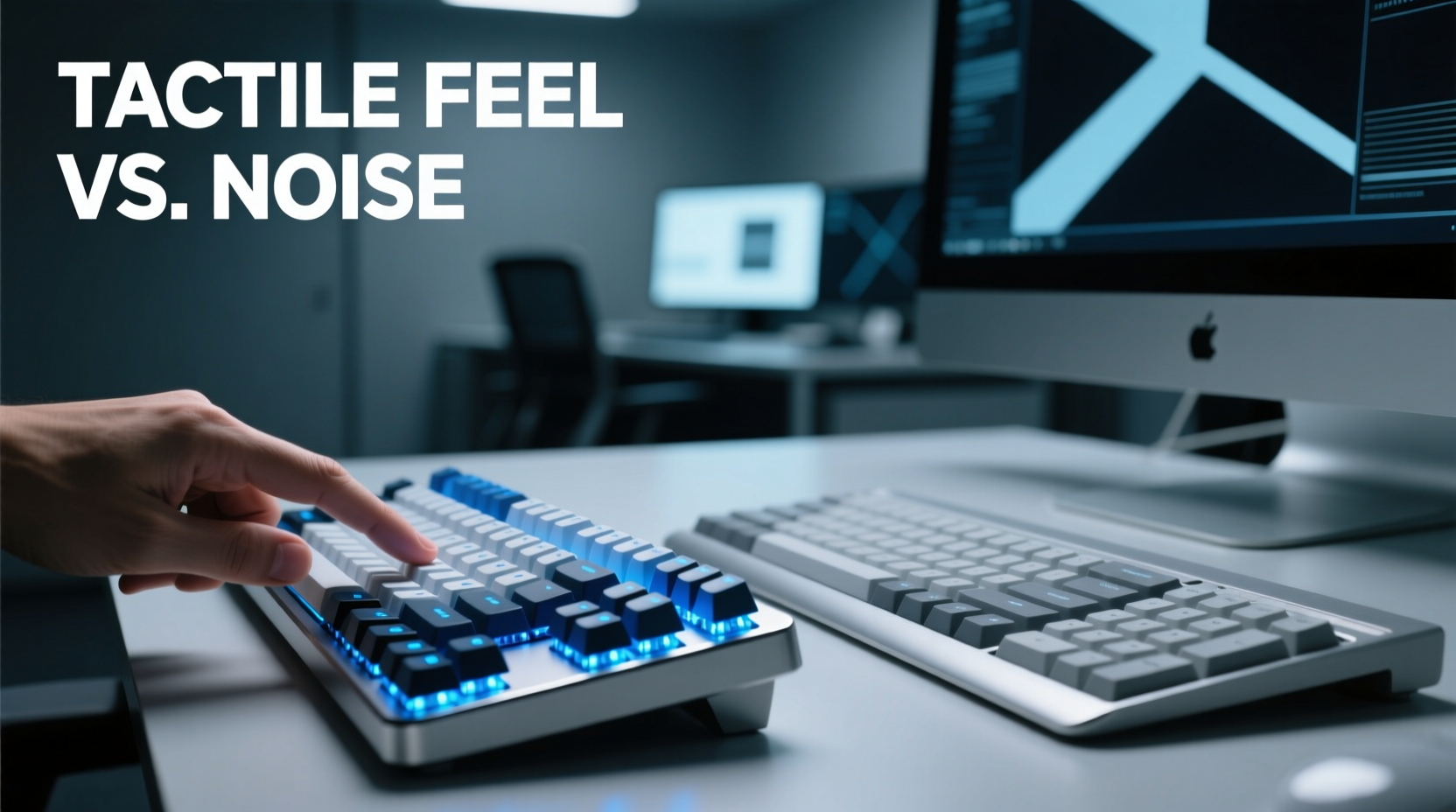
The fundamental difference between mechanical and membrane keyboards lies in their internal switch mechanisms.
Mechanical keyboards use individual physical switches under each keycap. Each switch contains a spring and metal contacts that register a keystroke when pressed. This design allows for consistent actuation force, precise feedback, and high durability—often rated for 50 million keystrokes per switch. Variants like Cherry MX Blue, Brown, and Red offer different levels of tactility and sound, giving users fine control over their typing experience.
Membrane keyboards, on the other hand, rely on a layered rubber or silicone sheet beneath the keys. When a key is pressed, it pushes down on this membrane, which makes contact with a circuit board to register input. These keyboards are typically quieter, softer to press, and less expensive to produce. However, they often lack precision, wear out faster (usually around 5–10 million keystrokes), and can feel “mushy” compared to mechanical counterparts.
Performance Comparison: Speed, Accuracy, and Responsiveness
Typing speed and accuracy are influenced by how quickly and reliably a keyboard registers input. Mechanical keyboards generally outperform membrane models in both areas due to their shorter actuation distance—the point at which a keystroke is registered.
Most mechanical switches actuate at 2mm or less, with some as low as 1.2mm. This means you don’t need to fully depress the key to register a command, enabling faster typing and reduced finger strain. In contrast, membrane keyboards often require full depression (3–4mm travel), leading to slower input cycles and increased effort during prolonged use.
Gamers benefit significantly from mechanical switches, especially those with linear responses like Cherry MX Reds. These allow rapid double-taps and smooth key rollovers, essential for fast-paced gameplay. Additionally, mechanical keyboards usually support N-key rollover (NKRO), meaning every keypress is recognized simultaneously—a critical advantage in competitive gaming.
However, not all mechanical switches suit every task. Tactile or clicky variants like Blues may be distracting in shared spaces, while linear switches might lack the feedback some typists prefer. Membrane keyboards, though slower, provide uniform resistance and silence, making them ideal for environments where discretion matters more than speed.
“Switch choice isn't just about preference—it's about biomechanics. A well-matched keyboard reduces micro-strain over thousands of daily keystrokes.” — Dr. Lena Torres, Ergonomics Researcher at MIT Human Factors Lab
Sound vs. Sensation: Evaluating the Trade-Offs
The tactile bump and audible click of many mechanical keyboards are celebrated by enthusiasts—but they come with social consequences. Clicky switches such as Cherry MX Blues or Kailh Box Whites produce sharp, rhythmic sounds that can reach 50–60 decibels—comparable to normal conversation levels. While satisfying to the typist, these noises can disrupt coworkers, roommates, or family members.
Tactile switches without an audible click (e.g., Cherry MX Browns) offer middle ground: a subtle bump provides feedback without excessive noise. Linear switches like Reds are even quieter, though they sacrifice feedback entirely, relying solely on smooth motion.
Membrane keyboards, by comparison, operate nearly silently. Their rubber-dome mechanism absorbs impact, resulting in minimal sound output. For open offices, libraries, or late-night work sessions, this quietness is invaluable. Yet, the lack of distinct feedback can lead to uncertainty—did the key register? Over time, this ambiguity may increase typos or cause users to press harder than necessary, contributing to hand fatigue.
The sensation of typing also affects rhythm and endurance. Mechanical switches provide consistent resistance and reset points, allowing experienced users to develop muscle memory that enhances flow. Writers and coders often report entering a “typing zone” more easily on mechanical boards, where the physical feedback becomes part of the creative process.
| Feature | Mechanical Keyboard | Membrane Keyboard |
|---|---|---|
| Actuation Force | 45–70 cN (adjustable by switch) | 50–80 cN (less consistent) |
| Actuation Point | 1.2–2.0 mm | 2.5–4.0 mm |
| Lifespan | 50M+ keystrokes per switch | 5M–10M total keystrokes |
| Noise Level | Medium to high (varies by switch) | Low to very low |
| Tactile Feedback | Pronounced (configurable) | Minimal or absent |
| Price Range | $70–$250+ | $15–$60 |
Real-World Use Cases: Who Benefits Most?
Choosing between mechanical and membrane shouldn’t be based on trends alone—it should align with your environment and usage patterns.
A Writer Working from Home
Sophia, a freelance novelist, upgraded to a mechanical keyboard with brown tactile switches after years of using her laptop’s built-in membrane board. She noticed immediate improvements: fewer typos, reduced finger fatigue, and a greater sense of engagement while writing. Since she works alone during daylight hours, noise isn’t an issue. The tactile bump helps her maintain rhythm across long chapters, and she appreciates the keyboard’s durability for daily use over years.
An Office Employee in a Shared Workspace
James works in a corporate cubicle farm where silence is expected. His team uses standard membrane keyboards provided by IT. When he brought in a mechanical board with blue switches, colleagues began complaining within two days. Despite loving the typing feel, James switched back to a quieter mechanical model with silent red switches. Even then, management requested he return to the company-standard membrane device to maintain acoustic neutrality.
A Competitive Gamer
Ravi plays first-person shooters professionally and trains six hours a day. He uses a tenkeyless mechanical keyboard with optical red switches, chosen for their 1ms response time and resistance to dust buildup. The ability to rapidly tap sprint and reload keys without bottoming out gives him a measurable edge. For him, the slight noise is irrelevant—he wears headphones anyway—and the tactile consistency improves aim stability during extended matches.
Longevity and Maintenance: Which Lasts Longer?
Durability is one of the strongest arguments for mechanical keyboards. Individual switches are rated for tens of millions of keystrokes, and many models feature removable keycaps and hot-swappable switch sockets, allowing full customization and repair without replacing the entire unit.
In contrast, membrane keyboards degrade unevenly. As the rubber domes wear out, certain keys become unresponsive or require excessive pressure. Spills are particularly damaging since liquid can seep into the sealed membrane layer, causing permanent shorts. While some premium membrane models include drainage systems, they remain far less serviceable than mechanical alternatives.
Cleaning is simpler on mechanical boards thanks to detachable keycaps. Most can be removed with a puller, exposing the plate for dusting or wiping. Membrane keyboards, especially laptop-style chiclet designs, trap debris underneath keys, making deep cleaning difficult without risking damage.
Over five years, a heavy user might go through two or three membrane keyboards while a single mechanical model continues performing flawlessly. Though the upfront cost is higher, the long-term value often favors mechanical options—especially for professionals who depend on reliable hardware.
Step-by-Step Guide: Choosing the Right Keyboard for You
- Assess Your Environment: Do you work in a quiet office, shared apartment, or private study? Noise sensitivity may rule out loud mechanical switches.
- Identify Primary Use: Are you coding, gaming, writing, or handling data entry? High-intensity tasks favor mechanical precision.
- Try Different Switch Types: Visit a store or order samples. Distinguish between linear, tactile, and clicky feels before committing.
- Consider Size and Layout: Full-size, TKL, 60%, or split? Smaller layouts save space but require function-layer navigation.
- Budget Realistically: Entry-level mechanical keyboards start around $70. Avoid ultra-cheap \"mechanical-feel\" hybrids—they’re often inferior membrane boards with fake feedback.
- Check for Customization: Look for programmable keys, backlighting, and software support if you want advanced features.
Frequently Asked Questions
Are mechanical keyboards better for carpal tunnel or wrist pain?
Not inherently. However, their lower actuation force and consistent response can reduce finger strain. Pairing any keyboard with proper ergonomics—wrist rests, neutral hand position, and regular breaks—is more impactful than switch type alone.
Can I make a mechanical keyboard quieter?
Yes. Options include using O-rings to dampen key travel, choosing silent switch variants (like Cherry MX Silent Reds), opting for PBT keycaps, or placing the keyboard on a padded surface. Some users also switch to desk mats made of neoprene for sound absorption.
Do membrane keyboards have any advantages left?
Absolutely. They remain more affordable, spill-resistant in sealed designs, and virtually silent. For casual users, students, or temporary setups, they offer sufficient performance without unnecessary complexity.
Conclusion: Is the Noise Worth the Tactile Feel?
The appeal of mechanical keyboards goes beyond mere functionality—it’s about the experience of typing. That crisp actuation, the subtle bump, the satisfying click: these elements transform a utilitarian tool into something engaging, even expressive. For writers, developers, and gamers who spend hours at their desks, that sensory richness can enhance focus, accuracy, and enjoyment.
Yet, the noise is a legitimate concern. In shared environments, the same qualities that delight one person can irritate others. The solution isn’t always compromise—it’s smart selection. Silent linear switches, thoughtful placement, and awareness of surroundings allow many to enjoy mechanical benefits without disruption.
Ultimately, the decision hinges on personal priorities. If precision, durability, and tactile satisfaction matter more than silence and savings, a mechanical keyboard is worth the investment. But if discretion, simplicity, and budget are paramount, a quality membrane model remains a perfectly viable option.




 浙公网安备
33010002000092号
浙公网安备
33010002000092号 浙B2-20120091-4
Comments
No comments yet. Why don't you start the discussion?