
Walmart gift cards are a popular choice for gifting, shopping convenience, and budgeting. But what happens when you have multiple cards with small balances? Carrying several cards or tracking tiny amounts across them can be frustrating. The good news is that while Walmart doesn’t offer a direct “merge” function online, there are practical and reliable ways to consolidate your gift card balances into one convenient card. This guide walks you through every method, including in-store options, online workarounds, and smart strategies to maximize your value.
Why Combine Your Walmart Gift Card Balances?
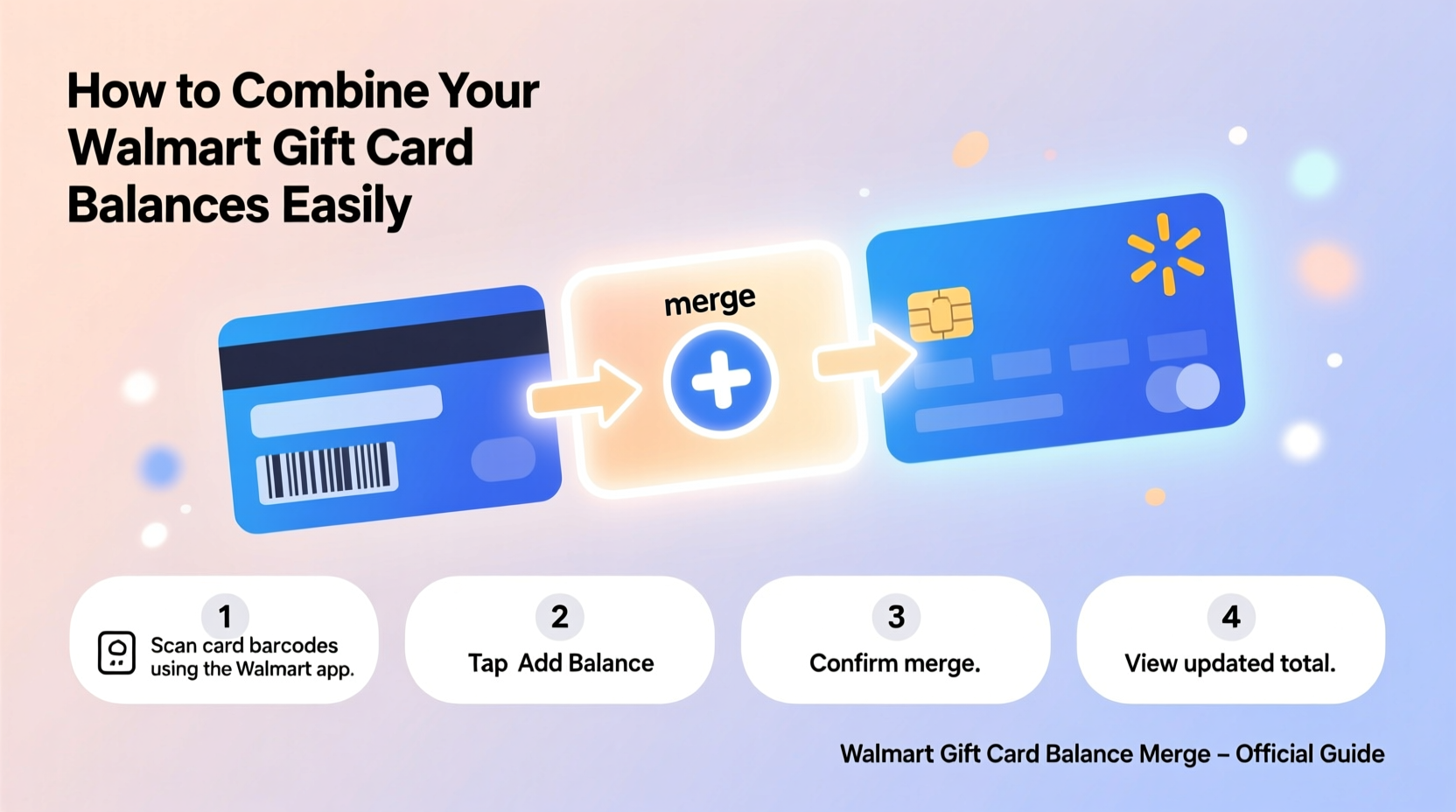
Holding multiple gift cards with low balances isn’t just inconvenient—it increases the risk of losing track of funds or leaving money unused. According to the National Retail Federation, over $3 billion in gift card balances go unredeemed each year. By combining your Walmart gift cards, you simplify spending, reduce clutter, and ensure you get full use of your available credit.
Whether you’ve received several small-denomination cards as gifts or accumulated leftover balances from past purchases, merging them streamlines your shopping experience—especially if you're planning a larger purchase at Walmart.com or in-store.
Can You Merge Walmart Gift Cards Online?
As of now, Walmart does not provide an automated online tool to directly merge two gift card balances into one new card. Unlike some retailers, Walmart’s digital gift card system treats each card as a standalone account. However, you can still effectively \"combine\" balances using indirect methods—especially through customer service or in-store assistance.
If you attempt to add multiple gift cards during checkout on Walmart.com, the system allows you to apply more than one toward a single purchase. While this doesn’t merge the physical or digital cards, it lets you use their combined value at once, which can serve a similar purpose.
Using Multiple Cards at Checkout (Online)
- Log in to your Walmart account or proceed as a guest.
- Add items to your cart and proceed to checkout.
- At the payment screen, select “Gift cards, promotional cards & store credit.”
- Enter the first gift card number and PIN.
- Click “Apply,” then select “Add another gift card.”
- Repeat for additional cards until your total is covered or maxed out.
This process doesn’t create a merged card but enables pooled usage—ideal for making larger purchases without needing cash or a credit card.
In-Store Method: Combine Balances at Customer Service
The most effective way to truly merge Walmart gift card balances is by visiting a local Walmart store and speaking with a customer service representative. This option allows you to transfer the balance from one or more cards onto a single new or existing card.
Step-by-Step Guide to Merging In-Store
- Gather all gift cards you wish to combine. Ensure they are Walmart-issued gift cards (not third-party or prepaid debit cards).
- Visit the customer service desk at any Walmart location. It’s best to go during off-peak hours to avoid long waits.
- Present your cards to the associate and clearly request to have the balances consolidated onto one card.
- Choose your target card: You can either use one of your current cards as the recipient or request a new card (some locations may issue a fresh card for a small fee or free of charge).
- Verify the final balance after the transfer. Ask for a receipt confirming the transaction.
- Securely dispose of old cards once the balance has been transferred—especially if they’re physical plastic cards.
“Most customers don’t realize they can consolidate their gift card balances in-store. It only takes a few minutes and can save a lot of hassle later.” — Linda Ruiz, Former Walmart Customer Experience Lead
What Types of Walmart Gift Cards Can Be Merged?
Not all gift cards behave the same way. Understanding the differences helps avoid confusion during the merging process.
| Type of Gift Card | Can Balance Be Transferred? | Notes |
|---|---|---|
| Walmart Plastic Gift Card | Yes | Standard card; fully supported for in-store merging. |
| Walmart eGift Card (Digital) | No (directly), but usable alongside others | Balances cannot be moved to another card, but can be used in combination at checkout. |
| Walmart Rewards Card (Store Credit) | Limited | Typically treated like a gift card, but some restrictions apply. |
| Third-Party Gift Cards Sold at Walmart | No | Visa, Amazon, etc., cannot be merged with Walmart cards. |
Mini Case Study: Sarah Combines Five Small Balances
Sarah received five Walmart gift cards over the holidays—each with between $5 and $15 remaining from previous uses. She had no intention of making five separate small purchases. Instead, she visited her local Walmart on a Tuesday morning and approached customer service.
She handed over all five cards and asked to combine the total ($67.32) onto one card. The associate verified each balance, loaded the sum onto a new plastic card, and gave her a printed receipt. Within three minutes, Sarah walked away with a single, easy-to-use card ready for her weekly grocery run. She later used it online by adding the balance to her Walmart.com account.
This real-world example shows how efficient and accessible the in-store merging process can be when done correctly.
Checklist: How to Successfully Merge Walmart Gift Cards
- ✅ Collect all Walmart gift cards you want to combine
- ✅ Check each balance online at Walmart’s gift card balance page
- ✅ Call your nearest Walmart to confirm they support balance transfers
- ✅ Visit during non-peak hours for faster service
- ✅ Request to transfer balances to one primary card or a new one
- ✅ Get a receipt showing the old and new card details
- ✅ Securely destroy old cards after confirming the transfer
- ✅ Add the final card to your Walmart.com account for easy tracking
Frequently Asked Questions
Can I merge Walmart gift card balances over the phone?
No, Walmart does not currently allow gift card balance transfers over the phone. These transactions must be completed in person at a store’s customer service desk for security reasons.
Is there a fee to combine Walmart gift cards?
There is no official fee charged by Walmart to merge gift card balances. However, some stores may require you to purchase a new card (typically $1–$2) if you don’t want to use an existing one as the recipient.
Can I transfer a Walmart gift card balance to my bank account?
No. Walmart gift cards cannot be converted to cash or transferred to personal bank accounts. They can only be used for purchases at Walmart stores or on Walmart.com.
Smart Tips for Managing Multiple Gift Cards
Even after merging, maintaining good gift card hygiene prevents future fragmentation. Consider these long-term strategies:
- Register your cards online: Create a Walmart account and link your gift cards to track balances easily.
- Use one card consistently: Designate a “primary” card and always add smaller balances to it when possible.
- Set up automatic reloads: If you frequently receive Walmart gift cards, consider setting up a digital wallet within your Walmart.com account to centralize funds.
- Avoid sharing partial cards: Once a card drops below $5, try to use it quickly to prevent loss or abandonment.
Conclusion: Take Control of Your Gift Card Value
Merging Walmart gift card balances isn’t as automated as some shoppers might hope, but it’s entirely achievable with the right approach. By leveraging in-store customer service and understanding how to use multiple cards together online, you can eliminate clutter and make the most of every dollar.
Don’t let scattered balances go to waste. Gather your cards, visit your nearest Walmart, and consolidate your value today. A single, full-featured gift card is easier to manage, safer to carry, and ready whenever you need it—whether for groceries, electronics, or holiday shopping.




 浙公网安备
33010002000092号
浙公网安备
33010002000092号 浙B2-20120091-4
Comments
No comments yet. Why don't you start the discussion?