
For most households today, a reliable Wi-Fi connection isn't a luxury—it's essential. From remote work and online learning to streaming 4K video and smart home automation, every device depends on seamless connectivity. Yet, many homes still struggle with dead zones, weak signals, and inconsistent speeds. The choice between a mesh router system and a single traditional router plays a pivotal role in solving these issues. Understanding the strengths, limitations, and practical applications of each can help you make an informed decision based on your home’s layout, internet usage, and budget.
Understanding the Basics: How Each System Works
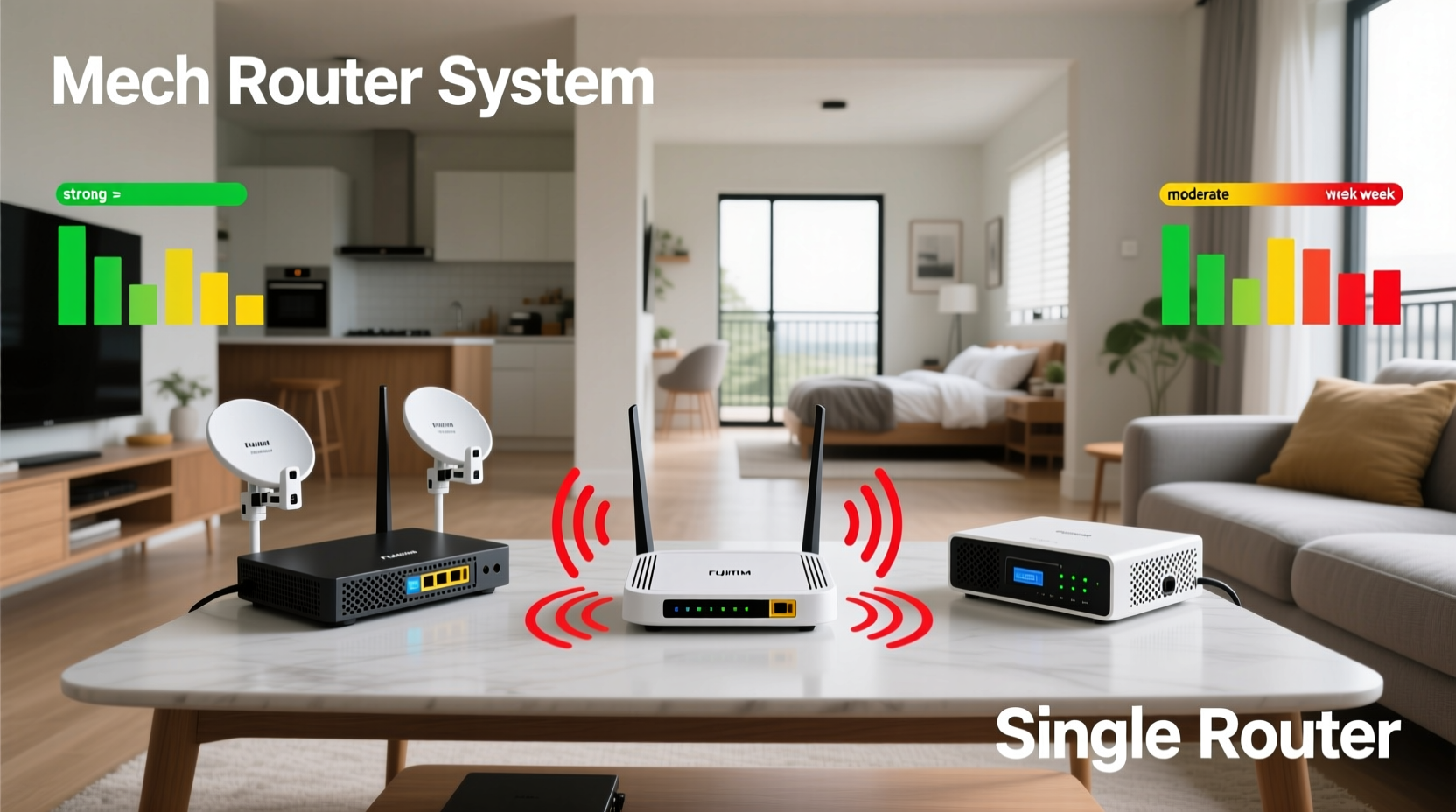
A single router is the conventional wireless access point that connects to your modem and broadcasts a Wi-Fi signal throughout your space. It functions as a central hub—simple, cost-effective, and sufficient for small to medium-sized homes with open floor plans. However, its effectiveness diminishes with distance and physical obstructions like walls, floors, and appliances.
In contrast, a mesh router system consists of multiple interconnected nodes—typically one main unit connected to the modem and two or more satellite units placed strategically around the house. These nodes communicate with each other to create a unified network, eliminating coverage gaps. Unlike older range extenders that often halve bandwidth, mesh systems use dedicated backhaul channels (either via radio frequency or Ethernet) to maintain speed and stability across all nodes.
The key differentiator lies in scalability. A single router has fixed capabilities; once you're out of range, you're out of luck. Mesh systems, however, are designed to scale. Whether you live in a sprawling ranch-style home or a multi-level townhouse, adding another node extends coverage without sacrificing performance.
Performance Comparison: Speed, Coverage, and Reliability
Coverage area is perhaps the most obvious distinction. A high-end single router may claim up to 2,500 square feet of coverage under ideal conditions. In reality, thick walls, interference from neighboring networks, and household electronics reduce effective range significantly. Most users report usable coverage closer to 1,200–1,500 square feet.
Mesh systems, on the other hand, are engineered for large or complex spaces. A typical three-node setup can cover 5,000–6,000 square feet consistently. Each node reinforces the signal, ensuring strong connections even in basements, garages, or backyard offices. More importantly, mesh networks support seamless roaming. As you move through your home, your devices automatically switch to the strongest node without dropping the connection—a feature critical for video calls and gaming.
Speed performance also diverges. Single routers deliver full ISP-provided bandwidth only within close proximity. At longer distances or through multiple walls, throughput can drop by 50% or more. Mesh systems maintain higher average speeds across larger areas due to intelligent routing algorithms and dual- or tri-band technology. Tri-band models dedicate one entire band to communication between nodes (backhaul), preserving the other bands for client devices.
“Modern mesh systems have closed the gap with traditional routers in raw speed while vastly outperforming them in coverage consistency.” — David Lin, Senior Network Engineer at NetGrade Labs
Setup, Management, and Long-Term Maintenance
Setting up a single router is straightforward. Connect it to your modem, configure basic settings via a web interface or mobile app, and you’re typically done. Most ISPs provide preconfigured units, reducing technical barriers for novice users.
Mesh systems require slightly more planning but have become remarkably user-friendly. Most come with intuitive smartphone apps that guide you through placement recommendations, network naming, password setup, and firmware updates. The initial configuration takes about 10–15 minutes per node, with automatic synchronization across the system.
One major advantage of mesh networks is centralized management. You can monitor connected devices, run speed tests from different rooms, pause internet access for specific users, and apply parental controls—all from a single dashboard. Many mesh systems also support automatic updates, ensuring security patches and performance improvements are applied without user intervention.
Long-term maintenance favors mesh setups. While both types require occasional reboots and firmware checks, mesh systems self-optimize channel selection and signal strength based on environmental changes. If a neighbor installs a new router on the same channel, your mesh system will detect congestion and shift frequencies accordingly.
Cost Analysis and Value Over Time
Price remains a significant factor. A quality single router ranges from $80 to $180. In contrast, a three-node mesh system typically costs $200 to $400, depending on brand and features. At first glance, this makes mesh seem expensive. But when evaluating value over time, the equation shifts.
Consider a 3,000-square-foot home with poor signal in the bedrooms and backyard. A single router alone won’t suffice. To fix this, you might buy a Wi-Fi extender ($70–$100), only to find it creates a separate network name (SSID) and suffers from latency. Alternatively, upgrading to a powerline adapter kit introduces electrical interference and inconsistent speeds. Neither solution offers seamless roaming or unified management.
A mesh system solves these problems in one integrated package. There’s no need for additional hardware or complex configurations. Over a five-year lifespan, the total cost of ownership—including reduced frustration, fewer support calls, and sustained productivity—is often lower with mesh.
| Feature | Single Router | Mesh Router System |
|---|---|---|
| Initial Cost | $80–$180 | $200–$400 |
| Coverage (Real-World) | 1,200–1,800 sq ft | 3,000–6,000+ sq ft |
| Seamless Roaming | No | Yes |
| App-Based Management | Limited (varies by model) | Full suite standard |
| Firmware Updates | Manual or semi-automatic | Automatic, coordinated |
| Scalability | Low (requires extenders) | High (add nodes easily) |
When to Choose a Single Router
A single router is the right choice if your living space is under 1,500 square feet with minimal obstructions and few high-bandwidth demands. Apartments, studios, and compact homes benefit from their simplicity and affordability. If you primarily stream HD video, browse the web, and connect a handful of devices, a modern dual-band or Wi-Fi 6 single router delivers excellent performance.
Additionally, tech-savvy users who prefer granular control may favor single routers running custom firmware like OpenWRT or DD-WRT. These platforms offer advanced networking features such as VLANs, QoS customization, and DNS filtering—options rarely available on consumer mesh systems.
However, even in smaller homes, construction materials matter. A 1,200-square-foot apartment with concrete walls or metal framing may still suffer from poor coverage. In such cases, a two-node mesh system could be more effective than a high-powered single router.
When a Mesh System Is Worth the Investment
Multiples factors signal that a mesh router system is the better investment. Homes larger than 2,000 square feet, especially those with multiple floors, thick drywall, or numerous connected devices, demand the adaptive architecture of mesh. Families with 15+ devices—including smartphones, tablets, laptops, smart TVs, doorbells, lights, and thermostats—will notice tangible improvements in stability and responsiveness.
Remote workers and students benefit immensely from consistent coverage. Dropping off Zoom calls because you walked into another room is not just inconvenient—it impacts productivity and credibility. Gamers also gain from lower latency and stable ping times across the home, particularly when playing competitive online titles.
Mini Case Study: The Thompson Family Home
The Thompsons live in a 2,800-square-foot colonial with hardwood floors, brick fireplaces, and four bedrooms. Their previous single-router setup left the upstairs bedrooms with spotty signal and the basement completely offline. Video calls frequently froze, and their smart security cameras lagged during playback.
They installed a three-node Wi-Fi 6 mesh system: one main unit near the modem in the basement, a second on the first floor hallway, and a third upstairs. Within minutes, all devices connected to a single network named “ThompsonHome.” Signal strength improved from 2 bars to full bars in every room. Their son’s gaming latency dropped from 80ms to 32ms, and video conferences became interruption-free.
After six months, they added a fourth node to the detached garage gym, extending coverage there seamlessly. No new wiring was needed, and the addition took less than ten minutes via the companion app.
Step-by-Step Guide: Choosing and Installing Your System
- Assess Your Space: Measure your home’s square footage and note the number of floors, wall types, and areas with poor reception.
- Inventory Connected Devices: Count smartphones, laptops, smart speakers, cameras, TVs, and IoT gadgets. High counts (10+) suggest mesh superiority.
- Determine Usage Needs: Evaluate whether you rely on video conferencing, cloud backups, 4K streaming, or online gaming—all bandwidth-intensive activities.
- Choose the Right System: For homes under 1,500 sq ft and light use, consider a Wi-Fi 6 single router. For larger or complex layouts, select a tri-band mesh system with at least two satellites.
- Install Strategically: Place the main node near your modem. Position satellite nodes halfway between the main unit and dead zones, avoiding closets, microwaves, and mirrors.
- Test and Optimize: Use your phone or laptop to walk through each room, checking signal strength and running speed tests. Adjust node locations if necessary.
- Enable Advanced Features: Set up parental controls, guest networks, and automatic updates through the app to enhance security and convenience.
FAQ
Can I mix mesh nodes from different brands?
No. Mesh systems are proprietary. Nodes must be from the same manufacturer and compatible series. Mixing brands causes instability or complete failure.
Do mesh routers slow down my internet speed?
Not inherently. While early models introduced minor overhead, modern dual- and tri-band mesh systems maintain speeds close to your ISP plan. Wired backhaul configurations preserve nearly full bandwidth.
Is a mesh system better than a single powerful router?
It depends. For large or obstructed homes, yes. A single powerful router cannot overcome physics—distance and walls degrade signals. Mesh systems overcome this with distributed intelligence and multiple access points.
Checklist: Are You Ready for Mesh?
- ✅ Home exceeds 2,000 square feet
- ✅ Multiple floors or thick interior walls
- ✅ Experience dead zones or frequent disconnections
- ✅ Have more than 10 Wi-Fi devices
- ✅ Use video conferencing, gaming, or 4K streaming regularly
- ✅ Want simple, unified network management
- ✅ Willing to invest upfront for long-term reliability
Conclusion
The decision between a mesh router and a single router ultimately hinges on your environment and expectations. Technology has evolved beyond the one-size-fits-all approach. Today’s connected homes require thoughtful infrastructure—not just faster modems or higher-tier internet plans. A single router remains viable for modest spaces and basic needs. But for comprehensive, reliable, and future-proof coverage, mesh systems offer unmatched flexibility and performance.
Don’t settle for workarounds like range extenders or constant reboots. Assess your actual usage, map your coverage gaps, and choose the solution designed to meet your lifestyle. Whether you upgrade today or plan for tomorrow, investing in the right Wi-Fi foundation transforms how you live, work, and connect.




 浙公网安备
33010002000092号
浙公网安备
33010002000092号 浙B2-20120091-4
Comments
No comments yet. Why don't you start the discussion?