
In today’s connected homes, reliable Wi-Fi isn’t just a convenience—it’s a necessity. From video calls to smart thermostats, every device depends on stable internet access. But when dead zones creep into your space, the question arises: should you upgrade to a mesh Wi-Fi system or stick with a traditional range extender? For owners of small houses—typically under 1,500 square feet—the answer isn’t always straightforward. While marketing pushes mesh as the ultimate solution, it may not be essential in every case.
This guide breaks down the real differences between mesh systems and extenders, evaluates their performance in compact living spaces, and helps you decide whether investing in mesh technology delivers meaningful benefits—or if you’re better off saving money with a simpler fix.
Understanding the Core Differences
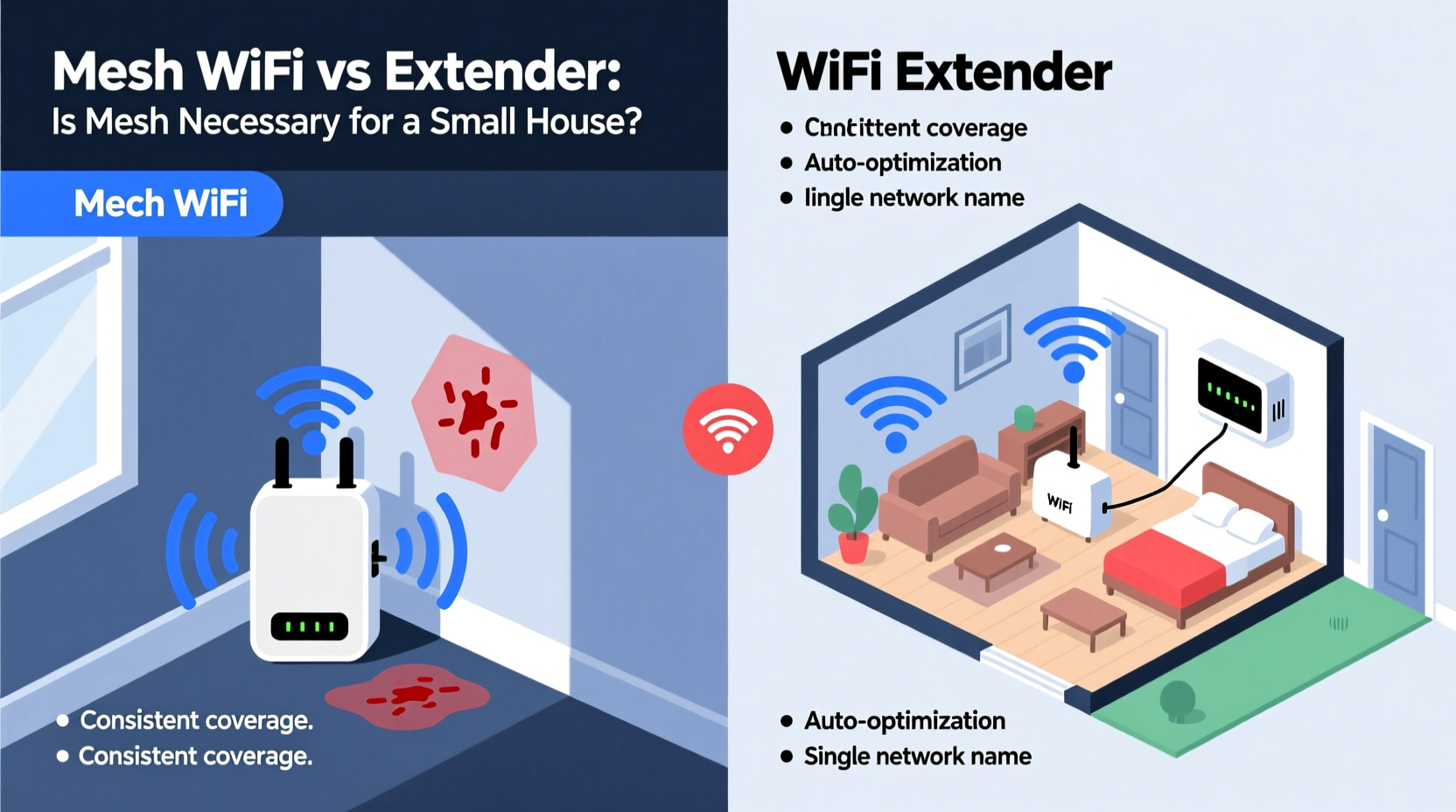
Before determining what works best for a small house, it's crucial to understand how mesh Wi-Fi and range extenders function differently at a technical level.
A **Wi-Fi range extender** (also called a repeater) captures your existing router’s signal and rebroadcasts it further into areas with weak coverage. It’s like placing a megaphone halfway through your yard to relay a message. However, because it operates on the same frequency band and must communicate back to the main router, it often cuts bandwidth in half—especially on older dual-band models. This can result in slower speeds and inconsistent connections, particularly when multiple devices are active.
On the other hand, a **mesh Wi-Fi system** consists of multiple nodes that work together as a single, intelligent network. These nodes communicate over dedicated backhaul channels (on tri-band systems), allowing seamless roaming without dropping connections. Unlike extenders, mesh nodes automatically route traffic through the most efficient path, reducing latency and improving stability.
“Mesh networks are designed to eliminate coverage gaps while maintaining high throughput, but their full advantages shine in larger or multi-level homes.” — David Lin, Senior Network Engineer at NetSignal Labs
Performance Comparison: Mesh vs Extender in Small Spaces
For a small, open-concept home with minimal walls and obstructions, a standard router might already provide adequate coverage. But if you're experiencing spotty signals in a bedroom or basement, both extenders and mesh systems claim to solve the problem. So which performs better?
| Feature | Wi-Fi Range Extender | Mesh Wi-Fi System |
|---|---|---|
| Setup Complexity | Simple plug-and-play; takes minutes | Requires app setup; 10–15 minutes |
| Network Name (SSID) | Often creates a second network (e.g., “Home_Ext”) | Single SSID across all nodes |
| Seamless Roaming | No—devices may cling to weak signal | Yes—automatic handoff between nodes |
| Speed Reduction | Up to 50% loss due to repeating | Minimal loss (especially with tri-band) |
| Cost (Entry-Level) | $30–$60 | $120–$200 (for 2-pack) |
| Ideal Use Case | One-room extension, light usage | Whole-home coverage, heavy streaming/gaming |
The table reveals a clear trade-off: extenders offer affordability and simplicity, while mesh delivers superior performance and user experience. But in a small house where distance isn’t the primary issue, does this performance gap matter?
When an Extender Is Enough
Not every home needs a full mesh overhaul. In fact, for many small households, a well-placed extender can effectively resolve minor connectivity issues without breaking the bank.
Consider using a Wi-Fi extender if:
- You live in a single-story home under 1,200 sq ft.
- Your current router is centrally located but struggles in one far corner (like a backyard office or garage).
- Internet usage is light—mostly browsing, email, and occasional streaming.
- Budget is a concern, and you want a quick fix.
Modern AC-class extenders from reputable brands like TP-Link, Netgear, or ASUS support MU-MIMO and beamforming technologies, which help direct signals more efficiently. Paired with a decent primary router, these can deliver acceptable performance for everyday tasks.
However, limitations remain. Most extenders require manual switching between networks unless they support band steering. They also increase network congestion since they share the same channel as your main router. And if your household includes remote workers, online gamers, or multiple 4K streamers, even slight delays become noticeable.
Real-World Example: The 1,100-Sq-Ft Townhouse
Sarah lives in a narrow two-bedroom townhouse with brick interior walls. Her ISP-provided router sits in the living room, but her bedroom at the rear consistently shows only one bar of Wi-Fi. She tried a $40 extender first, placing it halfway down the hallway. It worked—for basic phone use. But when she joined Zoom meetings from bed, audio would cut out, and screen sharing lagged.
Frustrated, she upgraded to a dual-node mesh system (Google Nest Wifi). After setup, she noticed immediate improvements: full bars throughout the house, no dropped calls, and faster downloads. The key wasn’t raw speed—it was consistency. The mesh system maintained a stable connection by intelligently managing device handoffs and minimizing interference.
In Sarah’s case, the investment paid off. But had her home been fully drywall with fewer obstructions, or if she only used Wi-Fi for messaging apps, the extender might have sufficed.
When Mesh Becomes Worth It—Even in Small Homes
Much of mesh marketing focuses on large homes, but certain factors make it valuable even in smaller spaces:
- Dense building materials: Brick, concrete, or plaster walls significantly weaken Wi-Fi signals. A mesh node placed strategically can bypass these barriers more reliably than an extender.
- High device count: Modern homes often host 15+ connected devices. Mesh systems handle congestion better thanks to smarter load balancing and modern protocols like OFDMA and WPA3.
- Smart home ecosystems: If you rely on Alexa, Google Home, Ring cameras, or Zigbee/Z-Wave hubs, consistent low-latency connectivity is critical. Mesh provides the backbone these systems need.
- Future-proofing: Buying a mesh system now means easier expansion later. Need coverage in the garden shed? Add another node. An extender offers no such flexibility.
Moreover, newer compact mesh systems like Eero Mini or TP-Link Deco X20 are designed specifically for apartments and small homes. They occupy less space, consume less power, and cost less than whole-home kits—making them viable even for modest setups.
Step-by-Step: Choosing the Right Solution for Your Small House
Follow this decision-making process before purchasing any equipment:
- Assess your current router’s location. Is it tucked behind a TV stand or buried in a cabinet? Move it to a central, elevated spot away from metal objects and appliances like microwaves.
- Test signal strength room by room. Use a free app like Wi-Fi Analyzer (Android) or AirPort Utility (iOS) to measure signal (RSSI). Below -70 dBm indicates poor reception.
- Evaluate usage patterns. Are multiple people streaming, gaming, or working remotely simultaneously? High demand favors mesh.
- Check construction materials. Older homes with thick walls benefit more from mesh than open-plan studios.
- Budget accordingly. If you spend under $60/month on internet, spending $180 on mesh may not yield proportional returns unless pain points are severe.
- Try an extender first. Start with a mid-range model ($50–$70) supporting Wi-Fi 5 (802.11ac) and see if it resolves your issue.
- Upgrade to mesh only if needed. If the extender fails to deliver stable performance during peak hours, then invest in a compact mesh kit.
FAQ: Common Questions About Mesh and Extenders
Can a mesh system improve internet speed?
Mesh doesn’t increase your base internet speed from your ISP, but it can make your existing bandwidth more usable by eliminating dead zones and reducing interference. Devices receive stronger signals, leading to faster actual download/upload rates and lower latency.
Do I need mesh if my house is under 1,000 square feet?
Not necessarily. Many sub-1,000 sq ft homes work perfectly with a good router alone. However, if you have thick walls, multiple floors, or heavy usage, mesh can still provide tangible benefits despite the size.
Will an extender slow down my entire network?
It can. Since most extenders repeat the signal over the same band, they halve available bandwidth for communicating devices. This affects not just the extended area but also devices connected to the main router, especially during high traffic.
Final Verdict: Is Mesh Really Necessary for a Small House?
The short answer: **not always**. For many small-house dwellers, a properly positioned router or a well-chosen extender will suffice. Mesh Wi-Fi is not a mandatory upgrade simply because it’s newer or trendier.
But necessity depends on context. If your small home has challenging architecture, high digital demands, or evolving smart home needs, mesh offers reliability, scalability, and peace of mind that extenders simply can’t match. It’s less about square footage and more about how you use your network.
Think of it this way: an extender is a band-aid—a temporary fix for a specific symptom. Mesh is infrastructure—an investment in long-term performance and adaptability.
“The right tool depends on the problem. In a small house with modern usage habits, mesh isn’t overkill—it’s smart planning.” — Lena Patel, Home Networking Consultant
Take Action Based on Your Needs
Don’t fall into the trap of upgrading unnecessarily. Begin with optimizing your current setup. Then test incrementally. If a $50 extender solves your issue, great. But if you find yourself frustrated by buffering, dropouts, or sluggish responses, don’t hesitate to step up to mesh.
Technology should serve your lifestyle—not complicate it. Whether you choose extender or mesh, the goal remains the same: seamless, reliable Wi-Fi everywhere you need it.




 浙公网安备
33010002000092号
浙公网安备
33010002000092号 浙B2-20120091-4
Comments
No comments yet. Why don't you start the discussion?