
Minecraft has evolved from a simple sandbox game into a global phenomenon, with millions of players across platforms. As the game matured, so did player expectations—especially when it comes to customization. Modding allows users to expand gameplay, add new mechanics, change visuals, or even rebuild entire systems. However, not all versions of Minecraft offer equal access to this creative freedom. The divide between Java and Bedrock editions is more than just technical—it's about accessibility, flexibility, and long-term potential. For players who want to go beyond the vanilla experience, understanding which version supports mods more effectively is essential.
Understanding the Core Differences Between Java and Bedrock
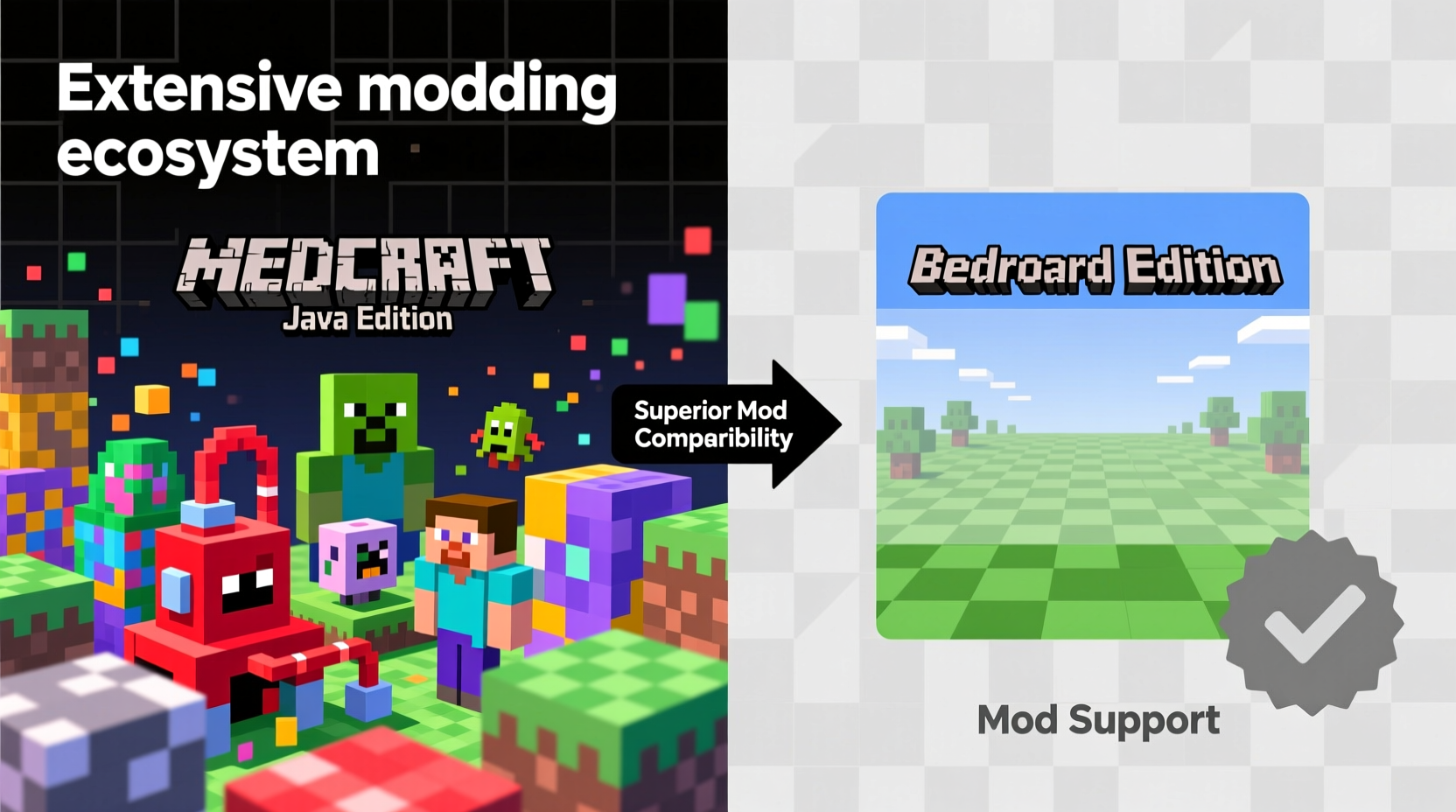
The fundamental distinction between Minecraft: Java Edition and Minecraft: Bedrock Edition lies in their architecture, target platforms, and development philosophy. Java Edition was the original release, built using the Java programming language and designed primarily for PC. It runs on Windows, macOS, and Linux systems and remains the preferred choice for developers and modders due to its open-ended nature.
Bedrock Edition, on the other hand, was developed later by Mojang as a unified codebase that works across multiple devices—including Xbox, PlayStation, Nintendo Switch, mobile phones, and Windows 10/11. Built in C++, it prioritizes performance, cross-platform play, and stability over deep system-level customization. While both versions share core gameplay elements, their approaches to modification diverge significantly.
Java’s legacy as a developer-friendly platform gives it inherent advantages. Because it runs on desktop operating systems with fewer restrictions, players can directly manipulate game files, inject custom code, and use third-party tools without approval from app stores or console manufacturers. Bedrock, constrained by platform policies and sandboxed environments, limits what users can do at the system level.
Mod Support in Java Edition: Depth, Flexibility, and Community Power
Java Edition stands out for its unparalleled modding capabilities. Its modding scene has been active since the early days of Minecraft, fostering a vast network of creators who develop everything from small quality-of-life tweaks to full-scale overhauls like GregTech or Twilight Forest. The foundation of this ecosystem is the ability to modify compiled Java classes through tools such as Forge, Fabric, and Rift.
Forge has long been the most widely used mod loader. It provides a stable API for adding features like new dimensions, blocks, mobs, and complex redstone logic. Many large modpacks—such as Feed The Beast and Tekkit—are built around Forge, enabling thousands of players to enjoy coordinated, balanced experiences with dozens of interdependent mods running simultaneously.
Fabric, a newer alternative, emerged as a lightweight, faster, and more modular option. It appeals to developers who value modern coding practices and compatibility with newer Minecraft versions. Fabric also supports mod mixins, allowing precise injection of code into specific parts of the game without replacing entire classes—an elegant solution that reduces conflicts and improves performance.
What sets Java apart isn’t just the availability of loaders but the depth of control they provide. Java mods can alter virtually any aspect of the game:
- Add entirely new crafting systems (e.g., Tinkers' Construct)
- Rewrite AI behaviors for mobs
- Introduce advanced automation frameworks (e.g., Applied Energistics 2)
- Modify rendering engines for enhanced graphics
- Create custom biomes with unique generation rules
“Java Edition remains the gold standard for modding because it treats players as collaborators, not just consumers.” — Daniel Kaplan, Open-Source Game Developer and Longtime Minecraft Modder
Bedrock Edition: Limited Access, But Growing Potential
While Bedrock Edition lacks the raw modding power of its Java counterpart, it does offer some customization options—albeit under strict limitations. Instead of true mods, Bedrock supports what Mojang calls “add-ons,” resource packs, behavior packs, and marketplace content.
Add-ons are scripts written in JSON and JavaScript that allow changes to entity behavior, block properties, and world settings. They’re relatively easy to create and install but operate within tightly defined boundaries. You cannot introduce new rendering techniques, change core game mechanics like inventory systems, or interact directly with memory. Add-ons work best for tweaking existing elements rather than inventing new ones.
For example, an add-on might make zombies spawn more frequently or give creepers explosive projectiles—but it can't create a fully functional industrial smelter or integrate a magic spellcasting system like those found in popular Java mods. This constraint makes Bedrock less appealing for ambitious projects.
Another limitation is distribution. Unlike Java, where mods can be freely shared online, Bedrock add-ons must often pass through official channels or rely on third-party launchers, which may violate terms of service. Console players face additional hurdles, as file access is restricted and sideloading is either limited or unsupported.
Despite these challenges, Bedrock has seen growth in user-generated content thanks to the Minecraft Marketplace, where creators can publish skins, textures, worlds, and mini-games. Some of these creations incorporate scripted logic that mimics mod-like functionality, especially in education and adventure maps. However, monetization requirements and editorial oversight mean many experimental or niche ideas never reach mainstream audiences.
Comparative Overview: Java vs Bedrock Modding Capabilities
| Feature | Java Edition | Bedrock Edition |
|---|---|---|
| Mod Type | Full-code modifications via Forge/Fabric | Script-based add-ons and resource packs |
| Custom Code Execution | Yes – direct class manipulation | No – limited to JSON/script hooks |
| New Blocks/Mobs | Unrestricted creation | Possible with visual assets only |
| Performance Impact | High (depends on mod complexity) | Low to moderate |
| Cross-Platform Sharing | PC only (without server setup) | Yes – across all Bedrock devices |
| Community Size | Large, technically skilled base | Broad but less technically focused |
| Ease of Installation | Moderate (requires mod loaders) | Easy (built-in pack support) |
| Stability Risks | Higher (potential crashes/conflicts) | Lower (sandboxed environment) |
Practical Guide: How to Get Started with Modding Based on Your Version
Whether you're on Java or Bedrock, there are steps you can take to begin enhancing your Minecraft experience. Here’s how to proceed depending on your edition.
For Java Edition Users
- Install the correct Minecraft launcher: Ensure you have the official Mojang launcher set up for Java Edition.
- Choose a mod loader: Decide between Forge (stable, mature) or Fabric (lightweight, fast updates). Download the installer from their official websites.
- Download mods: Visit trusted repositories like CurseForge, PlanetMinecraft, or Modrinth. Always check version compatibility.
- Place mods in the correct folder: Typically located at
.minecraft/modsin your user directory. - Launch with the modded profile: Select the Forge or Fabric profile in the launcher and start the game.
- Test and troubleshoot: If the game crashes, review the crash log and disable conflicting mods one by one.
For Bedrock Edition Users
- Open the in-game settings: Navigate to \"Settings\" > \"Storage\" to manage content.
- Download resource or behavior packs: These can come from the Marketplace or trusted community sites.
- Import add-ons manually (if supported): On Windows 10/11 or Android, locate .mcaddon or .mcpack files and double-click to import.
- Apply packs to worlds: Edit an existing world or create a new one, then enable the desired add-ons under \"Resource Packs\" and \"Behavior Packs.\"
- Test gameplay changes: Launch the world and verify that entities behave as expected.
Note: True modding is not possible on consoles. Mobile and Windows 10 users have slightly more flexibility, but still lack low-level access.
Real-World Example: Building a Tech-Heavy Survival World
Consider a player named Alex who wants to build a high-tech survival world featuring automated farms, energy networks, and flying machines. On Java Edition, Alex installs a modpack like All the Mods, which includes mods such as Thermal Expansion, Mekanism, and Ender IO. Within minutes, Alex can generate power using solar panels, pipe fluids through pressurized tubes, and craft quantum armor. The integration between mods is seamless, thanks to standardized APIs and dependency management.
If Alex tried the same project on Bedrock, the outcome would be drastically different. There are no equivalents to these industrial mods. At best, Alex could use command blocks and structure blocks to simulate automation, but this requires extensive knowledge of commands and lacks scalability. Alternatively, purchasing a pre-made map from the Marketplace might offer a similar aesthetic, but customization options remain minimal. The lack of real-time interaction between systems makes true engineering impossible.
This scenario illustrates a key truth: Java enables creation; Bedrock enables consumption.
Frequently Asked Questions
Can I transfer mods from Java to Bedrock?
No. The two editions use fundamentally different architectures and file formats. Mods created for Java cannot run on Bedrock without complete reimplementation as add-ons, which rarely capture the same depth.
Is Bedrock getting better mod support?
Incrementally. Mojang has expanded scripting APIs and improved addon documentation in recent updates. However, due to platform restrictions (especially on consoles), Bedrock will likely never match Java’s modding freedom. Progress is slow and focused on simplicity over power.
Do I need programming skills to mod Minecraft?
For Java, basic understanding helps, but many mods are plug-and-play. Tools like MCreator offer drag-and-drop interfaces for creating simple mods without coding. In Bedrock, creating effective add-ons usually requires familiarity with JSON and command syntax, though sharing finished packs requires no technical skill.
Final Verdict: Java Offers Superior Mod Support
When comparing Minecraft: Java Edition and Bedrock Edition in terms of mod support, the answer is clear: Java wins decisively. It offers unmatched depth, flexibility, and community backing. From massive modpacks that transform gameplay to tiny tweaks that improve usability, Java empowers players to reshape the game however they see fit.
Bedrock excels in accessibility and cross-play, making it ideal for casual players and families. Its curated content model ensures stability and ease of use. But for anyone serious about customization—whether building intricate redstone computers, exploring magical realms, or simulating real-world physics—Java remains the only viable path.
The future of Minecraft modding depends on continued innovation and community engagement. While Bedrock may inch forward, the heart of the modding scene beats strongest on Java. Choosing the right version isn't just about preference—it's about aligning your goals with the tools available.




 浙公网安备
33010002000092号
浙公网安备
33010002000092号 浙B2-20120091-4
Comments
No comments yet. Why don't you start the discussion?