
Lighting has evolved from mere functionality to an expressive medium in modern homes. Whether it’s setting a mood, enhancing entertainment, or creating immersive holiday displays, synchronized lighting can transform spaces. But when designing multi-room light shows—such as for music-reactive setups or seasonal decorations—the choice between a modular light controller hub and individual smart plugs becomes critical. Each approach offers distinct advantages and limitations in terms of synchronization, scalability, control, and reliability.
This guide breaks down the real-world differences between these two systems, helping you make an informed decision based on your goals, budget, and technical comfort.
The Core Difference: Centralized Intelligence vs Decentralized Control
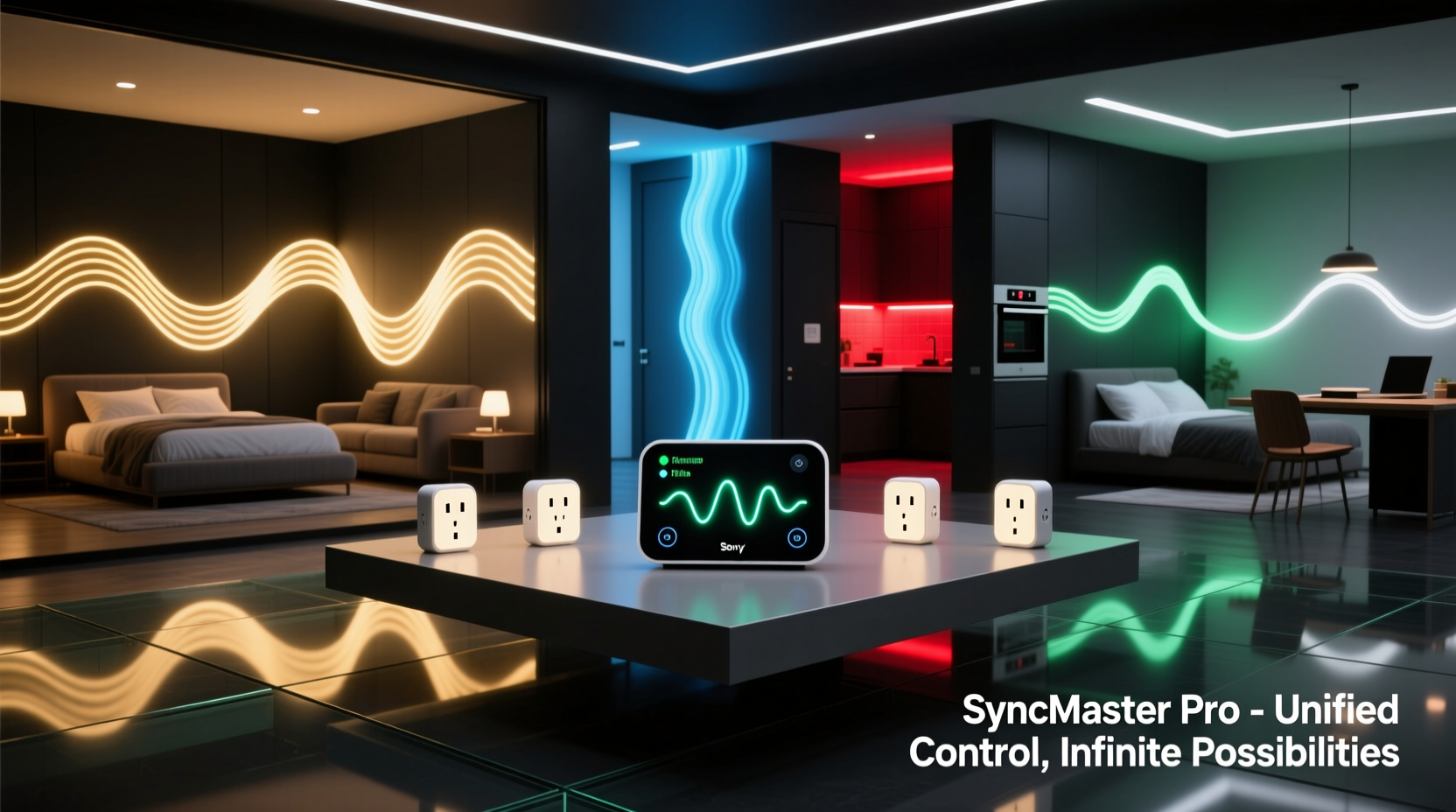
A modular light controller hub operates as a centralized system. It connects multiple lighting channels through a single interface, often with dedicated firmware designed for precise timing and coordination. These hubs—like those from Loxone, Shelly Pro, or custom solutions using ESP32-based controllers—send signals simultaneously to all connected devices, ensuring microsecond-level synchronization across rooms.
In contrast, individual smart plugs rely on decentralized communication. Each plug connects independently to your Wi-Fi network and receives commands from a cloud service or local app (e.g., via Alexa, Google Home, or a proprietary platform). While convenient, this architecture introduces latency variations because each device processes commands at slightly different times due to network congestion, signal strength, or processing delays.
The result? Lights may flicker almost in unison—but not quite. For ambient lighting, this might be negligible. For choreographed shows set to music or cinematic effects, even a 100-millisecond delay can ruin the illusion of cohesion.
Performance Comparison: Sync Accuracy, Latency, and Reliability
Synchronization is the cornerstone of any coordinated light display. Let's examine how both systems perform under real conditions.
| Feature | Modular Light Controller Hub | Individual Smart Plugs |
|---|---|---|
| Sync Precision | Microsecond-level accuracy via direct wiring or RF protocols (e.g., Zigbee, Z-Wave) | Variable; typically 100–500ms delays due to Wi-Fi lag and cloud processing |
| Latency | Near-instantaneous response with local control | Noticeable delay during peak usage or weak signal |
| Reliability | High—immune to internet outages once configured | Dependent on router stability and ISP uptime |
| Scalability | Expandable via additional modules; limited only by physical ports or daisy-chaining | Limited by network bandwidth; more devices increase packet collisions |
| Setup Complexity | Moderate to high; requires configuration, possibly wiring | Low; plug-and-play via mobile app |
As shown, hubs excel where precision matters. They're commonly used in professional installations, home theaters, and advanced DIY projects. Smart plugs win on ease of use and affordability but falter when tight coordination is required.
“True synchronization isn’t about turning lights on at the same time—it’s about eliminating jitter. That’s only possible with deterministic communication, not best-effort Wi-Fi.” — Daniel Reeves, Embedded Systems Engineer and Smart Home Automation Consultant
Real-World Use Case: The Holiday Light Show Dilemma
Consider Mark, a homeowner in Portland who wanted to create a holiday light show visible from the street, synchronized to music played over outdoor speakers. His house spans three levels, with exterior lights on the roofline, porch, trees, and driveway—all needing to pulse, flash, and fade in harmony.
Initially, he used ten Wi-Fi smart plugs from a major brand, scheduling routines through a voice assistant. During testing, neighbors reported that the rooftop lights seemed “late” compared to the ground-level ones. Upon inspection, Mark discovered up to a 400ms delay between devices, especially when his children streamed video upstairs.
Frustrated, he replaced the setup with a modular hub using four-channel relays connected via Ethernet to a central controller running open-source software (like WLED or Hyperion). He retained some smart plugs for non-critical zones but routed all main display zones through the hub. The difference was immediate: every light responded in lockstep, even during heavy network usage.
Mark’s experience illustrates a key principle: consumer-grade smart plugs are built for convenience, not performance. When aesthetics depend on timing, hardware purpose-built for synchronization delivers results.
Step-by-Step: Building a Synchronized Multi-Room Lighting System
If you're planning a synchronized light show across multiple rooms—or even outdoors—follow this proven sequence to ensure success.
- Define Your Goals: Determine whether you need full musical synchronization, simple scene transitions, or reactive lighting. This dictates the level of precision required.
- Map Out Zones: Identify which rooms or areas will have lights, how many circuits per zone, and total power load (in watts). This helps size your controller appropriately.
- Choose Your Communication Protocol:
- For high sync: Use wired (Ethernet), Zigbee, or Z-Wave-based hubs.
- For basic automation: Wi-Fi smart plugs are sufficient.
- Select Hardware:
- Hubs: Look at options like Shelly Pro 4PM, Fibaro Wall Plug (Z-Wave), or DIY setups with NodeMCU/ESP32 boards.
- Plugs: TP-Link Kasa, Meross, or Wyze for cost-effective entry points.
- Test One Zone First: Before scaling, verify timing accuracy using a high-speed camera or audio-sync test (play a beat and record the lights).
- Implement Local Control: Avoid cloud dependence by using local APIs or MQTT brokers so commands execute without internet.
- Integrate Music or Scene Triggers: Use software like Glediator, xLights, or Home Assistant with WLED integration to drive dynamic patterns.
- Monitor and Optimize: Check for heat buildup, signal dropouts, and timing drift over time. Adjust placement or add signal repeaters if needed.
When to Choose Which Solution?
The right choice depends on your priorities. Here’s a practical decision framework:
Choose a Modular Light Controller Hub If:
- You want lights perfectly synced to music or video.
- Your project spans multiple rooms or floors.
- You value reliability and offline operation.
- You’re comfortable with moderate technical setup (networking, firmware, cabling).
- You plan to expand the system over time.
Stick with Individual Smart Plugs If:
- You only need basic scheduling or voice control.
- Budget is a primary constraint.
- You’re renting or cannot modify wiring.
- Perfect timing isn't essential (e.g., turning on Christmas tree lights at dusk).
- You prefer minimal installation effort.
Hybrid approaches also work well. Many users deploy smart plugs for general ambiance (living room lamps, hallway fixtures) while reserving modular hubs for performance-critical zones like entertainment areas or façade lighting.
Checklist: Preparing for a Whole-Home Light Show
Before launching your synchronized lighting project, go through this checklist to avoid common pitfalls.
- ✅ Confirm total wattage does not exceed device ratings
- ✅ Test all devices individually before final installation
- ✅ Ensure strong Wi-Fi or mesh coverage (if using wireless components)
- ✅ Set up a local backup control method (e.g., physical switch override)
- ✅ Label all circuits and zones clearly
- ✅ Use a UPS or battery backup for the controller to prevent crashes during outages
- ✅ Secure cables and connections, especially outdoors
- ✅ Verify compliance with local electrical codes
FAQ: Common Questions About Synchronized Lighting Systems
Can I synchronize smart plugs using better Wi-Fi?
Improved networking helps, but cannot eliminate inherent variability. Even with a powerful mesh router, cloud-dependent commands introduce unpredictable delays. True synchronization requires deterministic protocols like MQTT over LAN or direct GPIO control.
Are there smart plugs that support perfect sync?
Some newer models with Matter over Thread or Zigbee offer tighter coordination than standard Wi-Fi plugs. However, they still lack the granular control of dedicated lighting hubs. For example, Nanoleaf Shapes or Philips Hue outlets integrate well within their ecosystems but aren't designed for arbitrary appliance control or high-power loads.
Is a modular hub worth the extra cost?
For casual users, probably not. But if you're creating immersive experiences—such as home theater lighting, DJ setups, or public holiday displays—the investment pays off in reliability, visual quality, and audience impact.
Conclusion: Match the Tool to the Vision
There’s no universal winner between modular light controller hubs and individual smart plugs. The answer lies in alignment with your objectives. If your goal is simplicity and occasional automation, smart plugs offer unmatched accessibility. But if you seek theatrical precision—lights dancing in rhythm across rooms, responding instantly to sound or motion—a modular hub is not just preferable, it’s necessary.
Technology should serve creativity, not limit it. By understanding the strengths and trade-offs of each system, you gain the freedom to design lighting experiences that truly resonate. Whether you're illuminating a living room for movie night or orchestrating a neighborhood-famous holiday spectacle, choose the foundation that empowers your vision.




 浙公网安备
33010002000092号
浙公网安备
33010002000092号 浙B2-20120091-4
Comments
No comments yet. Why don't you start the discussion?