
Moving from Android to iOS is a common shift, often driven by ecosystem loyalty, design appeal, or long-term use of Apple products. While iPhones offer a polished, secure, and deeply integrated experience, the transition isn’t without trade-offs. After years of Android flexibility, switching to iOS can feel like trading freedom for finesse. Many users praise iOS for its smoothness and reliability, but few talk honestly about what gets left behind. This article dives into the real features, workflows, and freedoms Android users tend to miss most—based on user experiences, usability studies, and expert observations.
The Depth of Customization You Can't Replicate
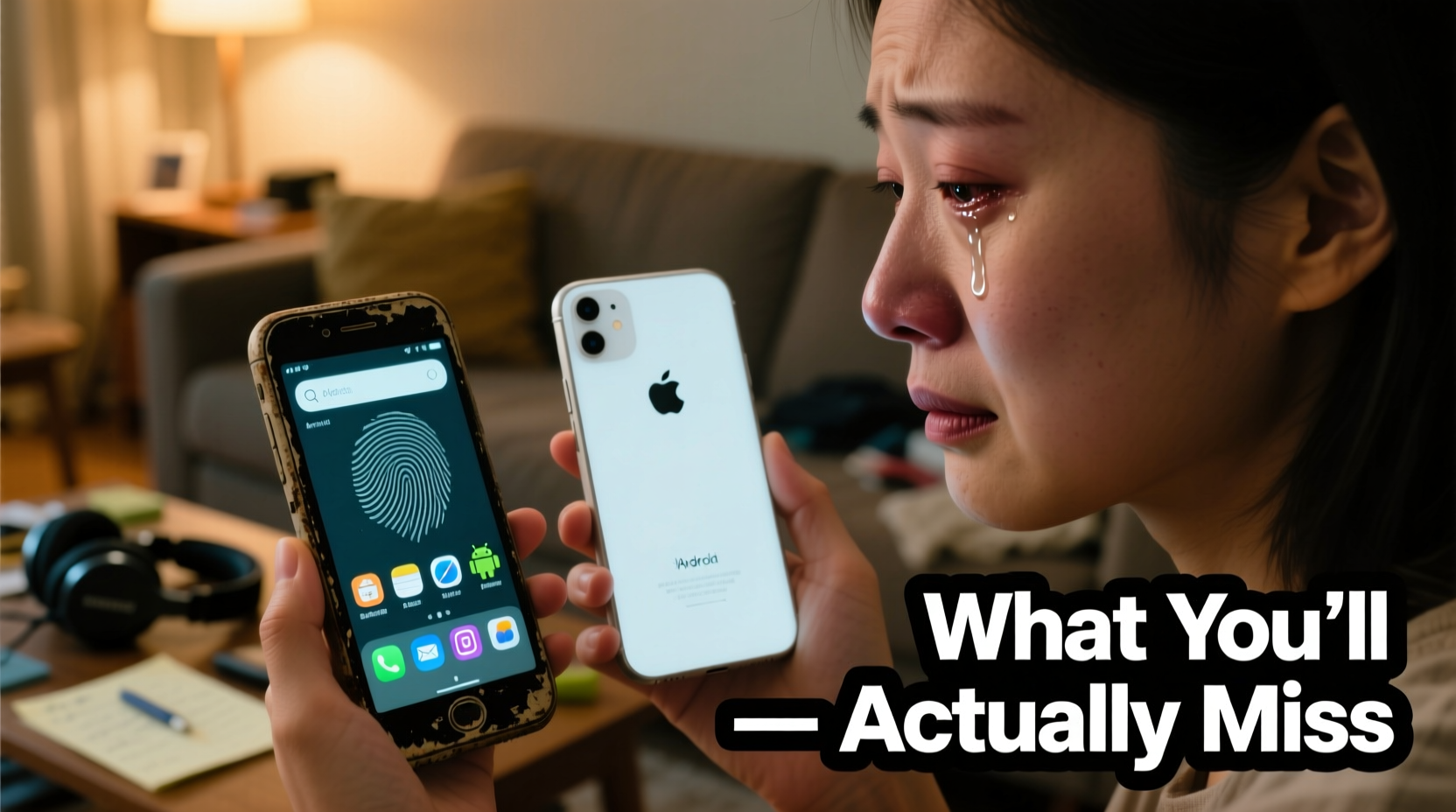
Android has long been celebrated for its openness and personalization options. From launchers to widgets, system-wide themes, and gesture controls, Android allows users to shape their devices to match their preferences. On iOS, while design consistency is a strength, it comes at the cost of flexibility.
iOS offers limited home screen customization. You can rearrange apps, create folders, and use widgets—but only in predefined sizes and locations. Unlike Android, where third-party launchers like Nova or Action Launcher let you change icon shapes, grid layouts, and even navigation behavior, iOS locks these elements down. Even with the introduction of the App Library and customizable widgets in iOS 14, the level of control remains minimal.
System-level theming is another area where Android excels. With Android 12’s Material You, users can generate color palettes from their wallpaper that dynamically theme the entire interface—including third-party apps. iOS still relies on static light and dark modes with no adaptive theming across apps unless developers manually implement support.
File Management and System Access
One of the most jarring shifts for Android users is the lack of a true file manager. Android treats the phone like a mini-computer: you can browse directories, access app data (within limits), transfer files via USB, and modify storage freely. iOS, by contrast, operates on a sandboxed model. Apps manage their own files, and direct file system access is restricted.
While the Files app in iOS has improved over the years, it doesn’t allow browsing internal directories like /Android/data or viewing all downloads in one unified location. Transferring files between apps often requires workarounds using AirDrop, iCloud Drive, or third-party cloud services. For users who frequently move photos, documents, APKs, or configuration files, this limitation feels archaic.
Additionally, sideloading apps—installing software from outside the App Store—is impossible without jailbreaking (which voids warranties and introduces security risks). On Android, installing APKs from trusted sources is standard practice, enabling early access to beta apps, region-locked services, or open-source tools not available on Google Play.
“Android gives power users control. iOS gives peace of mind. But if you’re used to managing your device like a computer, iOS can feel like driving with the handbrake on.” — David Lin, Mobile UX Researcher at TechFlow Labs
Hardware Flexibility and Expandability
Android runs on a wide variety of devices—from budget phones to foldables—offering choices in size, price, and features. iOS is limited to Apple’s hardware lineup, which, while high-quality, leaves little room for personal preference beyond storage and model tier.
One tangible loss is the absence of expandable storage. Most Android phones include microSD card slots, allowing users to add 128GB, 256GB, or even 1TB of additional space. iPhones rely solely on fixed internal storage, forcing users to choose capacity upfront—and pay a premium for upgrades. A 256GB iPhone can cost $200+ more than the 128GB version, with no option to expand later.
Likewise, replaceable batteries were once standard on Android devices. While rare now due to design trends, some models still offer serviceable batteries. iPhones require professional service for battery replacements, increasing cost and downtime. Users who value longevity and repairability often find iOS limiting in this regard.
Freedom in Defaults and App Ecosystem
On Android, you can set default apps for nearly every function: browsers, SMS, email, voice assistants, and even NFC payment services. Want to use Firefox instead of Chrome? Set it as default. Prefer WhatsApp over Messages? Make it your default SMS app. Android supports this level of choice.
iOS only recently began allowing default browser and email app changes (as of iOS 14), but many categories remain locked. Siri cannot be replaced as the system assistant. Google Pay or Samsung Wallet cannot become the default tap-to-pay option—Apple Pay is hardwired into the OS. Even when alternatives exist, integration is weaker. For example, third-party browsers on iOS must use WebKit, Apple’s rendering engine, limiting performance and feature parity with their desktop versions.
This control extends to notifications too. Android allows granular notification management per app, including bubble notifications (chat heads), priority levels, and direct reply from the lock screen. iOS notifications are improving, but still lack the same depth of interaction and sorting logic.
What You’ll Miss: A Comparison Table
| Feature | Android | iOS |
|---|---|---|
| Default Apps | Browser, SMS, email, assistant, payment | Browser and email only |
| File System Access | Full file manager with root access (on rooted devices) | Limited to Files app; no deep directory access |
| Customization | Launchers, icon packs, themes, gestures | Widgets and wallpapers only |
| Expandable Storage | MicroSD support on many devices | No expandable storage |
| Sideloading | APK installation from any source | App Store only (without jailbreak) |
| Battery Replacement | User-replaceable on select models | Requires Apple service |
Real-World Example: Sarah’s Transition from Pixel to iPhone
Sarah, a digital marketer and longtime Android user, switched to an iPhone 15 after joining a company that standardized on Apple devices. She loved her Google Pixel for its clean software, seamless Google integration, and ability to customize her home screen with dynamic widgets showing deadlines, weather, and fitness stats.
Within weeks of using iOS, she noticed friction points. Her workflow relied on quickly moving screenshots and PDFs between apps using a file explorer. On iPhone, she had to use the Share Sheet repeatedly, often losing track of where files were saved. She missed being able to set Firefox as her default browser for ad-blocking extensions. And while she appreciated the iPhone’s camera quality, she disliked that she couldn’t easily export photos in HEIC format to non-Apple devices without conversion.
“I expected to miss Google Assistant,” she said, “but I didn’t expect to miss having control over my own files. It’s like everything is just… hidden away.”
Eventually, she adapted by using iCloud Drive consistently, setting up Shortcuts for repetitive tasks, and accepting that some conveniences were simply gone. But two years later, she still keeps an old Android tablet for tasks that require file manipulation or sideloaded apps.
How to Adjust: A Step-by-Step Guide
Moving from Android to iOS doesn’t have to mean abandoning productivity. With deliberate setup, you can bridge many gaps. Follow this timeline to ease the transition:
- Week 1: Data Migration & Setup
Use Apple’s Move to iOS app to transfer contacts, messages, photos, and calendar events. Ensure two-factor authentication is enabled on your Google account before disconnecting. - Week 2: Replace Core Apps
Install your preferred alternatives: Firefox, Gmail, Google Drive, WhatsApp, and any password managers. Set Firefox as your default browser in Settings > Apps > Default Apps. - Week 3: Optimize Files & Storage
Set up iCloud Drive as your central hub. Create folders for Documents, Downloads, and Projects. Enable sync with Google Drive if needed using the Files app integration. - Week 4: Automate Workflows
Explore the Shortcuts app. Create automations like “When I connect to car Bluetooth, open Podcasts” or “Every morning, show weather and calendar events.” - Ongoing: Accept the Boundaries
Recognize that some Android features won’t exist on iOS. Focus on leveraging iOS strengths—privacy controls, ecosystem integration, and consistent updates—instead of fighting limitations.
Checklist: What to Prepare Before Switching
- ✅ Back up Android data to Google Drive or local storage
- ✅ Download the Move to iOS app and ensure both devices are charged
- ✅ Disable two-factor authentication temporarily (if required) for account transfers
- ✅ List essential Android apps and find iOS equivalents
- ✅ Purchase sufficient iCloud storage if you have large photo libraries
- ✅ Reset network settings on Android to avoid SIM or Wi-Fi conflicts
- ✅ Remove your phone number from Google Voice or Messages backups if switching carriers
Frequently Asked Questions
Can I still use Google apps on iPhone?
Yes, all major Google apps—Gmail, Drive, Maps, Photos, YouTube—are available on iOS and function well. However, background processes and integrations may be less seamless than on Android. For example, Google Photos backups don’t trigger automatically based on charging or Wi-Fi in the same way.
Will I lose my WhatsApp chats when switching?
No, but you must migrate them properly. Use the built-in chat transfer tool in WhatsApp: go to Settings > Chats > Transfer Chats to iPhone. This works over a direct cable or Wi-Fi connection and preserves media and message history.
Is Android really more customizable than iOS?
In terms of user-facing personalization and system-level control, yes. Android allows deeper changes to the UI, defaults, and functionality. iOS prioritizes simplicity and security, which inherently limits customization. The difference is most noticeable to power users and those who enjoy tailoring their devices.
Conclusion: Embrace the Trade-Offs
Moving from Android to iOS means trading raw flexibility for polish, security, and ecosystem cohesion. You’ll miss granular control, file access, and the ability to truly make the device your own. But in return, you gain reliable updates, tighter privacy protections, and seamless integration with Macs, iPads, and Apple Watches.
The key to a successful transition isn’t denying what you’ve lost, but learning to leverage what iOS does exceptionally well. By understanding the limitations upfront and adapting your workflow, you can build a productive, satisfying experience—even if it feels constrained at first.




 浙公网安备
33010002000092号
浙公网安备
33010002000092号 浙B2-20120091-4
Comments
No comments yet. Why don't you start the discussion?