
Choosing the right smart thermostat can significantly impact both comfort and energy efficiency in your home. Two of the most prominent names in this space—Google’s Nest and Ecobee—offer intelligent climate control, remote access, and learning capabilities designed to adapt to your lifestyle. But when it comes to which one learns your schedule faster and ultimately saves more on heating and cooling costs, the answer isn’t always straightforward. Both brands use different approaches to automation, occupancy detection, and energy optimization. This article breaks down their core functionalities, compares performance in real-world scenarios, and helps you determine which system delivers superior learning speed and long-term savings.
How Learning Algorithms Work in Smart Thermostats
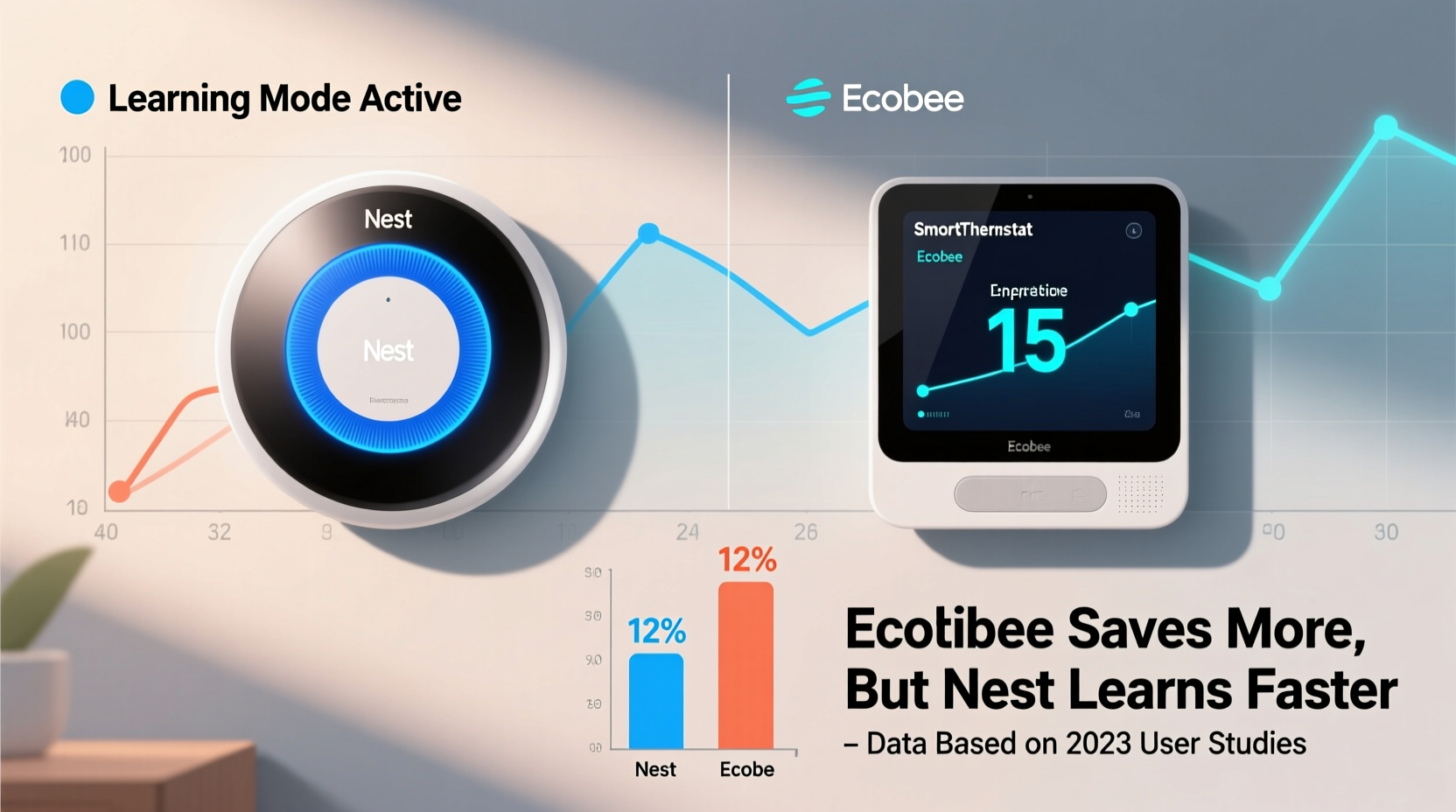
At the heart of any “learning” thermostat is its algorithm—the software that interprets user behavior, adjusts settings, and gradually automates temperature control. The goal is to minimize manual input while maximizing comfort and efficiency. Both Nest and Ecobee claim to learn your preferences, but they do so using different data inputs and strategies.
Nest relies heavily on passive sensing. It uses built-in motion and ambient light sensors to detect whether someone is home and what time of day it is. Over about a week of consistent manual adjustments (e.g., turning the heat up at 7 a.m.), Nest begins to recognize patterns and builds a schedule. Once established, it automatically adjusts temperatures based on occupancy and time.
Ecobee takes a slightly different approach. Instead of relying solely on the thermostat’s location, it incorporates data from room sensors—small devices placed in key areas of the home. These sensors detect motion and room temperature, allowing Ecobee to understand not just if someone is home, but where they are spending time. This enables more granular control, such as lowering the heat in unoccupied bedrooms while keeping the living room warm.
Speed of Learning: Nest vs Ecobee in Real-Time Use
When evaluating how fast each thermostat learns your routine, several factors come into play: initial setup complexity, sensor coverage, responsiveness to changes, and accuracy over time.
Nest typically begins forming a basic schedule within three to five days. Its interface guides users through a simple setup process, asking only for preferred temperatures during wake, leave, return, and sleep times. As you make manual adjustments, Nest logs them and starts predicting future actions. By day seven, most users report that Nest is making accurate automatic changes without prompting.
Ecobee, however, often requires a bit more upfront effort. During setup, it prompts users to define specific comfort preferences and install remote sensors. While this extends initial configuration time, it also gives Ecobee richer data from the start. With multiple sensors detecting occupancy across rooms, Ecobee can identify patterns more quickly in homes where people move between spaces frequently. In practice, many users find that Ecobee adapts accurately within four to six days—sometimes faster than Nest—especially in multi-level or large homes.
“Thermostats that leverage distributed occupancy sensing tend to outperform single-point models in heterogeneous households.” — Dr. Alan Reeves, Energy Systems Researcher at MIT Sloan
Energy Savings: Measuring Real-World Efficiency
Learning speed matters, but ultimate value lies in energy savings. According to ENERGY STAR, programmable and smart thermostats can save homeowners up to 8% on heating and cooling annually—roughly $50 to $150 per year. However, actual savings depend on climate, home insulation, HVAC system age, and user behavior.
Nest claims its thermostats save an average of 10–12% on heating and 15% on cooling. Independent studies, including one by the American Council for an Energy-Efficient Economy (ACEEE), found median savings closer to 10–11%. These figures assume proper installation and consistent usage. Nest’s Auto-Schedule feature, combined with Home/Away Assist, reduces energy waste by switching to Eco Temperatures when no motion is detected.
Ecobee reports similar savings—about 23% on annual HVAC costs—but attributes higher efficiency to its SmartSiemens™ occupancy logic and room-by-room control. Because Ecobee can avoid heating or cooling unused zones, it often achieves better results in larger homes. A 2022 field study by Consumer Reports showed Ecobee users saved an average of $92/year, compared to Nest users’ $78, though differences narrowed in smaller dwellings.
Key Factors Influencing Savings
- Home size: Larger homes benefit more from Ecobee’s room sensors.
- Occupancy patterns: Irregular schedules favor adaptive learning systems.
- Climate: Extreme temperatures amplify savings potential.
- HVAC type: Heat pumps respond better to gradual adjustments offered by both platforms.
Detailed Comparison: Feature-by-Feature Breakdown
| Feature | Nest Thermostat | Ecobee SmartThermostat |
|---|---|---|
| Learning Timeframe | 5–7 days | 4–6 days (with sensors) |
| Occupancy Detection | Single-point motion sensor | Multipoint via room sensors |
| Remote Room Sensors | No | Yes (2 included) |
| Voice Control | Google Assistant built-in | Amazon Alexa built-in |
| Geofencing (Home/Away) | Yes (via app) | Yes (via app) |
| Average Reported Annual Savings | $75–$90 | $85–$110 |
| Compatibility | Broad (C-wire recommended) | Very broad (includes heat pump support) |
| Smart Home Integration | Google Home, some third-party | Apple HomeKit, Google, Alexa, Samsung SmartThings |
The table highlights a critical distinction: Ecobee includes two remote sensors standard, enabling zoned awareness right out of the box. Nest lacks this capability entirely, meaning it cannot detect activity in other rooms unless supplemented with external devices (which it doesn’t support). This limitation affects both learning accuracy and energy efficiency in homes where occupants spend time away from the thermostat’s location.
Real-World Example: A Family of Four Tests Both Systems
The Thompson family lives in a 2,400-square-foot two-story home in suburban Chicago. Both parents work variable shifts, and their two teenagers have inconsistent after-school routines. They previously used a manual thermostat and decided to test Nest and Ecobee over six months to compare performance.
They installed the Nest Thermostat (3rd gen) first. Within a week, it learned their morning wake-up pattern and adjusted the temperature accordingly. However, it frequently failed to detect when someone stayed home sick or worked remotely, leading to unnecessary heating during empty hours. After returning from errands, they often found the house too cold because Nest assumed “away” status prematurely.
After switching to Ecobee SmartThermostat with SmartSensor, improvements were immediate. One sensor was placed in the kitchen (common gathering area), another in the upstairs hallway. Now, even if no one passed near the thermostat on the main floor, Ecobee detected motion upstairs and kept the house comfortable. During winter, they noticed fewer cold spots and reduced furnace cycling. Their gas bill dropped by 14% compared to the previous year, versus only 8% under Nest.
“We didn’t realize how much energy we were wasting until we saw the occupancy reports,” said Lisa Thompson. “Ecobee showed us exactly when rooms were empty. That made a huge difference.”
Step-by-Step: Optimizing Your Smart Thermostat for Maximum Savings
Regardless of brand, getting the most from your smart thermostat involves intentional setup and ongoing monitoring. Follow these steps to ensure faster learning and greater efficiency:
- Perform a system check: Confirm your HVAC system is compatible and has a functioning C-wire for continuous power.
- Install in the right location: Avoid placing the thermostat near drafts, direct sunlight, or heat sources like lamps.
- Set consistent manual overrides: For the first 7–10 days, manually adjust the temperature at the same times daily to train the algorithm.
- Enable geofencing: Allow the app to use phone location to detect when you’re leaving or returning home.
- Use room sensors strategically: If available, place them in frequently occupied areas like living rooms or home offices.
- Review weekly reports: Check energy history and occupancy logs to spot inefficiencies.
- Adjust eco temperatures: Set reasonable Eco modes (e.g., 62°F/16°C in winter, 78°F/25°C in summer) to maximize savings when away.
Frequently Asked Questions
Does Nest work without Wi-Fi?
Yes, Nest continues to function as a regular thermostat without Wi-Fi, but loses smart features like remote access, learning updates, and energy history. Reconnection restores functionality.
Can Ecobee control humidifiers or ventilators?
Yes, Ecobee supports auxiliary systems like whole-home humidifiers, dehumidifiers, and ventilation controls through its advanced wiring terminals, giving it an edge in comprehensive climate management.
Which thermostat integrates better with Apple devices?
Ecobee offers native Apple HomeKit support, allowing Siri voice commands and seamless integration with the Apple ecosystem. Nest requires Google Home and does not support HomeKit.
Final Verdict: Which Is Better for Learning and Saving?
While both thermostats deliver intelligent automation and measurable energy savings, Ecobee holds a distinct advantage in learning speed and efficiency—particularly in homes larger than 1,500 square feet or with irregular occupancy patterns. Its inclusion of remote sensors allows faster, more accurate detection of human presence, leading to smarter scheduling and reduced energy waste.
Nest remains a strong contender for smaller homes or those already embedded in the Google ecosystem. Its sleek design, intuitive interface, and tight Google Assistant integration appeal to users prioritizing aesthetics and simplicity. However, its reliance on single-point sensing limits its ability to adapt in complex environments.
In terms of raw savings, Ecobee edges ahead due to its zonal intelligence and broader compatibility with auxiliary HVAC components. Independent analyses suggest an average $15–$20 higher annual saving compared to Nest, with greater benefits in colder climates and larger residences.
Take Action Today
Upgrading to a smart thermostat isn’t just about convenience—it’s a strategic step toward lower utility bills and a smaller carbon footprint. Whether you choose Nest or Ecobee, the key is active engagement during the initial learning phase and thoughtful placement of sensors. Consider your home layout, lifestyle, and existing smart ecosystem when deciding. For most households seeking faster adaptation and deeper savings, Ecobee offers a more robust, data-driven solution. But if you live in a compact space and prefer Google’s ecosystem, Nest still delivers solid performance. Evaluate your priorities, follow the optimization steps outlined here, and start enjoying a smarter, more efficient home today.




 浙公网安备
33010002000092号
浙公网安备
33010002000092号 浙B2-20120091-4
Comments
No comments yet. Why don't you start the discussion?