
When upgrading your computer’s storage, solid-state drives (SSDs) are now the standard. Among the top brands, Samsung consistently ranks high for performance and reliability. But with prices for brand-new models rising—especially for higher capacities—many users are turning to refurbished Samsung SSDs as a budget-friendly alternative. The big question remains: Is paying more for a new SSD actually worth it?
The answer isn’t always straightforward. It depends on your usage, risk tolerance, and how long you plan to keep the drive. This guide dives deep into the differences between new and refurbished Samsung SSDs, comparing longevity, performance, warranty coverage, and real-world value to help you make an informed decision.
Understanding Refurbished SSDs: What You’re Really Buying
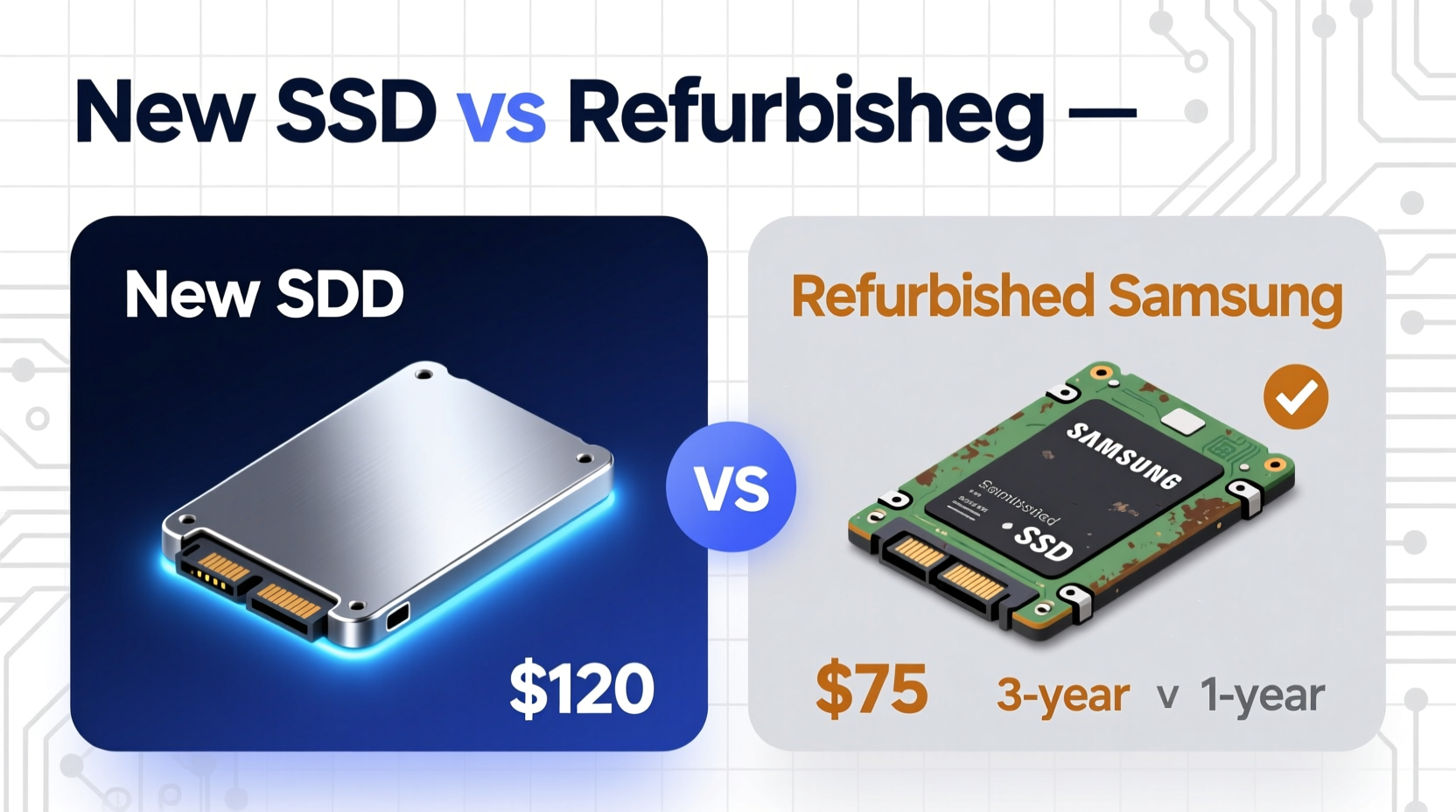
A refurbished SSD isn’t just a used drive resold in its original condition. Reputable refurbishers—especially those authorized by Samsung—typically follow strict protocols. These include diagnostic testing, firmware updates, component replacements if needed, and repackaging. Drives may have been returned due to buyer’s remorse, minor cosmetic flaws, or packaging damage, not necessarily because of functional issues.
Samsung-certified refurbished SSDs often come with a limited warranty—usually one to three years, compared to five years for new consumer models like the 970 EVO Plus or 980 Pro. That shorter warranty period reflects the manufacturer’s confidence level, but it doesn’t automatically mean the drive is unreliable.
Performance: New vs. Refurbished – Any Real Difference?
In practical use, there is typically no measurable performance difference between a new and a properly refurbished Samsung SSD of the same model. Both will deliver identical read/write speeds, access times, and responsiveness. For example, a refurbished Samsung 980 (non-Pro) will still offer up to 3,500 MB/s sequential read speeds—matching its brand-new counterpart.
However, performance consistency over time can vary. A new SSD starts with full NAND endurance, while a refurbished unit may have already consumed some of its write cycles. While modern SSDs are built to handle hundreds of terabytes written (TBW), any prior usage reduces the remaining lifespan marginally.
“Even after 30% of its rated TBW, a Samsung SSD usually performs within 95–98% of its original speed. The degradation is rarely noticeable to average users.” — David Lin, Storage Engineer at TechInsight Labs
Reliability and Lifespan: How Much Risk Are You Taking?
Lifespan is where the debate intensifies. All SSDs wear out eventually due to NAND cell degradation. Samsung’s TLC (Triple-Level Cell) NAND, used in most consumer drives, is durable but not immune to failure. A new SSD has a clean slate; a refurbished one does not.
Consider this: A Samsung 870 QVO 1TB drive is rated for 360 TBW. If it was returned after six months of typical home use—say, 40 TB written—it still has about 320 TBW left. That’s more than enough for most users over the next five years. However, if the drive was used in a high-write environment (e.g., video editing, database logging), its health could be significantly reduced.
The key issue is transparency. Most refurbished drives don’t come with detailed usage history. You’re relying on the refurbisher’s diagnostics and honesty.
Key Factors Affecting Reliability
- Firmware status: Updated firmware ensures stability and security patches.
- Health score: Check SMART data upon arrival using tools like Samsung Magician.
- Storage conditions: Drives stored improperly before refurbishing may suffer latent damage.
- Source authenticity: Third-party sellers on marketplaces may mislabel used drives as “refurbished.”
Cost Comparison: Breaking Down the Value
To assess whether the premium for a new SSD is justified, let’s compare real-world pricing and benefits.
| Model | New Price (USD) | Refurbished Price (USD) | Savings | Warranty |
|---|---|---|---|---|
| Samsung 870 EVO 1TB | $85 | $62 | $23 (27%) | New: 5 years Refurbished: 2 years |
| Samsung 980 500GB | $50 | $35 | $15 (30%) | New: 5 years Refurbished: 1 year |
| Samsung 990 Pro 2TB | $180 | $140 | $40 (22%) | New: 5 years Refurbished: Not typically available |
The savings are clear—especially on mid-tier models like the 870 EVO or 980. But the trade-off is reduced warranty coverage and less certainty about long-term durability. For users on a tight budget, the value proposition of refurbished drives is strong. For professionals or those storing irreplaceable data, the peace of mind from a new drive often outweighs the cost difference.
Mini Case Study: Home User vs. Creative Professional
Scenario 1 – Home Office User: Maria uses her laptop for email, web browsing, and occasional photo editing. She upgraded her aging HDD to a 1TB Samsung 870 EVO. After researching, she bought a certified refurbished version for $62 instead of $85. Over two years, she writes about 15 TB total. The drive performs flawlessly, boots Windows in under 10 seconds, and shows 98% health in Samsung Magician. Her decision saved money with no downside.
Scenario 2 – Video Editor: James works with 4K timelines daily, constantly reading and writing large files. He needs maximum reliability and sustained performance. He opts for a new Samsung 980 Pro 2TB despite the $160 price tag. The five-year warranty and full TBW rating give him confidence during intensive renders. A refurbished drive, even if cheaper, poses too great a risk of mid-project failure.
The takeaway: Your use case determines whether the extra cost is justified.
Action Plan: How to Decide Between New and Refurbished
Follow this step-by-step checklist to make a confident choice.
- Assess your workload: Are you a casual user or running heavy applications?
- Determine data criticality: Would losing the drive mean losing important files?
- Check the source: Only buy refurbished SSDs from Samsung-authorized resellers or reputable vendors like Newegg Renewed or Amazon Renewed.
- Verify warranty terms: Ensure at least a one-year warranty is included.
- Inspect upon arrival: Run a benchmark test and check SMART data using Samsung Magician or CrystalDiskInfo.
- Back up regardless: Never rely solely on one drive, especially if it’s refurbished.
Frequently Asked Questions
Can a refurbished SSD fail sooner than a new one?
Potentially, yes. While many refurbished drives last years without issue, they’ve already experienced some wear. If the previous usage was intensive, failure could occur earlier. However, drives from certified programs undergo stress testing, reducing this risk significantly.
Does a refurbished SSD come with the same software support?
Yes. Samsung’s Magician software works identically on both new and refurbished drives of the same model. Firmware updates, performance optimization, and encryption features are fully supported.
Is it safe to use a refurbished SSD for gaming?
Absolutely. Gaming involves mostly read operations, which cause minimal wear. As long as the drive passes health checks, a refurbished Samsung SSD is perfectly suitable for gaming builds.
Final Verdict: When the Extra Cost Makes Sense
For everyday computing tasks—browsing, office work, media playback—a refurbished Samsung SSD offers excellent value. The performance is identical, and the risk of early failure is low when purchased from trusted sources. The 20–30% savings can be redirected toward other upgrades like RAM or peripherals.
But if you're building a mission-critical system, handling sensitive data, or working in high-write environments, the additional cost of a new SSD is justified. The longer warranty, full endurance rating, and psychological assurance contribute to long-term reliability and peace of mind.
Ultimately, the decision hinges not on brand loyalty or fear of \"used\" tech, but on aligning your purchase with your actual needs. Smart consumers don’t always choose the cheapest or most expensive option—they choose the one that delivers the best balance of value, safety, and performance.




 浙公网安备
33010002000092号
浙公网安备
33010002000092号 浙B2-20120091-4
Comments
No comments yet. Why don't you start the discussion?