
For someone who doesn’t identify as a gamer, the idea of picking up a handheld gaming device can feel intimidating. Between complex interfaces, digital storefronts, and controller layouts that look like they belong in a cockpit, the barrier to entry might seem high. Yet both the Nintendo Switch and the Steam Deck have found audiences far beyond traditional gamers—parents, casual users, travelers, and even older adults looking for light entertainment. The real question isn't just about power or game libraries; it's about accessibility. Which device is truly easier for a non-gamer to turn on, understand, and enjoy without needing a tutorial?
User Interface and Navigation
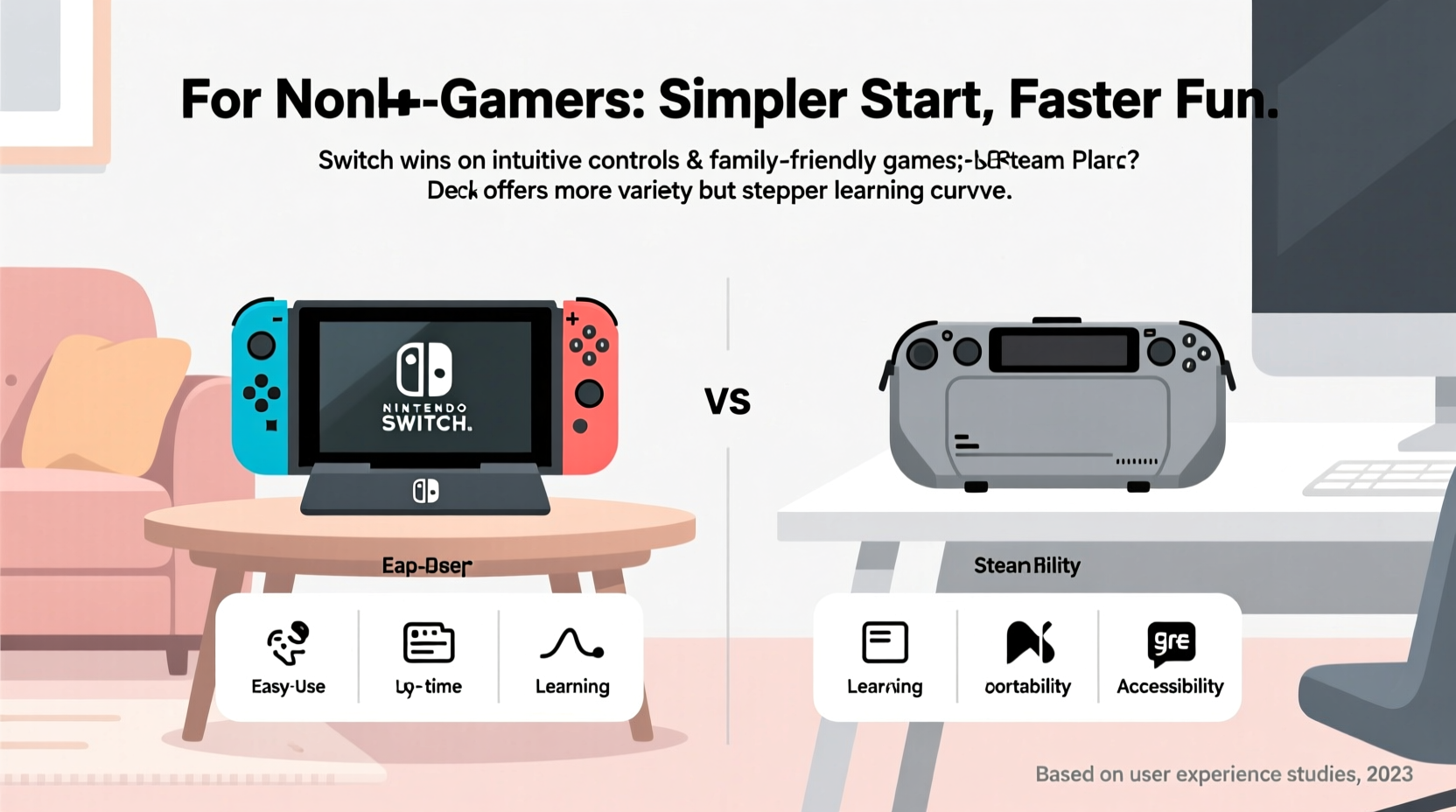
The first impression a device makes is through its user interface (UI). For a non-gamer, simplicity and visual clarity matter more than customization or technical depth.
The Nintendo Switch runs on a proprietary operating system designed with families and casual players in mind. Its home screen features large, colorful icons representing games and apps. Navigation is handled entirely with a simple directional pad or joystick, making it intuitive even for those unfamiliar with modern tech. There are no file systems to browse, no folders to dig through, and no need to understand concepts like “launch options” or “compatibility layers.” Open the device, press a button, and the game starts.
In contrast, the Steam Deck operates on SteamOS, a Linux-based system built around Valve’s Steam platform. While recent updates have improved the handheld mode interface (called “Game Mode”), it still resembles a desktop operating system. Users see a taskbar, system tray, notifications, and settings menus that mirror what you’d find on a PC. For someone comfortable with computers, this may not be an issue. But for a person who avoids laptops or finds smartphones confusing, navigating between game overlays, the store, and system settings can feel overwhelming.
Controller Layout and Physical Design
Ease of use begins with how natural the device feels in your hands. Both devices are handhelds, but their control schemes differ significantly.
The Nintendo Switch uses a familiar layout rooted in decades of console design. The two main buttons (A and B) are prominently placed, with clear labels and distinct shapes. The analog sticks are small but well-positioned. The entire system follows consistent ergonomics whether used docked, in tabletop mode, or handheld. Even the Joy-Con controllers, though smaller, follow standard console logic: left side for movement, right for actions.
The Steam Deck, while larger, packs more controls into the same space. It includes dual analog sticks, a d-pad, four face buttons, bumpers, triggers, rear paddles, and two touchscreen-enabled trackpads. While powerful for advanced gameplay, this abundance can be confusing at first glance. Non-gamers may not know what a “trackpad” does or why there are extra buttons behind the device. This complexity increases cognitive load before a single game is launched.
“Simplicity in hardware design reduces friction for new users. The fewer decisions someone has to make before playing, the more likely they are to engage.” — Dr. Lena Torres, Human-Computer Interaction Researcher, University of Michigan
Game Discovery and Content Accessibility
What good is a device if you can’t easily find something enjoyable to play?
Nintendo curates its eShop carefully. Games are categorized by genre, age rating, and popularity, with featured picks often highlighting family-friendly or relaxing titles like *Animal Crossing: New Horizons* or *Kirby and the Forgotten Land*. Descriptions are straightforward, trailers are short, and downloads are automatic once purchased. There’s no modding, compatibility warnings, or performance disclaimers to parse.
Steam Deck gives access to the full Steam library—over 50,000 games. That sounds impressive, but it also means information overload. A non-gamer searching for “easy puzzle game” might encounter user reviews filled with jargon (“needs Proton patch,” “low FPS on integrated GPU”), community forums debating frame rates, or games labeled “Early Access” with incomplete features. Without guidance, it’s easy to feel lost—or worse, download something too difficult or inappropriate.
Valve has introduced a verification system (Deck Verified, Playable, etc.) to help identify compatible titles, but understanding these labels requires reading documentation. On the Switch, compatibility is guaranteed. Every game sold works out of the box.
Setup and Ongoing Maintenance
How much effort does it take to get started—and keep going?
The Nintendo Switch powers on quickly, connects to Wi-Fi with guided prompts, and signs into accounts using either a phone app or QR code. Updates happen automatically in the background when the device is docked and charging. Once set up, most users never touch the settings again unless changing parental controls or adding a user profile.
The Steam Deck, being a full-fledged computer, demands more attention. Initial setup involves creating a Steam account (or logging in), configuring privacy settings, managing storage partitions, and choosing between different boot modes. System updates are frequent and sometimes require reboots during gameplay. Some games need manual tweaks for optimal performance. While Valve has streamlined this over time, it still assumes a baseline level of digital literacy.
Additionally, the Steam Deck allows file transfers via USB, microSD expansion, and desktop mode access to Linux tools. These are powerful features, but they also introduce risks—accidentally deleting files, misconfiguring permissions, or installing untrusted software. The Switch, by comparison, is sandboxed. You can’t break it through normal use.
Real-World Example: Introducing Tech to a Retired Teacher
Consider Susan, a 68-year-old retired schoolteacher with minimal experience playing video games. Her grandson wanted to give her a device so she could play calming games during long flights. He considered both the Switch and Steam Deck.
He bought her a Switch with *Stardew Valley* and *Snipperclips* pre-installed. During a weekend visit, he showed her how to turn it on, select a game, and adjust volume. Within minutes, she was harvesting crops and laughing at the cartoonish puzzles. Two weeks later, she called excitedly to say she’d figured out how to add a second player for her sister to join.
Curious, he later lent her his Steam Deck running the same games. She struggled to locate *Stardew Valley* in the library, accidentally opened desktop mode, and panicked when a pop-up asked her to confirm a shader cache rebuild. After ten minutes of confusion, she gave up and went back to her book.
This scenario isn’t unusual. Familiarity, predictability, and low consequence for mistakes matter more than raw capability when introducing technology to non-experts.
Comparison Table: Key Factors for Non-Gamers
| Feature | Nintendo Switch | Steam Deck |
|---|---|---|
| Learning Curve | Low – immediate usability | Moderate to High – requires orientation |
| Interface Clarity | Simple, icon-driven, minimal text | Dense, menu-heavy, technical terms |
| Game Discovery | Curated, family-friendly focus | Vast library, mixed quality signals |
| Maintenance Needs | Nearly zero – automatic updates | Occasional troubleshooting required |
| Physical Comfort | Lightweight, balanced, intuitive button layout | Larger, heavier, more buttons to learn |
| Error Tolerance | Very high – hard to “break” | Moderate – potential for misconfiguration |
Frequently Asked Questions
Can my parents or grandparents really use a Nintendo Switch?
Absolutely. Many seniors enjoy games like *Mario Kart 8 Deluxe*, *Tetris 99*, or *Overcooked! All You Can Eat* with friends or grandchildren. The large text options, simple menus, and local multiplayer make it highly accessible. Parental controls also allow caregivers to manage playtime and purchases remotely.
Is the Steam Deck completely off-limits for non-gamers?
Not entirely. If the person is already comfortable using a Windows PC or laptop, the Steam Deck’s interface may feel familiar. With proper setup—pre-installing favorite games, disabling advanced features, and using parental-style restrictions—it can work. But it requires more upfront support than the Switch.
Which device has more relaxing, easy-to-play games?
Both platforms offer relaxing titles, but the Switch excels in publishing polished, accessible experiences. Games like *Flower*, *Gorogoa*, *Unpacking*, and *A Short Hike* are designed with broad appeal. While these are also available on Steam Deck, they’re buried among thousands of other titles and may require extra steps to run smoothly.
Action Checklist: Choosing the Right Device for a Non-Gamer
- Evaluate tech comfort level: Does the person use smartphones confidently? Are they afraid of breaking devices?
- Consider physical needs: Smaller hands may prefer the Switch; those with vision issues benefit from its high-contrast UI.
- Think about intended use: Travel companion? Family bonding tool? Solo relaxation?
- Pre-load appropriate games: Avoid overwhelming choices—start with 2–3 fun, low-pressure titles.
- Set up accounts and updates beforehand: Minimize first-use friction by handling setup yourself.
- Test before gifting: Let them try both devices if possible, even briefly.
Final Verdict: Simplicity Wins
When comparing the Nintendo Switch and Steam Deck for non-gamers, the answer hinges on one principle: ease of adoption. The Steam Deck is a technological marvel—a portable PC capable of running complex simulations, indie darlings, and retro classics alike. But capability doesn’t equate to accessibility.
The Nintendo Switch, by design, removes barriers. It doesn’t ask questions. It doesn’t require explanations. It invites play through clarity, consistency, and charm. For someone dipping their toes into interactive entertainment for the first time, that invitation matters more than specs or freedom.
If the goal is genuine enjoyment without frustration, the Switch is the superior choice. It respects the user’s time, attention, and confidence. It assumes nothing and teaches gently. And perhaps most importantly, it turns moments of hesitation into moments of delight—like watching someone smile as Mario jumps for the first time, or realizing they’ve been tending a virtual garden for an hour without noticing the time pass.




 浙公网安备
33010002000092号
浙公网安备
33010002000092号 浙B2-20120091-4
Comments
No comments yet. Why don't you start the discussion?