
The Samsung Galaxy Note series has long been a favorite among power users, creatives, and professionals who demand productivity, precision, and premium hardware. When you’re still using a Galaxy Note 8 and eyeing the newer Note 10, the question isn’t just about features—it’s about real-world value. Is the jump from the Note 8 to the Note 10 truly justified, or is your current device still up to the task?
This article breaks down the key differences between the Galaxy Note 10 and its predecessor, the Note 8, across design, display, performance, camera capabilities, battery life, and software. We’ll also examine user experience improvements and whether the upgrade delivers meaningful benefits—or if you can safely hold off.
Design and Build: A Modern Makeover
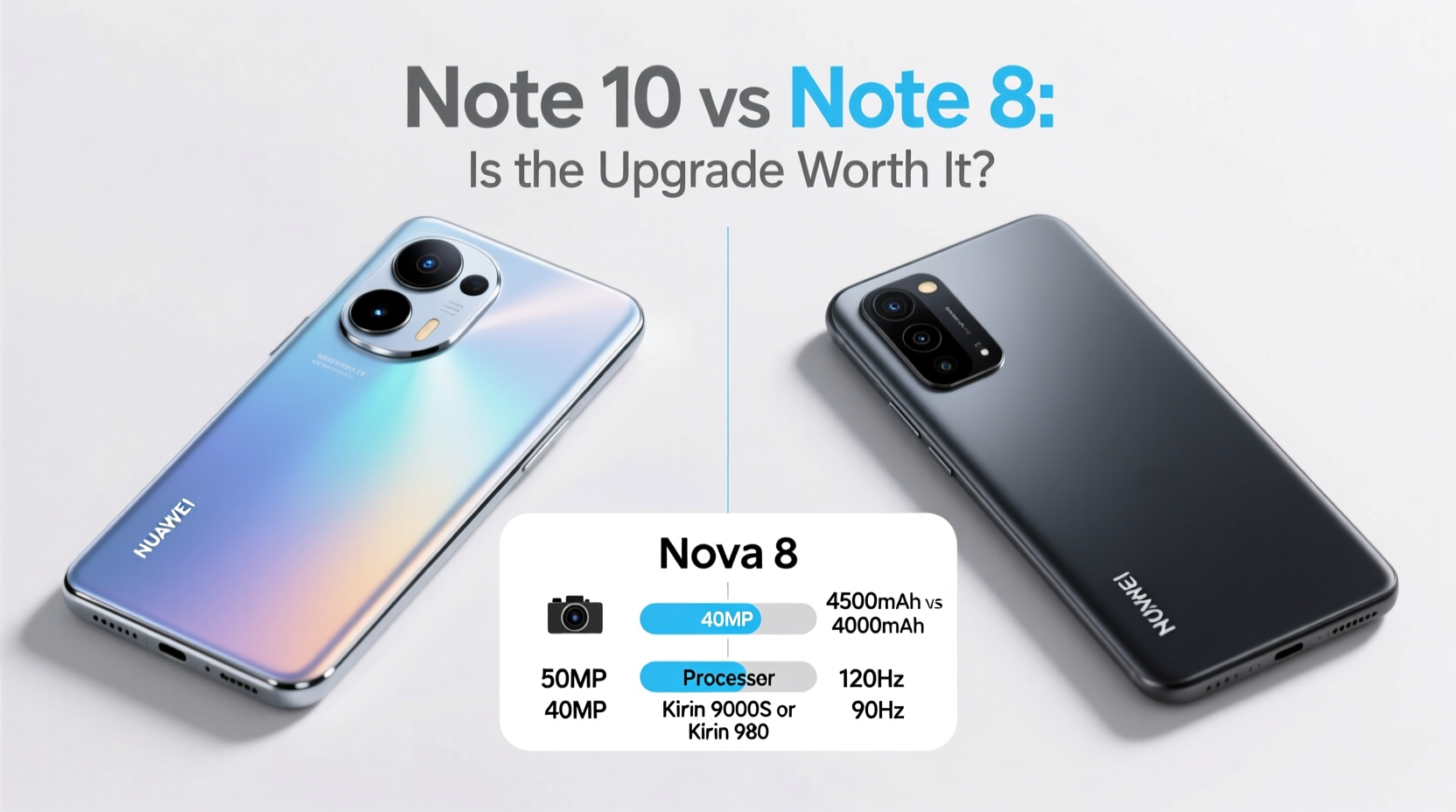
The most immediate difference between the Note 10 and Note 8 lies in their design philosophy. The Note 8, released in 2017, featured a more traditional smartphone aesthetic with thick bezels, a physical home button, and a fingerprint sensor awkwardly placed next to the rear camera.
In contrast, the Note 10, launched in 2019, embraced modern minimalism. It adopted an edge-to-edge Dynamic AMOLED display with a tiny hole-punch front camera centered at the top. The result is a sleeker, more immersive look that feels significantly more contemporary in hand.
While both devices are built with glass backs and aluminum frames, the Note 10 is slightly lighter and slimmer, despite being marginally larger. Its curved edges and refined symmetry make it more comfortable to grip, especially during prolonged stylus use.
Display Quality and Usability
The display leap from the Note 8 to the Note 10 is substantial. The Note 8 sported a 6.3-inch Quad HD+ Super AMOLED panel—excellent for its time—with a 16:9 aspect ratio. While vibrant and sharp, its thicker bezels limited screen real estate.
The Note 10 upgraded to a 6.3-inch Dynamic AMOLED display (the larger Note 10+ had a 6.8-inch version), offering higher brightness, HDR10+ support, and improved color accuracy. More importantly, the taller 19:9 aspect ratio maximizes vertical space, which enhances multitasking and media consumption.
Additionally, the Note 10 introduced an in-display ultrasonic fingerprint scanner—a major usability improvement over the Note 8’s finicky rear-mounted sensor. Though early ultrasonic scanners were slower than optical ones, they offered better security and worked reliably even with slightly damp fingers.
Performance and Hardware Comparison
Under the hood, the gap widens further. The Note 8 shipped with either the Exynos 8895 or Snapdragon 835, depending on region—both powerful in 2017 but now outdated by several generations. In contrast, the Note 10 came with the Exynos 9825 or Snapdragon 855, delivering around 30–40% better CPU performance and nearly double the GPU speed.
This translates into smoother app launches, faster photo and video processing, and better handling of multitasking and AR applications. For users running demanding creative apps like Adobe Illustrator Draw or Samsung’s DeX desktop mode, the Note 10 provides a noticeably snappier experience.
| Feature | Note 8 | Note 10 |
|---|---|---|
| Processor | Snapdragon 835 / Exynos 8895 | Snapdragon 855 / Exynos 9825 |
| RAM | 6GB | 8GB |
| Storage | 64/128/256GB (no microSD in base model) | 256GB (expandable via microSD) |
| Battery | 3300mAh | 3500mAh |
| Charging | Fast charging, wireless, IP68 | Fast charging, wireless, reverse wireless charging, IP68 |
One often-overlooked upgrade is reverse wireless charging. The Note 10 allows you to charge accessories like Galaxy Buds or even another phone by placing them on the back. This feature alone adds convenience for users invested in the Samsung ecosystem.
Camera Improvements: More Than Just Megapixels
The Note 8 was praised for its dual-camera system: a 12MP wide and 12MP telephoto lens, capable of excellent low-light shots and 2x optical zoom. However, the Note 10 expanded this setup significantly.
The Note 10 introduced a triple-lens array: a 12MP wide (with variable aperture f/1.5–f/2.4), a 12MP telephoto, and a 16MP ultra-wide lens. The addition of the ultra-wide camera opened new creative possibilities, allowing users to capture landscapes, architecture, and group photos with far greater context.
Video capabilities also improved. The Note 10 supports 4K recording at 60fps and includes advanced stabilization, live focus video, and pro-grade audio controls. For content creators, vloggers, or social media users, these upgrades represent tangible gains in quality and flexibility.
“Smartphone photography isn’t just about resolution anymore—it’s about versatility. The ultra-wide lens on the Note 10 changed how people frame their stories.” — Lena Park, Mobile Photographer & Tech Reviewer
Battery Life and Charging Efficiency
Despite only a modest increase in capacity—from 3300mAh to 3500mAh—the Note 10 manages better battery efficiency thanks to its more advanced processor and optimized software. Real-world usage shows similar endurance: both phones last a full day with moderate use, though heavy multitaskers may need to recharge by evening.
However, the Note 10 charges faster out of the box. It supports 25W fast charging (though the included charger is 15W), while the Note 8 maxes out at 15W. Over time, this reduces downtime significantly, especially when charging before heading out.
Software and S Pen Evolution
One of the most compelling reasons to upgrade is the enhanced S Pen functionality. While both models include the iconic stylus, the Note 10’s S Pen introduces Bluetooth Low Energy (BLE) connectivity, enabling air actions—gestures that control the phone remotely.
You can use the S Pen to play/pause videos, scroll through presentations, or take photos without touching the phone. These small but impactful features elevate the Note 10 from a productivity tool to a creative remote.
Software-wise, the Note 10 launched with Android 9 and received updates up to Android 11 with One UI 3.1. The Note 8, while still functional, stopped receiving major OS updates earlier and lacks some of the refinements in gesture navigation, dark mode optimization, and DeX enhancements.
Mini Case Study: From Note 8 to Note 10 in Real Life
Take Mark, a freelance architect who used his Note 8 for three years primarily for sketching blueprints, managing client emails, and taking site photos. By 2020, he noticed sluggishness when using CAD preview apps and frustration with the rear fingerprint sensor in cold weather.
After upgrading to the Note 10, he found the larger screen and improved stylus precision made digital drafting easier. The ability to use air gestures to flip through slides during client meetings became a subtle but professional advantage. Reverse charging let him keep his earbuds powered during site visits. While the core tasks remained the same, the overall experience felt more fluid and reliable.
For Mark, the upgrade wasn’t about necessity—it was about reducing friction in his daily workflow.
Is the Upgrade Worth It? A Practical Checklist
Before deciding, consider this checklist. If three or more apply to you, the Note 10 upgrade is likely worthwhile:
- You rely heavily on the S Pen for notes, drawings, or presentations
- You create or edit photos/videos and want better camera flexibility
- You use DeX or multitasking features regularly
- You value modern design and improved ergonomics
- Your Note 8 is showing signs of wear (battery degradation, lag, storage limits)
- You want longer software support and security updates
Frequently Asked Questions
Can the Note 10 still receive software updates?
The Note 10 series officially stopped receiving major Android OS updates after Android 11. However, it may still get occasional security patches depending on your region. It’s no longer eligible for the latest One UI versions.
Is the S Pen from the Note 10 compatible with the Note 8?
No. While both pens physically fit, the Note 10’s S Pen has Bluetooth capabilities and motion sensors absent in the Note 8’s pen. Features like air actions only work on compatible devices.
Should I upgrade if my Note 8 still works fine?
If you're satisfied with performance, don't need the extra camera lenses, and aren’t using advanced S Pen features, the upgrade may not be essential. However, if you want a more modern interface, better display, and improved charging, the Note 10 offers noticeable quality-of-life improvements.
Final Verdict: Progress, Not Revolution
The jump from the Note 8 to the Note 10 isn’t revolutionary, but it’s undeniably progressive. You won’t find groundbreaking changes, but rather a collection of thoughtful refinements: a cleaner design, better display, smarter stylus, superior cameras, and faster charging.
If you’re still on a Note 8 and experiencing slowdowns or limitations in photography and multitasking, moving to the Note 10 brings tangible benefits. But if your device performs well and meets your needs, the upgrade leans more toward luxury than necessity.
Technology should serve you—not pressure you. Evaluate your actual usage, not just the specs. Sometimes, the best upgrade is patience. Other times, a smoother, more capable tool is exactly what elevates your everyday.




 浙公网安备
33010002000092号
浙公网安备
33010002000092号 浙B2-20120091-4
Comments
No comments yet. Why don't you start the discussion?