
When Samsung released the Galaxy Note 9 in 2018, many owners of the Galaxy Note 8 were left wondering: is this upgrade truly necessary? On paper, the changes seem incremental—larger battery, slightly improved processor, a smarter S Pen—but for users who rely on their phones daily for work, creativity, and communication, even small upgrades can have meaningful impact. This article breaks down every key difference between the Note 8 and Note 9, evaluates real-world performance improvements, and helps you determine whether the jump is justified based on your usage patterns and budget.
Design and Build: Subtle Refinements, Same Premium Feel
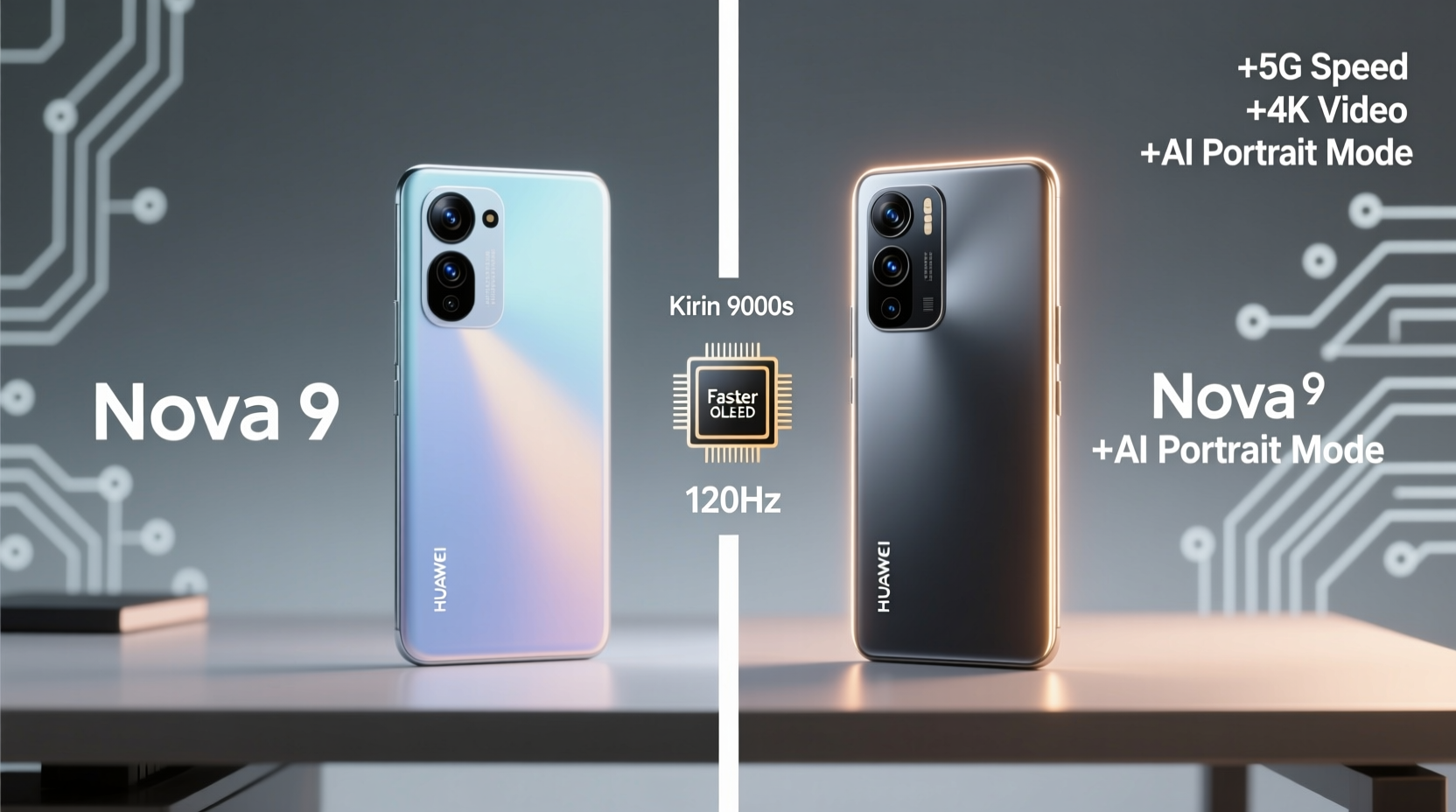
At first glance, the Galaxy Note 9 looks nearly identical to the Note 8. Both feature a 6.3-inch Quad HD+ Super AMOLED display with an 18.5:9 aspect ratio, curved edges, and minimal bezels. The glass-and-metal construction remains consistent across both models, offering that premium feel Samsung is known for. However, there are subtle differences.
The Note 9 is slightly thicker (8.8mm vs. 8.1mm) and heavier (201g vs. 195g), primarily due to its larger battery. It also repositions the fingerprint sensor below the camera module, which many users find more intuitive than the awkward placement on the Note 8. While the change isn’t revolutionary, it does reduce smudges on the lens—a common complaint with the earlier model.
Performance: Bigger Battery, Smarter Cooling, Noticeable Gains
Under the hood, the Note 9 offers tangible improvements. It features either the Qualcomm Snapdragon 845 or Exynos 9810, depending on region—both representing a modest but real boost over the Note 8’s chipsets. What makes the difference more noticeable, however, is Samsung’s new water-carbon cooling system, designed to prevent thermal throttling during extended use.
This becomes especially relevant for power users. Whether editing large documents, running multiple apps simultaneously, or gaming for long sessions, the Note 9 maintains peak performance longer. In benchmark tests, the Note 9 scores about 10–15% higher in CPU and GPU performance, but real-world usage shows even greater consistency under load.
The battery upgrade—from 3,300mAh on the Note 8 to 4,000mAh on the Note 9—is arguably the most impactful change. Users report up to two additional hours of screen-on time, pushing the Note 9 comfortably into all-day territory, even with heavy multitasking or media consumption.
“Battery life was the single biggest factor in my decision to upgrade. The Note 9 lasts through my entire workday without needing a top-up.” — Marcus Tran, freelance designer and Note series user since 2015
Camera Comparison: Similar Hardware, Smarter Software
Both phones feature dual rear cameras: a 12MP wide-angle and a 12MP telephoto lens. There’s no significant leap in hardware specs, but Samsung introduced AI-powered scene optimization on the Note 9—an intelligent system that detects lighting conditions and subject types (e.g., food, sky, pets) and automatically adjusts settings.
In practical terms, this means fewer manual tweaks and more consistently well-exposed photos. The Note 9 also includes Flaw Detection, which alerts you if someone blinked or if the lens is smudged before you take the shot—a surprisingly useful feature at gatherings or events.
Low-light performance sees minor gains thanks to better noise reduction algorithms, though the aperture remains f/1.7 on the main sensor. Video recording stays at 4K@60fps on both models, but the Note 9 benefits from improved stabilization and audio focus when zooming.
Photo Quality Summary
| Feature | Note 8 | Note 9 |
|---|---|---|
| AI Scene Optimization | No | Yes (20 scenes) |
| Flaw Detection | No | Yes |
| Burst Mode Speed | Standard | Faster processing |
| Night Mode | Manual adjustments needed | Semi-automated enhancements |
The Game-Changer: The Smart S Pen
If there’s one reason to consider upgrading from the Note 8 to the Note 9, it’s the redesigned S Pen. For the first time, Samsung added Bluetooth connectivity and an internal battery to the stylus, transforming it from a passive tool into an active remote control.
You can now use the S Pen to:
- Take photos remotely (perfect for group shots or vlogging)
- Control presentations or music playback
- Pause and resume videos hands-free
- Launch apps with a single click
The pen charges fully in just 40 seconds inside the phone and lasts about 30 minutes of continuous use. While not essential for everyone, creative professionals, educators, and frequent presenters will find this functionality invaluable.
Real-World Example: Should Sarah Upgrade?
Sarah is a marketing manager who uses her Note 8 heavily for emails, document editing, and client calls. She takes occasional photos for social media and uses the S Pen for brainstorming during meetings. Her phone still performs well, but she’s frustrated by daily charging anxiety and the outdated camera in dimly lit conference rooms.
After testing the Note 9, she noticed immediate benefits: the battery easily lasted through back-to-back Zoom calls and commute time, the AI camera corrected poor lighting automatically, and she used the S Pen to snap product photos during store visits without touching her phone.
For Sarah, the upgrade wasn’t about raw specs—it was about reducing friction in her daily routine. The extra cost was justified by increased productivity and peace of mind.
Is the Upgrade Worth It? A Practical Checklist
Before deciding, ask yourself the following questions. Check each item that applies to your situation:
- Do you regularly run out of battery before the end of the day? ✅
- Do you use the S Pen beyond basic note-taking (e.g., presentations, photography)? ✅
- Are you experiencing slowdowns with multitasking or app switching? ✅
- Do you value AI-assisted photography for social or professional use? ✅
- Is your current phone showing signs of wear (cracks, degraded battery)? ✅
- Can you get a trade-in or discounted upgrade through your carrier? ✅
If you checked three or more items, the Note 9 likely offers enough improvement to justify the switch. If not, your Note 8 may still serve you well—especially since both devices received full software support until Android 10 and security updates through 2021.
Frequently Asked Questions
Can the Note 9's S Pen work with the Note 8?
No. The Bluetooth-enabled S Pen in the Note 9 requires internal hardware not present in the Note 8. Attempting to pair it won’t succeed, and using a Note 9 pen in a Note 8 risks damaging the port due to slight dimensional differences.
Is water resistance better on the Note 9?
No. Both phones carry an IP68 rating, meaning they can survive submersion in up to 1.5 meters of water for 30 minutes. There’s no functional difference in durability against dust or moisture.
Does the Note 9 support faster charging than the Note 8?
Surprisingly, no. Both models support Quick Charge 2.0 and Adaptive Fast Charging, topping out at around 15W. Wireless charging speeds are also identical. Despite the larger battery, the Note 9 doesn’t charge any faster—just lasts longer once charged.
Final Verdict: Who Should Upgrade?
The Galaxy Note 9 isn’t a radical reinvention of the Note series. It’s a refinement—one that prioritizes endurance, usability, and smart features over flashy redesigns. For users whose Note 8 is still performing reliably, the upgrade may feel unnecessary unless specific pain points exist.
However, if battery life has become a constraint, if you’re eager to leverage the smart S Pen, or if you want a more future-proof device with better sustained performance, then yes—the Note 9 is worth it. It delivers meaningful quality-of-life improvements that add up over time, particularly for professionals and creatives who depend on their device throughout the day.
Ultimately, technology should serve you quietly and efficiently. The Note 9 doesn’t shout its advantages; it simply works better, longer, and smarter. And sometimes, that quiet confidence is exactly what justifies an upgrade.




 浙公网安备
33010002000092号
浙公网安备
33010002000092号 浙B2-20120091-4
Comments
No comments yet. Why don't you start the discussion?