
For people with ADHD, the right tools can mean the difference between overwhelm and clarity. Note-taking apps are more than digital notebooks—they’re external brains. When you're navigating attention deficits, executive dysfunction, and a constant pull toward distraction, your system must reduce friction, not add to it. Two of the most powerful tools in this space—Notion and Obsidian—offer radically different approaches. But which one aligns better with how an ADHD brain works? The answer isn't universal, but it hinges on understanding how each app handles structure, flexibility, cognitive load, and long-term usability.
Understanding the ADHD Brain’s Needs
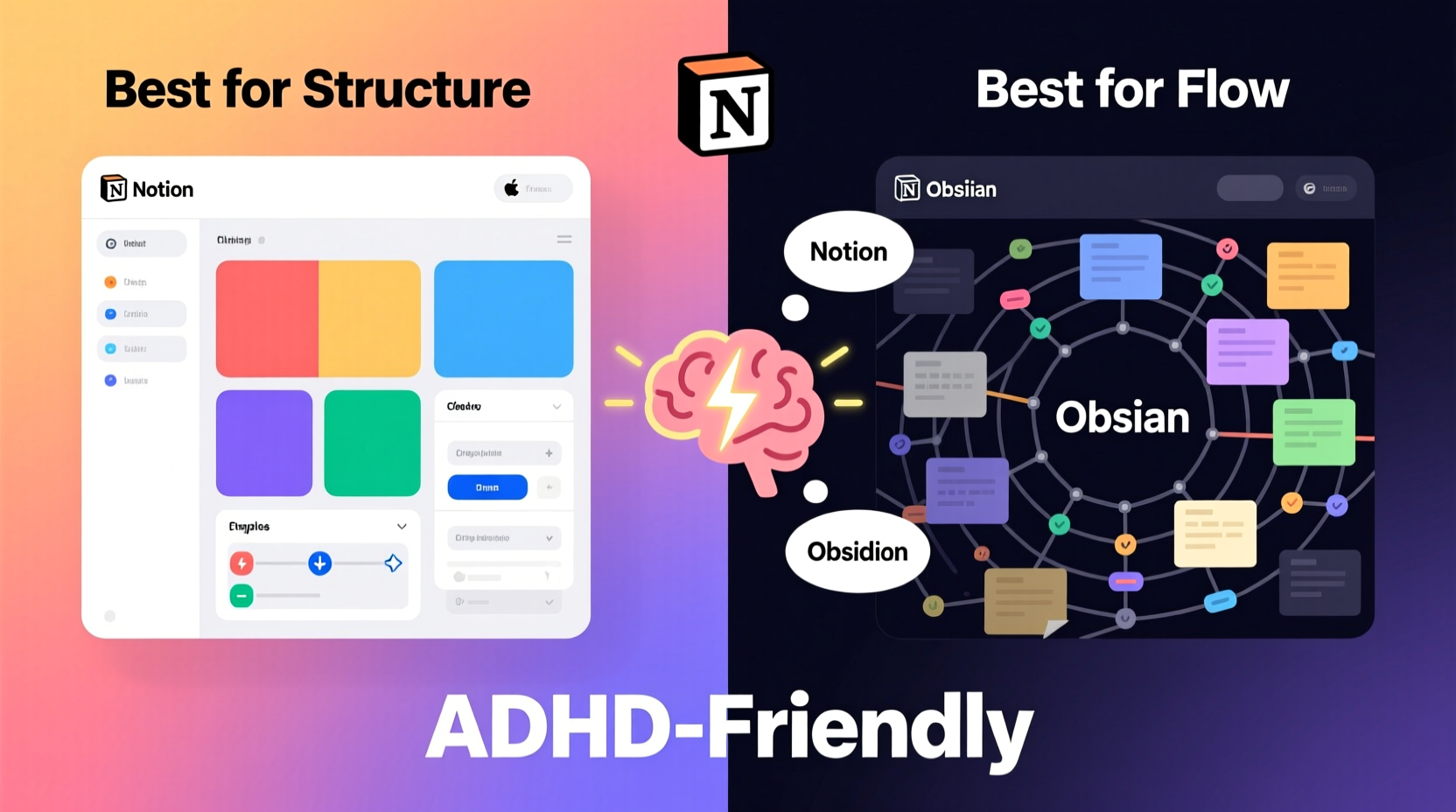
ADHD isn’t just about distractibility. It's a neurodevelopmental condition characterized by challenges in executive function—planning, prioritizing, organizing, initiating tasks, and sustaining attention. Many with ADHD thrive on novelty and creativity but struggle with consistency and routine. Traditional productivity systems often fail because they demand too much upfront structure or rely on rigid workflows that collapse under real-world chaos.
An ideal note-taking tool for ADHD should:
- Minimize decision fatigue with intuitive organization
- Support spontaneous idea capture without friction
- Allow flexible reorganization as priorities shift
- Reduce visual clutter and distractions
- Promote serendipitous connections between ideas (a strength in many ADHD minds)
- Be forgiving of inconsistency—because perfect systems rarely survive contact with reality
The best tool isn’t necessarily the most feature-rich; it’s the one that stays out of the way while amplifying strengths like hyperfocus, creativity, and associative thinking.
Notion: Structure, Beauty, and Centralized Control
Notion is a powerhouse of design and integration. It combines notes, databases, task management, calendars, and collaboration tools into a single, visually appealing interface. For someone who craves order—or wants to believe they can achieve it—it’s intoxicating. You can build dashboards, track habits, manage projects, and link related content across workspaces.
Its block-based architecture allows granular control: every paragraph, checkbox, or table cell is a movable unit. Pages can nest infinitely, creating elaborate knowledge hierarchies. Templates make onboarding easier, especially for those overwhelmed by starting from scratch.
But here’s where Notion’s strengths can become liabilities for ADHD users:
- High setup cost: Building useful systems takes time and mental energy—resources often scarce in ADHD.
- Over-customization trap: The temptation to endlessly tweak layouts, colors, and relations can replace actual work (a phenomenon known as “productivity porn”).
- Online dependency: Notion requires internet access for full functionality, which disrupts flow during connectivity lapses.
- Cognitive load: Multi-level nesting and complex database views can feel overwhelming rather than clarifying.
Still, Notion shines when used simply. A minimalist setup—a daily journal template, a quick-capture inbox, and a single project tracker—can be incredibly effective. Its mobile app is polished, and real-time sync ensures accessibility across devices.
“Many of my clients with ADHD fall in love with Notion’s potential—but burn out maintaining it. The key is ruthless simplification.” — Dr. Lena Torres, Cognitive Behavioral Therapist specializing in adult ADHD
Obsidian: Simplicity, Speed, and Networked Thinking
Obsidian operates on a fundamentally different philosophy. Instead of building everything inside a cloud-controlled ecosystem, it treats your notes as plain text Markdown files stored locally. There’s no central server; your vault lives on your device. This means privacy, portability, and resilience.
What makes Obsidian uniquely suited to ADHD thinking is its emphasis on **associative linking**. Using double brackets [[like this]], you create bidirectional links between notes. Over time, these form a personal knowledge graph—a web of ideas reflecting how your mind actually works.
This mirrors the ADHD tendency toward divergent, non-linear thought. Rather than forcing ideas into rigid categories, Obsidian lets them emerge organically. Follow a tangent? Great. Link to it. Come back later and see how two unrelated topics connect? That’s insight.
Key advantages for ADHD users:
- Near-instant search and creation: Press Ctrl+O, type a few letters, hit enter—your new note exists. No folders, no naming debates.
- Low friction capture: Notes don’t need formatting. Just write. Markdown syntax is minimal and optional.
- Graph view reveals patterns: Visualize your thinking network. Discover forgotten ideas. Reignite stalled projects.
- Plugins extend functionality lightly: Add calendars, kanban boards, or daily notes without bloating the core experience.
However, Obsidian has a steeper initial learning curve. The interface feels sparse compared to Notion’s polish. There’s no built-in task manager—you’ll need plugins like Tasks or Kanban. And because it’s local-first, syncing across devices requires third-party tools like iCloud or Syncthing (though this also means greater control).
Head-to-Head Comparison: Key Factors for ADHD Users
| Feature | Notion | Obsidian |
|---|---|---|
| Setup Effort | High (templates, databases, relations) | Low (create note → start typing) |
| Cognitive Load | Medium-High (multiple layers, views, permissions) | Low (minimal UI, focused writing) |
| Flexibility | High (but constrained by platform) | Extremely High (plain text, plugins, scripting) |
| Ideal For | Structured thinkers, team collaboration, visual planners | Freeform thinkers, solo knowledge workers, tinkerers |
| Mobility & Sync | Excellent (native apps, real-time sync) | Good (with manual setup via iCloud/Dropbox/Syncthing) |
| Distraction Risk | High (endless customization) | Low (if configured simply) |
| Long-Term Sustainability | Depends on consistency | High (resilient, future-proof format) |
The trade-off is clear: Notion offers elegance and integration at the cost of maintenance burden. Obsidian offers freedom and speed at the cost of initial unfamiliarity.
A Real Example: From Overwhelm to Flow
Meet Jamie, a freelance writer with undiagnosed ADHD until age 32. For years, Jamie cycled through apps: Evernote, OneNote, Google Keep. Each failed because they either felt too chaotic or too rigid. After diagnosis, Jamie tried Notion, building an elaborate system with daily templates, mood trackers, client databases, and content calendars.
It worked—for two weeks. Then came a busy period. The system demanded updates Jamie didn’t have energy for. Guilt piled up. The app became a symbol of failure. Jamie quit.
Months later, a colleague mentioned Obsidian. Skeptical, Jamie installed it and created a single note titled “Stuff I’m thinking about.” Over days, links emerged: “Podcast Ideas” connected to “Interview Questions,” which linked to “People to Contact.” Using the graph view, Jamie saw clusters forming around themes—mental health, creativity, remote work.
No planning required. No guilt. Just writing.
Today, Jamie uses Obsidian daily—not as a productivity machine, but as a thinking partner. Tasks are managed externally (in Todoist), but ideas live here. When stuck, Jamie opens the graph and clicks around. Often, that sparks momentum.
“It doesn’t judge me for inconsistency,” Jamie says. “It just holds what I’ve shared. And sometimes, it shows me how things fit together before I even knew they did.”
Step-by-Step: Building an ADHD-Friendly System in Either App
Regardless of your choice, success comes from designing for your real self—not an idealized version. Follow this timeline to avoid burnout:
- Day 1: Set up a landing page
Create a simple dashboard with only three elements: a quick-capture box, today’s priority (one item), and a link to your inbox. - Day 3: Enable fast capture
In Notion, pin your workspace to your browser toolbar. In Obsidian, set up a global hotkey to open a new quick note. - Week 1: Use only one template
Create a basic daily note or journal entry. Include space for mood, energy level, and one win. Nothing more. - Week 2: Add one organizational layer
Create an “Inbox” folder/page and route all incoming thoughts there. Schedule a 10-minute weekly review to sort or delete. - Month 1: Introduce one advanced feature
Try linking related notes (Obsidian) or creating a simple database (Notion). Only if it feels helpful. - Ongoing: Audit monthly
Ask: “Did this tool help me think, act, or feel better this month?” If not, simplify or switch.
Checklist: Choosing Your App Based on ADHD Traits
Use this checklist to match your tendencies with the right tool:
- ✅ I get excited by beautiful interfaces and visual dashboards → Lean toward Notion
- ✅ I hate setting things up and want to start immediately → Lean toward Obsidian
- ✅ I collaborate frequently with others → Notion has better native sharing
- ✅ I think in connections, metaphors, and tangents → Obsidian’s linking excels here
- ✅ I lose motivation quickly if systems feel burdensome → Start simple—Obsidian wins
- ✅ I want everything in one place (tasks, docs, calendars) → Notion integrates better
- ✅ I worry about long-term access and data ownership → Obsidian’s plain text future-proofs your notes
FAQ
Can I use both Notion and Obsidian together?
Yes—and many do. Use Obsidian as your primary thought repository and creative sandbox, then export finalized content to Notion for structured publishing, client work, or team collaboration. Some use automation tools like Zapier or Make to sync highlights or action items.
Is Obsidian safe for sensitive notes?
Because notes are stored locally as plain text files, Obsidian is inherently more private than cloud-first apps. However, ensure your device is encrypted and backed up. For highly sensitive data, consider additional encryption tools like VeraCrypt or using Obsidian with an encrypted vault via Boxy Suite or similar.
Which app is better for task management with ADHD?
Neither is a full replacement for a dedicated task manager. Both lack robust reminders and natural language input. Pair either tool with a GTD-style app like Todoist, Things, or Microsoft To Do. Use your note app for context, not tracking.
Conclusion: The Best App Is the One You Actually Use
At the end of the day, no app can fix executive dysfunction. What matters is sustainability. Notion dazzles, but its complexity can alienate when focus wanes. Obsidian empowers, but its rawness may feel intimidating at first.
The truth is, many ADHD users benefit most from **starting with Obsidian**—its low barrier to entry, resistance to bloat, and support for nonlinear thinking align closely with how distracted minds generate insight. But if you thrive on visual structure and collaboration, a simplified Notion setup can work beautifully.
Forget perfection. Build something ugly, incomplete, and functional. Let it evolve. Delete what doesn’t serve you. Your system should adapt to you—not the other way around.




 浙公网安备
33010002000092号
浙公网安备
33010002000092号 浙B2-20120091-4
Comments
No comments yet. Why don't you start the discussion?