
For aviation enthusiasts and serious flight simulation hobbyists, virtual reality has transformed the experience from screen-based mimicry into something startlingly real. The immersion of donning a headset and looking around a cockpit as if you're truly seated inside it is unparalleled. Two headsets have dominated high-end PC VR for years: the Oculus Rift S and the Valve Index. While both are capable, they differ significantly in performance, comfort, and long-term usability—especially when used for extended flight simulator sessions. Choosing between them isn’t just about price; it’s about understanding which system delivers the most authentic and sustainable VR flight experience.
Visual Clarity and Display Technology
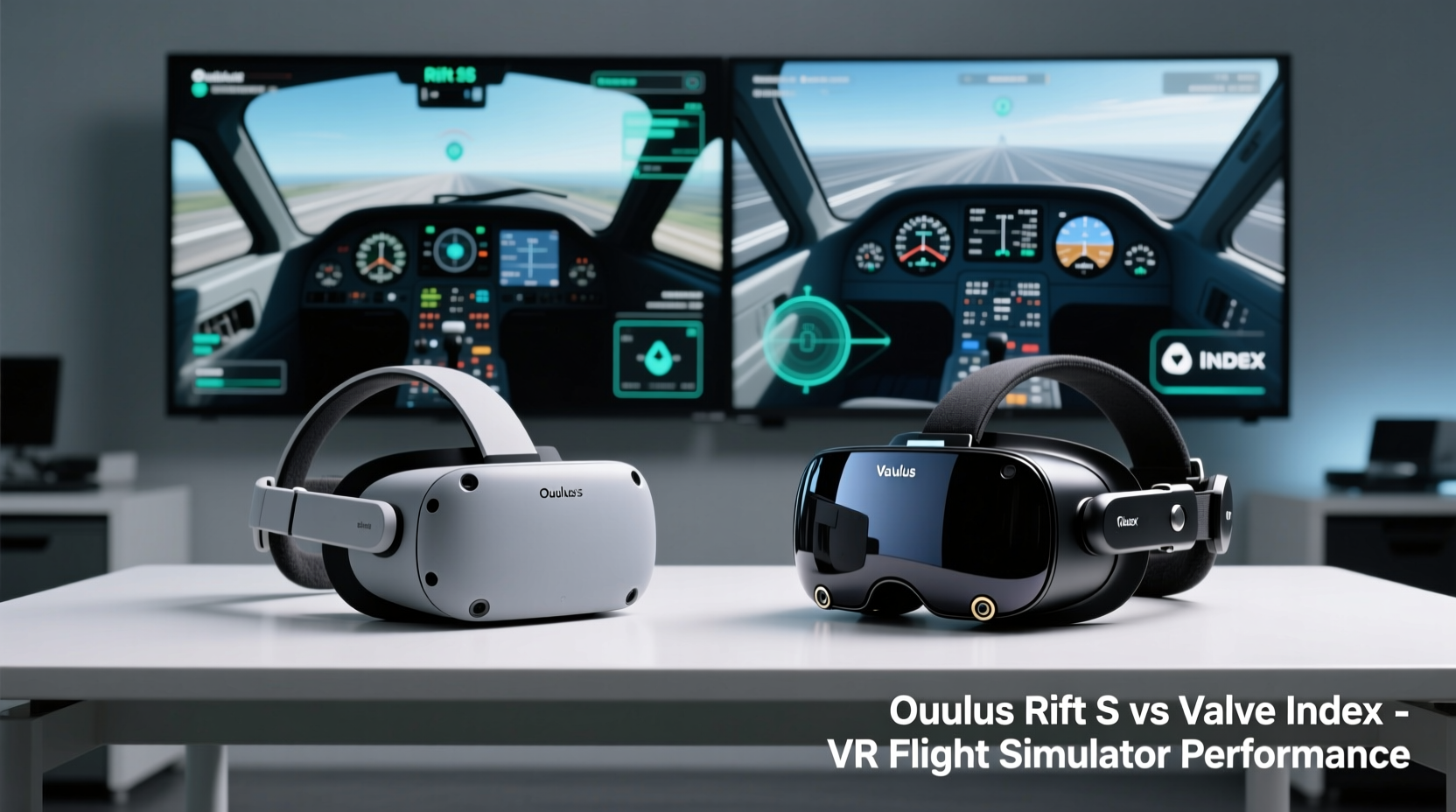
The visual fidelity of a VR headset plays a critical role in flight simulation. Reading instrument panels, identifying terrain features, and judging distance during landing approaches all depend on clear, stable visuals. The Oculus Rift S uses a single LCD panel with a resolution of 2560 x 1440 (1280 x 1440 per eye), shared across both eyes via a technique called “penTile subpixel layout.” This results in reduced perceived sharpness and visible screen-door effect—fine lines between pixels that can be distracting when scanning intricate cockpit gauges.
In contrast, the Valve Index features dual OLED displays with a higher native resolution of 1440 x 1600 per eye (2880 x 1600 combined). More importantly, OLED technology provides true blacks, superior contrast, and faster pixel response times, which reduces motion blur during rapid head movements—common when checking blind spots or reacting to air traffic.
While the Rift S supports a refresh rate of up to 80Hz, the Index pushes 80Hz, 90Hz, 120Hz, and even 144Hz in developer mode. Higher refresh rates reduce motion sickness and improve temporal clarity—critical during turbulent landings or low-altitude flying where smooth visual feedback is essential.
Tracking Performance and Motion Fidelity
Precise head tracking is non-negotiable in flight sims. Small head movements allow pilots to glance at engine instruments, check fuel selectors, or peer over the wing during taxi. The Rift S relies on inside-out tracking using five integrated cameras. While convenient—no external sensors required—it struggles with fast movements and reflective surfaces. Users report occasional jitter or drift, especially in dimly lit rooms, which can misalign your view relative to the cockpit.
The Valve Index uses outside-in tracking via two SteamVR Base Stations (sold separately). This setup offers millimeter-level positional accuracy and near-zero latency. Whether you’re leaning forward to inspect an annunciator panel or turning sharply to monitor runway alignment, the Index tracks every micro-movement flawlessly. This precision enhances depth perception and spatial awareness—key components in judging flare height during touch-and-go landings.
“Accurate head tracking isn’t just about comfort—it’s part of the cognitive loop that lets your brain believe you’re flying. When tracking lags, immersion breaks.” — Dr. Marcus Lin, Human Factors Researcher at MIT AeroAstro
Additionally, the Index supports room-scale setups, allowing users to physically walk around their virtual cockpit during pre-flight checks. Though not essential for pure flight simulation, this capability adds realism for users building full-motion rigs or open cockpits.
Ergonomics and Comfort During Long Sessions
Flight simulations often last hours. A cross-country IFR flight with weather delays, holding patterns, and approach procedures can easily exceed two hours. Headset comfort becomes a decisive factor.
The Rift S employs a halo-style headband with a central wheel for fit adjustment. It distributes weight reasonably well but tends to press on the top of the head, causing discomfort after 60–90 minutes. The facial interface is made of thin foam that compresses quickly and lacks breathability, leading to heat buildup—a problem exacerbated when wearing glasses.
The Valve Index introduces an innovative suspension design. Instead of resting directly on the skull, it uses an adjustable elastic band system that floats the display away from the face. This reduces pressure points and allows better airflow. Most users report being able to wear it for 3+ hours without fatigue. The interchangeable facial cushions (foam, cloth, mesh) also let users customize for hygiene and ventilation.
| Feature | Oculus Rift S | Valve Index |
|---|---|---|
| Weight | 500g | 500g (but better distributed) |
| Headband Type | Rigid halo with rear dial | Suspension strap system |
| Facial Interface | Fixed foam pad | Interchangeable pads (optional) |
| Glasses Clearance | Adequate | Excellent (deep cavity design) |
| Cooling & Ventilation | Poor (traps heat) | Good (open sides, breathable materials) |
The Index’s superior ergonomics translate directly into longer, more focused simulation sessions with less physical distraction.
Audio Integration and Environmental Immersion
Sound is half the immersion equation in flight sims. Engine harmonics, wind noise, radio chatter, and stall warnings must be spatially accurate and dynamically responsive. The Rift S includes built-in speakers mounted near the ears. They deliver decent audio but lack bass and directional precision. External headphones can be attached, but they require a separate cable and may interfere with the headband tension.
The Valve Index features off-ear speakers that project sound directly into the ear canal while leaving the ears exposed. This design preserves situational awareness and eliminates clamping pressure from traditional headphones. The speakers are fully retractable and offer rich, 3D spatial audio calibrated to match head movement. You can clearly distinguish whether a warning tone comes from overhead, behind, or to the side—an advantage during emergency checklists.
For purists who prefer over-ear headphones, Valve offers magnetic attachment points for third-party solutions, maintaining modularity without sacrificing comfort.
Controller Precision and Hand Tracking
Flying in VR means constant interaction: flipping switches, adjusting trim, managing autopilot modes, and handling yoke inputs. The Rift S uses Oculus Touch controllers, which are ergonomic and responsive but rely solely on inside-out camera tracking. In complex cockpits with dense control panels, hand occlusion (when one hand blocks the other from view) can cause temporary dropouts—potentially disastrous during a missed approach.
The Valve Index controllers, known as “Knuckles,” feature capacitive sensing that detects finger placement without requiring grip triggers to be held. This allows for natural gestures like pointing at instruments or releasing the yoke while keeping fingers detected. Combined with base station tracking, Knuckles offer unmatched positional accuracy and minimal latency.
- Index controllers support individual finger tracking, enabling future software enhancements like gesture-based checklist navigation.
- They include a wrist strap and semi-open design, reducing hand fatigue during prolonged use.
- Haptic feedback provides subtle cues during switch throws or gear extension.
For users integrating physical hardware (like Honeycomb or Virtual Fly), the Index’s controller stability ensures seamless mapping between virtual and real-world inputs.
Real-World Example: A Weekend Pilot’s Setup
Consider Mark, a private pilot and Microsoft Flight Simulator enthusiast based in Colorado. He initially purchased the Rift S due to its lower cost and plug-and-play simplicity. After several months, he noticed recurring issues: difficulty reading VOR indicators due to screen-door effect, occasional tracking glitches during steep turns, and headaches after 90-minute sessions.
He upgraded to the Valve Index and immediately observed improvements. Text on GPS units became legible without zooming. His head movements during traffic pattern work felt perfectly mirrored. Most notably, he completed a 3-hour transcontinental flight—from Denver to Seattle—with no discomfort. “It’s like switching from analog gauges to glass cockpit,” he said. “The Index doesn’t get in the way of flying. The Rift S always reminded me I was wearing a headset.”
Cost-Benefit Analysis and Long-Term Value
The Rift S retailed at $399 but is now discontinued, available only secondhand. The Valve Index launched at $999 for the full kit (headset, two controllers, two base stations). While nearly double the price, its longevity and upgrade path justify the investment for dedicated simmers.
Consider these factors:
- Future-proofing: Valve continues to support Index with firmware updates and new features (e.g., predictive tracking, foveated rendering experiments).
- Resale value: Used Index kits retain 60–70% of original value after two years; Rift S units depreciate rapidly.
- Expandability: Index integrates with SteamVR ecosystem, including third-party accessories like haptic vests, eye trackers, and motion platforms.
If budget is tight, the Rift S remains functional for casual use. But for those treating flight simulation as a training supplement or immersive hobby, the Index delivers measurable returns in realism and usability.
Frequently Asked Questions
Can I use Oculus Rift S controllers with Valve Index?
No. The systems are incompatible due to different tracking technologies and software ecosystems. Oculus devices require Oculus PC software, while Index runs on SteamVR.
Is the higher resolution of the Index worth it for reading cockpit displays?
Yes. The combination of higher pixel density, OLED contrast, and reduced motion blur makes small fonts and fine details far more readable—especially in low-light conditions like night flying.
Do I need two base stations for flight simulation with the Valve Index?
Absolutely. Two base stations ensure full 360-degree coverage and eliminate blind spots. Even seated experiences benefit from consistent tracking during aggressive head movements.
Checklist: Choosing the Right VR Headset for Flight Sims
- ✅ Prioritize tracking accuracy over convenience—outside-in wins for precision.
- ✅ Choose OLED over LCD for better cockpit readability and contrast.
- ✅ Test ergonomics—comfort matters in multi-hour sessions.
- ✅ Ensure compatibility with your sim rig (e.g., HOTAS, rudder pedals).
- ✅ Factor in total cost: Rift S may seem cheaper, but Index offers better long-term ROI.
Final Verdict: Which Is Better for VR Flight Simulators?
The Oculus Rift S brought accessible VR to mainstream audiences, and for casual use, it performs adequately. However, when applied to the demanding context of flight simulation—where visual clarity, tracking fidelity, and physical endurance are paramount—the Valve Index clearly outperforms.
Its superior display, precise tracking, ergonomic design, and advanced audio create a cohesive, believable environment that respects the cognitive and physical demands of piloting. While the upfront cost is significant, the return in immersion, realism, and long-term usability makes it the preferred choice for serious simmers.
The Rift S might suffice for someone exploring VR flight casually. But for those committed to mastering instrument approaches, practicing emergency procedures, or simply experiencing the quiet awe of flying over mountains at dawn, the Valve Index isn’t just better—it’s transformative.




 浙公网安备
33010002000092号
浙公网安备
33010002000092号 浙B2-20120091-4
Comments
No comments yet. Why don't you start the discussion?