
When it comes to premium virtual reality headsets, two names consistently surface in enthusiast discussions: the Oculus Rift (specifically the Rift S or CV1) and the Samsung Odyssey+. While both deliver immersive experiences, one of the most debated technical aspects between them is their field of view (FOV). On paper, FOV seems like just another spec—measured in degrees—but in practice, it can dramatically affect how real and engaging a VR experience feels. This article examines the real-world impact of FOV differences between these two headsets, going beyond marketing claims to explore how they influence immersion, motion sickness, and overall user satisfaction.
Understanding Field of View in VR
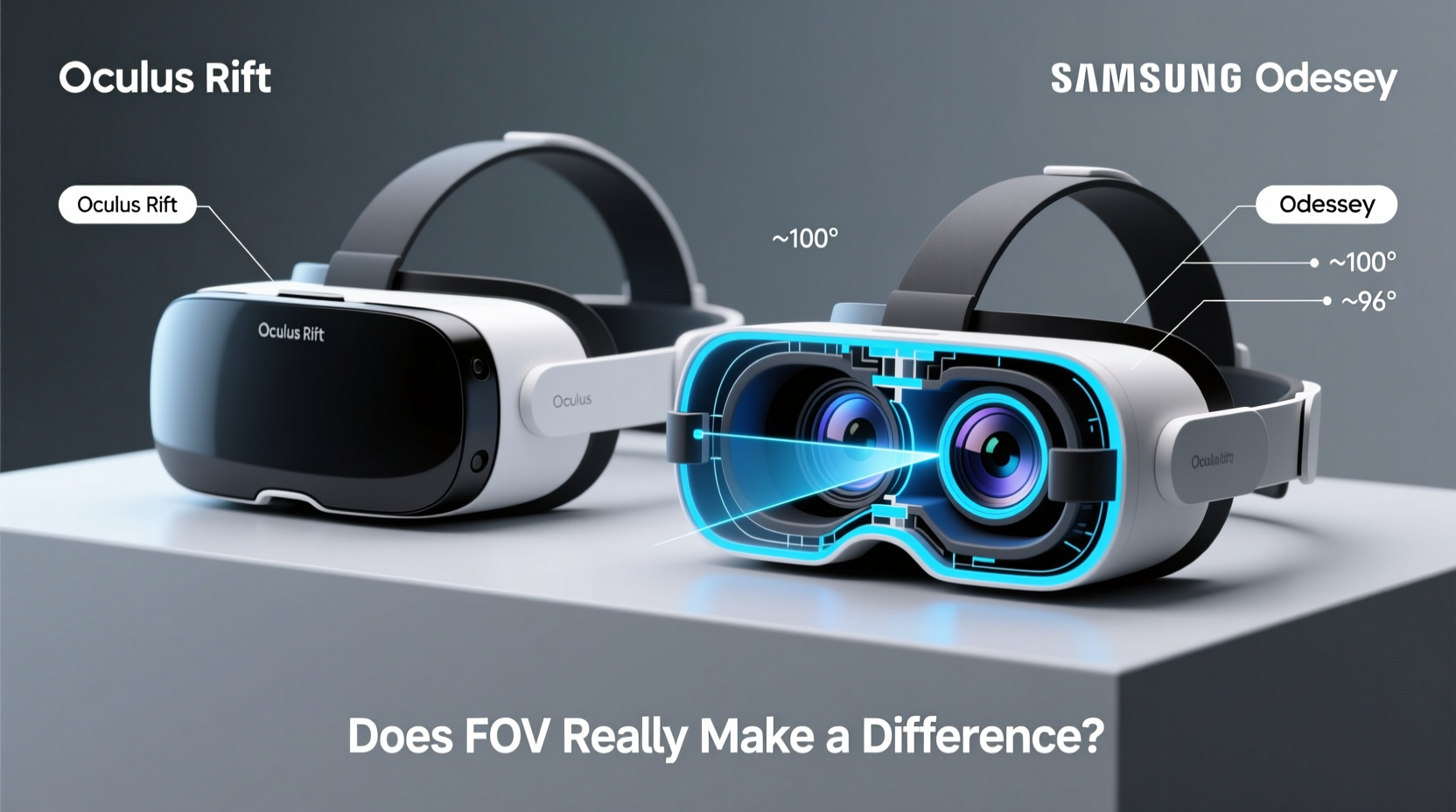
Field of view refers to the extent of the observable environment visible through the headset at any given moment. In human vision, our natural binocular FOV spans approximately 200 degrees horizontally and 135 degrees vertically. Most VR headsets fall short of this, typically offering between 90 and 110 degrees diagonally. The wider the FOV, the more of the virtual world you can see without moving your head—creating a stronger sense of presence.
The Oculus Rift CV1 offers around 94–100 degrees diagonal FOV, depending on IPD settings and facial fit. The Samsung Odyssey+, by contrast, boasts a claimed 110-degree FOV, making it one of the widest among PC-based headsets of its generation. But does that extra 10 degrees translate into a noticeably better experience?
Comparing Key Specifications
| Feature | Oculus Rift CV1 / Rift S | Samsung Odyssey+ |
|---|---|---|
| Field of View (Diagonal) | ~94–100° | ~110° |
| Display Type | Rift CV1: OLED; Rift S: LCD | Dual AMOLED (3.5” per eye) |
| Resolution | 2160 × 1200 (Rift S) | 2880 × 1600 (combined) |
| Tracking System | External sensors (CV1); Inside-out (Rift S) | Inside-out (Microsoft Windows Mixed Reality) |
| Refresh Rate | 80 Hz (Rift S) | 90 Hz |
| Lens Adjustment | Fixed (Rift S); Manual IPD (CV1) | Adjustable IPD slider |
| Audio | Integrated spatial audio (Rift S) | Built-in AKG headphones |
Does Extra FOV Actually Improve Immersion?
On first use, many users report that the Samsung Odyssey+ feels “roomier” than the Oculus Rift. The increased FOV reduces the sensation of looking through goggles, often described as the “screen-door effect,” and minimizes peripheral blackness. This broader visual envelope makes virtual environments feel more expansive—especially in open-world games or flight simulators where horizon visibility matters.
However, FOV alone doesn’t guarantee superior immersion. Other factors like resolution, refresh rate, lens clarity, and audio fidelity play equally important roles. The Odyssey+’s higher resolution and AMOLED panels produce deeper blacks and richer colors, enhancing realism. Meanwhile, the Rift S benefits from tighter software integration with Oculus platforms, resulting in smoother app launches and social features.
“Wider FOV reduces cognitive load in VR—your brain doesn’t have to work as hard to piece together the missing edges of the scene.” — Dr. Lena Torres, Human-Computer Interaction Researcher, MIT Media Lab
In practical terms, a wider FOV means fewer head turns to scan surroundings, which can reduce fatigue during long sessions. It also improves depth perception and spatial awareness, crucial for competitive multiplayer titles like *Onward* or *Pavlov*. That said, some users report mild distortion at the edges of the Odyssey+’s view, particularly when focusing on near-field objects—a trade-off for the expanded angle.
Real-World Example: Flight Simulation Experience
Consider Alex, an aviation enthusiast using Microsoft Flight Simulator in VR. With the Oculus Rift S, he found himself frequently turning his head sharply to check wing position or monitor instrument panels. While functional, the limited FOV created a constant sense of visual constraint, especially during takeoff and landing.
After switching to the Samsung Odyssey+, Alex noticed an immediate improvement. He could now see more of the cockpit periphery without excessive movement. The wider FOV allowed him to maintain situational awareness, reducing stress and improving reaction time. “It’s not just about seeing more,” he noted. “It’s about feeling like I’m actually inside the plane, not just watching a screen strapped to my face.”
This case illustrates how FOV impacts not just visual coverage but also psychological immersion and task performance in complex simulations.
Tips for Maximizing Your VR Field of View
- Adjust IPD settings correctly: Misaligned lenses cut effective FOV and cause blurriness. Use calibration tools if available.
- Center the headset properly: Tilt or offset positioning can block parts of the image, especially in wider FOV systems.
- Use soft facial interfaces: Tight seals prevent light leakage and improve edge-to-edge clarity.
- Update firmware regularly: Manufacturers sometimes optimize rendering to better utilize available FOV.
- Play FOV-intensive content: Try panoramic experiences or racing sims to test the limits of your headset’s visual range.
Common Misconceptions About FOV
Many assume that maximum FOV is always better. However, pushing beyond optical sweet spots can introduce distortions, reduced sharpness at the edges, and increased GPU demands due to larger rendered areas. The human eye focuses sharply only in the central 30 degrees; peripheral vision detects motion and color but lacks detail. Therefore, rendering ultra-wide scenes at full resolution is inefficient.
Some newer headsets address this with foveated rendering or curved displays, but neither the Rift nor the Odyssey+ supports dynamic foveation. As a result, the Odyssey+’s wider FOV requires more graphical horsepower to maintain frame rates, potentially leading to judder if the PC isn’t robust enough.
Frequently Asked Questions
Is a 10-degree difference in FOV noticeable?
Yes, especially in open environments or fast-paced games. Users upgrading from the Rift to the Odyssey+ commonly describe the change as “opening up” the experience. However, sensitivity varies—some adapt quickly and may not prioritize FOV over other factors like comfort or software library.
Can FOV affect motion sickness in VR?
Potentially. A narrow FOV can increase disorientation because the mismatch between visual input and vestibular signals becomes more pronounced. Wider FOV helps align what you see with natural peripheral cues, potentially reducing nausea. However, poor tracking or low frame rates remain bigger contributors to discomfort.
Why didn’t Oculus release a wider FOV headset earlier?
Engineering constraints. Wider FOV requires larger lenses, bigger displays, and more powerful GPUs. Oculus prioritized affordability, compact design, and ease of setup—particularly with the Rift S’s inside-out tracking. Broader FOV became a focus later with devices like the Meta Quest Pro and Project Cambria prototypes.
Conclusion: Is FOV the Deciding Factor?
The Samsung Odyssey+’s superior field of view offers tangible benefits in immersion, spatial awareness, and comfort during extended use. For simulation enthusiasts, pilots, and those sensitive to visual confinement, that extra 10 degrees can be transformative. Yet, FOV is just one dimension of the VR experience. The Oculus Rift platform excels in content availability, social integration, and intuitive interface design—advantages that matter just as much to many users.
Ultimately, the choice depends on your priorities. If you value expansive visuals and premium build quality, the Odyssey+ stands out. If you prefer seamless software, broad game compatibility, and future-proof ecosystem access, the Oculus route remains compelling—even with a slightly narrower window into the virtual world.




 浙公网安备
33010002000092号
浙公网安备
33010002000092号 浙B2-20120091-4
Comments
No comments yet. Why don't you start the discussion?