
For photographers, retouchers, and digital artists, monitor choice isn’t just about screen size or resolution—it’s a direct determinant of output quality. Among the most debated topics in visual workflows today is the matchup between OLED and IPS panel technologies. Both promise high-end performance, but when it comes to photo editing, subtle differences in color reproduction, luminance stability, and long-term reliability can significantly impact your results. This detailed analysis breaks down the strengths and weaknesses of each technology with a laser focus on color accuracy—the cornerstone of professional image work.
Understanding Panel Technologies: OLED vs IPS
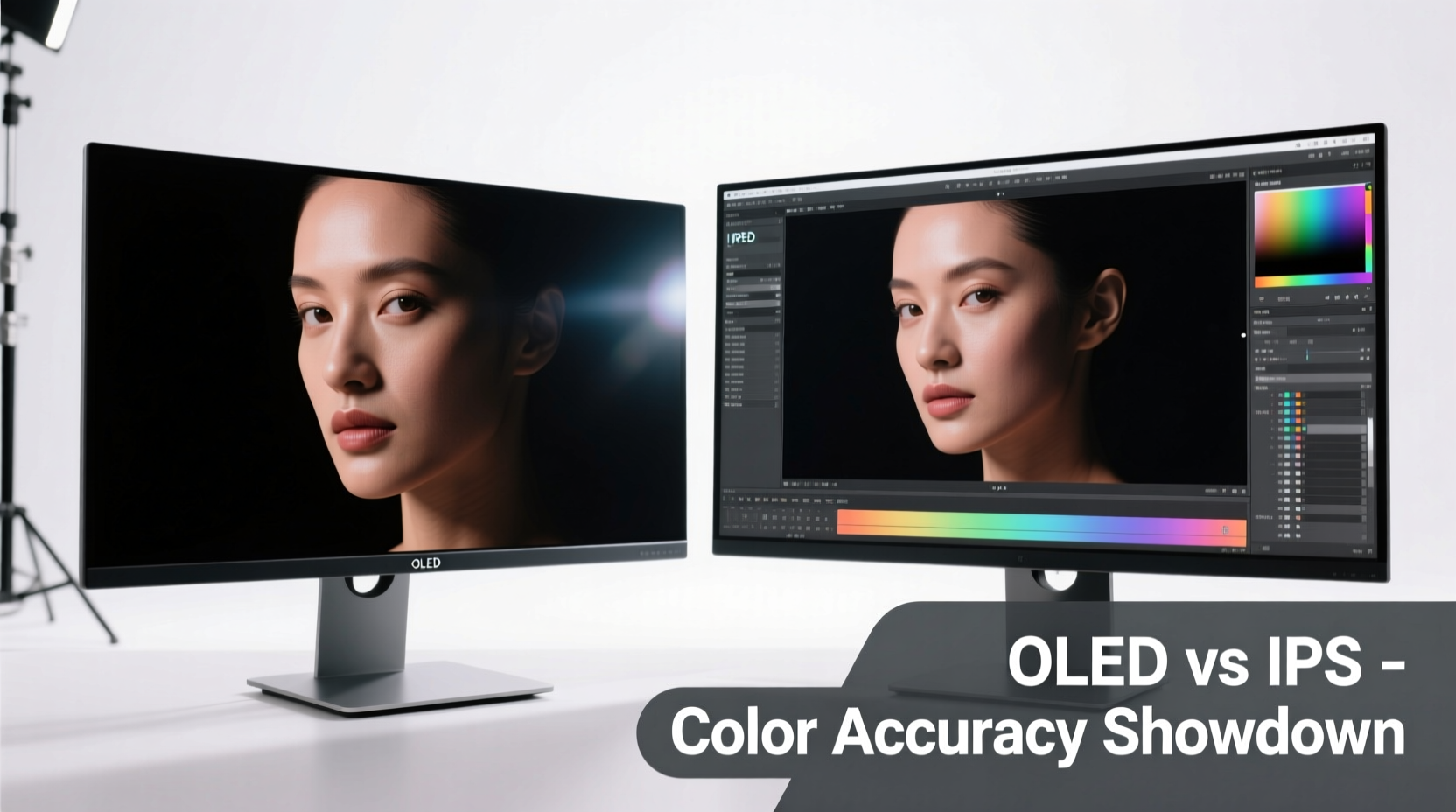
Before evaluating performance, it's essential to understand how these two display types function at a fundamental level.
OLED (Organic Light-Emitting Diode) panels generate light at the pixel level. Each sub-pixel emits its own light when activated, allowing for true blacks by simply turning off individual pixels. This self-emissive nature eliminates the need for a backlight, enabling infinite contrast ratios and exceptional per-pixel control.
IPS (In-Plane Switching), a subtype of LCD technology, relies on a constant backlight that shines through liquid crystal layers. The crystals twist to modulate light passage, while color filters determine hue. IPS is known for wide viewing angles and stable color representation across different positions, making it a staple in creative industries for decades.
The structural difference defines their behavior: OLED excels in dynamic range and black depth; IPS delivers consistent brightness and proven color fidelity under calibrated conditions.
Color Accuracy: Measuring Performance Beyond Specs
Color accuracy is typically measured using Delta E (ΔE), where values below 2 are considered indistinguishable to the human eye under controlled lighting. Both modern OLED and high-end IPS monitors can achieve ΔE < 1 out of the box or after calibration—but consistency across brightness levels and over time tells a more nuanced story.
OLEDs have an advantage in grayscale tracking due to per-pixel illumination. Shadows reveal subtle tonal gradations without backlight bleed, which can be critical when editing low-key portraits or nightscapes. However, OLED’s color response varies slightly at lower brightness levels—a phenomenon known as \"low-greyscale shift\"—which may require additional calibration steps not always accounted for in standard profiling routines.
IPS panels maintain more linear gamma and chromaticity across luminance ranges. High-quality IPS models from manufacturers like EIZO, NEC, and BenQ use 14-bit color look-up tables (LUTs) and hardware calibration support, ensuring that what you see at 50% brightness matches precisely with 100%. This predictability makes them preferred tools in print studios and commercial labs where repeatability is non-negotiable.
“While OLED offers stunning contrast, we still rely on reference-grade IPS displays for final color grading because their stability across sessions ensures client deliverables match proofs.” — Daniel Ruiz, Senior Colorist at Lumina Post Collective
Uniformity and Consistency Across the Screen
One area where IPS historically outperforms even premium OLEDs is screen uniformity. Edge-lit or full-array backlit IPS monitors—especially those designed for professional use—minimize clouding, tint shifts, and brightness variances from corner to center.
In contrast, OLED panels, despite perfect blacks, often exhibit slight color tints near edges (typically greenish or magenta casts) and brightness discrepancies across large flat fields. These may not affect casual users, but during tasks like sky gradient editing or skin tone balancing, such inconsistencies become distracting.
Contrast and Dynamic Range: The OLED Advantage
No discussion of OLED is complete without acknowledging its unmatched contrast capability. With true black levels unattainable by any LCD-based system, OLED provides a dynamic range that closely mimics human vision in dark environments.
This matters profoundly when editing HDR imagery or RAW files with extreme shadow detail. On an OLED, crushed shadows aren't masked by backlight glow—you see exactly what’s recoverable. For landscape and architectural photographers working in challenging lighting, this transparency accelerates decision-making.
However, this same strength introduces challenges. In brightly lit rooms, the lack of peak brightness compared to high-nit IPS monitors (some exceeding 1000 nits) can make OLED screens appear dimmer and less vibrant. Additionally, ABL (Automatic Brightness Limiter)—a power and heat management feature—can subtly reduce overall screen luminance when large bright areas are displayed, leading to inconsistent perceived brightness during workflow transitions.
For example, switching from a dark-background interface to a full-white document might cause a momentary dip in brightness, potentially affecting perception of highlight clipping. While imperceptible to some, experienced editors notice these micro-shifts, especially during side-by-side comparisons.
Lifespan and Burn-In Risk: A Practical Concern
Burn-in remains the most significant drawback of OLED technology in static-content workflows. Photo editing interfaces often include fixed toolbars, histograms, and palettes that remain unchanged for hours. Over time, differential aging of organic compounds can lead to ghosting—permanent image retention that undermines screen integrity.
Manufacturers implement mitigations: pixel shifting, logo dimming, and automatic refresh cycles. But these are preventative, not curative. In rigorous use cases, professionals report faint remnants of UI elements after several months of daily 8+ hour sessions—particularly on consumer-grade OLED monitors lacking robust protection algorithms.
IPS panels do not suffer from burn-in. Their lifespan typically exceeds 50,000 hours before backlight degradation becomes noticeable. While CCFL or LED backlights may yellow slightly over years, this change is gradual and correctable via recalibration. For studios running multiple shifts or freelancers logging long hours, IPS offers greater peace of mind.
Real-World Example: Studio Workflow Comparison
A mid-sized photography studio in Vancouver recently tested both technologies across three editing stations. Two were equipped with 32” 4K OLED monitors (consumer flagship model), and one used a 27” IPS reference monitor calibrated monthly with a spectrophotometer.
Over six months, editors praised the OLEDs for their immersive feel and shadow clarity. However, two units began showing faint outlines of Lightroom’s left panel after ~1,200 cumulative hours. The IPS unit showed no degradation and maintained consistent color reports across all calibration logs. Ultimately, the studio retained the IPS monitor for final approval stages and transitioned the OLEDs to review-only roles with strict session timers and dark mode UI settings.
Calibration and Long-Term Reliability
Professional photo editing demands not just initial accuracy but sustained precision. Here, IPS holds a well-established edge.
Many high-end IPS monitors feature built-in calibration sensors and hardware LUTs that store profiles directly on the monitor, decoupling color processing from GPU limitations. This allows accurate previews regardless of connected device. OLEDs, while increasingly supporting external calibration, rarely include internal sensors, relying instead on software adjustments stored in graphics drivers—less reliable across multi-device setups.
Additionally, OLED materials degrade at different rates—blue pixels degrade faster than red or green—leading to potential color balance drift over time. Even with compensation algorithms, long-term spectral shifts can occur, necessitating more frequent recalibration than with IPS counterparts.
| Metric | OLED | IPS (Professional Grade) |
|---|---|---|
| Native Contrast Ratio | Infinite (perfect blacks) | 1000:1 to 1500:1 |
| Peak Brightness (typical) | 400–800 nits (ABL dependent) | 350–1000+ nits (stable) |
| Color Accuracy (ΔE avg post-cal) | <1 | <1 |
| Screen Uniformity | Moderate (edge tint common) | Excellent (high-end models) |
| Burn-In Risk | Present (mitigated but not eliminated) | None |
| Lifespan (half-brightness) | ~30,000 hours | ~50,000–60,000 hours |
| Hardware Calibration Support | Limited (few models) | Widely available |
Action Plan: Choosing the Right Monitor for Your Needs
Selecting between OLED and IPS shouldn’t hinge on specs alone—it should align with your editing habits, environment, and output goals. Use the following checklist to guide your decision:
- Evaluate your workspace lighting: If you work in a bright room, prioritize higher peak brightness (favoring IPS).
- Assess usage patterns: Do you leave applications open for extended periods? High-static UI usage increases OLED risk.
- Determine color-critical needs: For print, advertising, or client delivery, consider IPS with hardware calibration.
- Test dynamic range requirements: If you frequently edit cinematic HDR or astrophotography, OLED’s contrast may justify added maintenance.
- Budget for longevity: Factor in replacement costs—OLED may require earlier retirement due to wear.
- Verify calibration options: Ensure compatibility with your existing colorimeter (e.g., X-Rite i1Display, Datacolor Spyder).
Tips for Maximizing OLED Longevity in Editing Workflows
- Use auto-hide panels in Photoshop and Lightroom to minimize static element exposure.
- Lower overall brightness to 100–120 cd/m² for prolonged sessions—sufficient for color work and gentler on pixels.
- Avoid displaying full-white borders or fixed windows for hours; reposition tool palettes occasionally.
- Run built-in refresh cycles weekly if available.
Frequently Asked Questions
Can I use an OLED monitor for print-ready photo editing?
Yes, but with caveats. OLED can be accurately calibrated and is excellent for assessing tonal detail. However, due to potential long-term drift and burn-in concerns, many professionals use OLED for preliminary edits and switch to a trusted IPS display for final output preparation. Matching your viewing environment to print conditions (controlled ambient light, proper white point) is equally important.
Is IPS outdated compared to OLED?
No. While OLED represents a generational leap in contrast and response time, IPS continues to evolve. Modern IPS Black panels offer improved contrast (~2000:1), better black levels, and minimized glow. When paired with mini-LED backlights and local dimming, high-end IPS rivals OLED in some aspects while retaining superior durability and uniformity.
Do all OLED monitors have burn-in issues?
All OLEDs are susceptible to burn-in under extreme conditions, but severity varies by build quality and protective features. Professional-oriented OLEDs (like certain Dell UltraSharp or ASUS ProArt models) include enhanced firmware safeguards and more durable emitters. Consumer TVs and gaming monitors tend to prioritize brightness over longevity, increasing risk in static-use scenarios.
Final Recommendation: Match Technology to Purpose
There is no universal winner in the OLED vs IPS debate for photo editing. Each serves distinct priorities.
If your work emphasizes cinematic visuals, deep shadows, and HDR evaluation—and you’re willing to manage brightness settings and UI layout carefully—OLED offers an unparalleled viewing experience. Its ability to reveal hidden shadow data and render lifelike contrast makes it ideal for creative exploration.
Conversely, if your workflow involves client deliverables, print production, or long-term project consistency, a professionally graded IPS monitor with hardware calibration remains the gold standard. Predictable performance, resistance to degradation, and industry-wide trust make it the safer investment for serious color work.
Hybrid approaches are emerging: some photographers now use OLED for culling and initial development, then switch to IPS for fine-tuning and export. This leverages the strengths of both technologies without overextending either.




 浙公网安备
33010002000092号
浙公网安备
33010002000092号 浙B2-20120091-4
Comments
No comments yet. Why don't you start the discussion?