
The release of the Nintendo Switch OLED model in 2021 sparked excitement among gamers, promising a richer visual experience with its upgraded display. But for those who play casually—perhaps an hour after work or during weekend downtime—the question remains: does the OLED screen deliver enough improvement to justify the price jump over the original LCD model?
Casual players don’t typically demand cutting-edge specs. They care more about convenience, comfort, and whether the device fits smoothly into their lifestyle. So, while hardcore enthusiasts might geek out over contrast ratios and pixel response times, the average user wants to know if games look better, if the system feels more enjoyable to use, and if the upgrade impacts battery life or portability.
This article breaks down the key differences between the OLED and LCD Switch models—not from a technical spec sheet perspective, but through the lens of someone who plays occasionally, values simplicity, and wants to make a smart purchase without overspending.
Display Quality: Where OLED Shines (Literally)
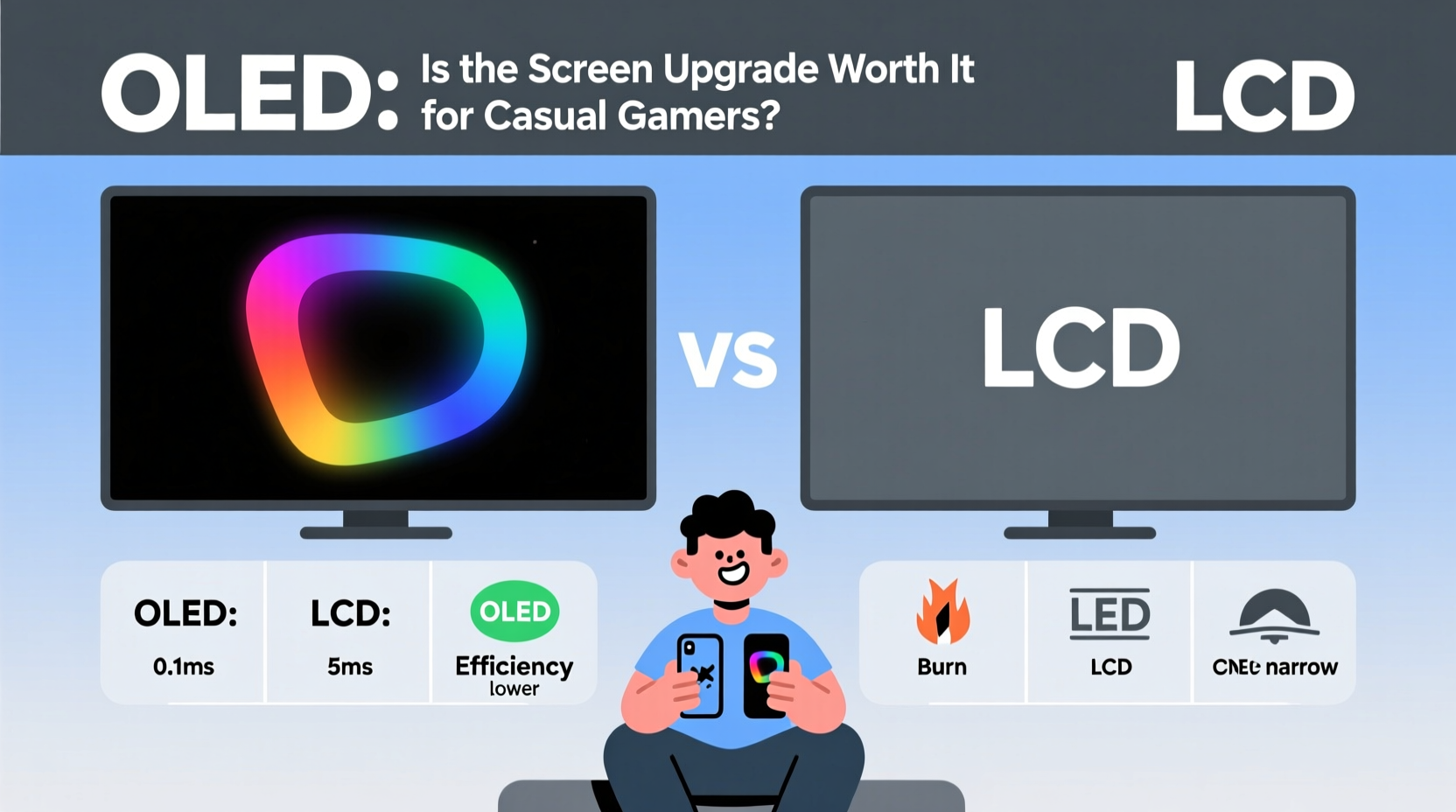
The most obvious difference between the two models is the screen. The original Switch uses an LCD panel, while the OLED version features a 7-inch organic light-emitting diode display. This change brings tangible improvements in image quality.
OLED technology allows each pixel to emit its own light. When a pixel needs to display black, it turns off completely. This results in true blacks and infinite contrast ratios—something LCDs can't achieve because they rely on a backlight that bleeds through even when pixels are supposed to be dark.
In practical terms, this means:
- Deeper, richer colors in games like The Legend of Zelda: Breath of the Wild, where skies at dusk feel more immersive.
- Better visibility in dimly lit scenes, such as caves in Hollow Knight or night levels in Super Mario Odyssey.
- Sharper visuals due to higher pixel density, making text easier to read in menu-heavy titles.
“OLED doesn’t just improve brightness—it changes how you perceive depth and atmosphere in games.” — Marcus Lin, Display Analyst at GameTech Review
However, these enhancements matter most when viewed in optimal conditions: indoors, away from direct sunlight, and at close range. For casual users who often play on the couch or in bed, the OLED’s advantages are noticeable. But if you're mostly using your Switch docked to a TV, the screen upgrade becomes irrelevant since both models output identical video quality when connected to external displays.
Battery Life: A Closer Look at Real-World Usage
Nintendo claims both the revised LCD model (released in 2019) and the OLED version offer similar battery life—between 4.5 and 9 hours depending on the game. In practice, this holds true under normal usage.
Despite the larger, more power-hungry OLED screen, Nintendo optimized the internals to maintain efficiency. Games like Animal Crossing: New Horizons still last around 5–6 hours on either model. Demanding titles like The Witcher 3 will drain both systems similarly.
That said, OLED panels can consume more power when displaying bright, full-white screens—common in puzzle games or productivity apps. Conversely, they save energy in darker scenes. The net effect balances out for most users.
For casual players, battery performance won’t be a deciding factor. You’re unlikely to play long enough to hit the lower end of the range, and charging overnight is standard practice. What matters more is how often you unplug and go.
Design and Usability Upgrades Beyond the Screen
The OLED model isn’t just about the display. It includes several quality-of-life improvements that enhance daily use—even for light gamers.
| Feature | OLED Model | LCD Model (Original/Revised) |
|---|---|---|
| Screen Size | 7 inches | 6.2 inches |
| Storage | 64GB internal | 32GB internal |
| Stand | Wide adjustable kickstand | Narrow fixed stand |
| Audio | Slightly improved speakers | Standard stereo output |
| Dock | Ethernet port included | No wired LAN option |
The wider kickstand may seem minor, but it makes tabletop mode significantly more stable—especially on uneven surfaces like coffee tables or airplane trays. Casual players who enjoy local multiplayer with friends or family will appreciate not having to prop up the console with books or water bottles.
Double the internal storage helps avoid early reliance on microSD cards, which can be a hassle for non-tech-savvy users. While 64GB still fills up quickly with modern indie and AAA titles, it buys time before managing storage becomes necessary.
The built-in Ethernet port on the OLED dock is another underrated perk. Wi-Fi stability varies by household, and a wired connection ensures smoother online sessions in games like Fortnite or Super Smash Bros. Ultimate. For casual players frustrated by lag during occasional online matches, this small addition improves reliability.
Real Example: Sarah’s Weekend Gaming Habit
Sarah, a 32-year-old graphic designer, plays video games mostly on weekends. She owns a TV but prefers handheld mode on her sofa or balcony. Her current LCD Switch works fine, but she’s considering upgrading after noticing how vibrant games look in store demos.
She tested both models side by side. On the OLED, Stardew Valley’s sunsets popped more vividly, and reading dialogue in Octopath Traveler felt less straining. The wider stand let her set it down on her patio table without worry. She also liked having extra space for downloaded demos and updates without immediately buying an SD card.
But she realized she only plays 3–4 hours per week, usually docked when watching movies alongside gameplay. After weighing cost versus benefit, she decided the OLED wasn’t essential—but acknowledged she’d enjoy it more during her limited playtime.
Her takeaway? “It’s not a must-have, but it’s a nice-to-have. Like upgrading from regular coffee to a pour-over. Same function, better experience.”
Cost-Benefit Analysis for Casual Users
The OLED Switch retails for $349.99, compared to $299.99 for the revised LCD model—a $50 premium. Is that gap justified?
For heavy users, yes. Frequent handheld players benefit from the superior screen, better audio, and enhanced dock. But casual gamers must ask: will I notice the difference enough to warrant spending more?
Consider this checklist before upgrading:
- Do you play primarily in handheld or tabletop mode? → If no, OLED gains are minimal.
- Have you maxed out your current storage? → 64GB helps if you download often.
- Do you struggle with unstable Wi-Fi online? → Ethernet support adds value.
- Do visuals significantly affect your enjoyment? → OLED enhances immersion.
- Are you planning to keep this console for 3+ years? → Long-term comfort matters more.
If three or more apply, the OLED is a reasonable step up. Otherwise, the LCD model delivers the same core experience at a lower price.
Frequently Asked Questions
Does the OLED screen make games run better?
No. Performance is identical between models. Frame rates, load times, and resolution (720p handheld, 1080p docked) are unchanged. The OLED improves only visual fidelity, not speed or responsiveness.
Can I use my old accessories with the OLED model?
Yes. All Joy-Con controllers, cases, docks (except the new LAN-equipped one), and charging gear remain compatible. The OLED has the same dimensions except for a slightly thicker bottom bezel.
Is screen burn-in a concern with the OLED Switch?
Potentially, but risk is low for casual users. Burn-in occurs from prolonged static images—like leaving a paused game screen for days. Normal gameplay with varied visuals poses little threat. Avoid extended static menus or HUDs, and enable sleep mode after 1–3 minutes.
Final Verdict: Worth It Only Under Specific Conditions
The OLED Switch is not a revolutionary leap—it's an iterative refinement. It polishes an already solid design with thoughtful upgrades that enhance comfort and aesthetics.
For casual players, the decision hinges on usage patterns:
- If you **mostly play docked**, skip the OLED. You gain nothing visually.
- If you **play handheld regularly** and appreciate better color and contrast, the OLED enriches the experience.
- If you **value convenience**—a sturdy stand, more storage, stable internet—the extras add up meaningfully.
- If you're **on a tight budget**, the LCD model still delivers everything the Switch promises.
There’s no wrong choice here. Both systems play the same games, support the same libraries, and connect to the same ecosystem. The difference lies in subtle refinements that elevate comfort and immersion—but only if you engage with them frequently enough to notice.
“The best tech upgrade isn’t the one with the highest specs—it’s the one that fits seamlessly into your life.” — Lena Patel, Consumer Tech Editor, *Digital Living Weekly*
Make the Choice That Fits Your Playstyle
Don’t let marketing or peer pressure dictate your decision. Ask yourself how you actually use your Switch—not how you imagine you might use it.
If upgrading brings genuine joy and convenience, then yes, the OLED is worth it—even for casual players. But if you're simply chasing the latest model without clear benefits, you’re paying for perks you won’t fully utilize.
Ultimately, gaming should be relaxing, accessible, and fun. Whether you choose OLED or LCD, what matters most is pressing ‘Start’ and enjoying the journey.




 浙公网安备
33010002000092号
浙公网安备
33010002000092号 浙B2-20120091-4
Comments
No comments yet. Why don't you start the discussion?