
The release of the OLED model for the Nintendo Switch marked a turning point in handheld console design—richer blacks, improved contrast, and a more vibrant viewing experience. Around the same time, Valve introduced its own gaming powerhouse: the Steam Deck, initially equipped with an LCD screen. While both devices serve different ecosystems, many hybrid gamers find themselves comparing the visual fidelity of the Switch OLED against the functionality of the Steam Deck LCD. The central question becomes: is upgrading to an OLED screen worth the inevitable hit to battery life, especially when portability and playtime matter?
This isn’t just about preference—it’s a practical decision involving screen technology, power consumption, game compatibility, and personal usage patterns. Let’s break down the realities behind OLED versus LCD in these two popular portable systems and determine whether the visual leap justifies the compromise.
Understanding OLED and LCD: Core Differences
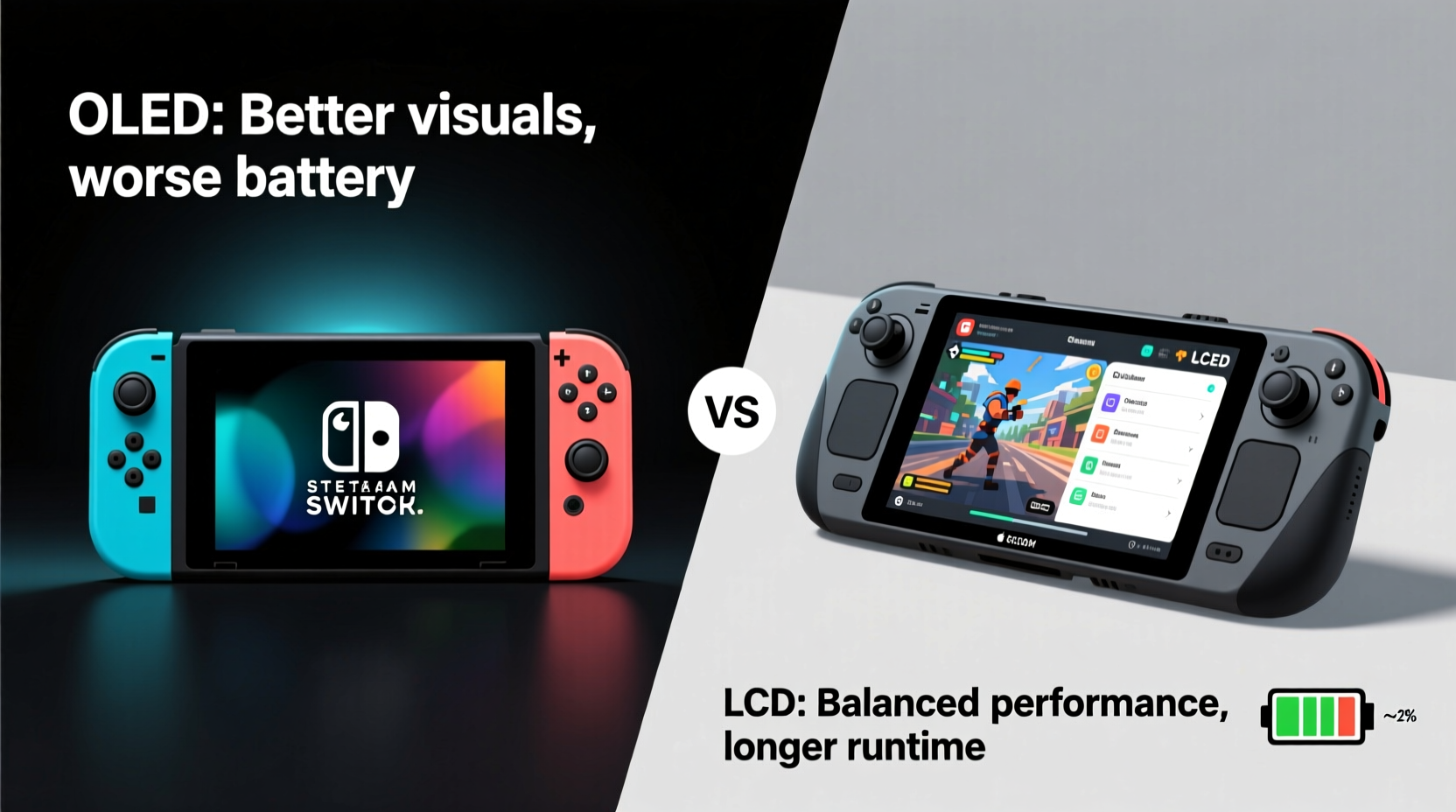
OLED (Organic Light-Emitting Diode) and LCD (Liquid Crystal Display) represent fundamentally different approaches to screen illumination and image rendering.
In an LCD panel, a backlight illuminates liquid crystals that modulate light to create images. This constant backlight means that even black pixels still emit some light, resulting in grayer blacks and lower contrast ratios. OLED, by contrast, allows individual pixels to emit their own light—and turn off completely when displaying black. This leads to true blacks, infinite contrast, and superior color depth.
These technical distinctions translate into tangible differences in user experience:
- Contrast & Blacks: OLED delivers deeper, more natural blacks, making dark scenes in games like Resident Evil or Cyberpunk 2077 far more immersive.
- Color Accuracy: OLED panels typically offer wider color gamuts, enhancing realism in HDR-capable titles.
- Viewing Angles: OLED maintains consistent color and brightness at extreme angles, while LCDs often wash out when viewed off-center.
- Response Time: OLED has faster pixel response, reducing motion blur during fast-paced gameplay.
However, these advantages come at a cost—literally, in terms of energy use and longevity.
Battery Impact: How Much Power Does OLED Really Use?
The primary drawback of OLED is its variable power consumption. Unlike LCDs, which draw relatively consistent power due to a fixed backlight, OLED screens consume more energy when displaying bright, white-heavy content. Conversely, dark scenes use less power. This dynamic can make battery life unpredictable.
Nintendo reports that the OLED Switch offers around 4–9 hours of battery life, depending on the game—comparable to the original Switch but slightly better than the Switch Lite in some cases. However, this range assumes moderate brightness and mixed usage. In practice, playing a bright game like Super Mario Odyssey may reduce runtime closer to 5 hours, while a darker title like Hollow Knight could stretch toward 7.
Valve’s Steam Deck LCD, meanwhile, averages 2–8 hours depending on game intensity and settings. But because it uses an LCD with a consistent backlight, power draw is more predictable. You won’t see dramatic swings based on scene brightness alone—instead, battery drain correlates more directly with CPU/GPU load and screen brightness.
So, does OLED inherently shorten battery life? Not always—but it introduces variability. For users who prioritize stable, long-lasting performance over peak visual quality, LCD remains a reliable choice.
“OLED gives us cinematic image quality in a handheld form, but thermal and power management become tighter constraints.” — Sarah Kim, Display Engineer at MobileTech Insights
Performance and Gaming Experience Comparison
It's important to recognize that screen type affects more than just aesthetics—it influences how games feel and perform in real-world conditions.
The Steam Deck runs full PC games, many of which were not designed for handheld resolution or aspect ratio. Its 1280x800 LCD screen handles upscaling through FSR and other techniques, but fine details can appear soft, especially in text-heavy UIs. The lack of deep blacks also diminishes immersion in atmospheric titles.
Conversely, the Switch OLED’s 720p display benefits from games built specifically for its hardware. Even third-party ports are optimized for the platform, ensuring smoother integration with the screen’s capabilities. The result is sharper UI elements, cleaner anti-aliasing, and more cohesive visual presentation—even if native resolution is identical to older models.
But here’s where context matters: the Steam Deck’s flexibility allows users to adjust resolution, frame rate, and even swap to darker themes to simulate better contrast. With custom profiles and overclocking tools, players can tailor performance to favor either longevity or fidelity. The Switch offers no such control—what you get is what Nintendo provides.
Real-World Example: Playing The Witcher 3 on Both Devices
Consider running The Witcher 3: Wild Hunt on both systems. On the Steam Deck, you’ll likely set the resolution to 800–900p with FSR enabled, targeting 30fps. Despite the LCD’s limitations, the game looks impressive thanks to post-processing enhancements. However, outdoor daylight scenes suffer from washed-out shadows, and the overall image lacks punch.
On the Switch OLED via cloud streaming (through services like GeForce Now), the same game benefits from OLED’s superior contrast. Dark forests and nighttime cityscapes appear richer, and character models stand out more clearly against backgrounds. Yet, streaming introduces input lag and depends on internet stability—factors unrelated to the screen but crucial to usability.
In this scenario, the OLED provides a better-looking image, but only under ideal network conditions. The Steam Deck delivers a self-contained, offline-capable experience with acceptable visuals at the cost of some vibrancy.
Should You Upgrade? A Practical Decision Framework
Whether the OLED upgrade is “worth it” depends on your priorities. To help clarify, consider the following checklist before making a decision:
✅ OLED Upgrade Checklist
- You primarily play story-rich, visually driven games in low-light environments.
- You value cinematic presentation over maximum playtime.
- You already own a non-OLED Switch and want improved durability (OLED model has better kickstand and LAN port).
- You don’t mind charging every 5–6 hours during intensive use.
- You frequently watch videos or stream media on your device.
✅ Stick with LCD If:
- You need longer battery life for travel or commuting.
- You play fast-paced competitive games where consistency matters more than color depth.
- You rely on modding, emulators, or high-performance settings that stress the system beyond stock limits.
- You prefer manual control over graphics settings and performance tuning.
- You’re using the device mainly for productivity or emulation, where screen precision outweighs contrast.
Detailed Comparison Table: OLED Switch vs LCD Steam Deck
| Feature | OLED Nintendo Switch | LCD Steam Deck |
|---|---|---|
| Screen Type | OLED (720p) | IPS LCD (1280x800) |
| Contrast Ratio | ~1,000,000:1 (true blacks) | ~1,000:1 (backlit, grayish blacks) |
| Battery Life | 4–9 hours (scene-dependent) | 2–8 hours (load-dependent) |
| Peak Brightness | ~300 nits | ~400 nits |
| Best For | Console exclusives, media playback, casual gaming | PC gaming library, mods, multitasking |
| Customization | None (locked OS) | Full Linux access, overclocking, scaling |
| Outdoor Visibility | Moderate (lower brightness) | Better (higher nit output) |
| Risk of Burn-in | Possible with static HUDs over time | Very low (LCD immune) |
Note: While OLED has a theoretical risk of burn-in from prolonged static elements (like health bars or maps), modern implementations include pixel shifting and auto-brightness controls to mitigate this. Still, users who leave menus open for extended periods should remain cautious.
Frequently Asked Questions
Does OLED drain the battery faster than LCD?
It depends on content. OLED uses less power for dark scenes but more for bright ones. Overall, it can be less efficient than LCD in mixed usage, particularly when displaying white-heavy interfaces. However, under optimal conditions (dark mode, dim lighting), OLED can match or slightly exceed LCD efficiency.
Can I replace the Steam Deck’s LCD with an OLED screen?
Not officially. While some enthusiasts have experimented with third-party OLED upgrades, these require advanced technical skills, void warranties, and often introduce compatibility issues. Valve has not released an OLED version, though rumors suggest one may be in development.
Is the OLED Switch screen better for eye strain?
Many users report reduced eye fatigue due to OLED’s higher contrast and ability to display true blacks, especially in dim rooms. However, the lower blue light emission and absence of PWM flicker in the Switch OLED contribute more significantly to comfort during long sessions than the screen type alone.
Final Verdict: Balancing Beauty and Endurance
The OLED Switch offers a premium visual experience that elevates gaming into something closer to home-theater quality. Every shadow feels intentional, every highlight deliberate. For fans of Nintendo’s first-party titles or those using the device as a multimedia companion, the upgrade is unquestionably worthwhile—even with the modest battery trade-off.
The Steam Deck’s LCD, while technically inferior in contrast and color depth, serves a different mission: versatility. It’s a portable PC first, a gaming device second. Its screen prioritizes clarity, brightness, and reliability over spectacle. And in environments with ambient light—on trains, in cafes, outdoors—the higher nits and lack of reflection make it surprisingly functional despite its technological generation gap.
If your top priority is immersion and aesthetic excellence, and you can recharge regularly, the OLED Switch delivers unmatched handheld polish. But if you need extended unplugged sessions, diverse software support, and hands-on control over performance, the Steam Deck’s LCD remains a smart, durable workhorse.
Ultimately, the “worth” of the OLED upgrade isn't universal—it hinges on how you play, where you play, and what kind of experience you value most.
“The future of portable gaming lies not in choosing between OLED and LCD, but in optimizing each for the right purpose.” — Dr. Marcus Lin, Human-Computer Interaction Researcher, MIT Media Lab
Take Action: Choose Based on Your Playstyle
Don’t let marketing or benchmarks decide for you. Reflect on your actual habits: Do you play in short bursts or marathon sessions? Are you drawn to visual storytelling or raw performance? Test both setups if possible—or simulate conditions by adjusting brightness and playing similar genres across devices.
Technology evolves, but your experience should come first. Whether you embrace the luminous depth of OLED or stick with the steady reliability of LCD, make the choice that aligns with your lifestyle—not someone else’s ideal.




 浙公网安备
33010002000092号
浙公网安备
33010002000092号 浙B2-20120091-4
Comments
No comments yet. Why don't you start the discussion?