
For casual gamers, the joy of gaming often lies in convenience, comfort, and access to a wide range of enjoyable but undemanding titles. The Nintendo Switch OLED and the Steam Deck have both carved out strong reputations as top-tier handheld consoles—but they cater to different philosophies. One is built around curated, polished experiences; the other opens the door to an expansive, open-ended world of PC gaming. When it comes to game libraries, especially for players who don’t want to spend hours configuring settings or troubleshooting compatibility, the choice becomes more nuanced than raw numbers might suggest.
The Switch OLED runs on a closed ecosystem with games developed specifically for Nintendo’s hardware. The Steam Deck, by contrast, runs full-fledged Steam OS and can play thousands of PC games—many designed for desktops with mice and keyboards. For casual players, this distinction isn't just technical—it shapes how easy it is to pick up and play, how intuitive the interface feels, and whether games are truly \"ready to go.\" Let’s break down what each platform offers and where they stand when it comes to accessibility, diversity, and long-term enjoyment for non-hardcore players.
Understanding the Casual Gamer’s Needs
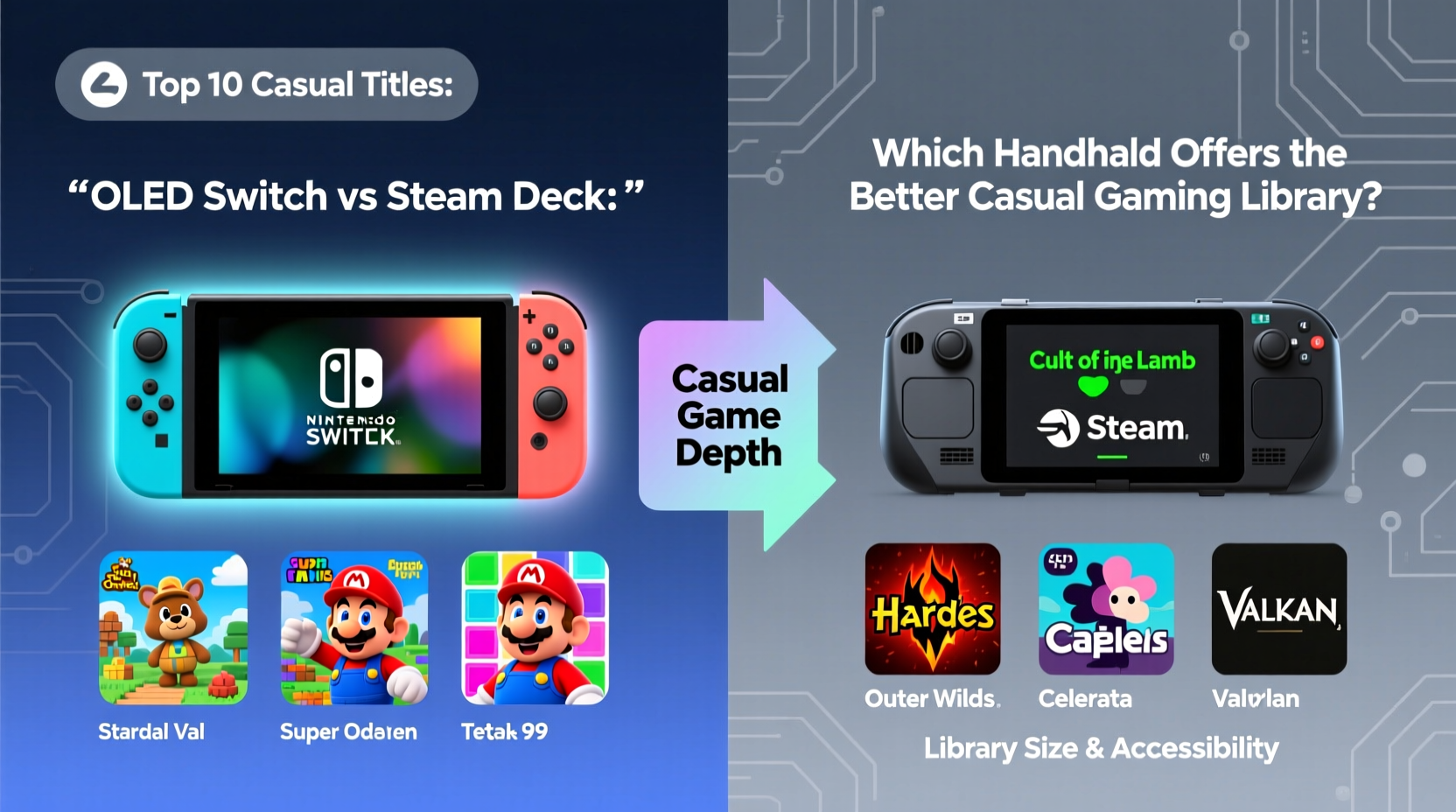
Casual gamers aren’t defined by how much time they play, but by their priorities: simplicity, low friction, and fun without frustration. They value plug-and-play experiences, clear controls, minimal setup, and games that don’t require deep mechanical mastery or long-term commitment.
- Accessibility: Can I start playing within seconds?
- Discoverability: Are games easy to find and understand?
- Comfort: Do controls feel natural for extended sessions?
- Variety: Is there enough diversity in genres to stay engaged?
- Time Investment: Can I enjoy meaningful progress in short bursts?
These criteria matter more than total game count. A library of 50 well-designed, approachable titles may serve a casual player better than 5,000 niche or complex ones. With that in mind, let’s examine how the Switch OLED and Steam Deck stack up.
Game Library Comparison: Quantity vs Quality
On paper, the Steam Deck wins decisively in terms of sheer volume. It gives access to over 8,000 verified or playable Steam titles, including indie darlings, retro remasters, and modern hits. However, quantity doesn’t always translate to usability—especially for casual players.
The Switch OLED, while limited to around 500–600 high-profile titles (excluding smaller indies), delivers a tightly curated experience. Most games available on the eShop are tested for performance, control layout, and user-friendliness. There’s no need to worry about driver issues, controller mapping, or unexpected crashes.
Nintendo’s first-party lineup—including Animal Crossing: New Horizons, Stardew Valley, Super Mario Odyssey, and Tears of the Kingdom—is tailor-made for relaxed, engaging gameplay. Third-party publishers also optimize their titles specifically for handheld mode, ensuring smooth performance and intuitive touch or button layouts.
Steam Deck users, meanwhile, must navigate a broader but less consistent landscape. While Valve certifies games as “Verified,” “Playable,” or “Unsupported,” even Verified titles sometimes require manual tweaking. Some games assume mouse-and-keyboard input, making them awkward on a controller. Others may run poorly due to poor optimization or background processes interfering with performance.
“Casual players thrive on predictability. The Switch removes friction at every step—from boot time to button prompts. That consistency is invaluable.” — Lena Park, UX Designer & Gaming Consultant
Interface and User Experience
The way a system presents its library directly impacts how enjoyable it is to browse and launch games. Here, the Switch OLED excels with a clean, colorful, and responsive menu. Games appear as large icons with live updates, news banners, and direct access to downloadable content. Everything feels tactile and immediate.
The Steam Deck uses a desktop-style interface adapted for controllers. While powerful, it can feel cluttered. Browsing requires navigating tabs like Library, Store, Community, and Settings—each with submenus. Searching for simple, relaxing games among thousands of options can be overwhelming. Filters help, but discovery relies heavily on prior knowledge or external research.
Additionally, the Switch automatically suspends games when closing the device, allowing seamless resumption later. The Steam Deck supports suspend/resume too, but not all games handle it reliably—some crash or lose progress upon waking.
| Feature | Switch OLED | Steam Deck |
|---|---|---|
| Boot Time | ~15 seconds | ~30–45 seconds |
| Game Launch Consistency | Nearly 100% reliable | Mostly reliable, some exceptions |
| Controller Mapping | Built-in, optimized per title | Often requires manual adjustment |
| User Interface Simplicity | Excellent for all ages | Moderate learning curve |
| Resume Functionality | Universal and stable | Game-dependent stability |
Genre Availability and Play Styles
Both devices support a broad spectrum of genres, but their strengths differ significantly.
The Switch shines in family-friendly adventures, puzzle games, life sims, and platformers—all staples of casual play. Titles like Overcooked! All You Can Eat, Snipperclips, Luigi’s Mansion 3, and Untitled Goose Game are easy to learn, hilarious with friends, and perfect for short sessions. Even deeper RPGs like Octopath Traveler or Xenoblade Chronicles include quality-of-life features such as fast travel and adjustable difficulty, reducing pressure on time-limited players.
The Steam Deck, thanks to its PC roots, offers unmatched depth in simulation, strategy, and retro gaming. You can play classics like The Sims 3, Stardew Valley, or Hades—all excellent fits for casual audiences. Emulation is also officially supported, letting users revisit PS1, PS2, Dreamcast, and even PSP titles with enhanced save states and upscaling.
However, many popular Steam games are designed for longer sessions or precise inputs. Real-time strategy titles like Civilization VI or survival games like Rust demand attention spans and mechanical precision that clash with casual expectations. Without careful filtering, new users risk downloading games that frustrate rather than entertain.
Real-World Example: Sarah’s Weekend Gaming Routine
Sarah, a 34-year-old graphic designer, plays games mostly during weekend mornings and weekday commutes. She wants something relaxing, visually appealing, and easy to pause. After trying both devices, she chose the Switch OLED.
Every Sunday, she spends an hour tending her island in Animal Crossing. On her train ride home, she plays a few levels of Dr. Kawashima’s Brain Training. When friends visit, they play Just Dance or Party Panic using Joy-Cons. She never worries about updates breaking functionality or needing to reconfigure controls.
She briefly tried the Steam Deck but found herself spending more time browsing forums for compatible versions of old favorites than actually playing. While she loved rediscovering Grim Fandango Remastered, setting it up required installing community patches. For someone seeking effortless fun, the extra steps were a deterrent.
Sarah’s story reflects a common pattern: casual players prefer systems that reduce cognitive load. The Switch’s cohesive design lowers that load; the Steam Deck, despite its power, often increases it.
Actionable Checklist: Choosing the Right Device for Casual Play
Use this checklist to evaluate which handheld suits your lifestyle:
- ✅ Do you prefer games that start instantly and run smoothly?
- ✅ Are you drawn to colorful, whimsical, or story-driven experiences?
- ✅ Do you play in short bursts (under 30 minutes)?
- ✅ Do you value local multiplayer with minimal setup?
- ✅ Are you uncomfortable adjusting settings or troubleshooting software?
- ✅ Do you enjoy retro-style games or emulated classics?
- ✅ Are you interested in modding or expanding your library beyond official releases?
- ✅ Do you already own a large Steam library with controller-compatible titles?
If you answered “yes” to questions 1–5, the **Switch OLED** is likely the better fit. If 6–8 resonate more strongly, the **Steam Deck** could offer greater long-term flexibility.
Frequently Asked Questions
Can the Steam Deck run mobile-style games like Candy Crush or Among Us?
Yes, but not natively. You’d need to install Android via third-party tools, which adds complexity. On the Switch, games like Among Us are available directly through the eShop with full controller support.
Is the Switch OLED library growing enough to stay interesting?
Absolutely. Nintendo continues releasing major first-party titles annually, and indie developers frequently port popular mobile and PC games (Hades, Dead Cells, Palworld) with handheld optimization. The pace may be slower than Steam, but quality remains consistently high.
Can I use the Steam Deck just like a Switch—simple and stress-free?
You can, but it requires effort. By sticking to Valve’s “Verified” list, enabling Steam Guides for controller configs, and avoiding unsupported mods, you can create a streamlined experience. However, this curation takes upfront work the Switch provides out of the box.
Final Verdict: Library Strength for Casual Gamers
The Steam Deck boasts a larger, more diverse library, but diversity alone doesn’t benefit casual players if access is inconsistent or complicated. The Switch OLED, though smaller in scale, delivers a superior experience through reliability, thoughtful design, and a focus on joyful, accessible gameplay.
For someone who wants to unwind after work, play with kids, or enjoy lighthearted adventures during downtime, the Switch’s library is not only easier to navigate—it’s emotionally aligned with the spirit of casual gaming. Every element, from packaging to pause menus, reinforces a sense of carefree engagement.
The Steam Deck appeals to hobbyists who enjoy tinkering, exploring hidden gems, or reliving PC classics. But unless you’re willing to invest time in configuration, its vastness can become a burden rather than a benefit.
In the end, the best library isn’t the biggest one—it’s the one you actually use without frustration. For most casual gamers, that means the **Nintendo Switch OLED**.




 浙公网安备
33010002000092号
浙公网安备
33010002000092号 浙B2-20120091-4
Comments
No comments yet. Why don't you start the discussion?