
For serious gamers, every millisecond counts. In fast-paced games—whether it’s a competitive shooter like Call of Duty or a high-speed racing title like Forza Horizon—the clarity of motion can make the difference between victory and defeat. One of the most critical factors affecting visual performance is motion blur. When choosing between OLED and QLED TVs, understanding how each technology handles motion is essential. While both offer premium picture quality, their underlying display technologies produce markedly different results when it comes to tracking rapid movement on screen.
OLED (Organic Light-Emitting Diode) and QLED (Quantum-dot Light Emitting Diode) are often pitted against each other in marketing battles, but for gamers, the debate centers on real-world responsiveness. Motion blur stems from slow pixel response times, sample-and-hold effects, and insufficient refresh handling. This article breaks down how OLED and QLED compare across these parameters, using technical benchmarks and practical gameplay insights to determine which display type truly excels in minimizing motion blur during intense gaming sessions.
Understanding Motion Blur in Gaming
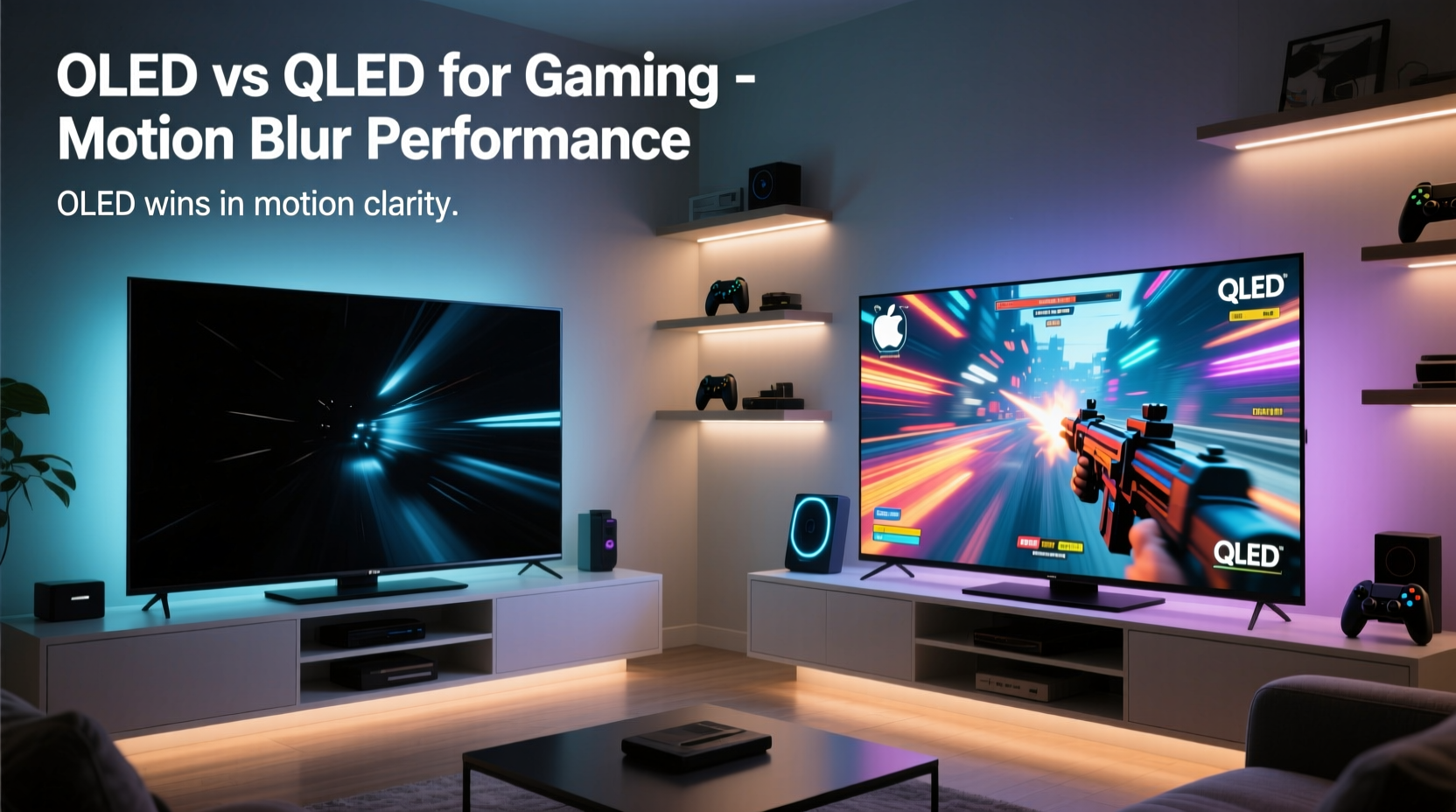
Motion blur in gaming isn’t just about graphics settings—it's also deeply tied to display hardware. True motion blur occurs when pixels cannot transition quickly enough between colors or brightness levels, causing trailing or smearing behind fast-moving objects. This effect is exacerbated by:
- Slow pixel response time: The time it takes for a pixel to change from one color to another.
- Sample-and-hold effect: Unlike CRT displays that flicker, modern LCD/LED panels hold each frame continuously, creating perceived blur during eye tracking.
- Inadequate refresh rate processing: Even with high Hz support, poor frame interpolation or input lag can degrade smoothness.
Gamers often mistake motion blur for input lag, but they’re distinct issues. Input lag refers to delay between controller action and on-screen reaction; motion blur affects visual clarity *during* movement. A TV might have low input lag but still suffer from visible smear if pixel transitions are sluggish.
“Motion clarity is as important as resolution for competitive gaming. A 4K image with heavy blur is less useful than a crisp 1080p with clean motion.” — David Lee, Display Engineer at GameVisual Labs
OLED Technology: Speed and Precision
OLED TVs use self-emissive organic pixels that illuminate individually. Because each pixel produces its own light, there’s no need for a backlight. This fundamental design leads to several advantages relevant to motion handling:
- Near-instantaneous pixel response times (typically under 0.1ms).
- Perfect blacks and infinite contrast, improving perceived sharpness during dynamic scenes.
- Natural support for motion-enhancing features like black frame insertion (BFI), reducing sample-and-hold blur.
The fastest OLED panels, such as those found in LG’s flagship G3 and Sony’s A95L series, achieve gray-to-gray response times averaging 0.07–0.1ms. These numbers dwarf even the best-performing LCD-based systems. As a result, moving objects appear sharply defined, with minimal ghosting or trailing—even during chaotic multiplayer firefights or split-second racing maneuvers.
Additionally, many OLED models now support 120Hz native refresh rates and HDMI 2.1, enabling Variable Refresh Rate (VRR), Auto Low Latency Mode (ALLM), and 4K/120fps gameplay. Combined with near-zero response times, this makes OLED exceptionally well-suited for next-gen consoles and high-end PCs.
QLED and the Limits of Backlit LCD
QLED, despite Samsung’s branding, remains an advanced form of LCD technology. It uses a traditional LED backlight enhanced with quantum dots to improve color volume and peak brightness. While QLED delivers excellent HDR performance and vibrant visuals, its reliance on liquid crystal shutters inherently limits motion performance.
Liquid crystals must physically twist to allow or block light passage, a process that takes time—typically between 2ms and 8ms depending on the panel and conditions. Even with overdrive circuits to accelerate transitions, QLED struggles to match OLED’s sub-millisecond speeds. At higher brightness levels, where backlights are fully engaged, some panels exhibit increased inverse ghosting or “overshoot,” where pixels overshoot their target value before correcting.
To compensate, manufacturers employ aggressive motion interpolation (e.g., Samsung’s Motion Xcelerator Turbo+). While this can artificially boost perceived smoothness, it often introduces the “soap opera effect” and input lag spikes. Moreover, interpolation doesn't reduce actual pixel response time—it merely inserts frames, potentially distorting timing accuracy.
| Feature | OLED | QLED |
|---|---|---|
| Pixel Response Time (GTG avg) | 0.07 – 0.1 ms | 2 – 8 ms |
| Native Contrast Ratio | Infinite (per-pixel lighting) | Limited by local dimming zones |
| Black Frame Insertion Support | Yes (reduces motion blur) | Rarely available |
| Peak Brightness (HDR) | 800–1000 nits | 1500–3000 nits |
| VRR & HDMI 2.1 Support | Widespread | Select high-end models |
| Motion Clarity (Real-World) | Excellent | Fair to Good (with limitations) |
This table highlights the core trade-offs: QLED wins in brightness and longevity under sustained use, while OLED dominates in motion precision and contrast depth—both crucial for immersive, responsive gaming.
Real-World Performance: Case Study with Fast-Paced Titles
Consider a scenario involving two players competing online in *Apex Legends*, using identical PS5 consoles and controllers. Player A uses a top-tier LG C3 OLED, while Player B uses a Samsung QN90C QLED. Both have VRR enabled and are running at 4K/120Hz.
During a heated rooftop battle, both spot an enemy simultaneously. As characters strafe, jump, and slide across the environment, the differences become apparent:
- On the OLED, each movement appears sharp. Edges remain defined even during rapid lateral dodges. There’s no visible smear behind limbs or weapons.
- On the QLED, subtle blurring trails follow fast motions. During quick flick shots, the outline of the enemy momentarily lingers, making precise aim slightly more challenging.
Neither player reports noticeable input lag, but Player A consistently lands headshots faster due to superior visual feedback. The reduced motion blur allows quicker recognition of enemy positioning mid-motion. Over dozens of matches, this small advantage translates into a higher kill-death ratio and better placement consistency.
This example illustrates that while both TVs perform well technically, the OLED’s inherent speed advantage directly impacts gameplay perception and execution. In genres where split-second decisions matter, clarity trumps brightness.
Actionable Tips for Gamers Choosing Between OLED and QLED
To help you decide based on your specific needs, here’s a checklist tailored to gaming priorities:
Gaming Setup Checklist: OLED vs QLED
- Assess your room lighting: High ambient light favors QLED’s brightness; controlled lighting favors OLED’s contrast.
- Evaluate game library: Fast-paced shooters, racers, and platformers benefit most from OLED’s motion clarity.
- Check console compatibility: Ensure your GPU or console supports HDMI 2.1 features like VRR and ALLM.
- Test motion settings: Disable excessive motion smoothing on QLED; enable BFI on OLED if tolerable.
- Consider burn-in risk: Avoid static HUDs for long periods on OLED. Use screen savers, dynamic backgrounds, and pixel shift.
- Budget accordingly: OLEDs are generally more expensive, but prices have dropped significantly on previous-gen models (e.g., LG C2).
Also, note that newer QLED variants like Neo QLED use mini-LED backlights and improved full-array local dimming (FALD), narrowing the gap in contrast—but not in pixel response. No amount of dimming zone control can eliminate the fundamental delay in LCD switching.
Frequently Asked Questions
Does OLED really reduce motion blur better than QLED?
Yes. Due to near-instantaneous pixel response times and support for black frame insertion, OLED provides significantly clearer motion in fast-paced games. Independent tests by Rtings and TFT Central consistently rank OLED models higher for motion clarity.
Can I fix motion blur on my QLED TV?
You can minimize it partially by enabling 'Game Mode,' turning off motion interpolation ('Auto Motion Plus'), and adjusting sharpness. However, you cannot overcome the physical limitations of LCD response times. Some improvement may come from firmware updates enhancing overdrive algorithms, but results vary.
Is OLED burn-in a real concern for gamers?
It can be, especially with persistent UI elements (scoreboards, health bars). Modern OLEDs include pixel refreshers, logo dimming, and offset scrolling to mitigate risk. Most users report no issues within 2–3 years of mixed usage. To stay safe, avoid prolonged static images and rotate wallpapers or home screens regularly.
Final Verdict: Which Is Better for Reducing Motion Blur?
When the primary goal is minimizing motion blur in fast-paced gaming, OLED is objectively superior. Its self-emissive pixels switch states orders of magnitude faster than any QLED panel, resulting in crisper image rendering during rapid sequences. Features like black frame insertion further enhance perceived motion clarity by mimicking the flicker of older CRT displays, effectively reducing the persistence blur that plagues all sample-and-hold screens.
That said, QLED remains a strong contender for users prioritizing brightness, color volume in daylight, and resistance to permanent image retention. For casual gamers who enjoy story-driven adventures or turn-based strategy titles, the difference may be negligible. But for competitive players, streamers, or anyone who values visual precision, OLED offers a tangible edge.
The decision ultimately hinges on environment and usage patterns. In a dimly lit basement setup dedicated to gaming, OLED is the clear winner. In a sun-drenched family room where the TV doubles as a movie hub and sports center, QLED’s luminance and durability may justify the compromise in motion fidelity.
“The future of gaming displays lies in combining speed and intelligence. OLED currently leads in raw speed; the next frontier is adaptive motion processing without latency penalties.” — Dr. Lena Torres, Senior Researcher at Display Dynamics Institute
Take Control of Your Gaming Experience
Your choice of display shapes how you see—and interact with—the virtual world. If razor-sharp motion clarity gives you a competitive edge or simply enhances immersion, investing in an OLED TV is a strategic move. Explore certified models with HDMI 2.1, test motion settings, and optimize your environment to unlock the full potential of next-gen gaming. Share your experiences, compare setups with fellow players, and continue pushing the boundaries of what’s possible on screen.




 浙公网安备
33010002000092号
浙公网安备
33010002000092号 浙B2-20120091-4
Comments
No comments yet. Why don't you start the discussion?