
For software developers, choosing the right monitor is more than a matter of preference—it’s an investment in productivity, comfort, and long-term eye health. As display technology evolves, two panel types dominate professional setups: OLED and IPS. Each brings compelling advantages. OLED delivers infinite contrast, perfect blacks, and stunning color depth. IPS offers excellent color accuracy, wide viewing angles, and proven durability. But when it comes to coding—where static UI elements, dark terminals, and prolonged usage are the norm—the question arises: Does the burn-in risk of OLED outweigh its visual superiority?
This article examines both technologies through the lens of real-world coding workflows. We’ll compare longevity, readability, ergonomics, and performance under typical development conditions. By the end, you’ll have a clear framework for deciding whether OLED’s allure justifies its risks—or if IPS remains the safer, smarter choice.
Understanding the Core Differences
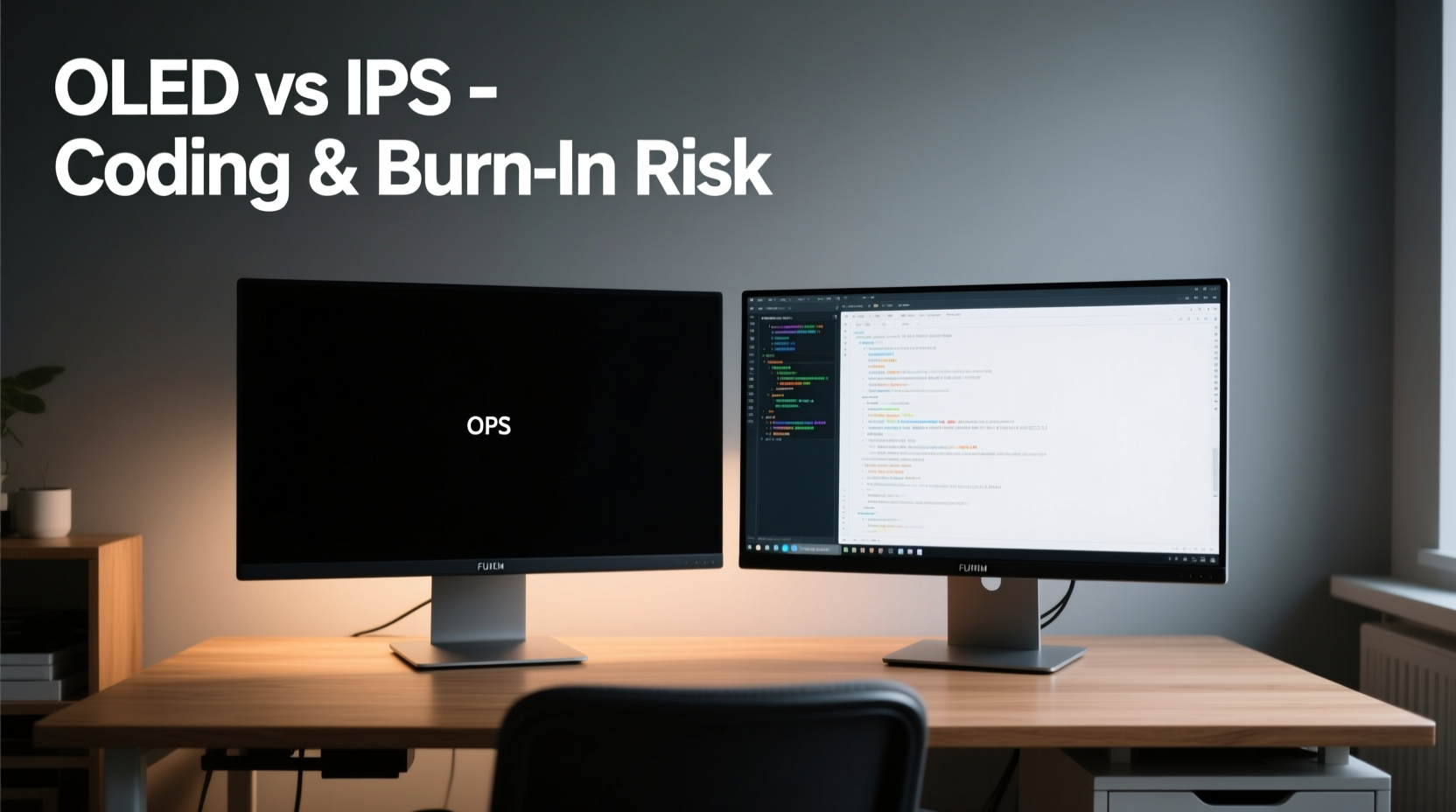
OLED (Organic Light-Emitting Diode) and IPS (In-Plane Switching) represent fundamentally different approaches to image creation. In an IPS LCD, a backlight shines through liquid crystals that modulate color and brightness. This means every pixel relies on the same light source, even when displaying black—resulting in grayish blacks and limited contrast ratios.
OLED, by contrast, uses self-emissive pixels. Each sub-pixel generates its own light. When a pixel is off, it emits nothing—producing true black and infinite contrast. This allows for deeper immersion, better HDR, and sharper text definition against dark backgrounds.
These technical distinctions translate into tangible differences for coders:
- Contrast & Readability: OLED excels in dim environments, making syntax highlighting and dark themes exceptionally crisp.
- Color Accuracy: High-end IPS panels still lead in factory calibration consistency, crucial for full-stack developers working with design assets.
- Response Time: OLED has near-instantaneous response times, eliminating ghosting during rapid scrolling through logs or codebases.
- Lifespan & Degradation: OLED suffers from uneven pixel aging; static elements like IDE sidebars can cause permanent burn-in.
Burn-In: Myth or Real Threat for Developers?
Burn-in occurs when certain pixels degrade faster than others due to prolonged exposure to static images. Unlike temporary image retention, burn-in is permanent. For coders, this is a legitimate concern. Integrated Development Environments (IDEs) like Visual Studio Code, IntelliJ, or Sublime Text often feature persistent UI elements: file explorers, debug consoles, status bars, and line numbers—all typically rendered in high-contrast, fixed positions.
Early OLED monitors were plagued by rapid degradation, but modern panels include mitigation techniques such as pixel shifting, logo dimming, and automatic refresh cycles. LG’s WRGB OLED and Samsung’s QD-OLED designs also improve longevity by distributing wear more evenly across sub-pixels.
Still, anecdotal evidence from developer forums suggests that after 12–18 months of daily use, subtle burn-in becomes noticeable—especially on pure black backgrounds. One Reddit user reported a faint outline of their terminal window after two years of 10-hour workdays on a 4K OLED monitor. “It doesn’t interfere with work,” they wrote, “but it’s always there, like a ghost.”
“Even with pixel refresh routines, OLED remains vulnerable to static content patterns common in programming workflows.” — Dr. Lin Zhao, Display Technology Researcher at MIT Media Lab
The risk isn't uniform. Usage habits matter. A developer who frequently changes layouts, uses light themes, or takes regular breaks may never encounter visible burn-in. Conversely, those relying on dark mode with fixed panes face higher exposure.
Performance Comparison: OLED vs IPS for Coding Tasks
To evaluate practical performance, consider how each panel handles common coding scenarios:
| Feature | OLED | IPS |
|---|---|---|
| Contrast Ratio | Infinite (true black) | 1000:1 typical |
| Text Clarity (Dark Mode) | Exceptional—crisp edges, no halo | Good, but slight glow around text |
| Color Accuracy (Delta E) | <2 (high-end models) | <1.5 (best IPS) |
| Burn-In Risk | High with static UI | Negligible |
| Lifespan (Half-Brightness) | ~30,000 hours (varies) | ~60,000+ hours |
| Viewing Angles | Excellent (178°) | Excellent (178°) |
| Peak Brightness | ~800 nits (HDR) | ~400–600 nits |
| Response Time | 0.1 ms (gray-to-gray) | 4–6 ms |
The data shows OLED’s dominance in contrast and motion clarity, while IPS wins in longevity and sustained brightness. For developers working in well-lit offices, IPS may offer more consistent daytime visibility. OLED shines (literally) in low-light environments where deep blacks enhance focus.
Real-World Example: A Full-Stack Developer’s Setup
Jessica, a senior full-stack engineer based in Berlin, switched to a 34-inch ultrawide OLED monitor for her home office setup. She primarily uses VS Code with a dark Monokai theme, terminal split vertically, and Chrome DevTools open on the right. Initially, she praised the screen’s clarity: “Text looks etched into the glass. Scrolling is buttery smooth.”
After 14 months, however, she noticed a faint shadow where her file explorer used to sit. Though invisible during active coding, it appeared when opening a blank editor. She adjusted by enabling automatic layout rotation every few weeks and increasing idle sleep time. “I love the screen too much to replace it,” she said, “but I’d think twice before buying another OLED for coding.”
Mitigation Strategies for OLED Users
If you’re drawn to OLED’s visual fidelity but wary of degradation, several strategies can extend your monitor’s life and minimize risk:
- Use Auto-Hide UI Elements: Configure your IDE to collapse sidebars when not in use. Many editors support keyboard-triggered toggles.
- Enable Screen Savers and Sleep Timers: Set your system to sleep after 5–10 minutes of inactivity. Use animated savers, not static ones.
- Vary Your Layout Weekly: Swap sidebar positions or switch between single and multi-monitor modes periodically.
- Avoid Maximum Brightness: Run OLED at 70–80% brightness. Higher levels accelerate pixel decay.
- Use Light Themes Intermittently: Rotate between dark and light syntax themes to balance pixel usage.
- Leverage Built-In Pixel Refresh: Run manufacturer-provided refresh routines weekly, especially if you notice temporary retention.
Checklist: Is OLED Right for Your Coding Workflow?
Before committing to an OLED monitor, assess your habits with this checklist:
- ✅ Do you work primarily in low-light environments?
- ✅ Are you willing to actively manage screen settings and usage patterns?
- ✅ Do you value contrast and text sharpness over long-term reliability?
- ✅ Can you afford to replace the monitor within 3–4 years if burn-in appears?
- ❌ Do you use fixed-layout IDEs for 8+ hours daily?
- ❌ Are you sensitive to subtle visual artifacts once they appear?
If most checked items are positive, OLED could be a rewarding choice. If negatives dominate, IPS remains the pragmatic option.
When IPS Still Wins for Coders
Despite OLED’s advances, IPS maintains key advantages for many developers:
- Durability: No risk of burn-in, even with decade-long use.
- Better Daytime Visibility: Higher sustained brightness combats glare in sunlit rooms.
- Lower Cost of Ownership: High-quality IPS monitors cost less and last longer.
- Consistency: Uniform backlighting avoids potential clouding or flashlighting issues seen in some OLED units.
For teams using shared workstations or developers in hybrid lighting conditions, IPS provides predictable performance without maintenance overhead. Additionally, professionals handling color-critical tasks—such as frontend developers aligning UI with designer specs—often prefer the stable white point of premium IPS panels.
Newer technologies like mini-LED backlit IPS displays narrow the contrast gap significantly. Models from Dell (UltraSharp), LG (Nano IPS), and ASUS (ProArt) now offer local dimming zones that simulate deeper blacks—without sacrificing longevity.
Frequently Asked Questions
Can I completely prevent OLED burn-in while coding?
No prevention method eliminates risk entirely, but combining pixel shifting, auto-hide UIs, layout rotation, and conservative brightness settings can delay visible burn-in beyond typical upgrade cycles (3–5 years).
Is OLED worth it for dual-monitor setups?
Yes—especially if you use one screen for dynamic content (browsing, video) and reserve OLED for primary coding. Spreading static load reduces per-panel stress.
Do all OLED monitors have the same burn-in risk?
No. Panels vary by manufacturer and generation. Samsung’s QD-OLED and LG’s MLA (Micro Lens Array) OLED offer improved efficiency and reduced burn-in susceptibility compared to earlier versions. Always research specific models before purchase.
Conclusion: Balancing Beauty and Practicality
The decision between OLED and IPS for coding ultimately hinges on personal priorities. OLED delivers an unmatched visual experience—deep blacks, vibrant colors, and fluid motion—that can make long coding sessions feel less taxing on the eyes. Its contrast advantage is real and immediately noticeable, particularly with dark-themed editors and nighttime work.
Yet that beauty comes with a trade-off: vigilance. To preserve an OLED monitor, you must treat it differently than traditional displays. Passive usage leads to degradation. Active management is non-negotiable.
For developers who value peace of mind, consistency, and long-term reliability, IPS remains the gold standard. It won’t dazzle like OLED, but it will perform faithfully for years without demanding behavioral adjustments.
If you crave the aesthetic leap and are prepared to adapt your workflow, OLED can be a joyous upgrade. But if your priority is a “set it and forget it” experience, stick with IPS. In the world of coding, where stability matters, sometimes the safest tech is the smartest.




 浙公网安备
33010002000092号
浙公网安备
33010002000092号 浙B2-20120091-4
Comments
No comments yet. Why don't you start the discussion?