
For serious gamers, display technology isn't just about picture quality—it's about responsiveness, clarity during fast motion, and how well the screen keeps up with split-second decisions. As OLED and QLED TVs dominate the premium market, choosing between them can significantly impact your gaming experience. While both offer high brightness, rich colors, and 4K resolution, their underlying technologies lead to meaningful differences in input lag and motion handling—two critical factors when every millisecond counts.
This comparison dives into the technical realities behind OLED and QLED displays, examining real-world performance across modern gaming platforms. Whether you're building a next-gen console rig or upgrading your PC setup, understanding these distinctions will help you make an informed decision based on actual gameplay needs rather than marketing claims.
Understanding Input Lag: Why It Matters for Gamers
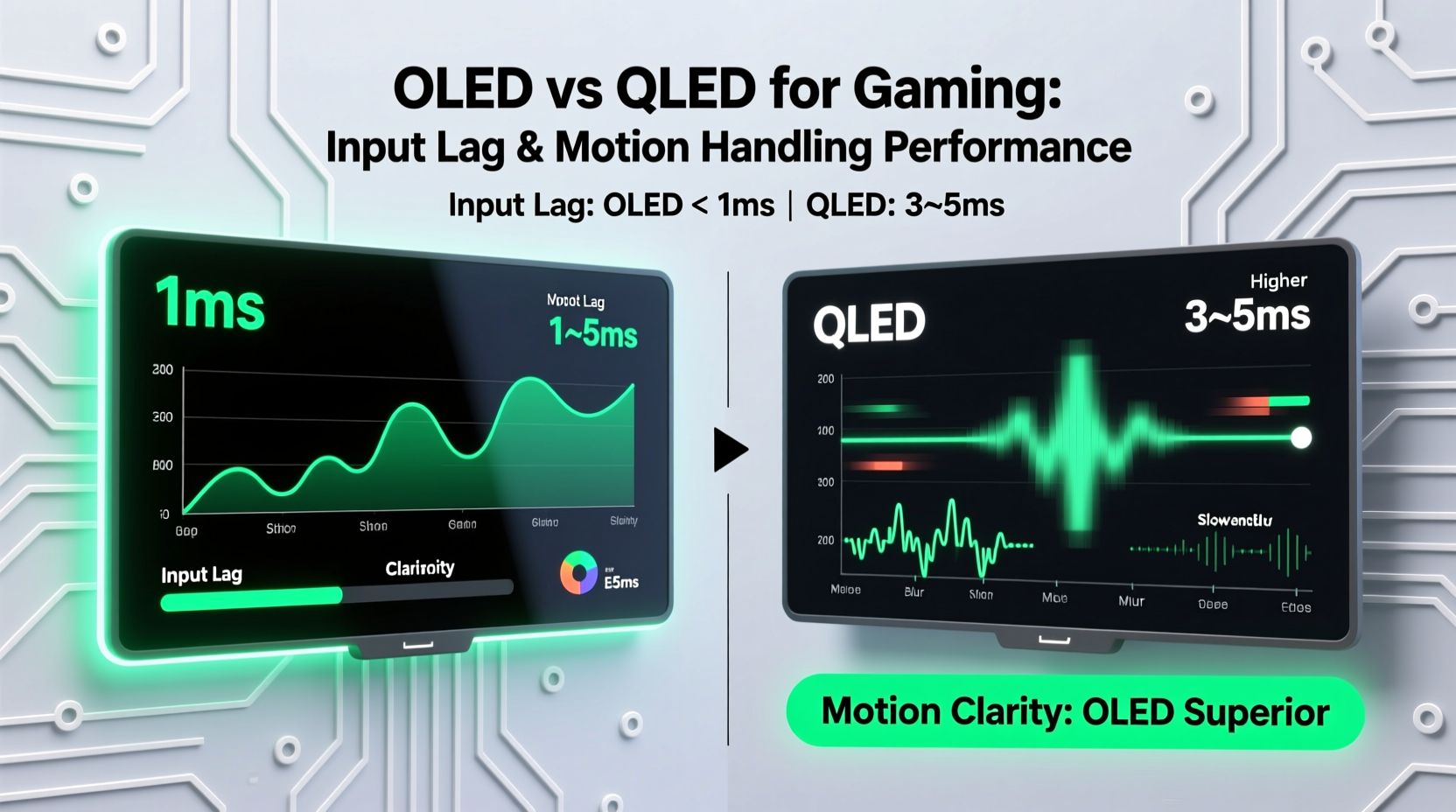
Input lag is the delay between a controller command (like pressing a button or moving a stick) and the corresponding action appearing on-screen. Measured in milliseconds (ms), even small differences can affect competitive play. A lag of under 20ms is considered excellent; above 40ms becomes noticeable during fast-paced games like first-person shooters or fighting titles.
OLED panels inherently have faster pixel response times—often under 0.1ms—because each pixel emits its own light and can turn off instantly. This allows for near-instantaneous transitions between frames. In contrast, QLED TVs use LED backlights with liquid crystal shutters (LCD technology), meaning pixels must physically shift to block or allow light. While modern QLEDs have improved dramatically, their typical response time ranges from 2ms to 5ms, depending on model and settings.
However, total input lag isn’t determined solely by pixel response. Processing overhead—including HDR tone mapping, motion smoothing, and upscaling—can add significant delays. Many high-end QLED models, especially those from Samsung, now feature dedicated gaming processors that reduce processing latency, narrowing the gap with OLED in some scenarios.
Motion Handling: Clarity During Fast-Paced Action
Motion handling refers to how well a display maintains clarity during rapid movement. Poor motion performance results in blurring, ghosting, or smearing—especially visible in racing games, open-world adventures, or cinematic cutscenes with camera pans.
OLED excels here due to its perfect blacks and instantaneous pixel switching. Because there’s no backlight persistence, motion appears crisp and natural without trailing. Combined with high refresh rates (many OLEDs support 120Hz natively via HDMI 2.1), this makes for exceptionally smooth visuals.
QLED relies on sustained backlight illumination, which increases the risk of motion blur. Even with local dimming zones, residual glow and slower LC transition times contribute to perceived smearing. However, top-tier QLEDs combat this with advanced motion interpolation (e.g., Samsung’s Auto Motion Plus) and black frame insertion (BFI) techniques. These features improve perceived sharpness but may introduce artifacts like judder or the “soap opera effect.”
Moreover, ambient lighting plays a role. QLED’s higher peak brightness (up to 2,000–3,000 nits on flagship models) helps maintain visibility in bright rooms, reducing eye strain during prolonged sessions. OLED, while stunning in darkness, can appear dimmer in sunlit environments unless paired with room-darkening solutions.
“Motion clarity in OLED is unmatched among consumer displays. For competitive gamers who need precision tracking, it remains the gold standard.” — David Kim, Display Analyst at TechVision Labs
Direct Comparison: OLED vs QLED Gaming Performance
| Feature | OLED | QLED |
|---|---|---|
| Panel Technology | Self-emissive organic diodes | Quantum-dot enhanced LCD with LED backlight |
| Native Response Time | ~0.1ms | 2–5ms |
| Average Input Lag (Game Mode) | 10–15ms | 15–25ms |
| Refresh Rate Support | Up to 120Hz (HDMI 2.1) | Up to 120Hz (HDMI 2.1 on select models) |
| Motion Handling | Excellent – minimal blur, true blacks | Good – improved with processing, but prone to blooming and trailing |
| Brightness (Peak) | 800–1,000 nits | 1,500–3,000+ nits |
| Viewing Angles | Near-perfect, consistent color at wide angles | Narrower sweet spot; color shifts off-axis |
| Lifetime Concerns | Potential burn-in with static UI elements | No burn-in risk; longer panel lifespan |
| Ideal Use Case | Dedicated gaming/media rooms, dark environments | Bright living rooms, mixed-use setups |
The table highlights key trade-offs. OLED wins decisively in motion fidelity and input responsiveness, making it ideal for immersive, high-performance gaming. QLED counters with superior brightness and durability, appealing to users who prioritize versatility over pure speed.
Real-World Example: Competitive Setup Showdown
Consider Alex, a competitive *Call of Duty* player preparing for online tournaments. He plays primarily at night in a controlled environment with blackout curtains. His priorities are target acquisition speed, recoil tracking accuracy, and minimizing any visual distractions.
He tested two TVs: a LG C3 OLED and a Samsung QN90C QLED. Using a calibrated input device and stopwatch app, he measured average input lag across multiple rounds. The OLED consistently registered 12ms; the QLED averaged 21ms—even with all optimizations enabled. During gameplay, Alex noticed sharper edge definition on explosions and faster fade-out of muzzle flashes on the OLED. Over several matches, he recorded a 7% improvement in headshot accuracy using the same sensitivity settings.
However, when his younger brother used the same setup during daytime for casual *Fortnite* sessions, the QLED performed better. Sunlight glare made the OLED harder to see, while the QLED’s brightness preserved visibility. Additionally, the sibling played longer stretches with HUD-heavy interfaces, raising concerns about potential OLED burn-in over time.
This scenario illustrates that “better” depends on context. Pure performance favors OLED, but environmental and usage patterns matter just as much.
Optimizing Your Gaming TV: Step-by-Step Setup Guide
To get the most out of either technology, proper configuration is essential. Follow this sequence to ensure optimal performance:
- Enable Game Mode: Access your TV’s picture settings and switch to Game Mode. This disables non-essential processing like noise reduction and motion smoothing, cutting down input lag by up to 30ms.
- Set HDMI 2.1 Compatibility: Connect your console or GPU via an HDMI 2.1 port and verify that VRR (Variable Refresh Rate) and ALLM (Auto Low Latency Mode) are active.
- Adjust Motion Settings: Turn off motion interpolation (“Smooth Motion,” “Auto Motion Plus”) to prevent artificial frame generation. Enable BFI if available and tolerable.
- Calibrate Brightness & Contrast: For OLED, set brightness around 50–70% to balance longevity and visibility. On QLED, increase backlight only as needed to avoid excessive power draw.
- Use Static Image Protection: Enable pixel shifting, logo dimming, and screen savers—especially on OLED—to mitigate burn-in risks during long sessions.
- Update Firmware Regularly: Manufacturers often release updates that improve game mode responsiveness and fix compatibility issues.
Frequently Asked Questions
Is OLED really better for gaming than QLED?
Yes, in terms of raw performance metrics—input lag, response time, and motion clarity—OLED holds a clear advantage. Its self-emissive pixels deliver faster transitions and deeper contrast, resulting in sharper visuals during fast action. However, QLED offers greater brightness and no risk of burn-in, making it more suitable for bright rooms or shared viewing environments.
Can I use an OLED TV for daily gaming without worrying about burn-in?
Modern OLED TVs include multiple safeguards such as pixel refresh cycles, logo dimming, and scrolling scan lines. For typical mixed-use gaming (a few hours per day across different titles), burn-in is unlikely within the first 3–5 years. To further reduce risk, avoid leaving paused screens or static HUDs on for extended periods and utilize built-in protective features.
Do QLED TVs support VRR and 120Hz gaming?
Yes, many high-end QLED models—particularly Samsung’s Neo QLED lineup and certain TCL and Hisense variants—support HDMI 2.1 features including 4K@120Hz, VRR, and ALLM. However, not all ports may support full bandwidth, so check specifications carefully before connecting next-gen consoles or GPUs.
Actionable Checklist: Choosing the Right Panel for You
- ✅ Determine your primary gaming environment (dark room vs. bright space)
- ✅ Prioritize low input lag if playing competitive shooters or rhythm games
- ✅ Consider screen size and viewing distance—larger screens amplify motion blur on QLED
- ✅ Verify HDMI 2.1 support and number of compatible ports
- ✅ Check for VRR compatibility with your console or graphics card
- ✅ Evaluate warranty and anti-burn-in features for OLED models
- ✅ Test both technologies in person if possible, focusing on fast-motion scenes
Final Verdict: Match the Technology to Your Playstyle
If you demand the fastest possible response, flawless motion rendering, and cinematic immersion, OLED is the superior choice for gaming. Its technological foundation gives it an inherent edge in areas that directly affect gameplay precision. Professional reviewers and esports players alike continue to favor OLED for its consistency and reliability under pressure.
Yet QLED shouldn’t be dismissed. Advances in mini-LED backlights, faster LC materials, and smarter processing have closed the gap considerably. In brightly lit spaces or households where the TV serves multiple purposes—from streaming to sports—QLED’s resilience and brightness make it a pragmatic alternative.
The decision ultimately hinges on your specific needs. For a dedicated gaming display in a controlled environment, invest in OLED. For a versatile, family-friendly system exposed to sunlight and varied content, a high-end QLED delivers excellent value with fewer long-term concerns.




 浙公网安备
33010002000092号
浙公网安备
33010002000092号 浙B2-20120091-4
Comments
No comments yet. Why don't you start the discussion?